

Dimension Two
AeroRider
2019년 3월 8일
42
조회수
0
리뷰 수
0+
추정 판매량
N/A
긍정 평가
게임 정보
| 출시일: | 2019년 3월 8일 |
| 개발사: | AeroRider |
| 퍼블리셔: | AeroRider |
| 플랫폼: | Windows |
| 출시 가격: | 5,500 원 |
| 장르: | 애니메이션과 모델링, 유틸리티, 앞서 해보기 |

링크
업적 목록
업적 정보가 없습니다.
추천 게임

Quantum Suicide
2020년 9월 10일

RPG Maker MV - Winter Tiles
2019년 2월 7일

Startup Valley Adventure
2020년 7월 30일
게임 소개
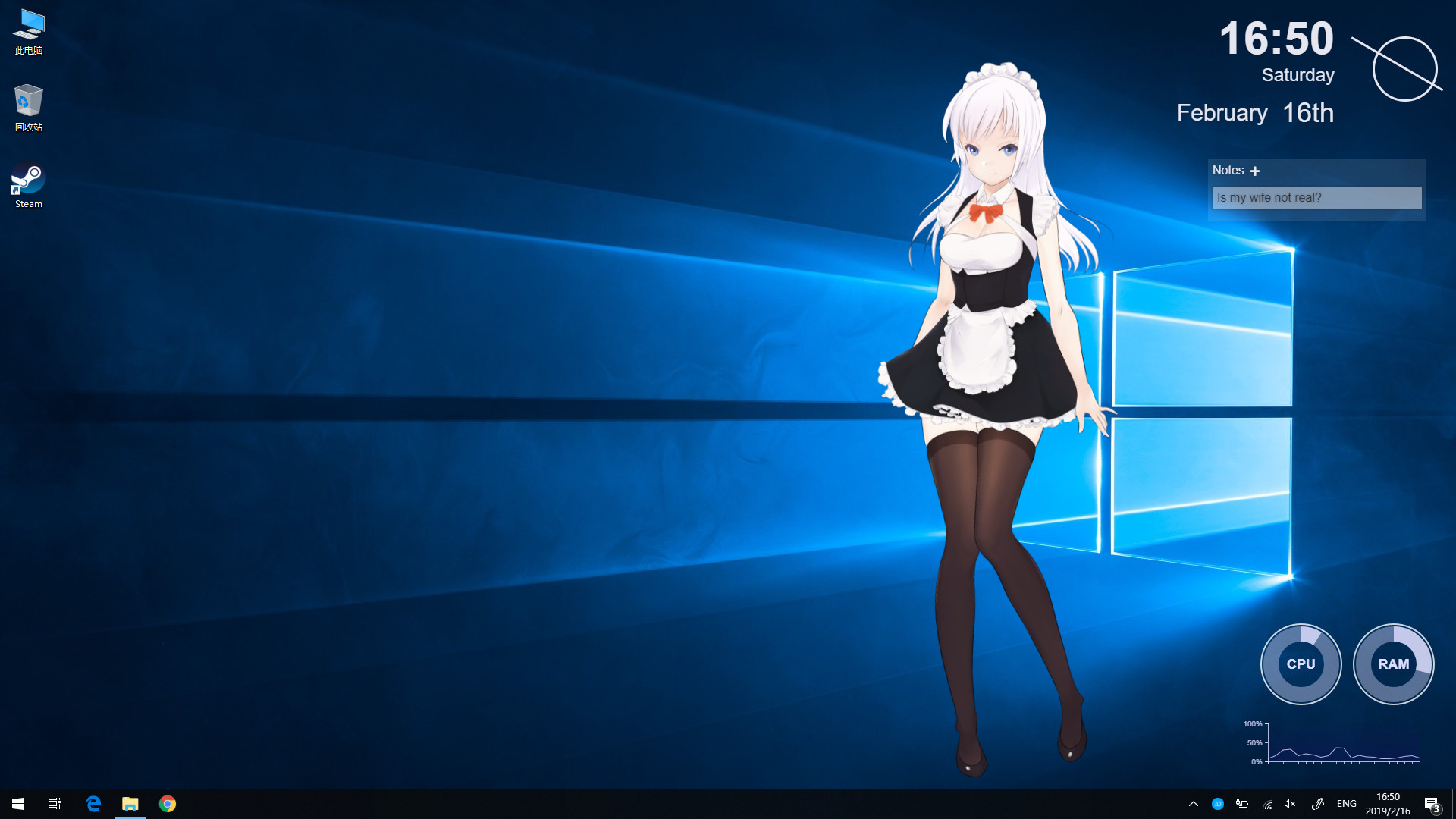
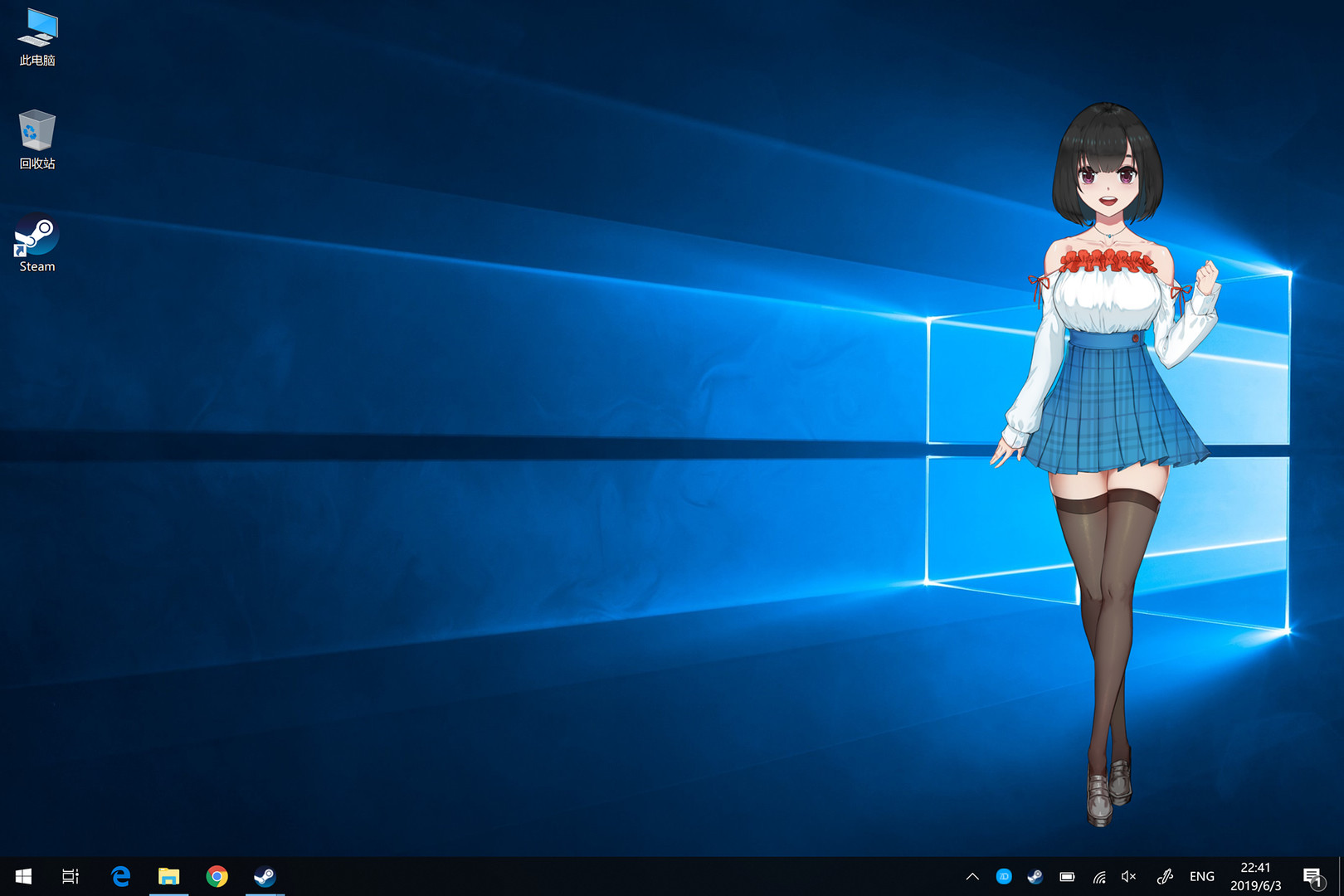
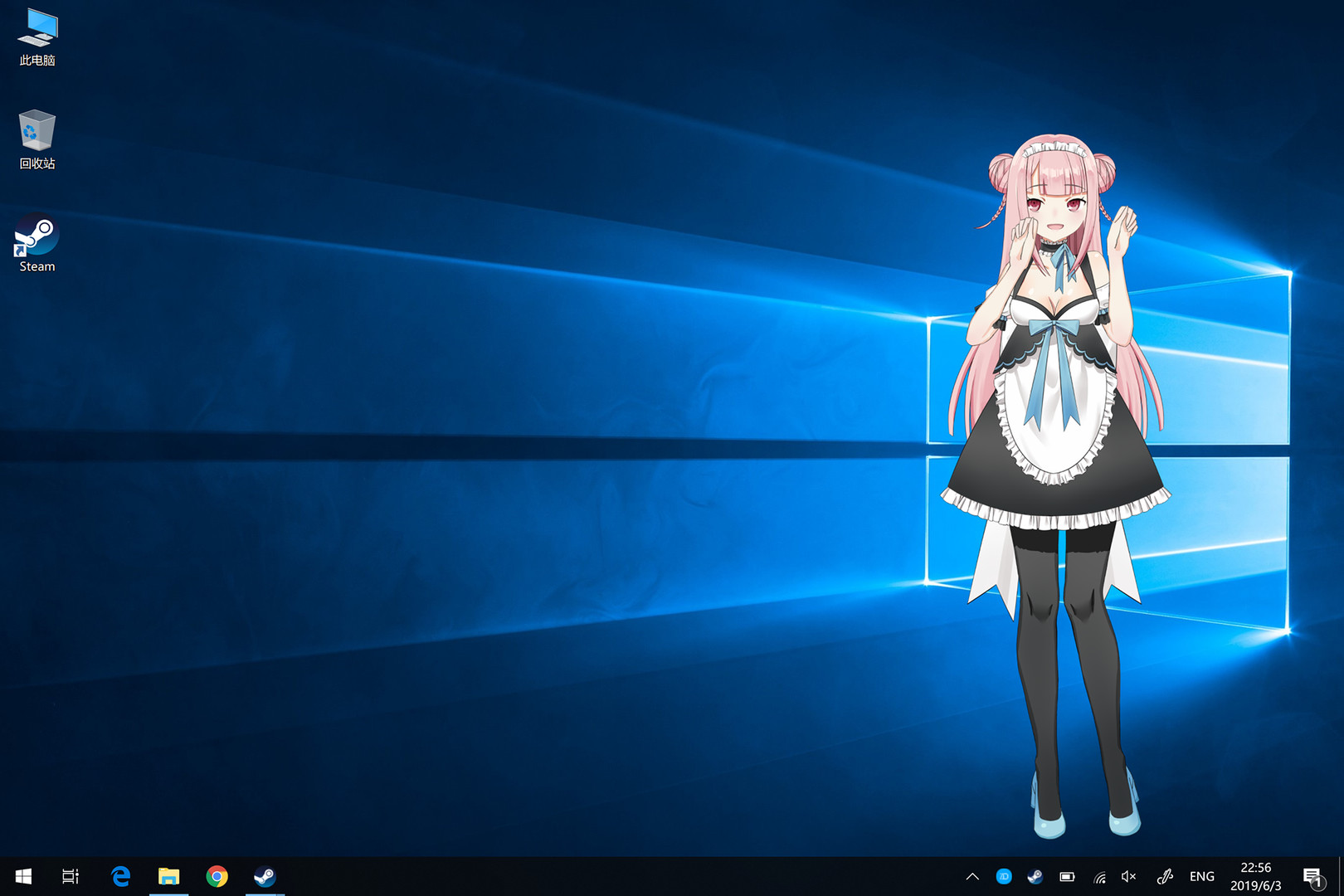
DimensionTwo, Animate your anime wife! You can interact with your anime waifu on the desktop, and you can make it yourself, so that your waifu in your beloved static picture will be alive!
상세 설명
DimensionTwo, Animate your anime wife!
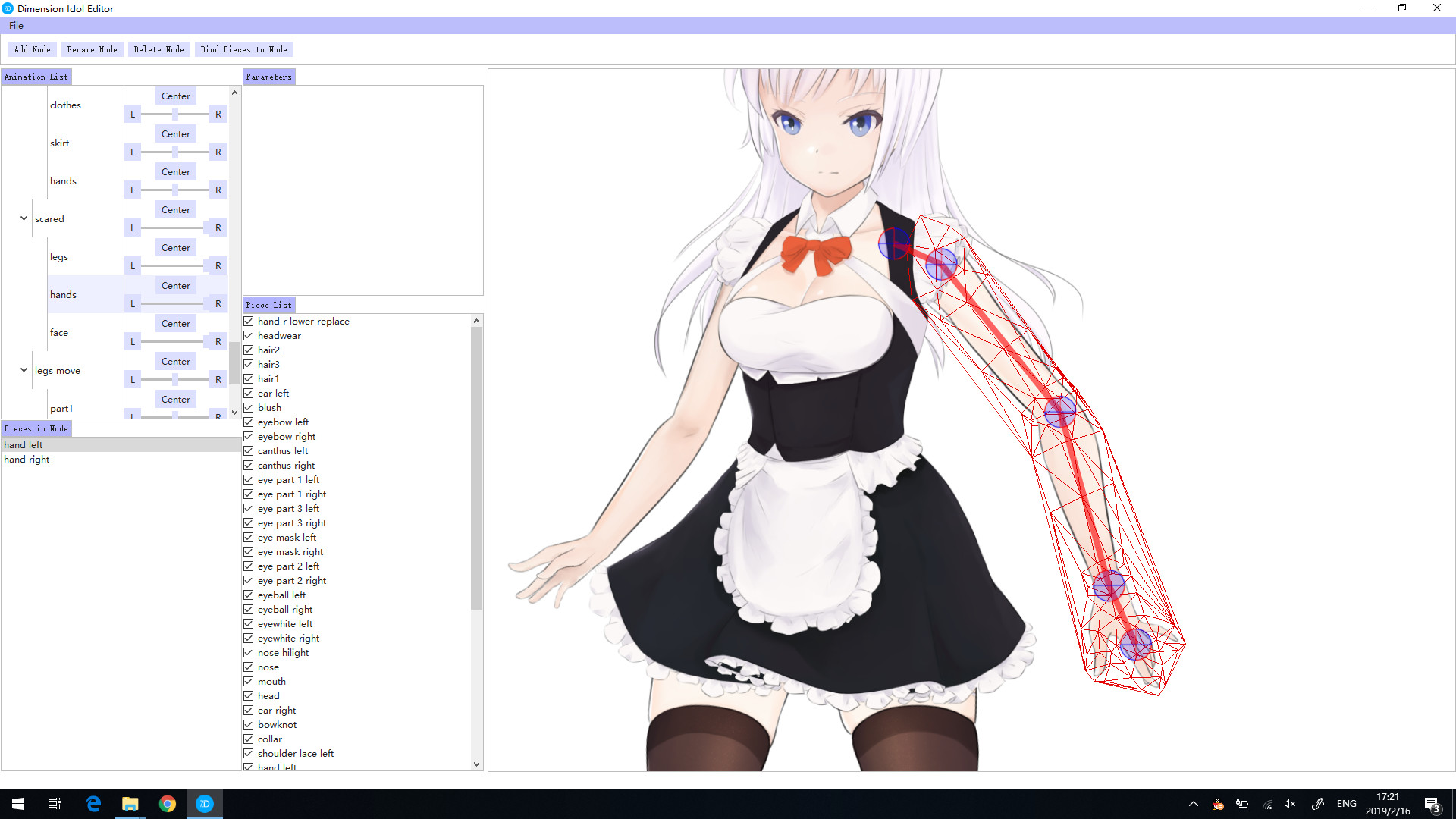
DimensionTwo is a software for creating and playing dynamic characters, allowing you to create fascinating dynamic characters from a variety of images and play them on the desktop. Strive for simplicity and speed, without too complicated interface, as long as you prepare the texture of the character, or you any picture, you can make it!
Please refer to the built-in documentation, which can be opened from the system tray icon right-click menu, or visit the manual URL. Also refer to the official video tutorial
How to make auto startup?
The settings can be made via the system tray icon right-click menu -> Settings.
Will it take up resources?
We have optimized the code, will enter a low-consumption state after being placed, need to actively click to re-operate, and can also be controlled in the setting of the tray right-click menu.
How to use Steam workshop?
You can browse and subscribe to the content directly at the Steam Workshop page. You can upload your own work to the Workshop through the function of the right-click menu of the system tray icon.
------------------------------------------------------------------
At present, this software is still under development and improvement. If you encounter any problems, please send feedback to the Steam community, or send an email to us
DimensionTwo is a software for creating and playing dynamic characters, allowing you to create fascinating dynamic characters from a variety of images and play them on the desktop. Strive for simplicity and speed, without too complicated interface, as long as you prepare the texture of the character, or you any picture, you can make it!
What is DimensionTwo?
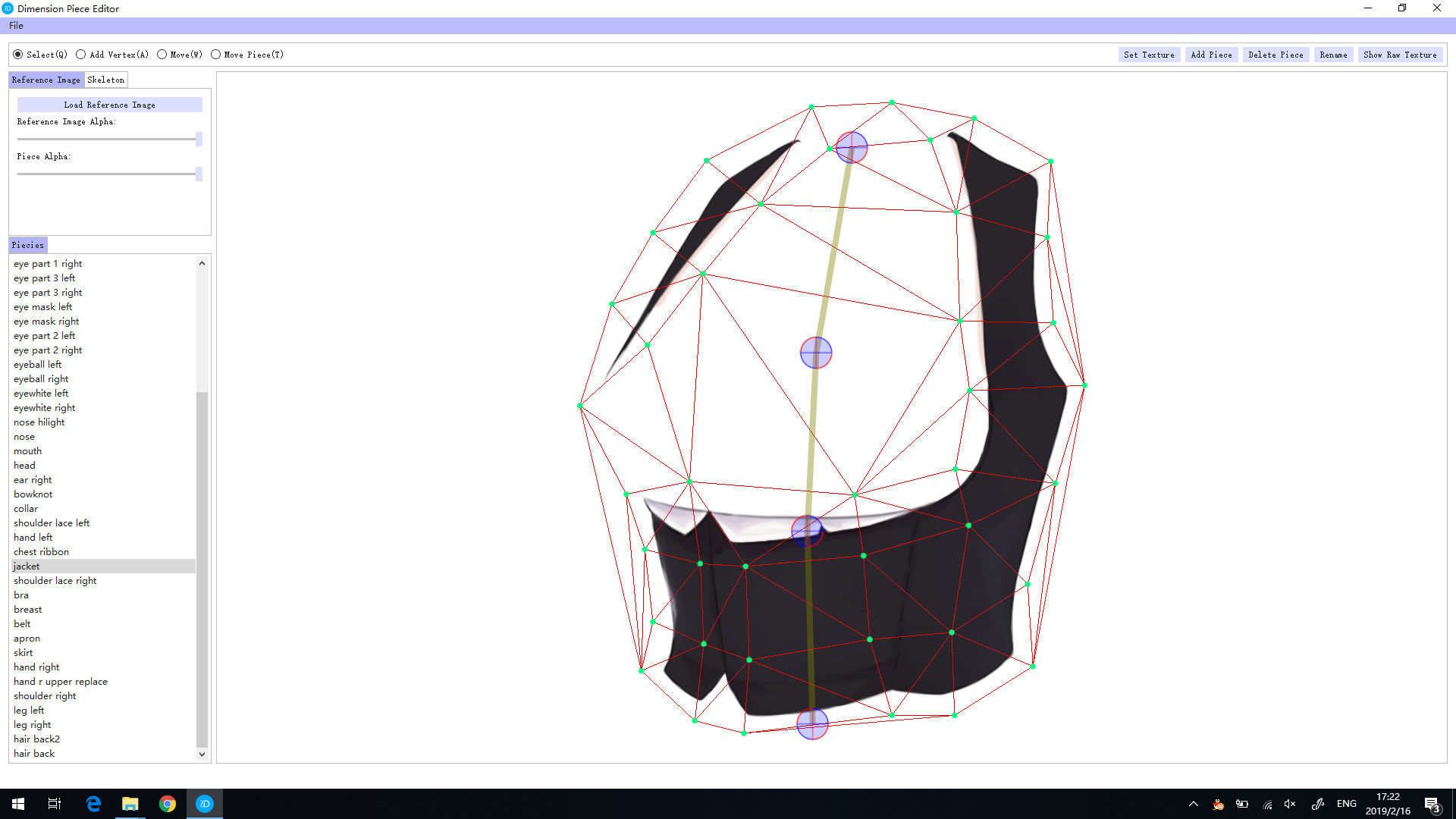
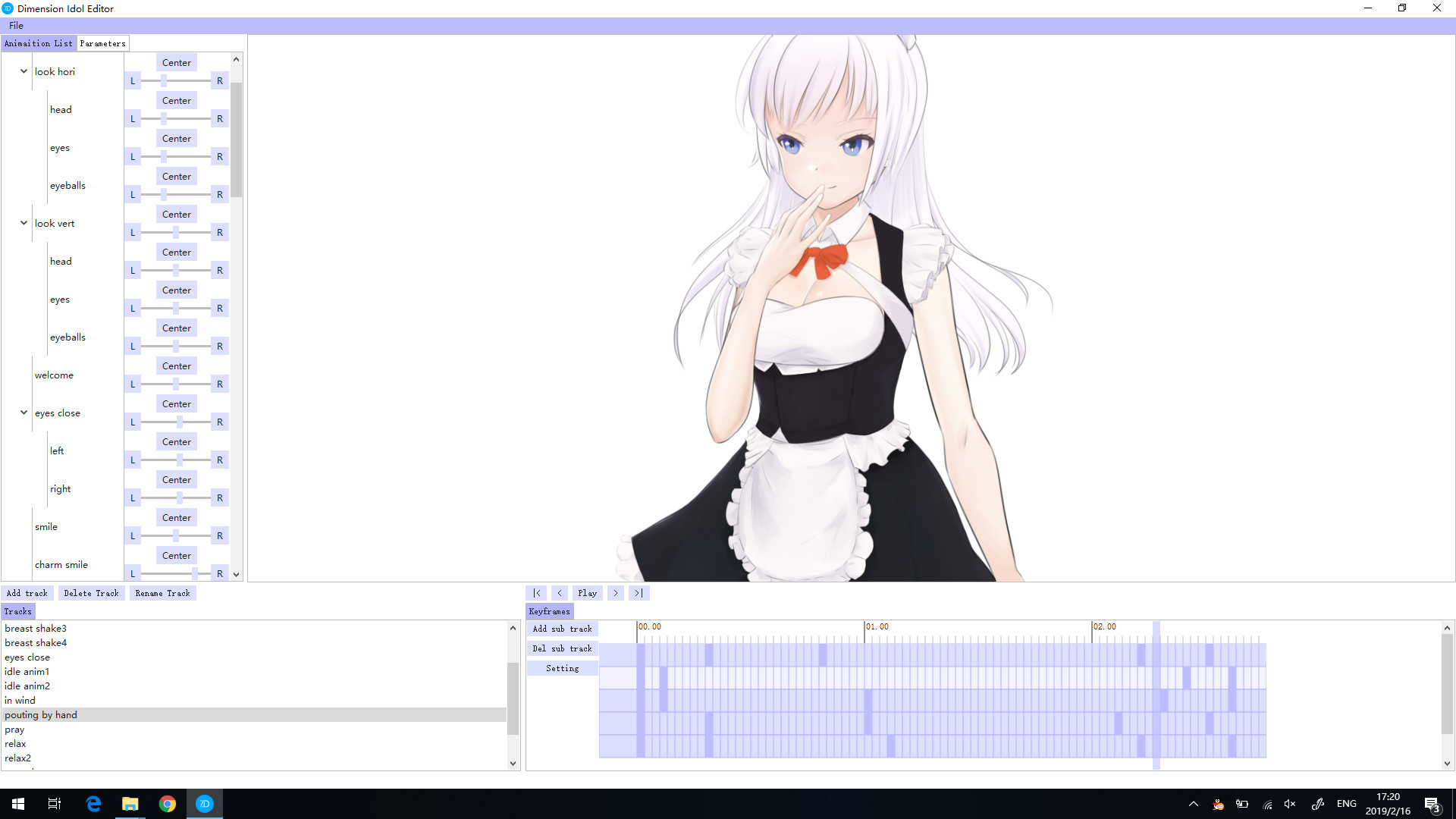
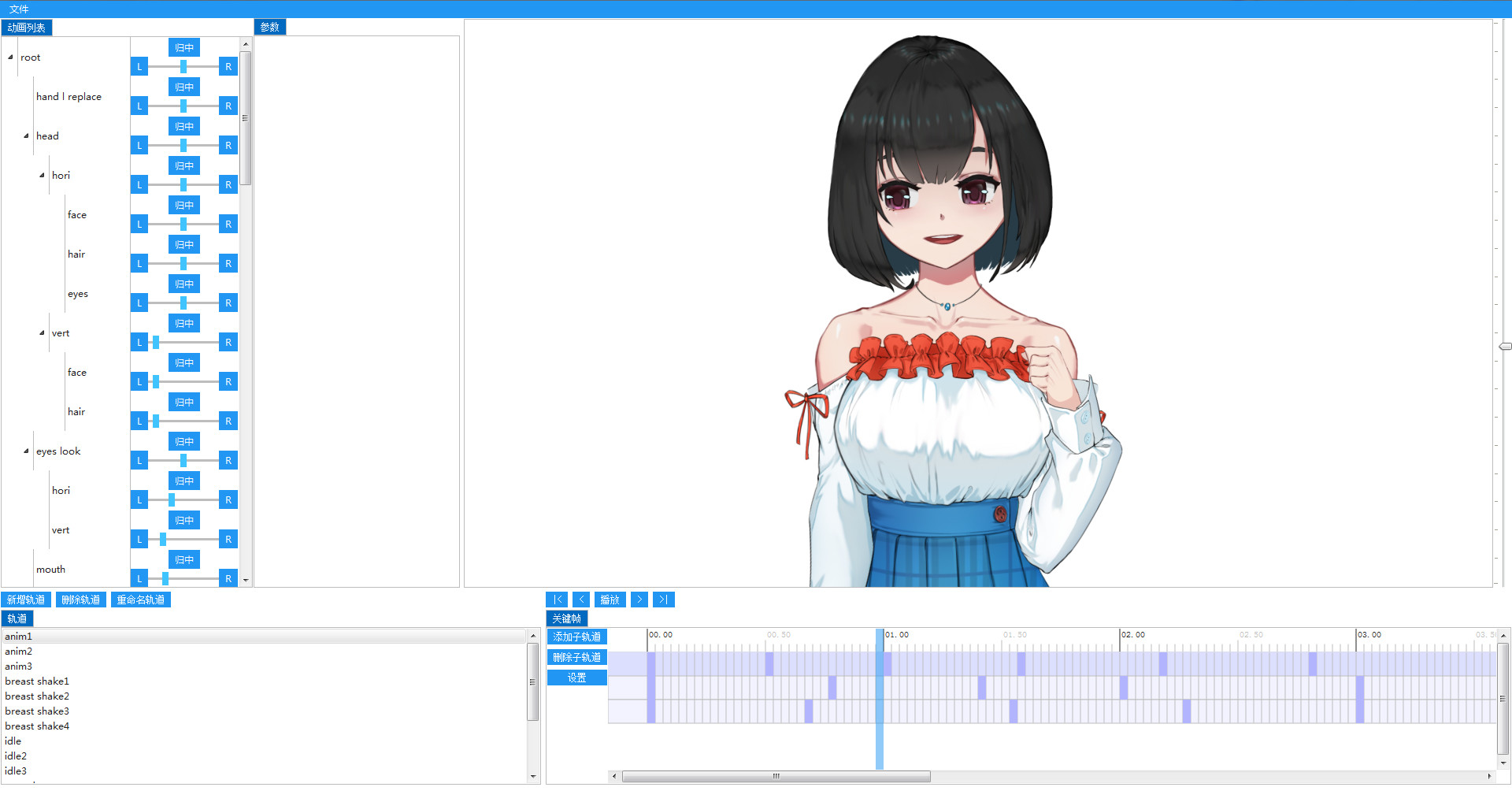
It is a powerful and simple dynamic waifu creation and entertainment system that can place dynamic characters that you make or share with others on the desktop, play according to the character's built-in training scripts, and spend time with you. And it has a full set of character editing tools, which allows you to easily create character models, animations, scripts, and if you don't have much expertise, you can also make your own dynamic waifu through video tutorials or manuals step by step.What can she do?
- Play on your desktop
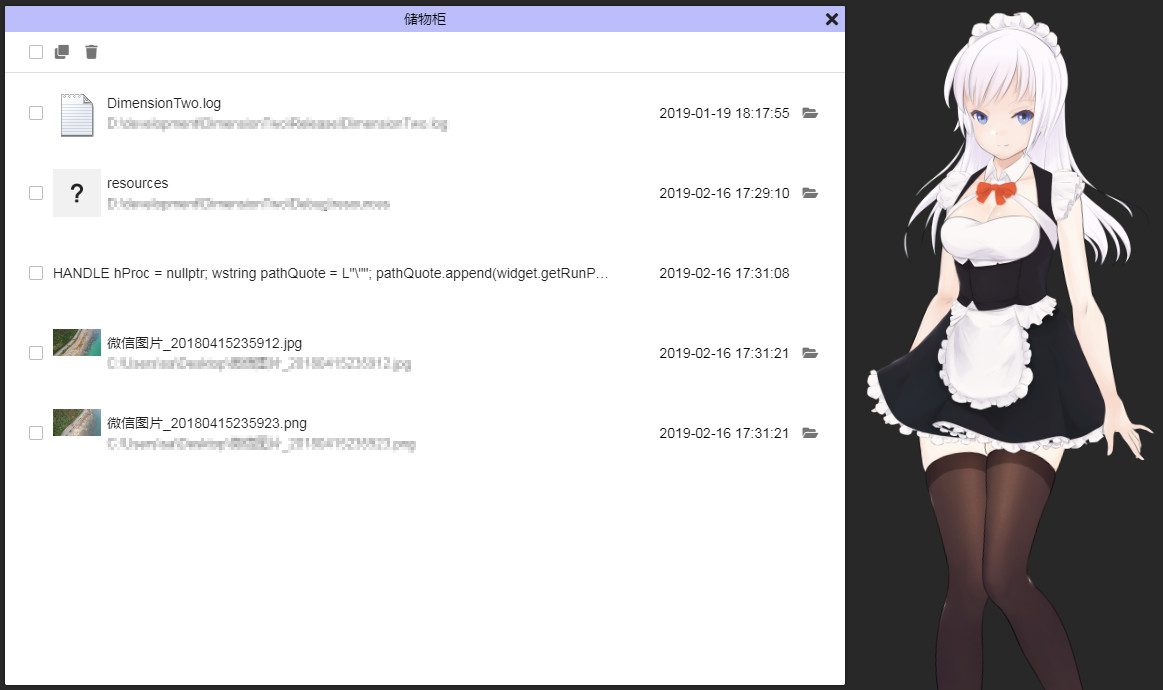
- Use Locker to record information and little secrets for you
What can you do?
- Play it
- Place it on the desktop
- Download characters from Steam Workshop
- Modify the character through the editor
- Use desktop Widgets
- Inspire your imagination
Characteristics
- Editor: Ability to create character models, edit character actions, synthesize animations
- Entertainment: Touch the character and interact with the mouse
- Interaction: Can switch between normal mode and desktop mode, or interact at any time via shortcut keys
- Widget: Built-in Electron, which can display any Electron program as a desktop component, built-in calendar, notes, system monitor, collapsible desktop system, and open source code can be modified at will
- Extension: Support lua scripts and provide a set of APIs to customize your desktop wife, set up various conversations and animations, etc.
- Format: support png and dds pictures
- More: More DIY features will be available in the future
Q&A
how to use?Please refer to the built-in documentation, which can be opened from the system tray icon right-click menu, or visit the manual URL. Also refer to the official video tutorial
How to make auto startup?
The settings can be made via the system tray icon right-click menu -> Settings.
Will it take up resources?
We have optimized the code, will enter a low-consumption state after being placed, need to actively click to re-operate, and can also be controlled in the setting of the tray right-click menu.
How to use Steam workshop?
You can browse and subscribe to the content directly at the Steam Workshop page. You can upload your own work to the Workshop through the function of the right-click menu of the system tray icon.
Future plan
The future will continue to enhance the editor's features, including optimizing the user experience, better animation systems, etc. will also make the video tutorial------------------------------------------------------------------
At present, this software is still under development and improvement. If you encounter any problems, please send feedback to the Steam community, or send an email to us
스크린샷

접속자 수
가격 정보
업적 목록
업적 정보가 없습니다.
요약 정보
스팀 리뷰
스팀 리뷰가 존재하지 않습니다.