

Cliper
Starship Studio
2020년 6월 1일
4
조회수
0
리뷰 수
0+
추정 판매량
N/A
긍정 평가
게임 정보
| 출시일: | 2020년 6월 1일 |
| 개발사: | Starship Studio |
| 퍼블리셔: | Starship Studio |
| 플랫폼: | Windows |
| 출시 가격: | 2,200 원 |
| 장르: | 디자인과 일러스트레이션, 유틸리티, 웹 퍼블리싱 |

링크
업적 목록
업적 정보가 없습니다.
추천 게임

Armored Brigade Nation Pack: Italy - Yugoslavia
2019년 10월 31일

Deichgraf
2021년 4월 19일

A maze in Citadel
2019년 6월 30일
게임 소개
Cliper provides you with the Windows clipboard enhancement functions, complements some of the inconvenience of original clipboard inconvenience to improve your daily operation efficiency and convenience.
상세 설명
About this software
Cliper provides you with the Windows clipboard enhancement functions, complements some of the inconvenience of original clipboard inconvenience to improve your daily operation efficiency and convenience.Features
- The contents of the clipboard are no longer lost with each new copy, they are permanently logged, waiting to be retrieved again, or until they are actively deleted.
- The contents of the record are reloaded onto the clipboard for easier operation.
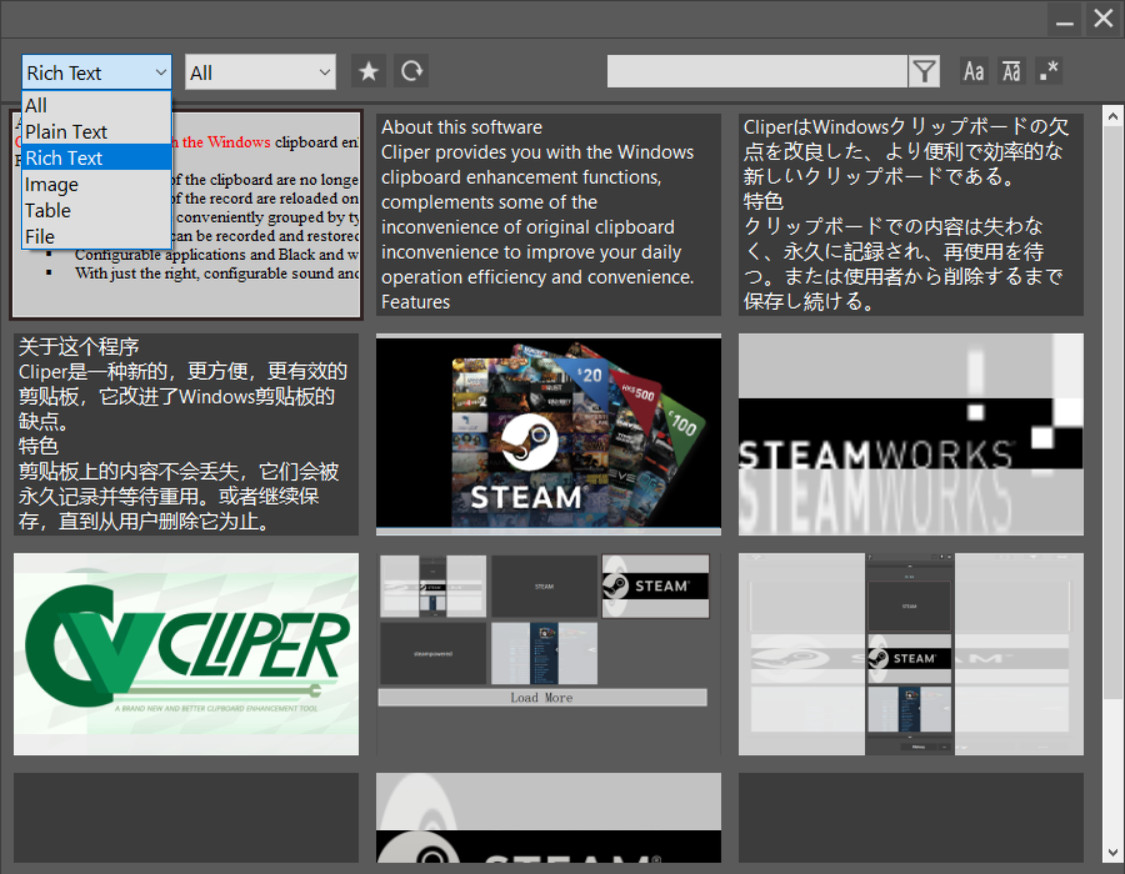
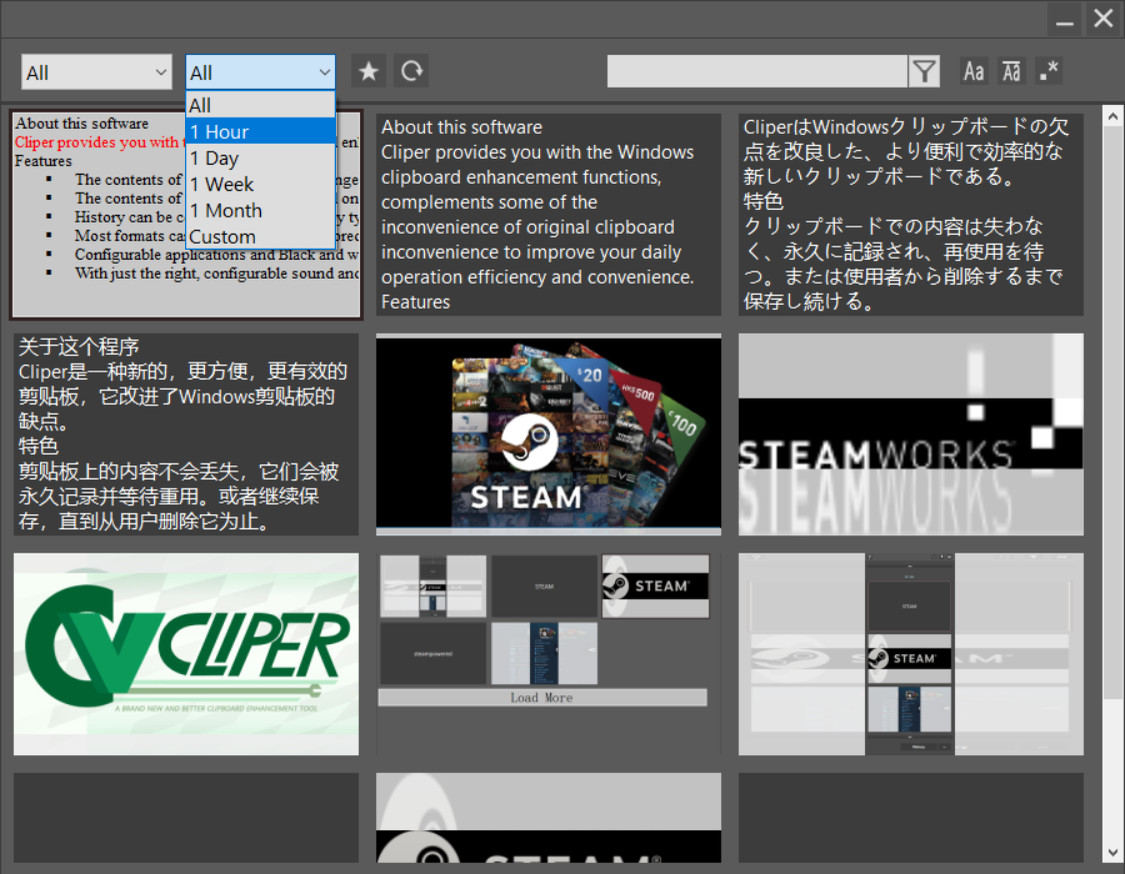
- History can be conveniently grouped by type, time, etc. , or searched by content, with a favorites feature.
- Most formats can be recorded and restored without losing additional information such as the color of the image or rich text format.
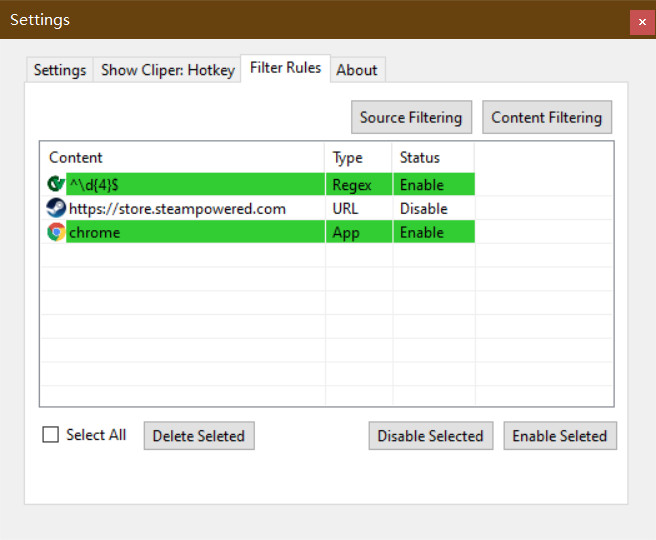
- Configurable applications and Black and white lists of content that do not record useless 2fa Captcha or private content copied from the password manager.
- With just the right, configurable sound and bubble prompts, provides you with a simple and efficient experience.
Common scenarios
When there's content in the clipboard and you need to copy and paste new content- Copy new content directly
- Paste the new content as usual with CTRL + V
- Switch to the old data demand
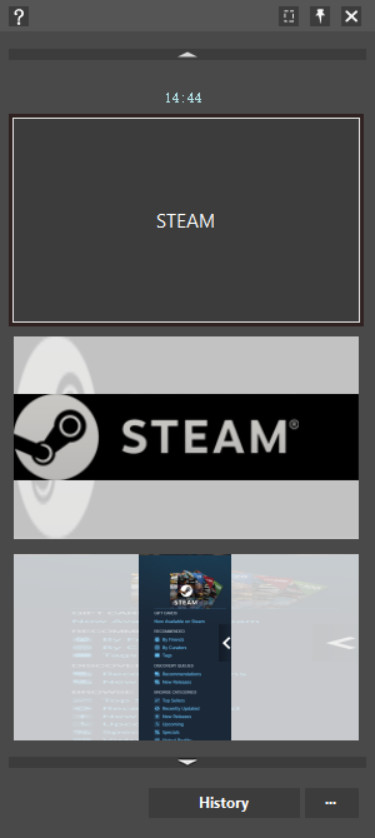
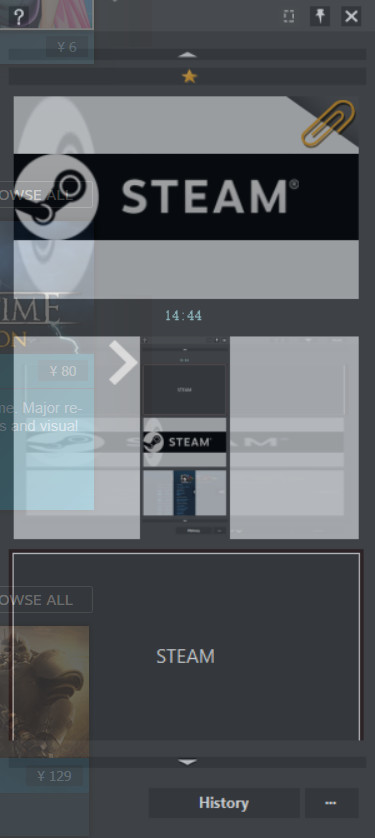
- Press Left CTRL + Left WIN + Left ALT to call out the software
- Press CTRL+V or Enter to reload older content to the clipboard and paste.
- (When pasting to some older or incompatible programs, you may need to press CTRL + V again to paste.)
Older data will be automatically selected when the software is called out, so press the hot key to paste directly.
The above hot keys are preset default values of the software.
When browsing long texts
Select the copy directly (CTRL + C) where you need to extract and continue browsing
(After browsing) When recording excerpt notes
Call out the main interface in the notes and select the recorded excerpts and paste in sequence
스크린샷
접속자 수
가격 정보
업적 목록
업적 정보가 없습니다.
요약 정보
스팀 리뷰
스팀 리뷰가 존재하지 않습니다.