

Channel Player
Applet LLC
2019년 10월 8일
4
조회수
0
리뷰 수
0+
추정 판매량
N/A
긍정 평가
게임 정보
| 출시일: | 2019년 10월 8일 |
| 개발사: | Applet LLC |
| 퍼블리셔: | Applet LLC |
| 플랫폼: | Windows |
| 출시 가격: | 5,500 원 |
| 장르: | 유틸리티 |

링크
업적 목록
업적 정보가 없습니다.
추천 게임


게임 소개
Play multiple VR movie titles saved on your PC or WebDAV server as if they were a single movie file. and You can also browse still images and comic books (zip, cbz). A keyboard or XBox game controller, Oculus Touch is available.
상세 설명
Multiple VR movie files saved in each folder on your PC can be played back in folders like a single VR work. You can also display still image (jpg, png) or comic book (zip, cbz) files. Supports Oculus Touch, keyboard and Xbox game controller. When operating for Rift, it is recommended to use Open Composite. The evaluation version and Quest2 version are available on our website.
Video supports VR360, VR180, 2D and Side by Side (LR), Top & Bottom (Over Under), and Mono video formats. Add support for FishEye 180 Side by Side. The extension of supported movie file names is mp4. It supports jpg and png for still images and zip and cbz for comic books.
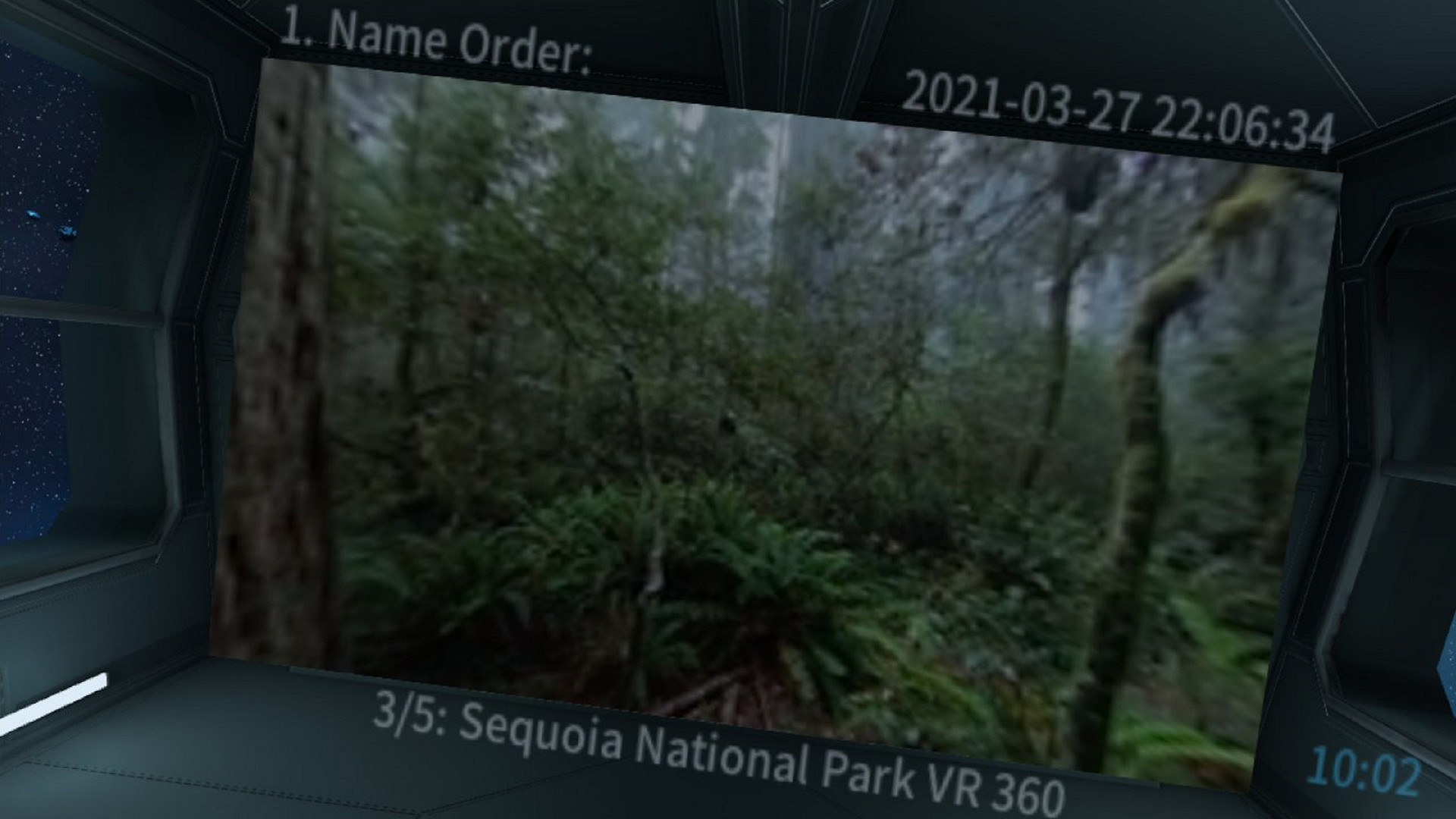
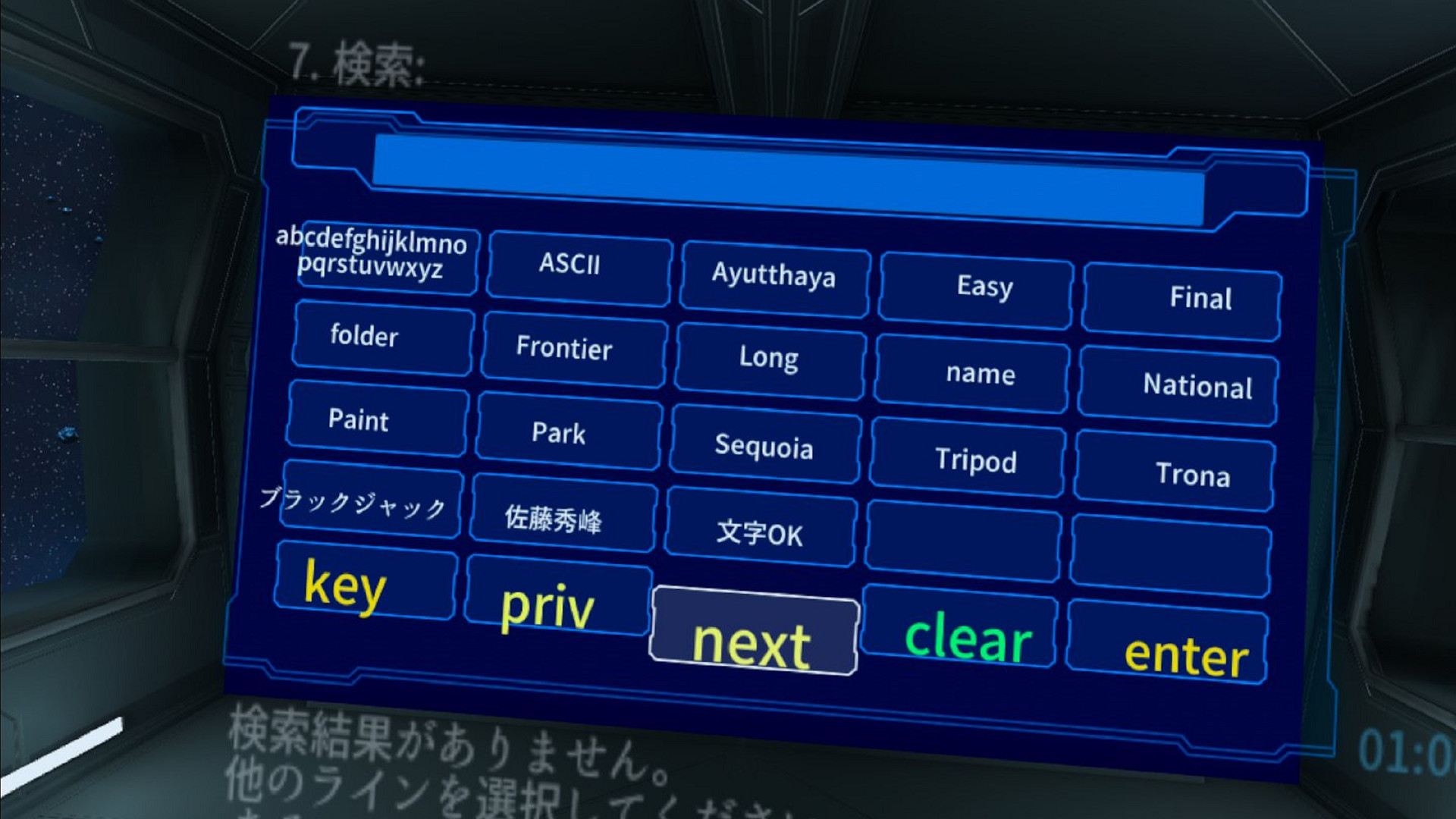
If there is a still image file in the folder in addition to the video, it will be treated as a video playback folder, but the first file found will be used as a thumbnail of that folder and displayed on the screen of the SciFI theater room. For folders and comic books that have only still images, the still image display mode is set when playback starts. The playback order of videos and still images is the order of file names displayed in Explorer.
It is equipped with a favorite registration function, unplayed title display, history function, and search function. You can also move the viewpoint and change the orientation while the video is playing. There is a ceiling display mode, and you can operate and view it while lying on your back. Since it does not use a laser pointer method, there is no need to raise your arm while lying on your back.
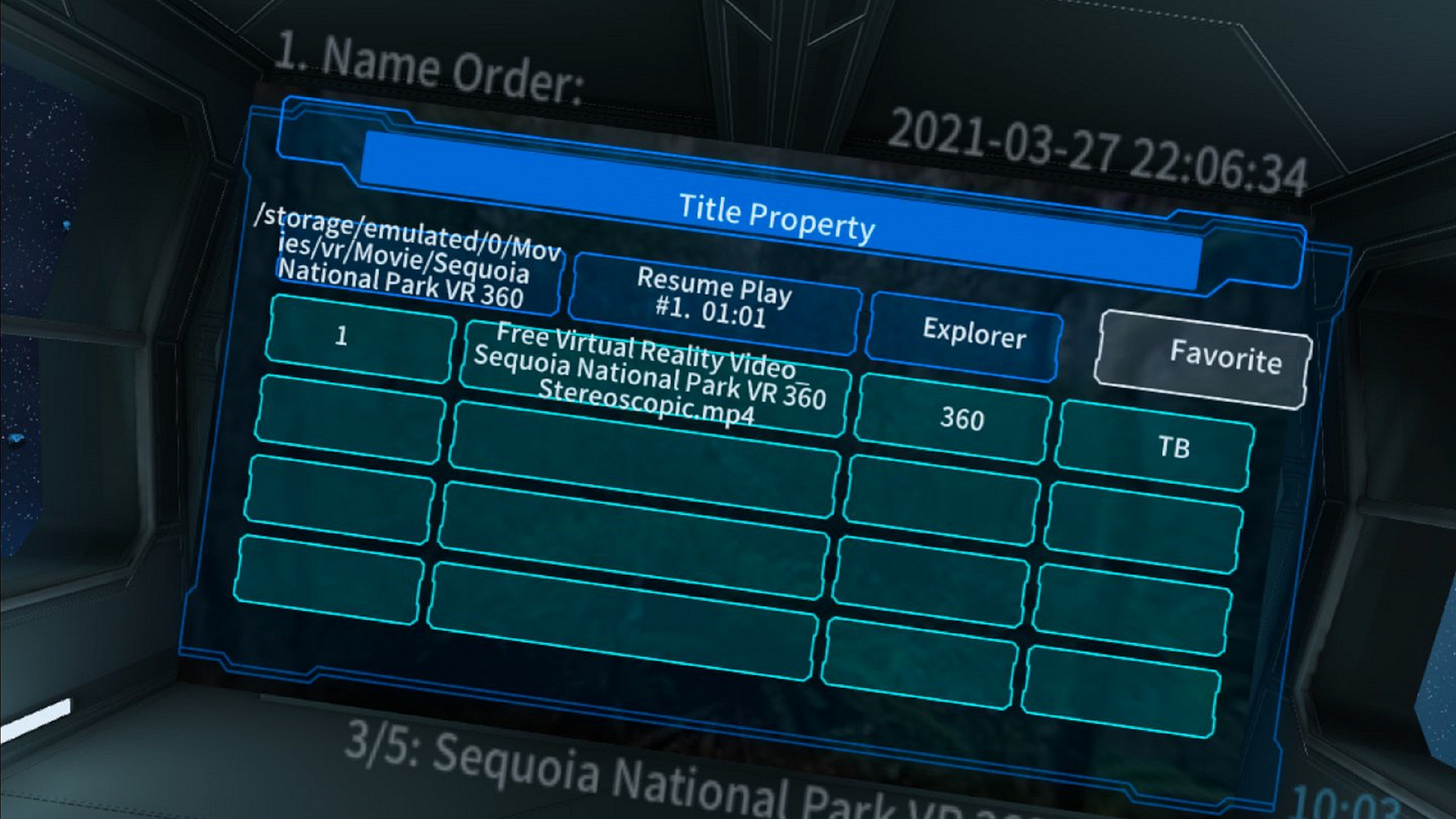
In playback mode, you can change the aspect and format of your video by double-clicking the D-Pad Up / Down button on your Xbox game controller or from the radial menu. You can also specify the video format in advance in the properties dialog.
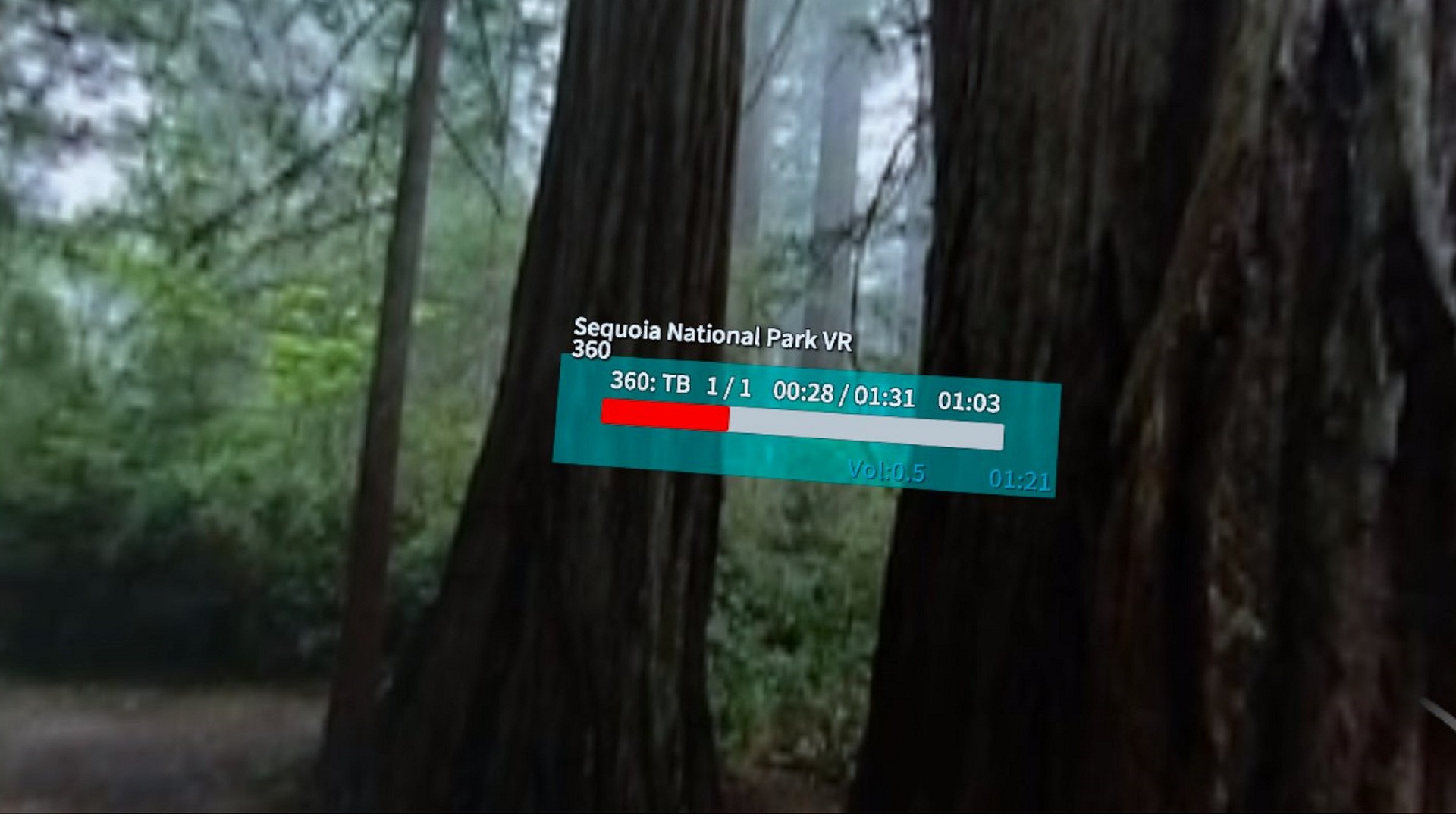
A single click of the D-Pad Up / Down button will display the video title and help screen.
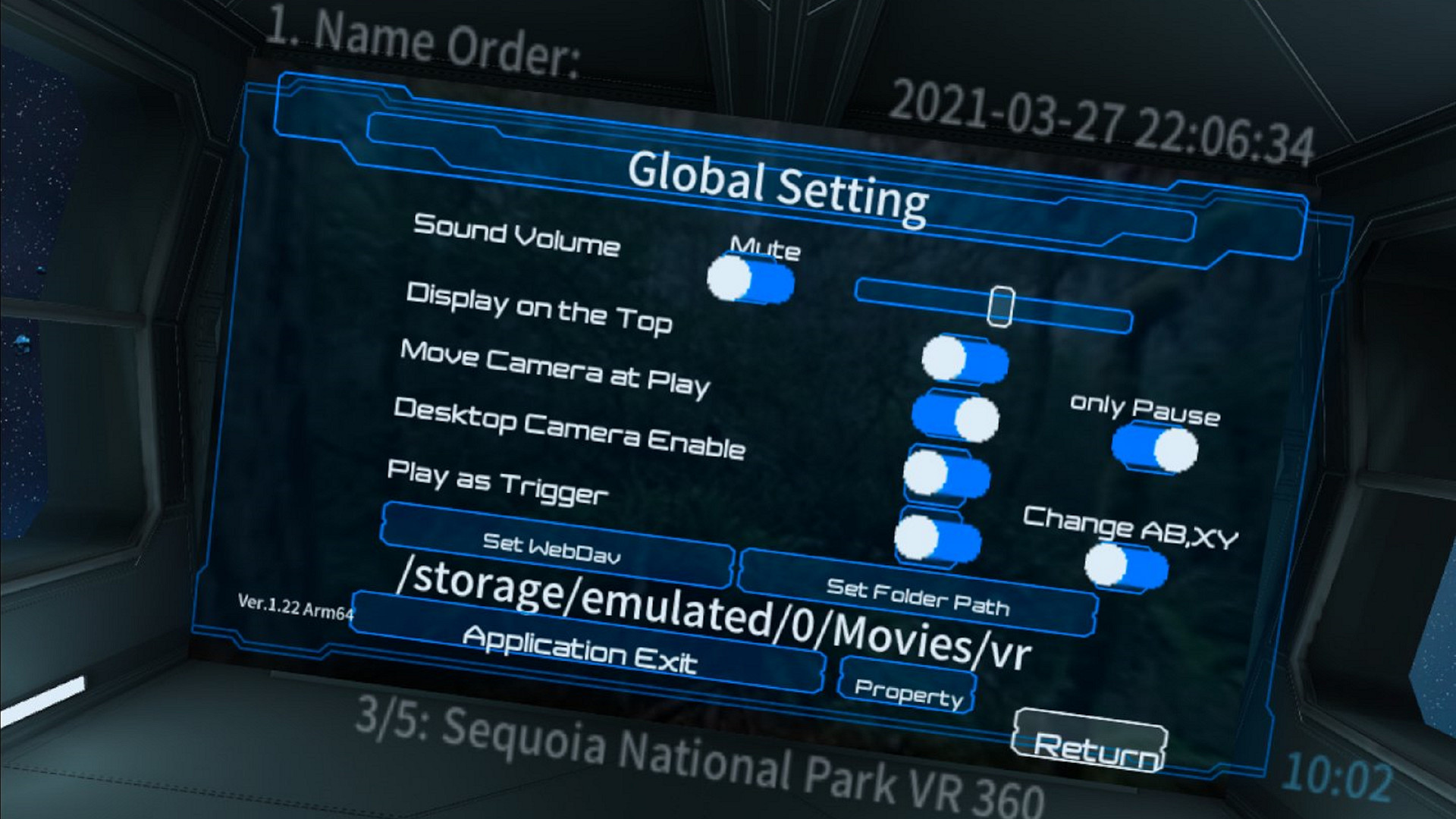
In the setting dialog, if you set the playback start with a trigger, or if you enable the camera movement only during the pause in the movement of the left and right sticks, you can also change the setting to normally be a trick play operation. Also, if you enable swapping of AB and XY and set the movement only during the pause at the same time, the operation with Oculus Touch will be easier.
Video supports VR360, VR180, 2D and Side by Side (LR), Top & Bottom (Over Under), and Mono video formats. Add support for FishEye 180 Side by Side. The extension of supported movie file names is mp4. It supports jpg and png for still images and zip and cbz for comic books.
If there is a still image file in the folder in addition to the video, it will be treated as a video playback folder, but the first file found will be used as a thumbnail of that folder and displayed on the screen of the SciFI theater room. For folders and comic books that have only still images, the still image display mode is set when playback starts. The playback order of videos and still images is the order of file names displayed in Explorer.
It is equipped with a favorite registration function, unplayed title display, history function, and search function. You can also move the viewpoint and change the orientation while the video is playing. There is a ceiling display mode, and you can operate and view it while lying on your back. Since it does not use a laser pointer method, there is no need to raise your arm while lying on your back.
In playback mode, you can change the aspect and format of your video by double-clicking the D-Pad Up / Down button on your Xbox game controller or from the radial menu. You can also specify the video format in advance in the properties dialog.
A single click of the D-Pad Up / Down button will display the video title and help screen.
In the setting dialog, if you set the playback start with a trigger, or if you enable the camera movement only during the pause in the movement of the left and right sticks, you can also change the setting to normally be a trick play operation. Also, if you enable swapping of AB and XY and set the movement only during the pause at the same time, the operation with Oculus Touch will be easier.
스크린샷
접속자 수
가격 정보
업적 목록
업적 정보가 없습니다.
요약 정보
스팀 리뷰
스팀 리뷰가 존재하지 않습니다.