
Shadowforge
Mibli
2020년 2월 26일
5
조회수
0
리뷰 수
0+
추정 판매량
N/A
긍정 평가
게임 정보
| 출시일: | 2020년 2월 26일 |
| 개발사: | Mibli |
| 퍼블리셔: | Mibli |
| 플랫폼: | Windows |
| 출시 가격: | 무료 |
| 장르: | 인디, 무료 플레이, 애니메이션과 모델링, 디자인과 일러스트레이션, 사진 편집, 유틸리티 |

링크
업적 목록
업적 정보가 없습니다.
추천 게임
Quick Trivia
2020년 3월 17일

Divinity: Original Sin 2 - Official Soundtrack
2017년 9월 17일

GirLand Soundtrack
2020년 2월 25일
게임 소개
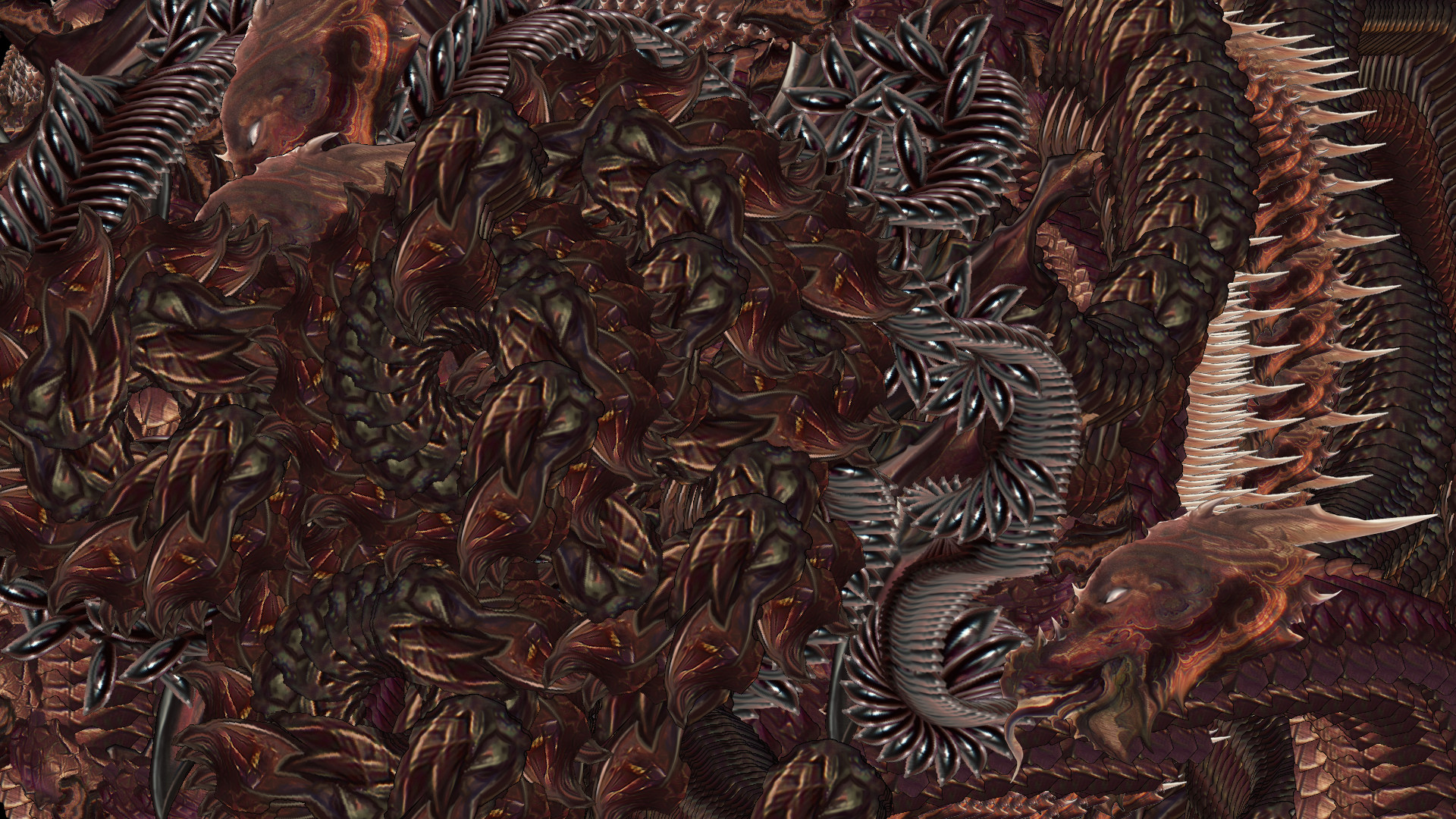
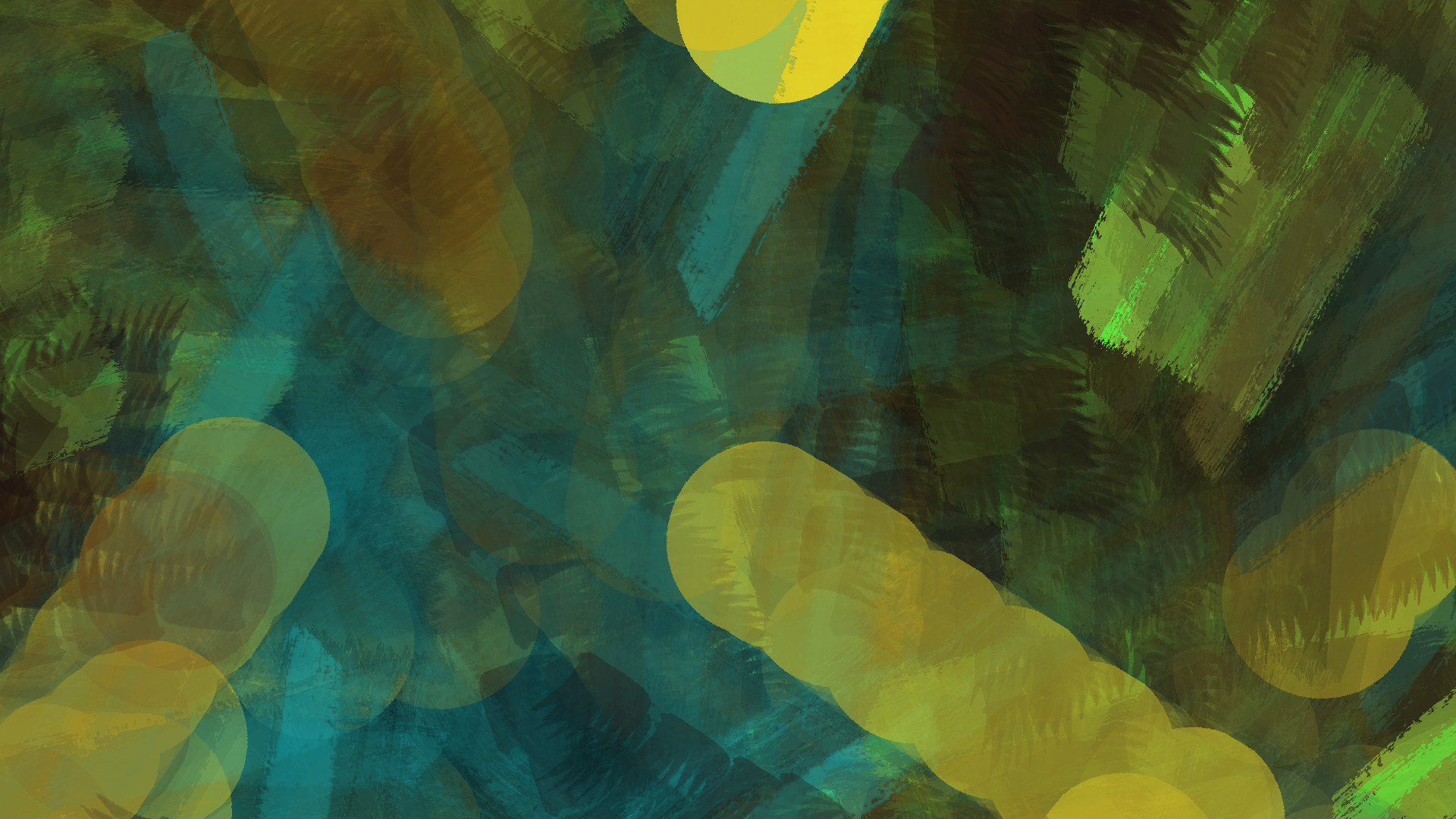
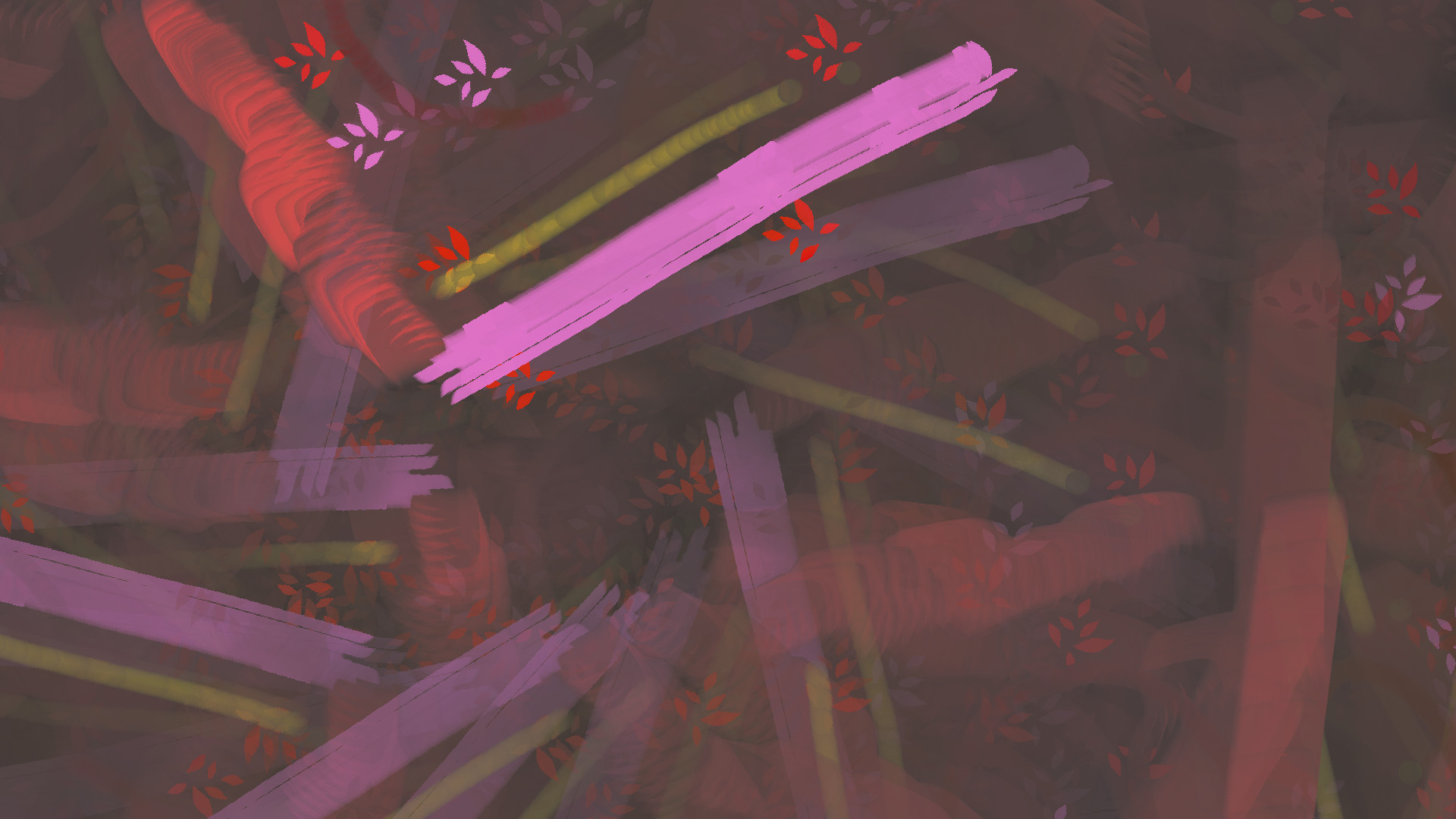
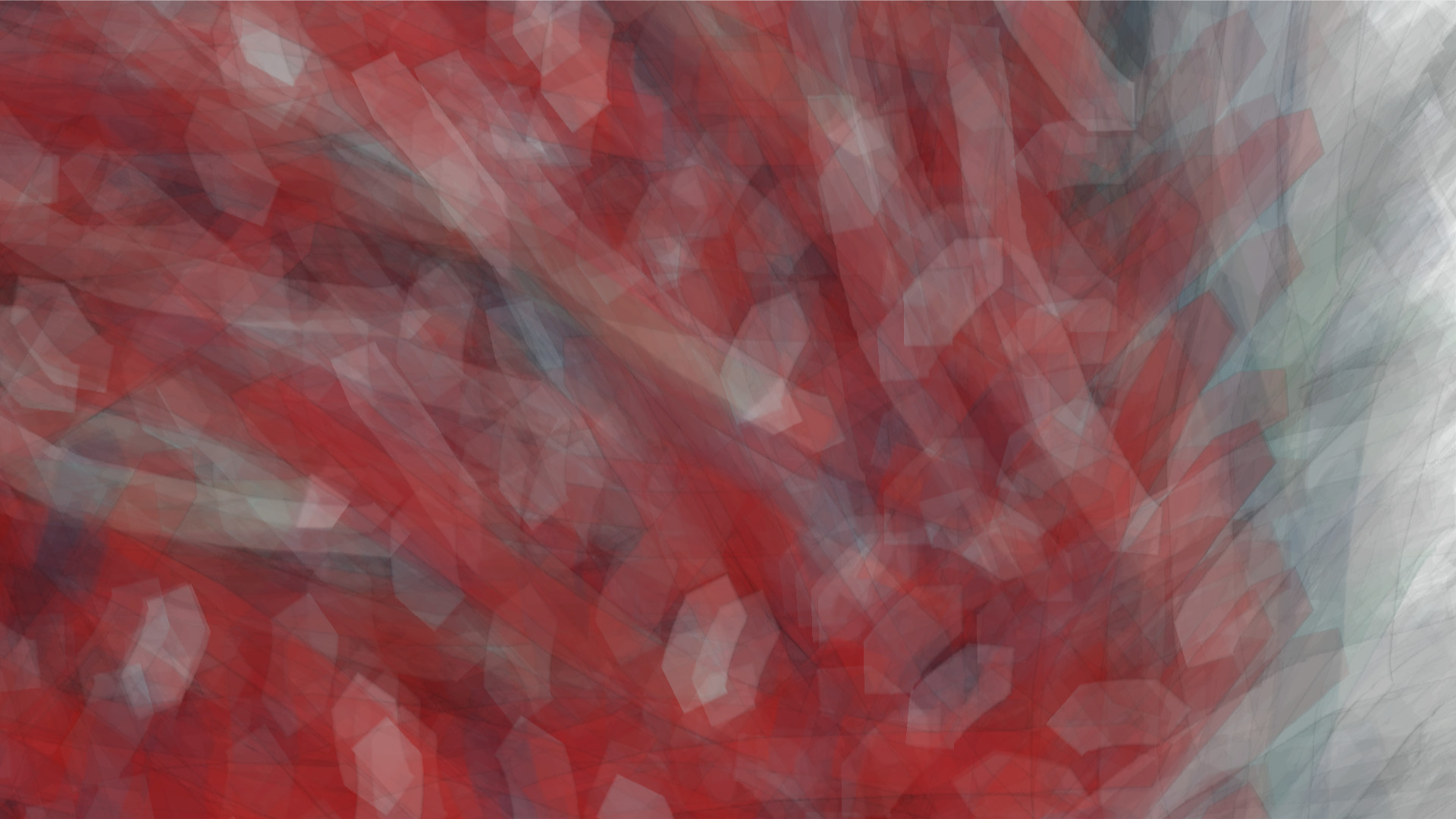
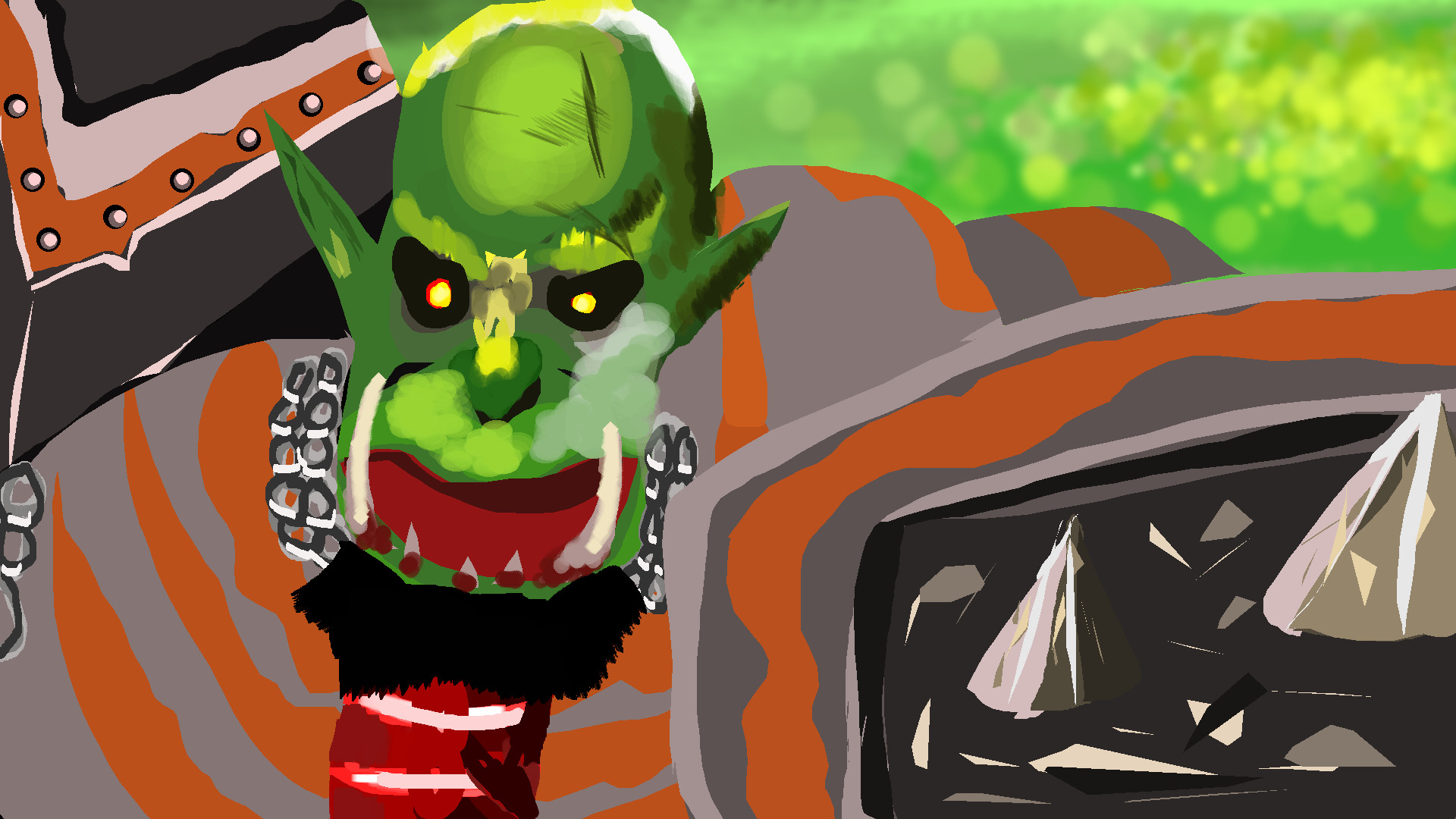
Shadowforge is a painting software with sandbox features. Upload your own made brushes and share with the Shadowforge community!
상세 설명
Shadowforge is a painting software for individual/multiply images that put their layers in a formation that works well with rocks, grass and things like that. You can import any image to Shadowforge and draw with it. Don't feel much creative and layering stuffs? Let Shadowforge do the job!
Shadowforge Features
- It's here! On Steam.
- Has a 4-point vertice tool with a 3d perspective.
- Polygon tools.
- Lots of custom made image manipulation shaders. Gameboy Shader as an example.
- You can make your own brush inside the app.
- Easy to use scale, angle, color and alpha sliders.
- Onionskin.
- "Fast layers" and normal layers.
- Outline and inline shading. Don't worry about doing this manually, because Shadowforge can do it for you with different options to choose from when outlining or inlining.
- Animating in Shadowforge is fast and shows the frames on the docker. Animation frames are seperate from the canvas. Switch from the docker to the canvas and vice versa. Export all your animation frames as single png files together without having to save them one by one.
- Upload a gif file into a sprite sheet and into the WYSIWYG docker.
- Save your project as a zip file and load it with that zip file. Send it to a friend and he can too upload it on his Shadowforge.
- Write text fast and easy in real time.
- Hide menu, palette and sliders and use the mini palette for ultra space freedom.
- Save your custom brushes permanently and when you start Shadowforge again you can use them again.
- Have fun with the miscelleanous sprites on Shadowforge. Use them to your advantage.
- Record your brush strokes, vectors and pixels into a gif file to show other people how you made your art or to learn from the past.
- Another thing to have fun with, save your mini palette into a .sfpal file and send to your friends so they too can work with the same mini palette.
- Record your frames on the canvas by picking the frame it should stop at into a gif file.
- Tile your sprites together on the canvas to create a beautiful background, clothing or anything else you can think of.
- Color only on colored parts just by pressing a key shortcut. Disable it by pressing the same key shortcut.
- It helps you remember what you are doing by being informative.
스크린샷

접속자 수
가격 정보
업적 목록
업적 정보가 없습니다.
요약 정보
스팀 리뷰
스팀 리뷰가 존재하지 않습니다.