
PlayClaw 7 - Custom Crosshair Overlay
Eduard Kozadaev
2020년 6월 2일
35
조회수
0
리뷰 수
0+
추정 판매량
N/A
긍정 평가
게임 정보
| 출시일: | 2020년 6월 2일 |
| 개발사: | Eduard Kozadaev |
| 퍼블리셔: | Eduard Kozadaev |
| 플랫폼: | Windows |
| 출시 가격: | 8,700 원 |
| 장르: | 오디오 제작, 소프트웨어 교육, 유틸리티, 동영상 제작, 웹 퍼블리싱 |

업적 목록
업적 정보가 없습니다.
추천 게임

게임 소개
Custom Crosshair overlay DLC provides robust custom crosshair rendering directly in a game screen. Forget about input lags in windowed modes!
상세 설명
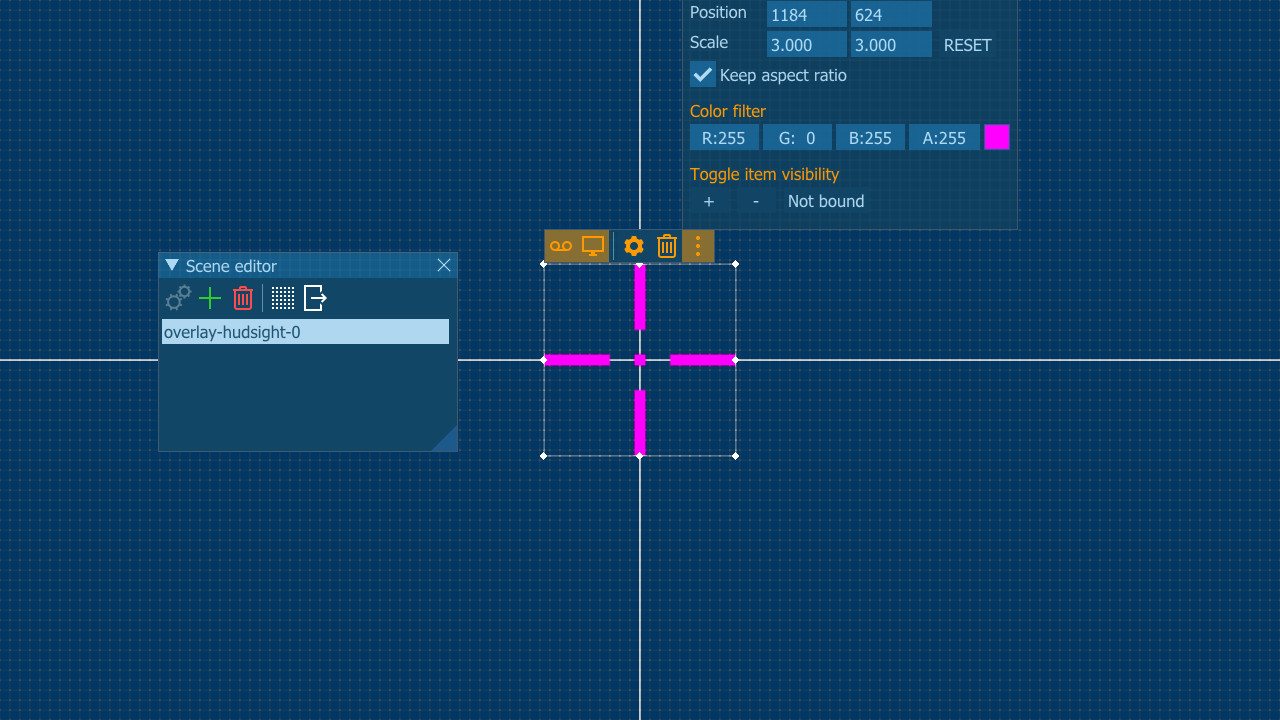
Custom Crosshair overlay DLC provides robust custom centered overlay rendering directly in a game screen. Forget about input lags in windowed modes with other "on-top" custom crosshair programs.
PlayClaw draws the overlay right over a game frame and it doesn't matter what video mode is used in a game. That is why you can switch your game to fullscreen and get minimal input lag. Finally!
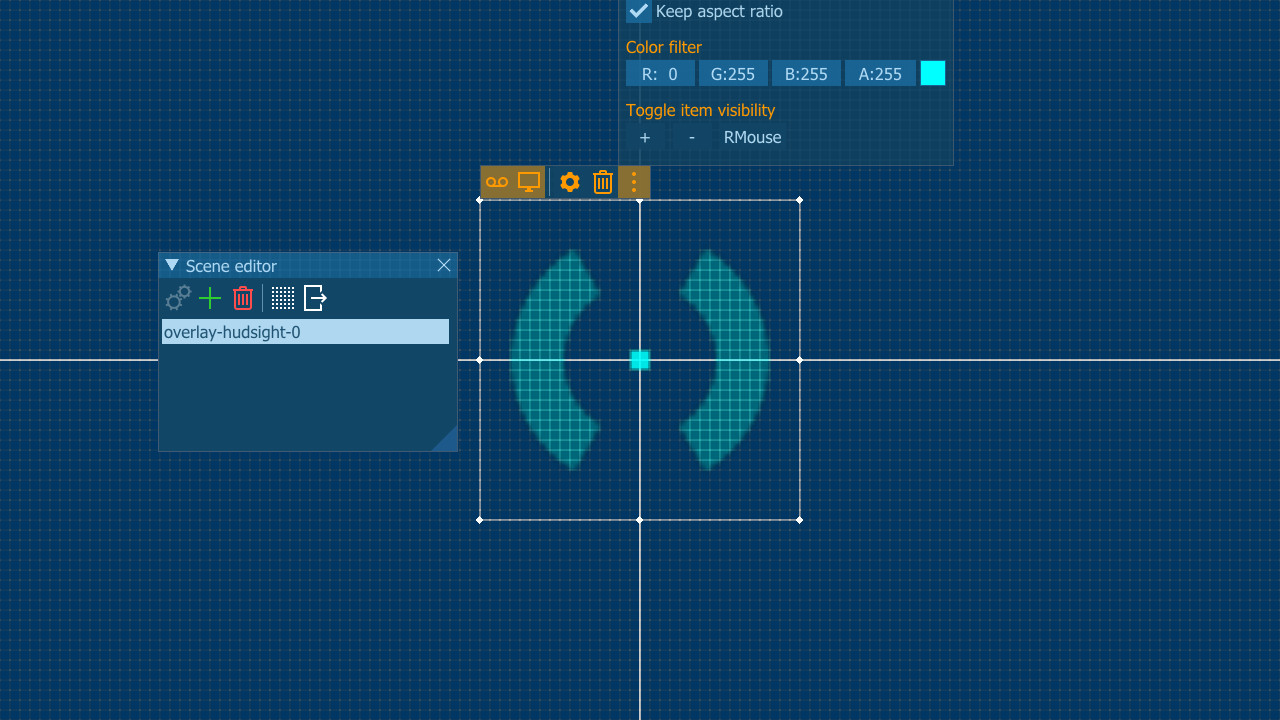
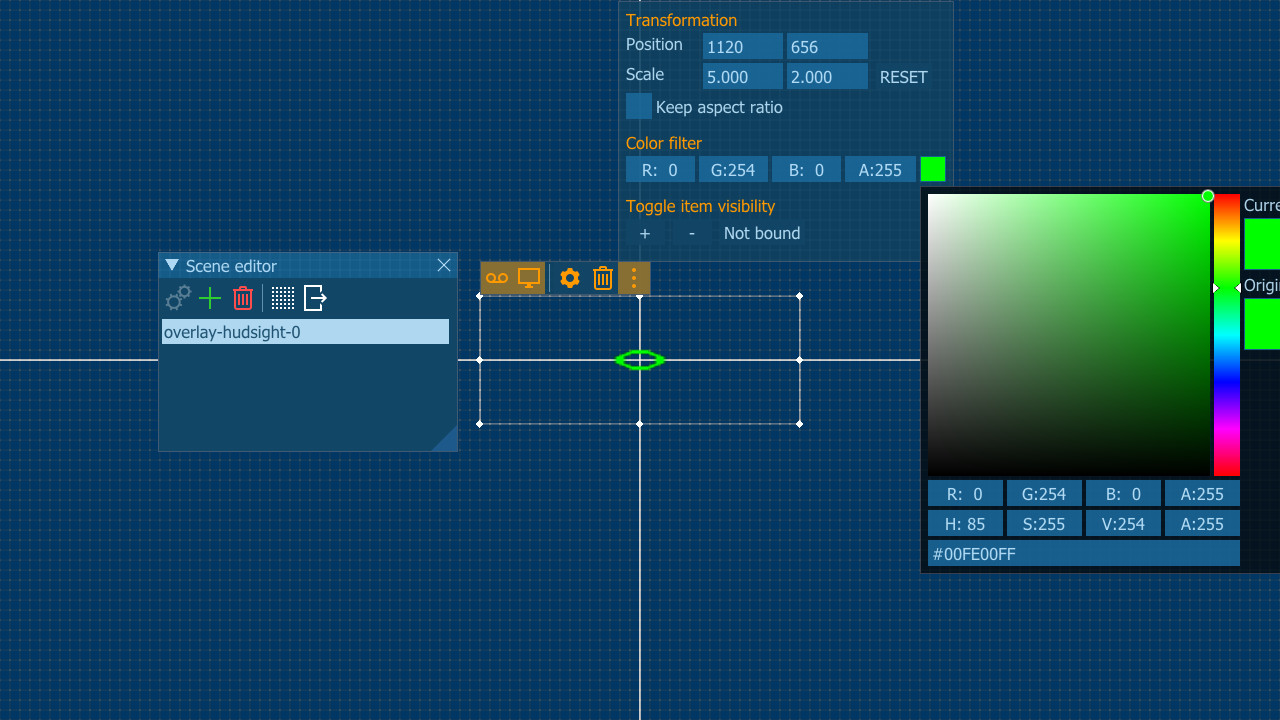
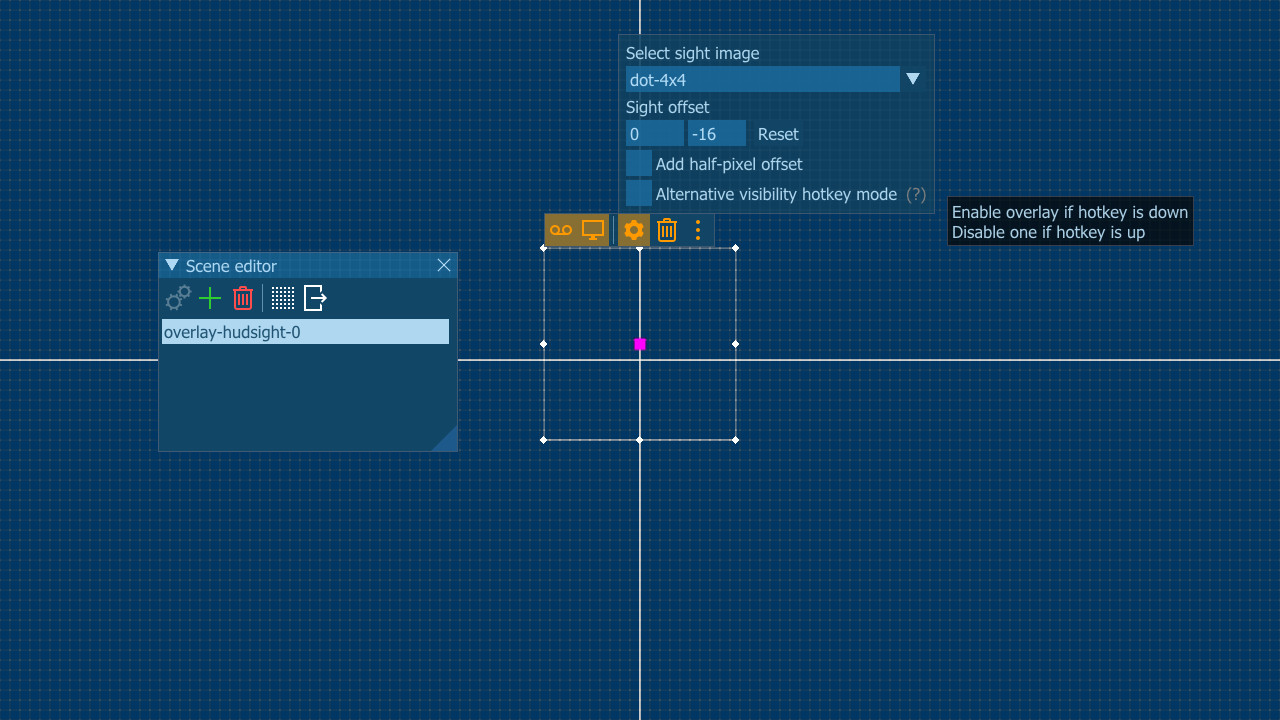
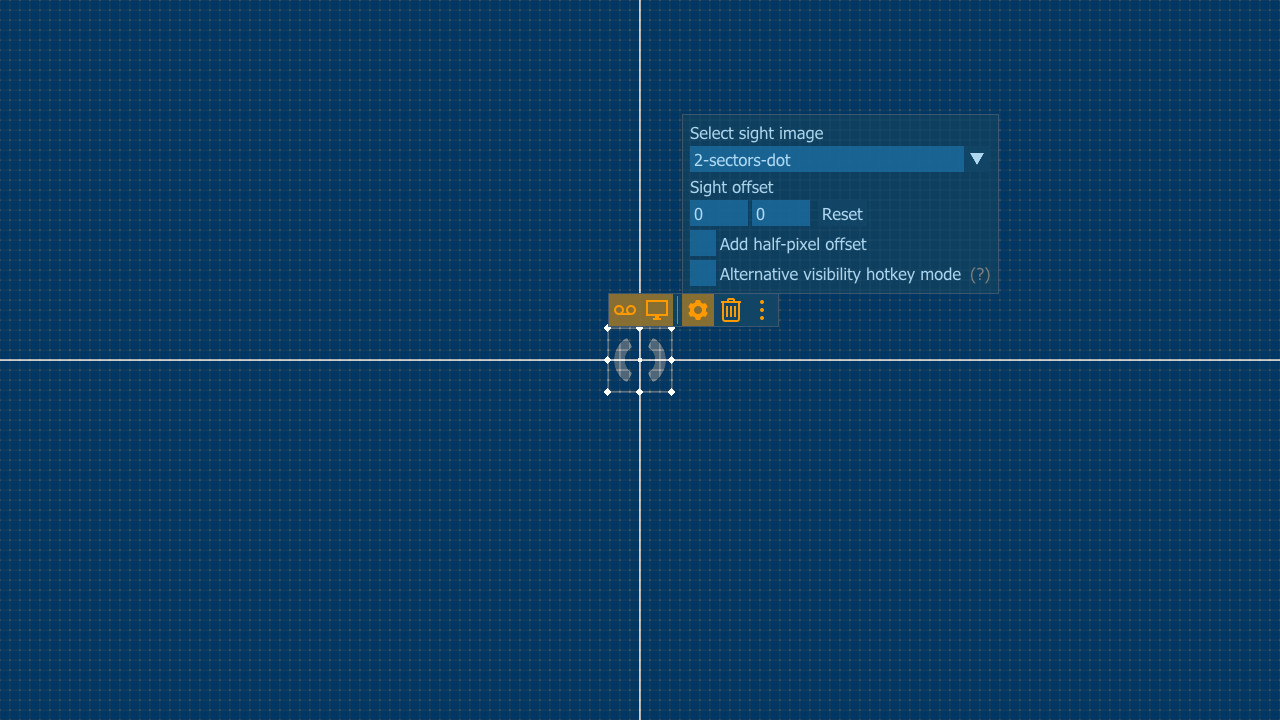
You can select crosshair from pre-installed image or use your own. Overlay can be turned on and off by a hotkey, it can be scaled. You can add an offset from screen center and even add half-pixel offset to align it to the real screen center.
PlayClaw draws the overlay right over a game frame and it doesn't matter what video mode is used in a game. That is why you can switch your game to fullscreen and get minimal input lag. Finally!
You can select crosshair from pre-installed image or use your own. Overlay can be turned on and off by a hotkey, it can be scaled. You can add an offset from screen center and even add half-pixel offset to align it to the real screen center.
Will I get banned for this?
Custom Crosshair overlay is not a cheat, it doesn't change games files or game play, it just draws an overlay (like Steam or other gaming services or some other tools). But please make sure that the Terms of Service of the game you play allow such enhancement.스크린샷
접속자 수
가격 정보
업적 목록
업적 정보가 없습니다.
요약 정보
스팀 리뷰
스팀 리뷰가 존재하지 않습니다.