

Comic&Picture Shelf Demo
StudyWellDDU
2020년 7월 17일
7
조회수
0
리뷰 수
0+
추정 판매량
N/A
긍정 평가
게임 정보
| 출시일: | 2020년 7월 17일 |
| 개발사: | StudyWellDDU |
| 퍼블리셔: | StudyWellDDU |
| 플랫폼: | Windows |
| 출시 가격: | 무료 |
| 장르: | |

링크
업적 목록
업적 정보가 없습니다.
추천 게임

Uranus - Personal Demons
2020년 7월 24일

PBA Basketball Slam: Arcade Edition
2020년 8월 31일

FULLCHOKE Demo
2020년 7월 18일
게임 소개
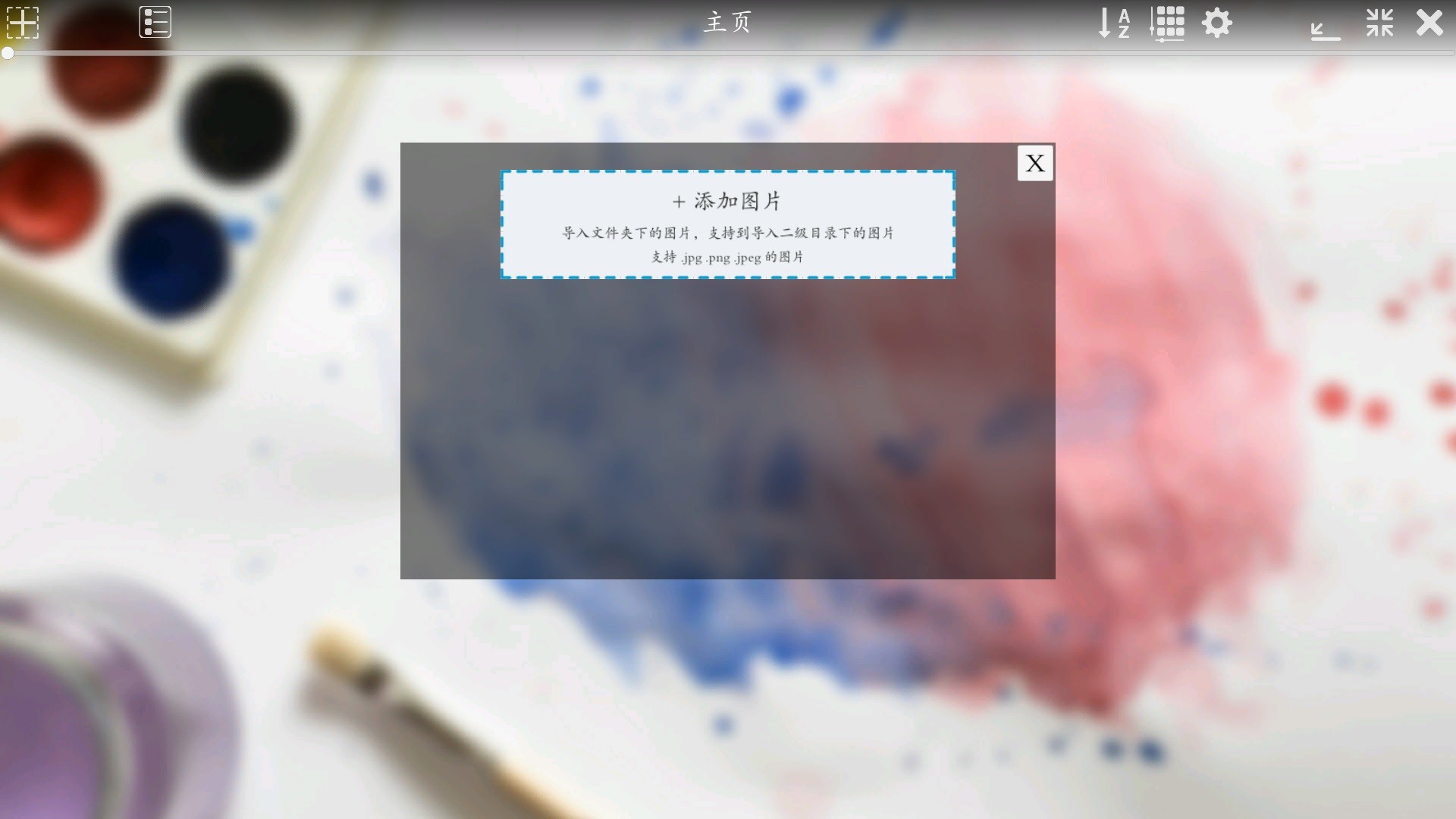
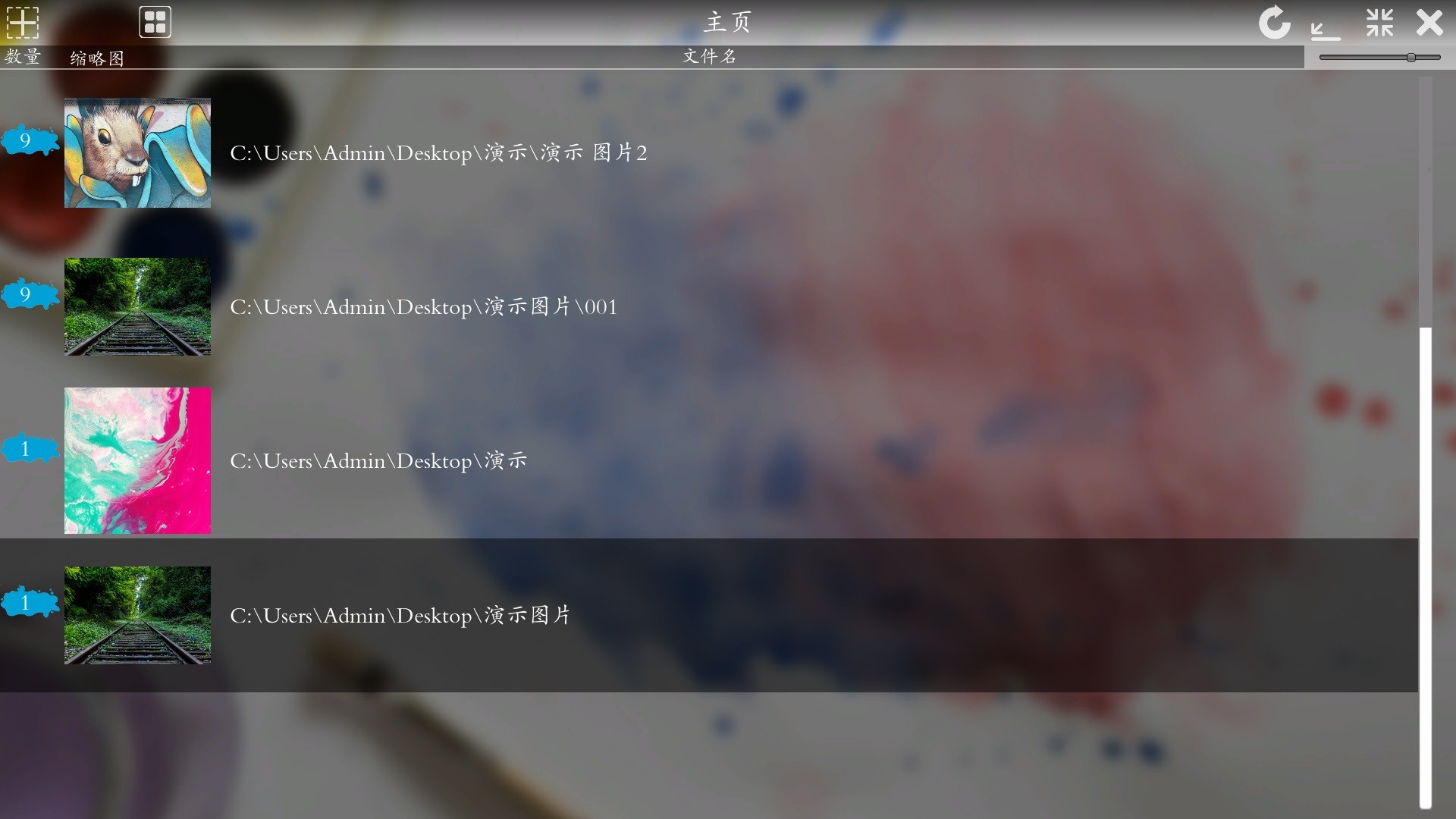
This is a software for managing and browsing comics and pictures. Trial version of Comic&Picture Shelf software.
상세 설명
This is a trial version of Comic&Picture Shelf software
Is a software used to manage and browse comics and pictures
Support format
Picture format: PNG, JPG, JPEG
Features
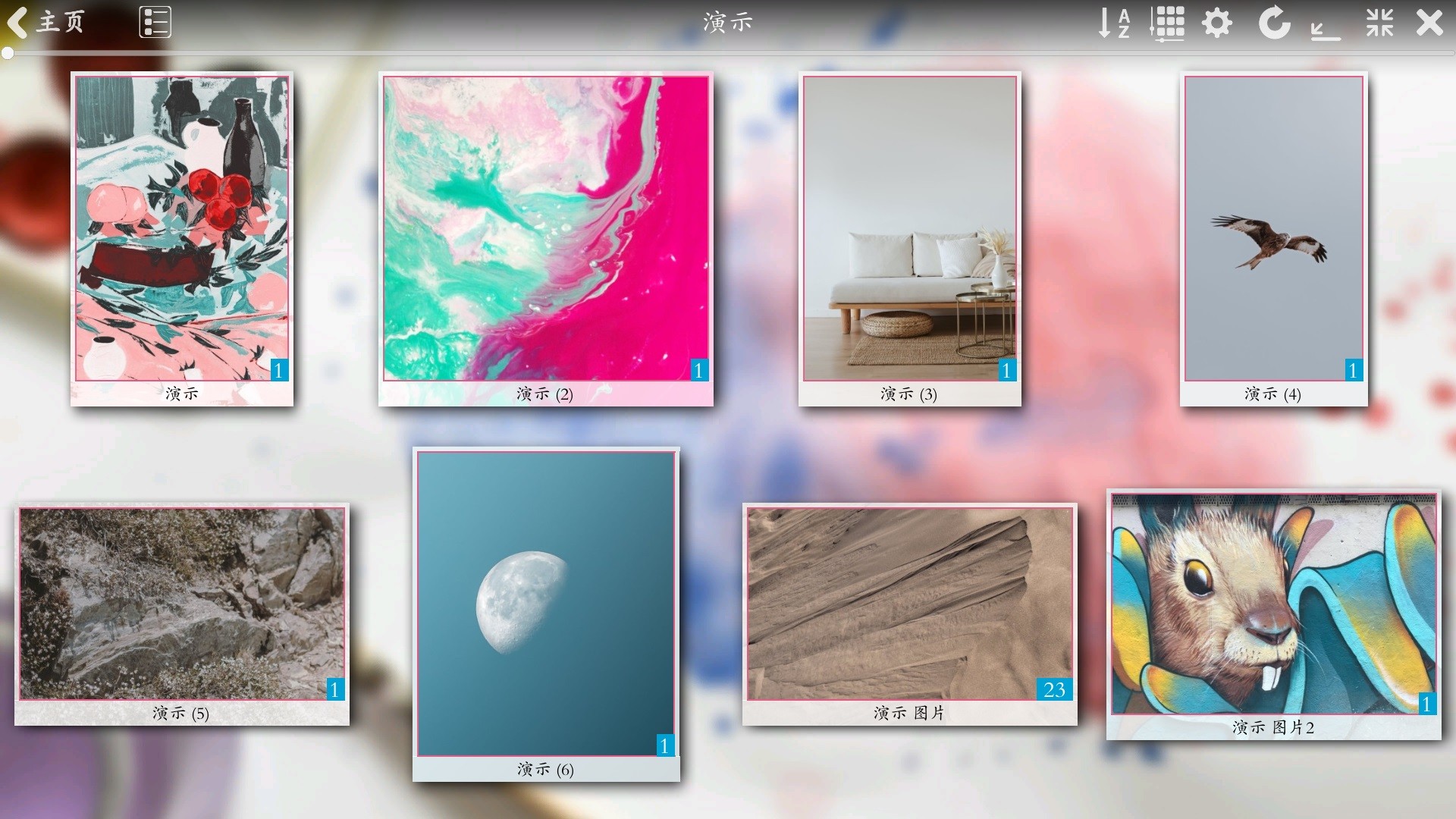
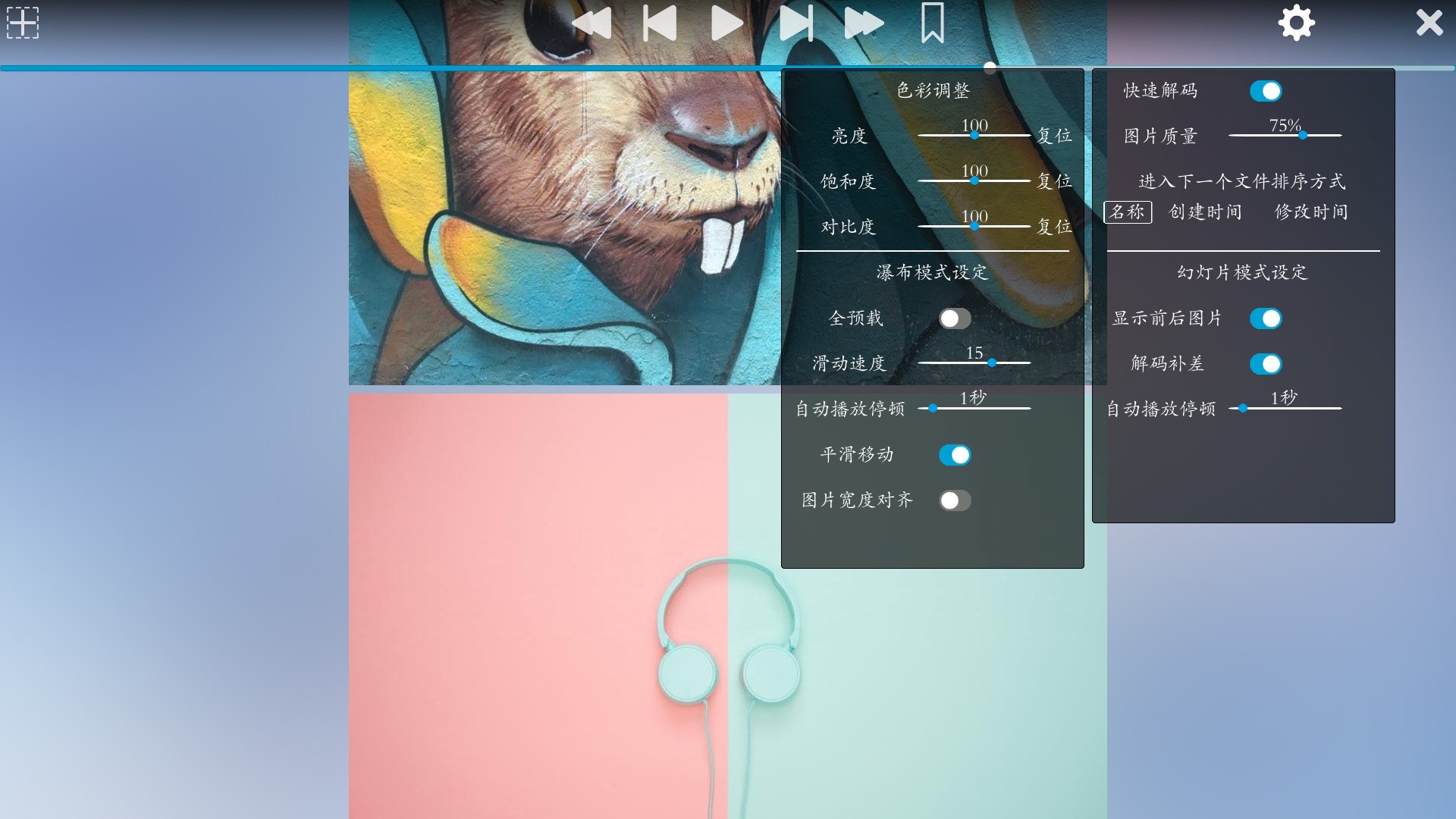
Picture wall mode: Each folder has a corresponding cover, you can choose the comics you are interested in by the cover.
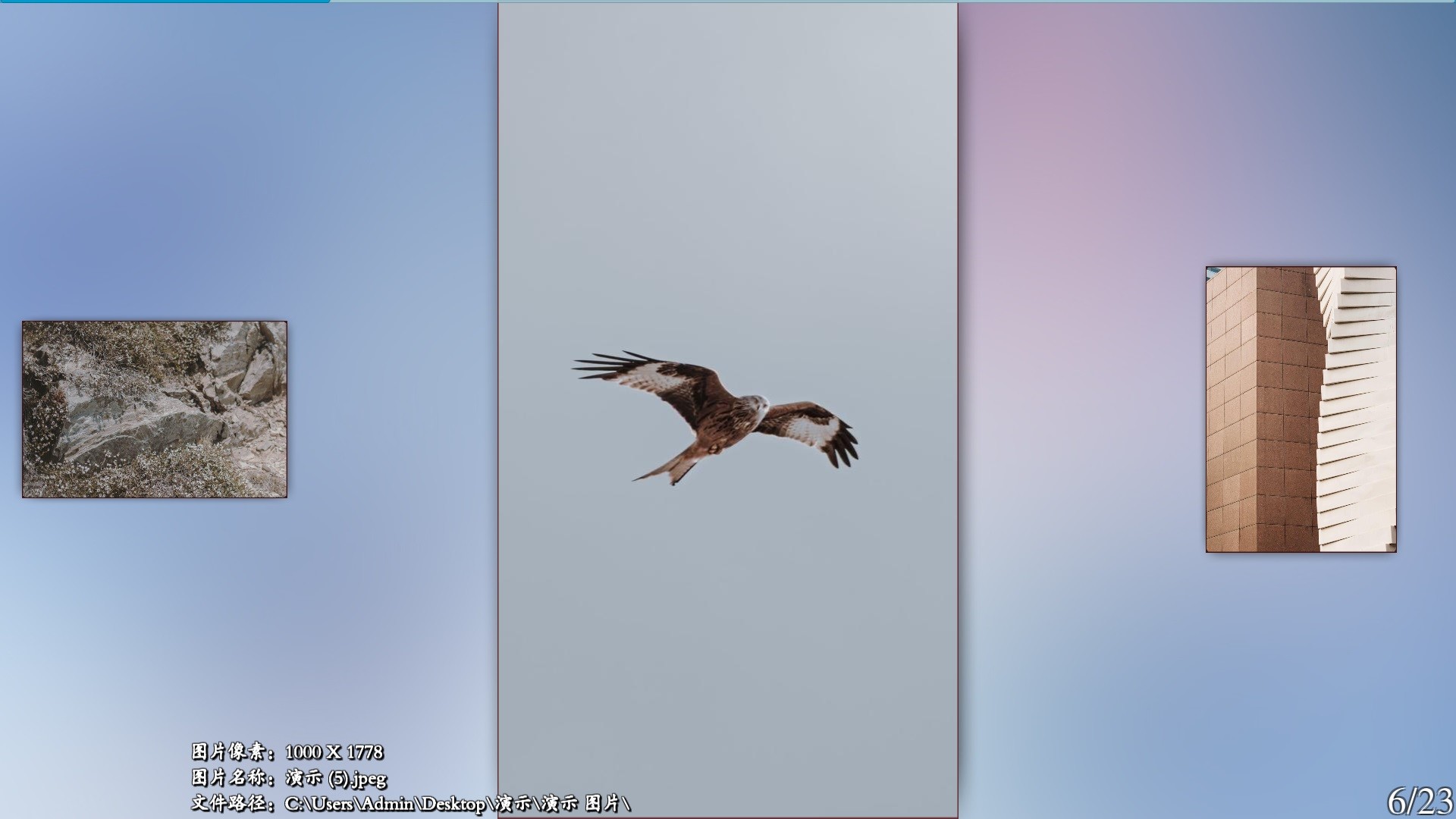
Pre-loading function: when browsing pictures, the software will silently load the following pictures.
Drop-down waterfall browsing function: After a page of pictures moves to the bottom, the next picture will be stitched in the back, and will not jump to the next page abruptly.
Auto-play function: set the speed and pause time, enable auto-play to liberate your hands.
Zoom in function: browse the picture interface, hold down the right button and scroll the wheel to zoom in on the arrow position.
Minimize the window: Press the mouse wheel or the Esc key on the keyboard to minimize the window to the taskbar.
Is a software used to manage and browse comics and pictures
Support format
Picture format: PNG, JPG, JPEG
Features
Picture wall mode: Each folder has a corresponding cover, you can choose the comics you are interested in by the cover.
Pre-loading function: when browsing pictures, the software will silently load the following pictures.
Drop-down waterfall browsing function: After a page of pictures moves to the bottom, the next picture will be stitched in the back, and will not jump to the next page abruptly.
Auto-play function: set the speed and pause time, enable auto-play to liberate your hands.
Zoom in function: browse the picture interface, hold down the right button and scroll the wheel to zoom in on the arrow position.
Minimize the window: Press the mouse wheel or the Esc key on the keyboard to minimize the window to the taskbar.
스크린샷
접속자 수
가격 정보
업적 목록
업적 정보가 없습니다.
요약 정보
스팀 리뷰
스팀 리뷰가 존재하지 않습니다.