
Table Top Turrets
Ben Shattock
2020년 9월 16일
16
조회수
0
리뷰 수
0+
추정 판매량
N/A
긍정 평가
게임 정보
| 출시일: | 2020년 9월 16일 |
| 개발사: | Ben Shattock |
| 퍼블리셔: | Ben Shattock |
| 플랫폼: | Windows |
| 출시 가격: | 5,500 원 |
| 장르: | 전략 |

링크
업적 목록
업적 정보가 없습니다.
추천 게임
Funanigans: Party Games
2020년 9월 27일

모나드의 겨울 II
2022년 1월 7일
A Dark Ice Saga: The Rescue
2020년 12월 4일
게임 소개
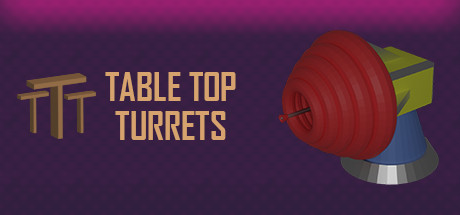
Table Top Turrets is a cartoon-style tower defence strategy game based on the imagination of a child playing a board game. Build, Upgrade, Protect!
상세 설명
Table Top Turrets is a cartoon-style tower defence strategy game based on the imagination of a child playing a board game.
Before you start a level, you must choose your difficulty:
- Easy - 20 waves - Low Health Enemies
- Medium - 40 waves - Mid Health Enemies
- Hard - 60 waves - High Health Enemies
Once you have completed a level, the button for the difficulty you have completed will turn green. If all three difficulties have been completed on a particular level, the button for that level will also turn green.
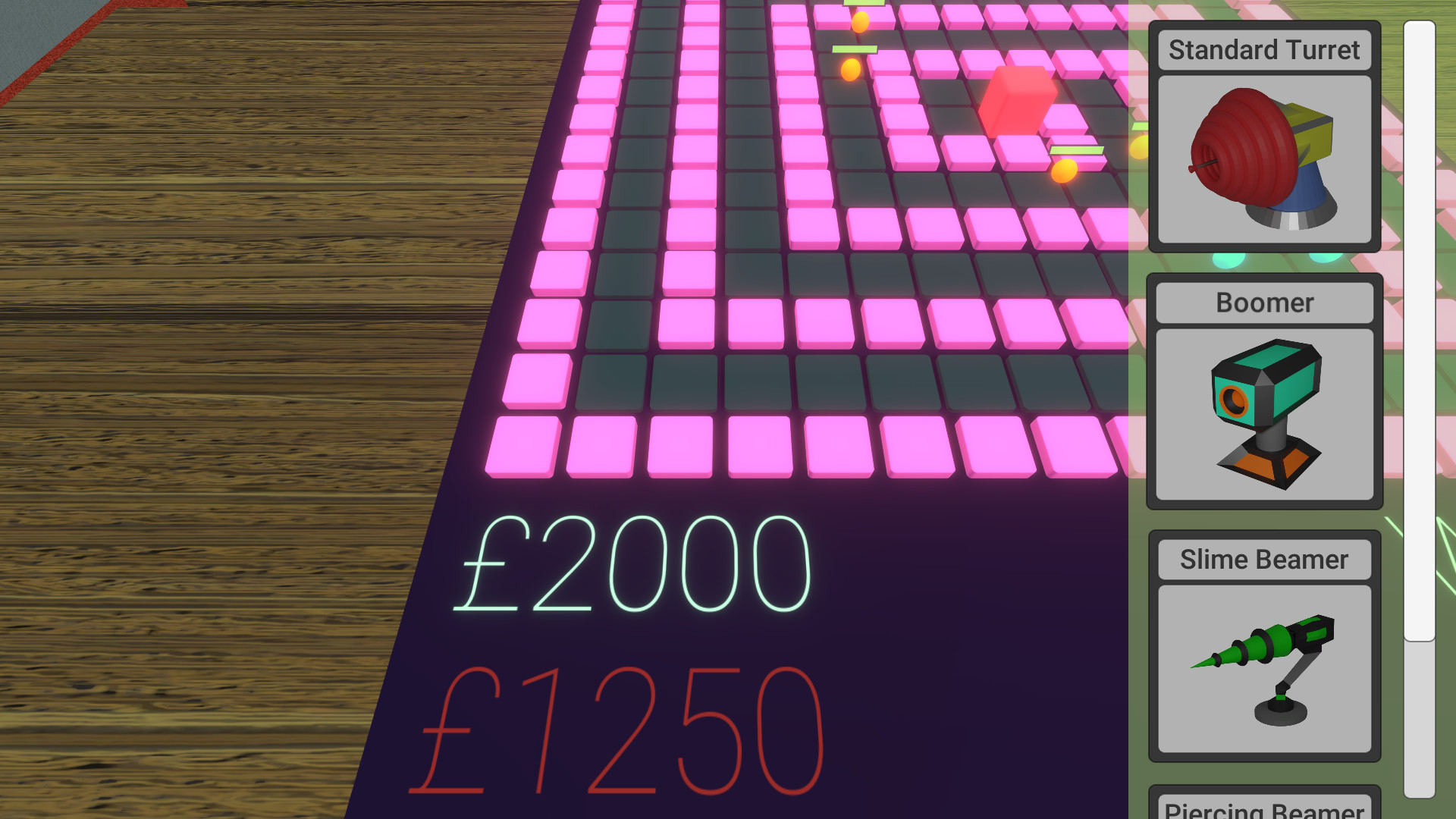
Place turrets by choosing one from the shop menu and clicking on your desired position on the grid.
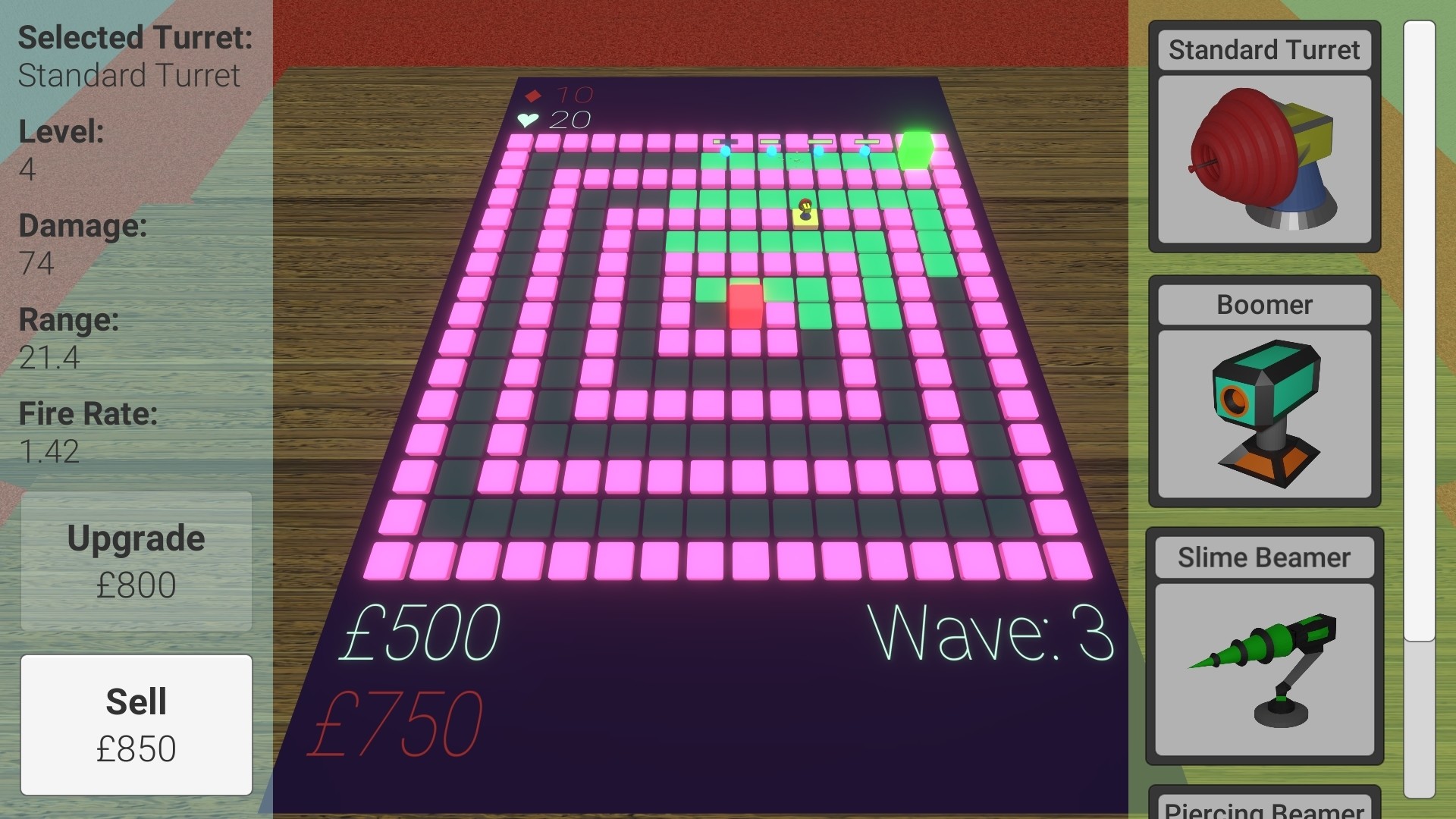
Select turrets by clicking on an already placed turret. After selection it will open the upgrade menu which is full of information, e.g. Damage. It will also show you the range of the turret on the course. You can now Upgrade, Sell or Deselect your selected turret.
Upgrade by clicking the "Upgrade" button. It will cost 30% of the initial cost multiplied by the level you are currently on.
Sell by clicking the "Sell" button. You will receive 50% of the money you spent buying and upgrading the turret.
Deselect by either clicking any empty space on the grid or selecting a different turret or building another turret.
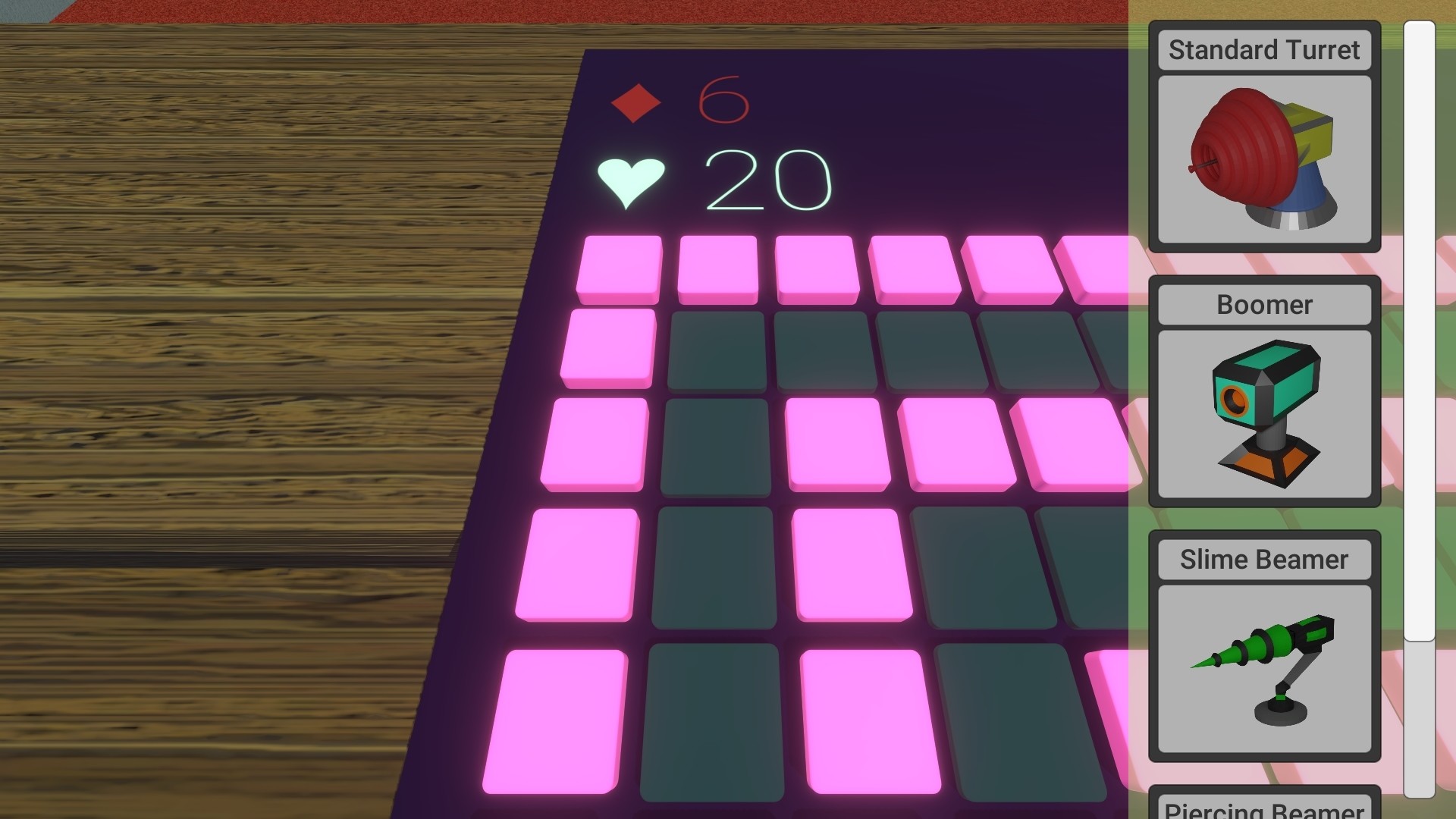
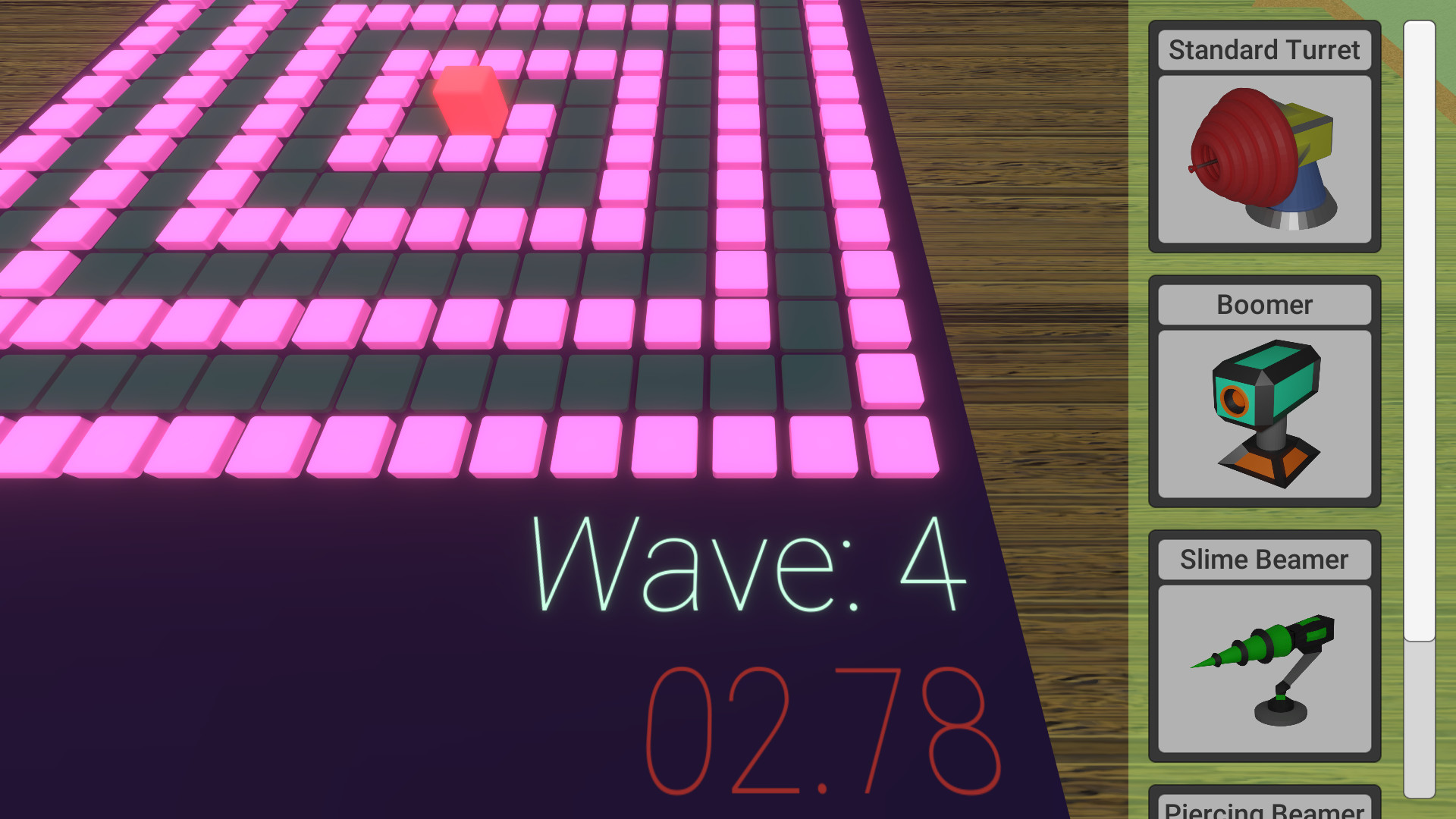
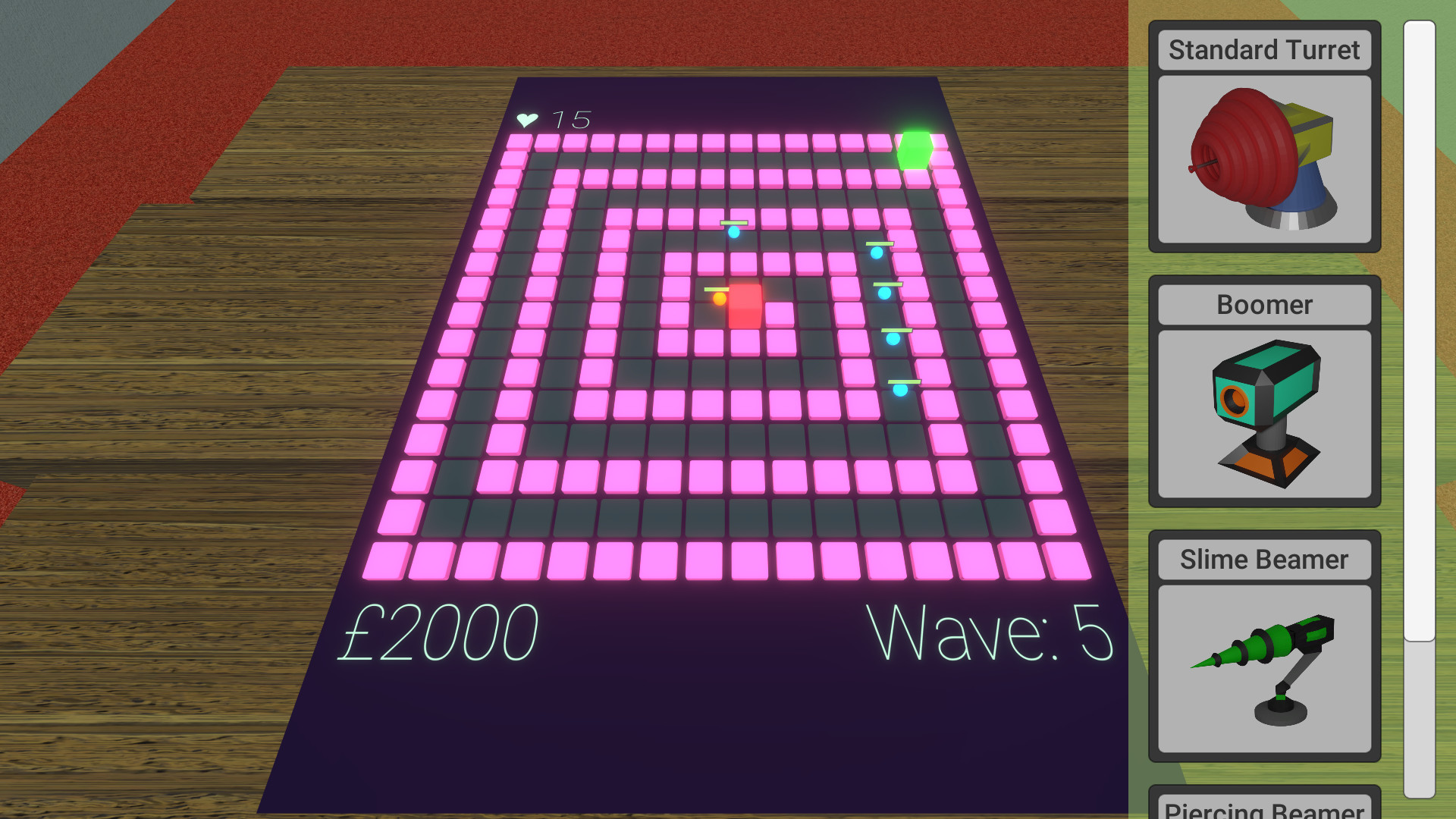
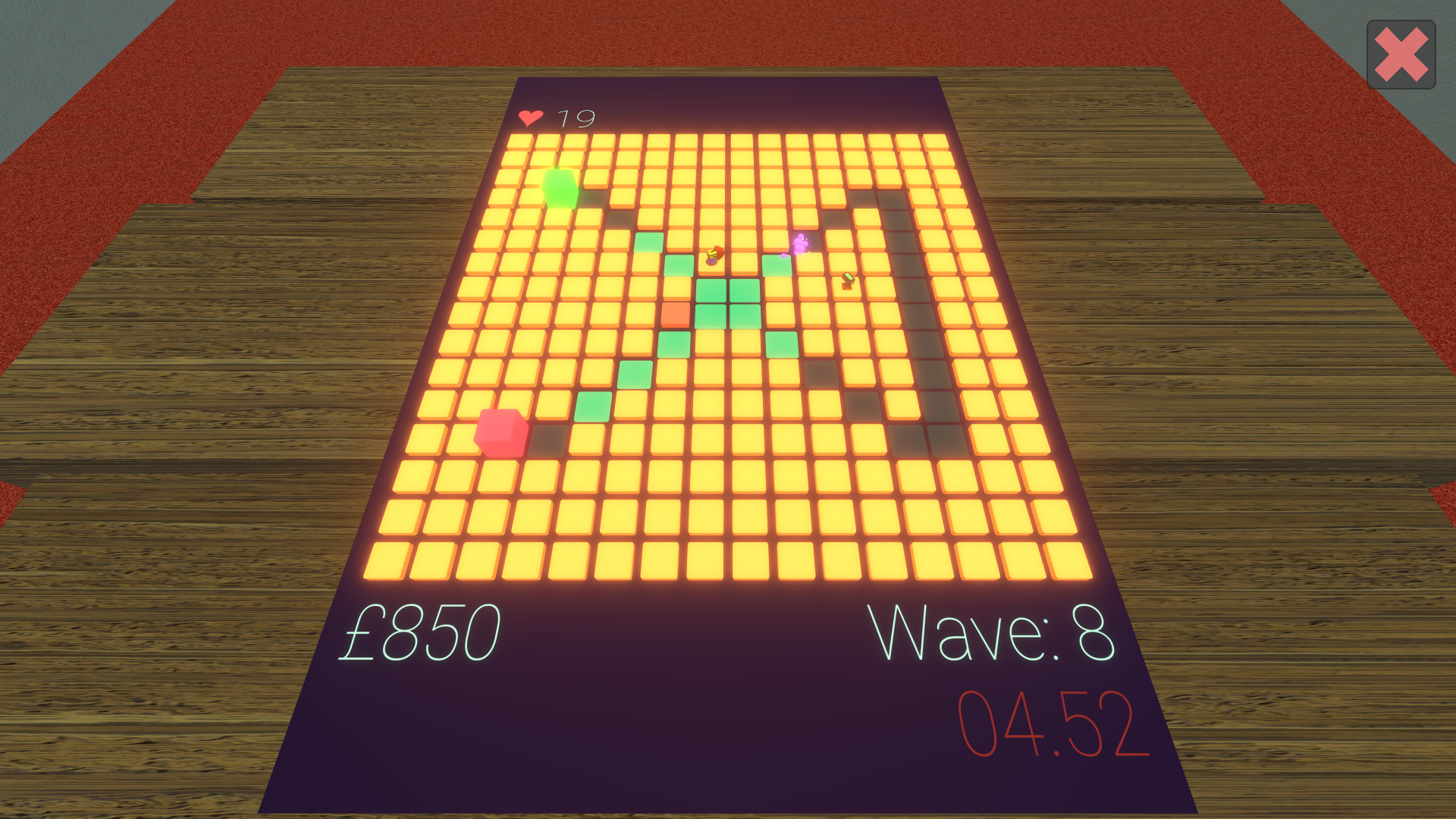
There are currently 6 pieces of information on the Game Board:
- Your current money (Green)
- The price of the turret you are hovering over in the shop menu (Red)
- The current wave (Green)
- The wave countdown timer (Red)
- Your current health (Green)
- Your remaining shield (Red)
Green information will be there permanently. Red information will only show when necessary, e.g. when counting down for the next wave.
You can also zoom in and out with the scroll wheel and move your camera around with WASD. If you zoom out, no matter where your camera has moved to, it will go back to the centre so that you can see the whole board again.
Build, Upgrade, Protect!
Before you start a level, you must choose your difficulty:
- Easy - 20 waves - Low Health Enemies
- Medium - 40 waves - Mid Health Enemies
- Hard - 60 waves - High Health Enemies
Once you have completed a level, the button for the difficulty you have completed will turn green. If all three difficulties have been completed on a particular level, the button for that level will also turn green.
Place turrets by choosing one from the shop menu and clicking on your desired position on the grid.
Select turrets by clicking on an already placed turret. After selection it will open the upgrade menu which is full of information, e.g. Damage. It will also show you the range of the turret on the course. You can now Upgrade, Sell or Deselect your selected turret.
Upgrade by clicking the "Upgrade" button. It will cost 30% of the initial cost multiplied by the level you are currently on.
Sell by clicking the "Sell" button. You will receive 50% of the money you spent buying and upgrading the turret.
Deselect by either clicking any empty space on the grid or selecting a different turret or building another turret.
There are currently 6 pieces of information on the Game Board:
- Your current money (Green)
- The price of the turret you are hovering over in the shop menu (Red)
- The current wave (Green)
- The wave countdown timer (Red)
- Your current health (Green)
- Your remaining shield (Red)
Green information will be there permanently. Red information will only show when necessary, e.g. when counting down for the next wave.
You can also zoom in and out with the scroll wheel and move your camera around with WASD. If you zoom out, no matter where your camera has moved to, it will go back to the centre so that you can see the whole board again.
Build, Upgrade, Protect!
스크린샷
접속자 수
가격 정보
업적 목록
업적 정보가 없습니다.
요약 정보
스팀 리뷰
스팀 리뷰가 존재하지 않습니다.