

15 puzzle
Vectura Games
2020년 12월 4일
2
조회수
0
리뷰 수
0+
추정 판매량
N/A
긍정 평가
게임 정보
| 출시일: | 2020년 12월 4일 |
| 개발사: | Vectura Games |
| 퍼블리셔: | Vectura Games |
| 플랫폼: | Windows |
| 출시 가격: | 무료 |
| 장르: | 캐주얼, 인디 |

링크
업적 목록
업적 정보가 없습니다.
추천 게임

게임 소개
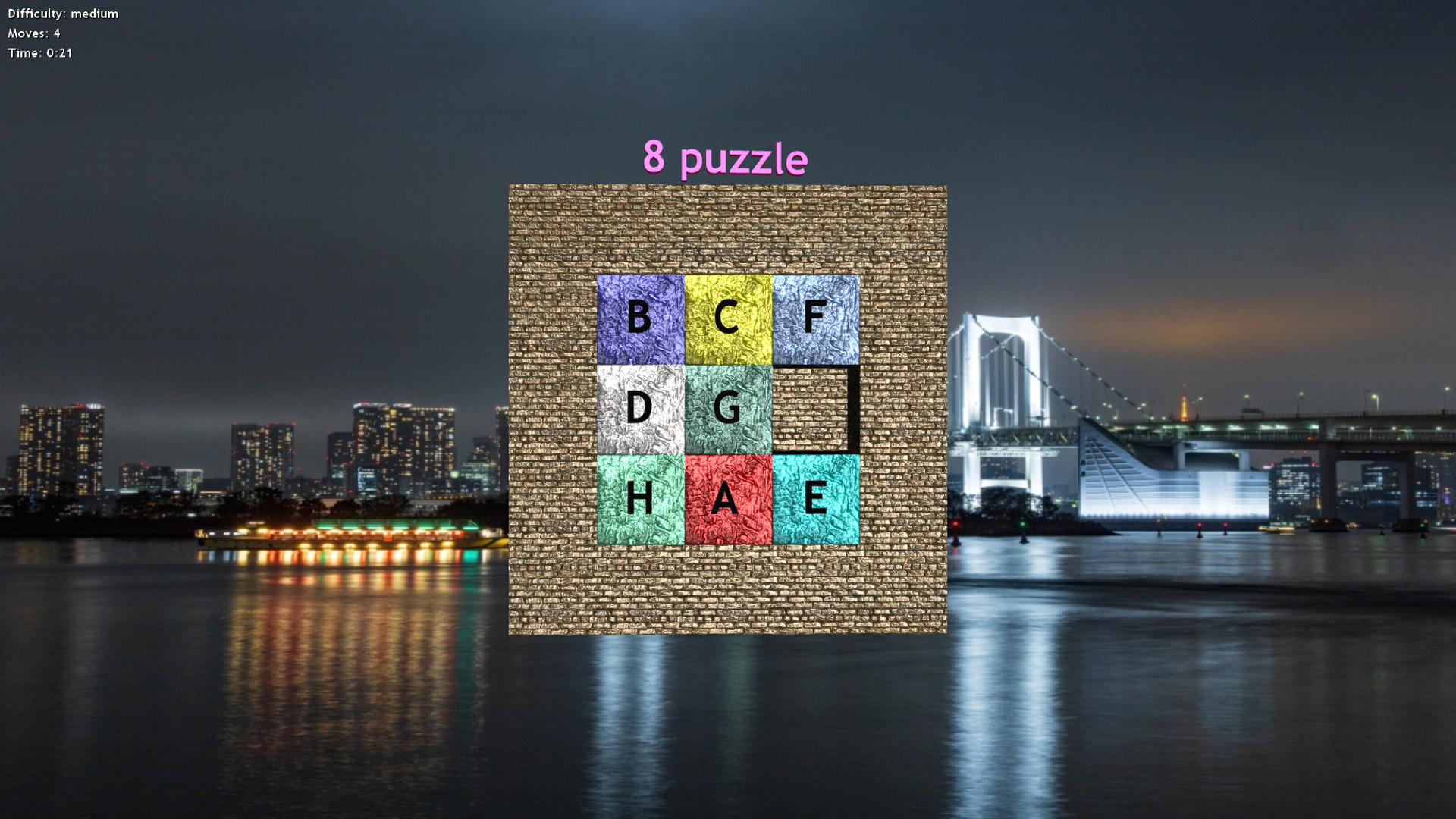
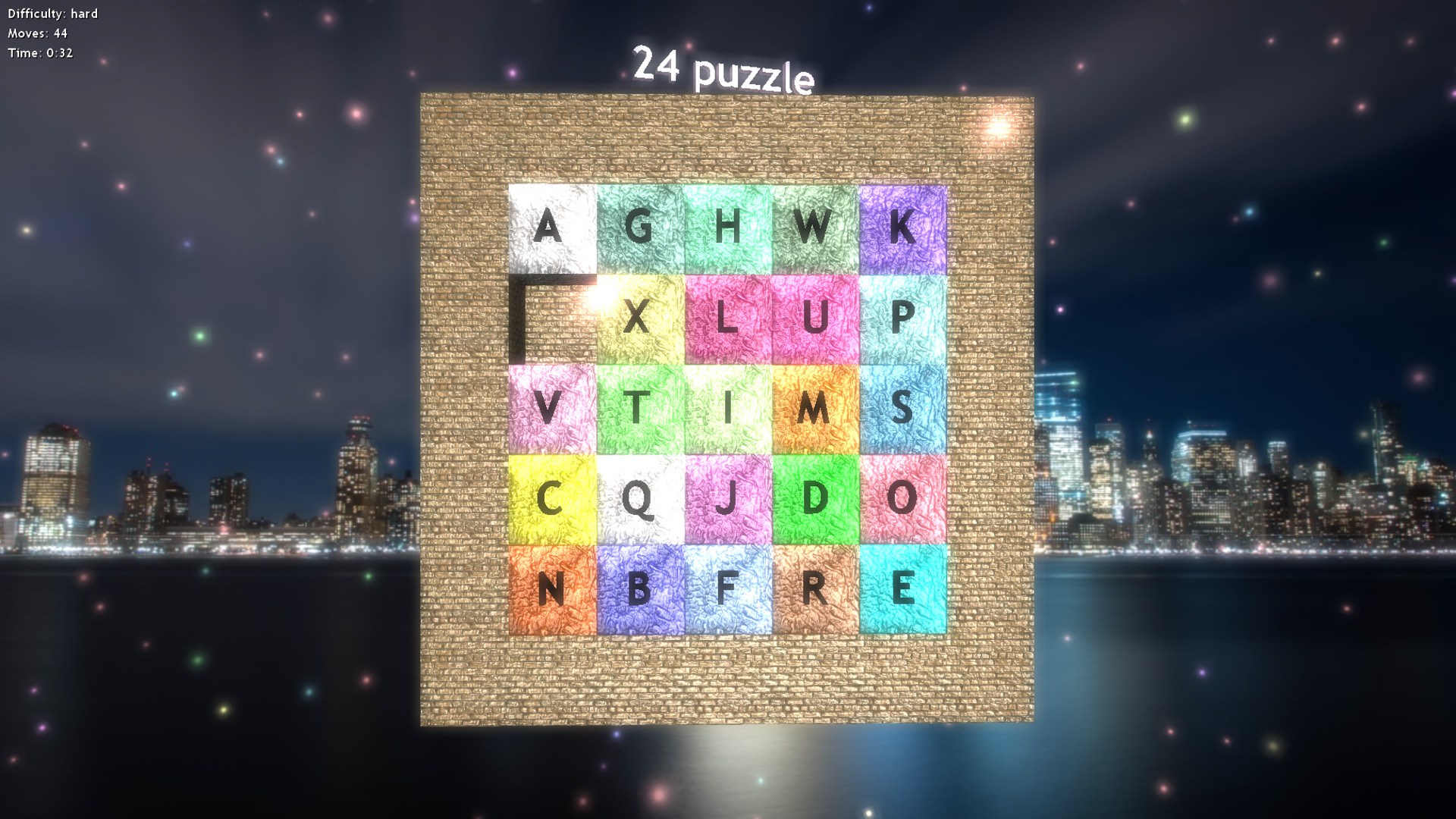
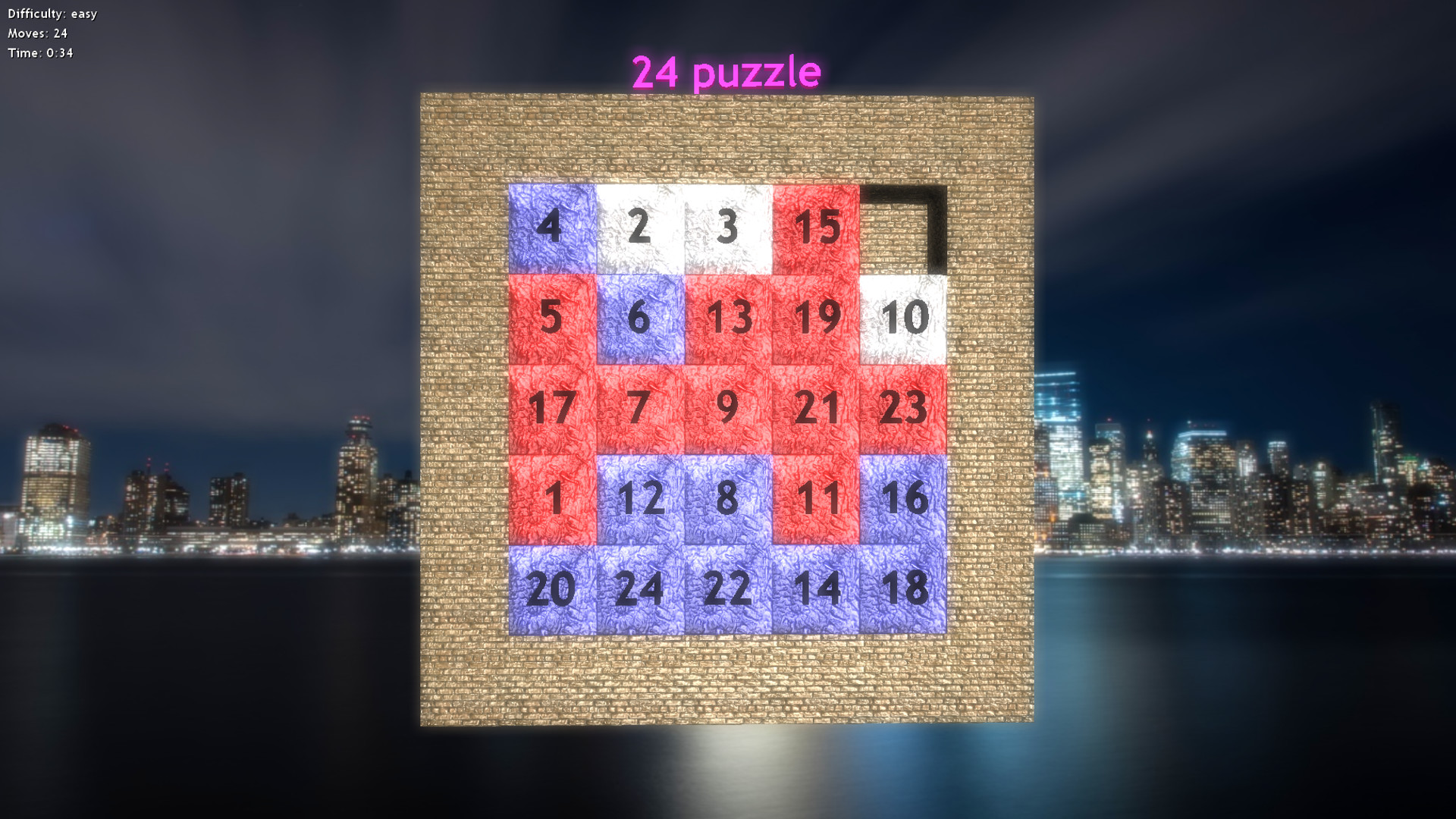
A classic game of puzzle 8 (3x3), 15 (4x4), 24 (5x5) or 35 (6x6) in which player has to move pieces on board so they are from 1 to 8, 15, 24 or 35.
상세 설명
A classic game of puzzle 8 (3x3), 15 (4x4), 24 (5x5) or 35 (6x6) in which player has to move pieces on board so they are from 1 to 8, 15, 24 or 35. Positions of pieces are generated randomly, but every generated game has a solution.
Customization:
You can use image as a puzzle - you can solve any image you add to folder textures within folder with game, but image name must be 'image.jpg', there are
no other restrictions for this image file - image can have arbitrary size, but we recommend you to use images with size ratio 1:1, because puzzle have ratio 1:1. You can use image with arbitrary ratio of course, but image will be stretched.
Issues:
For correct running of this game graphic card supporting OpenGL 3.2 or later is needed along with newest version of graphic drivers.
Controls:
For menu invocation press ESC key on keyboard.
You can rotate camera by right mouse button and zoom in/out with scrolling
mouse button.
Alt + Enter key combination will toggle between fullscreen mode.
Boxes movement methods:
mouse click - simple click with left mouse button at box and it will move
automatically to free position
mouse click & arrows - click with left mouse button at box and control it's
movement by arrow keys on keyboard
arrows - move boxes with arrow keys on keyboard
arrows inverted - move boxes with arrow keys on keyboard in inverted directions
Customization:
You can use image as a puzzle - you can solve any image you add to folder textures within folder with game, but image name must be 'image.jpg', there are
no other restrictions for this image file - image can have arbitrary size, but we recommend you to use images with size ratio 1:1, because puzzle have ratio 1:1. You can use image with arbitrary ratio of course, but image will be stretched.
Issues:
For correct running of this game graphic card supporting OpenGL 3.2 or later is needed along with newest version of graphic drivers.
Controls:
For menu invocation press ESC key on keyboard.
You can rotate camera by right mouse button and zoom in/out with scrolling
mouse button.
Alt + Enter key combination will toggle between fullscreen mode.
Boxes movement methods:
mouse click - simple click with left mouse button at box and it will move
automatically to free position
mouse click & arrows - click with left mouse button at box and control it's
movement by arrow keys on keyboard
arrows - move boxes with arrow keys on keyboard
arrows inverted - move boxes with arrow keys on keyboard in inverted directions
스크린샷



접속자 수
가격 정보
업적 목록
업적 정보가 없습니다.
요약 정보
스팀 리뷰
스팀 리뷰가 존재하지 않습니다.