

게임 정보
| 출시일: | 2021년 1월 5일 |
| 개발사: | Eduard Kozadaev |
| 퍼블리셔: | Eduard Kozadaev |
| 플랫폼: | Windows |
| 출시 가격: | 8,900 원 |
| 장르: | 액션, 교육, 소프트웨어 교육, 유틸리티, 동영상 제작 |

업적 목록





추천 게임


게임 소개
Create unique crosshairs for any game! Choose from many built-in crosshairs or download from the Steam Workshop, and create your own. User-friendly interface, anti-cheat compatible. Customize your gaming experience!
Add your crosshair to any game! You can use a crosshair from the set of pre-built images, create your own in our image editor or crosshair generator, or choose one of the crosshairs created by our community.
Features
Rendering | HudSight can use the traditional technique using Hooks, as well as secure ways via Microsoft Game Bar extension or our Real Overlay technique.
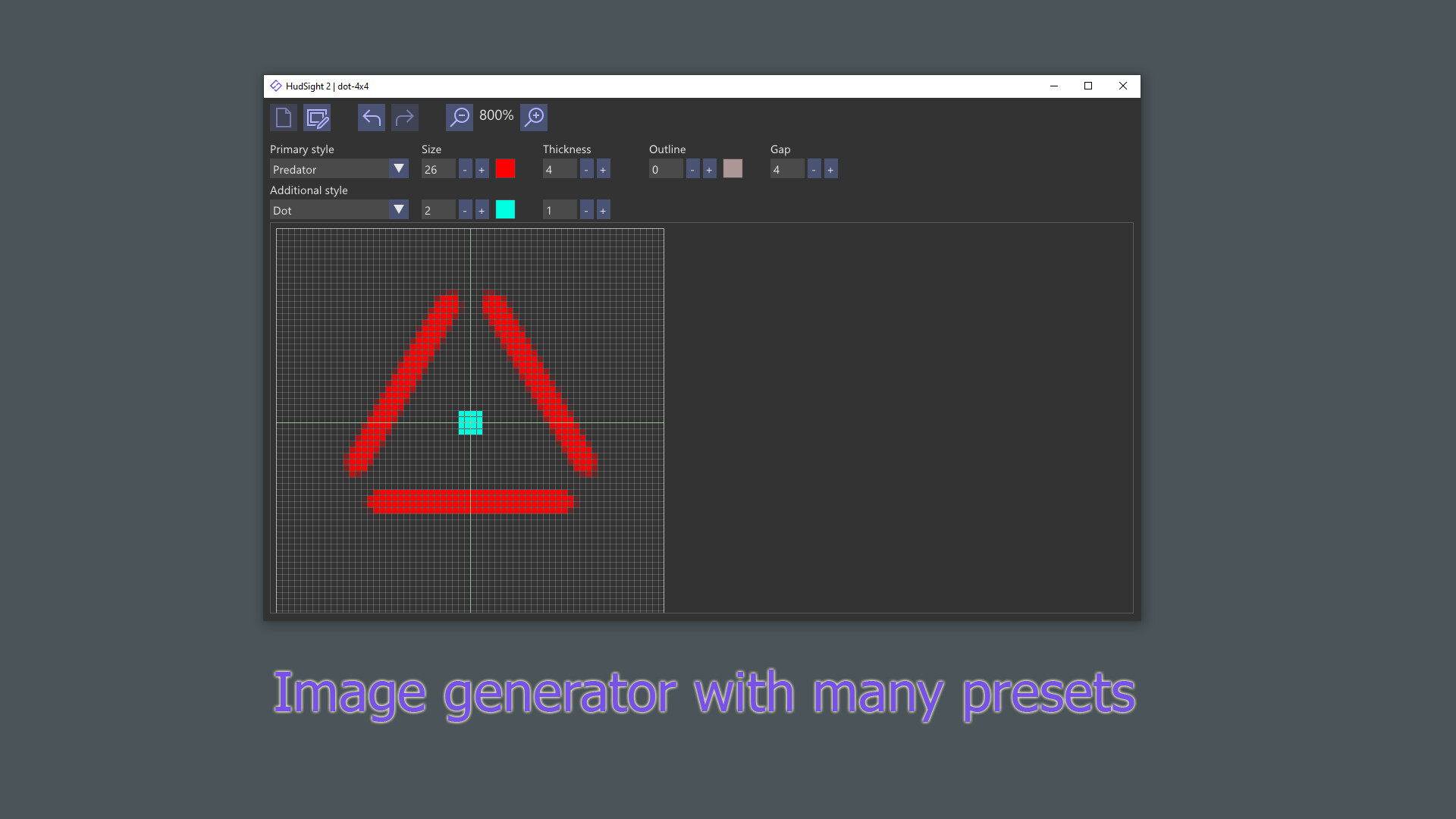
Generator | By adjusting various parameters in the crosshair generator you can quickly create your unique crosshair.
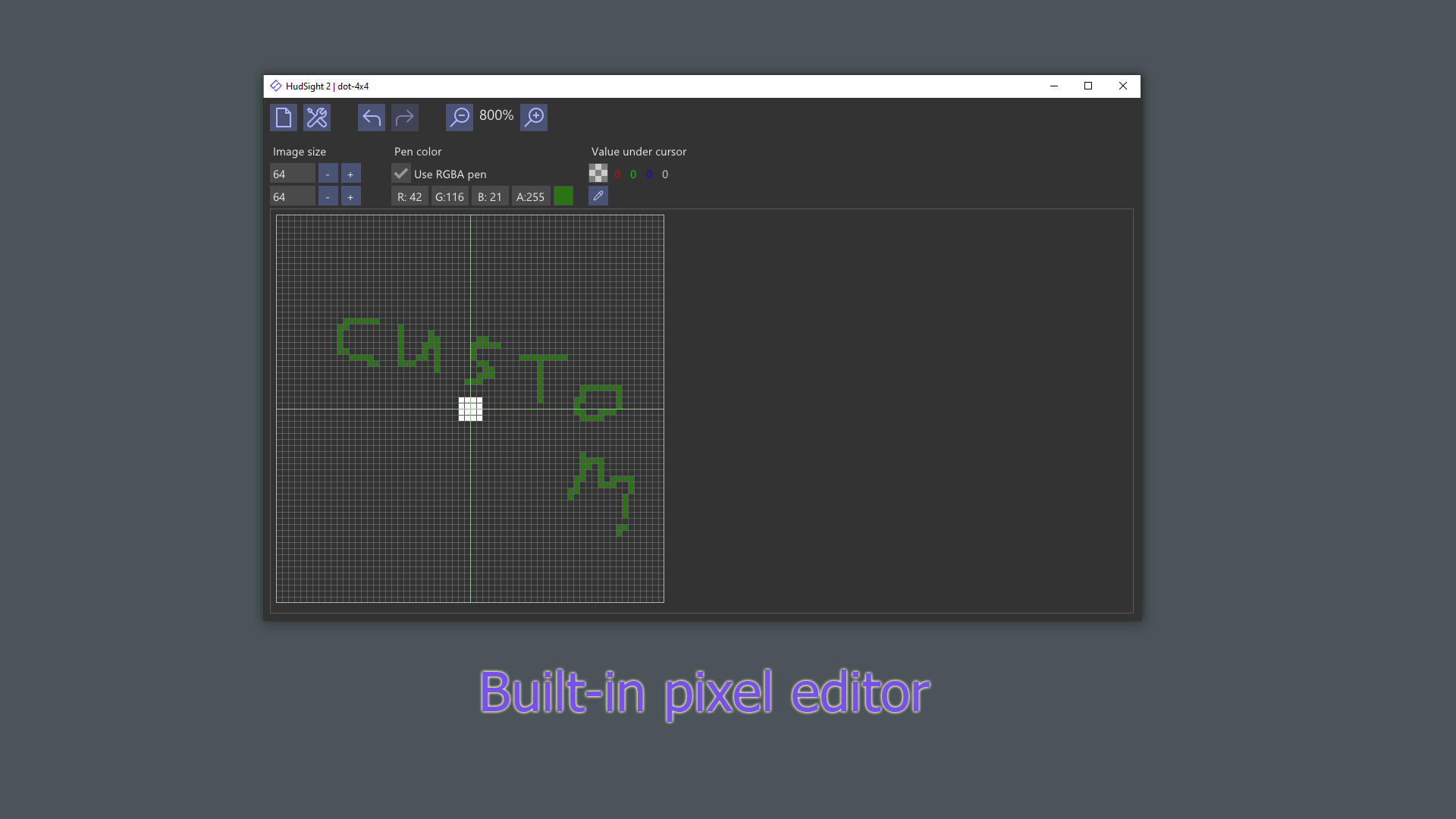
Image Editor | The raster (pixel) editor allows you to draw any unusual crosshair.
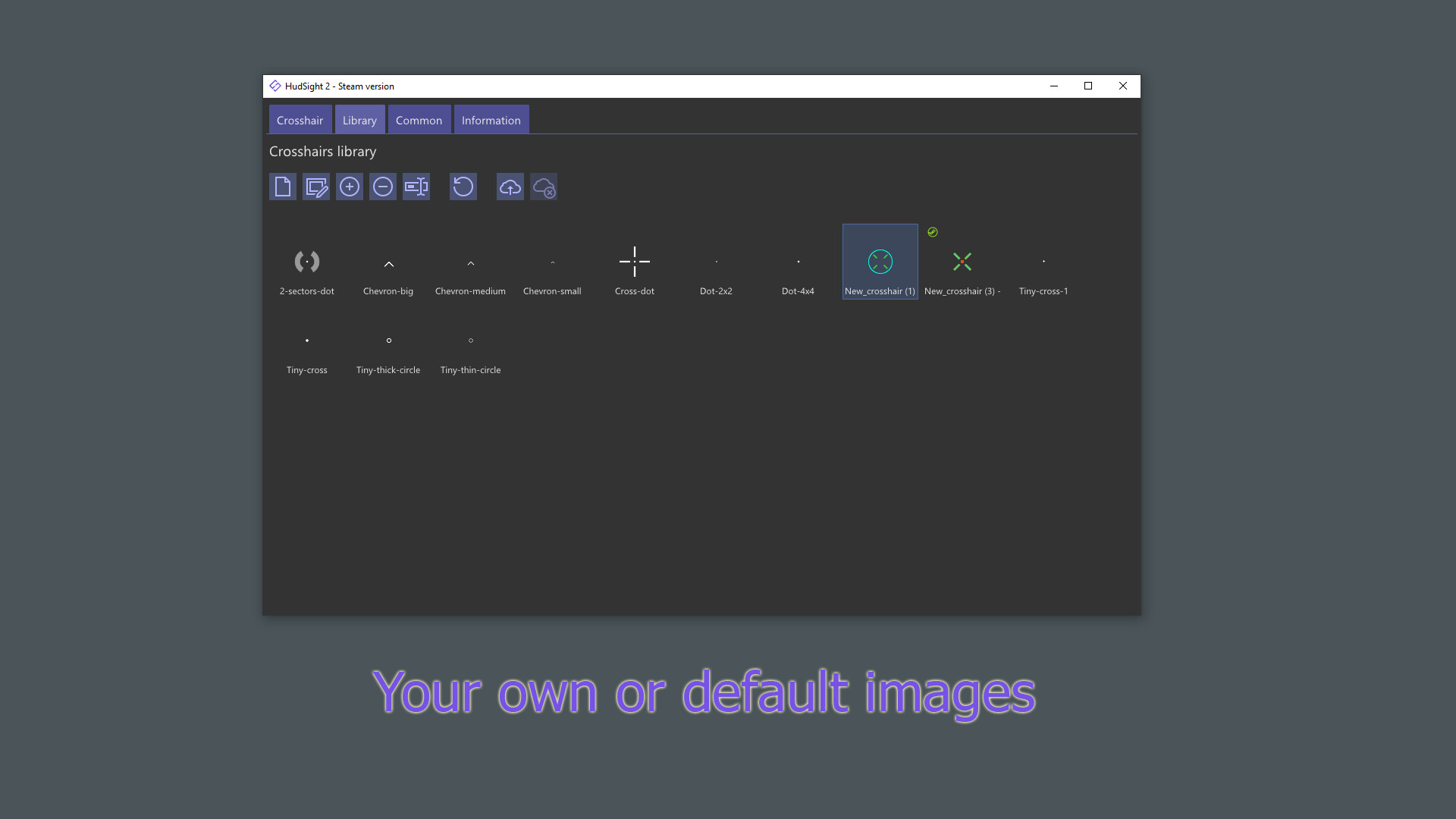
Images | Import any image from your disk to use as a crosshair.
Workshop | Use crosshairs created by the Steam community, or share your own.
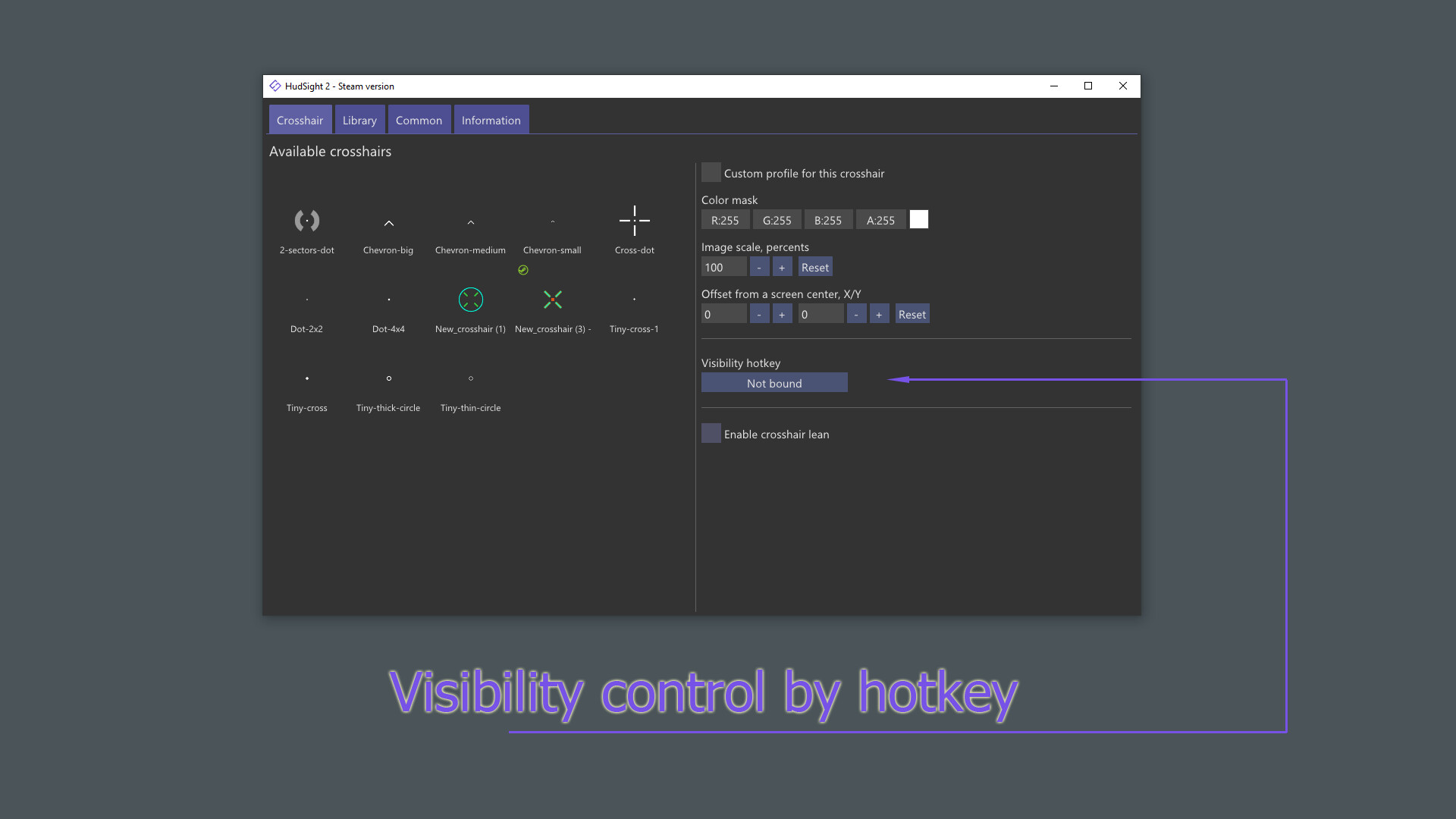
Multi-crosshair | Use key bindings for quick switching between crosshairs or toggling crosshair visibility.
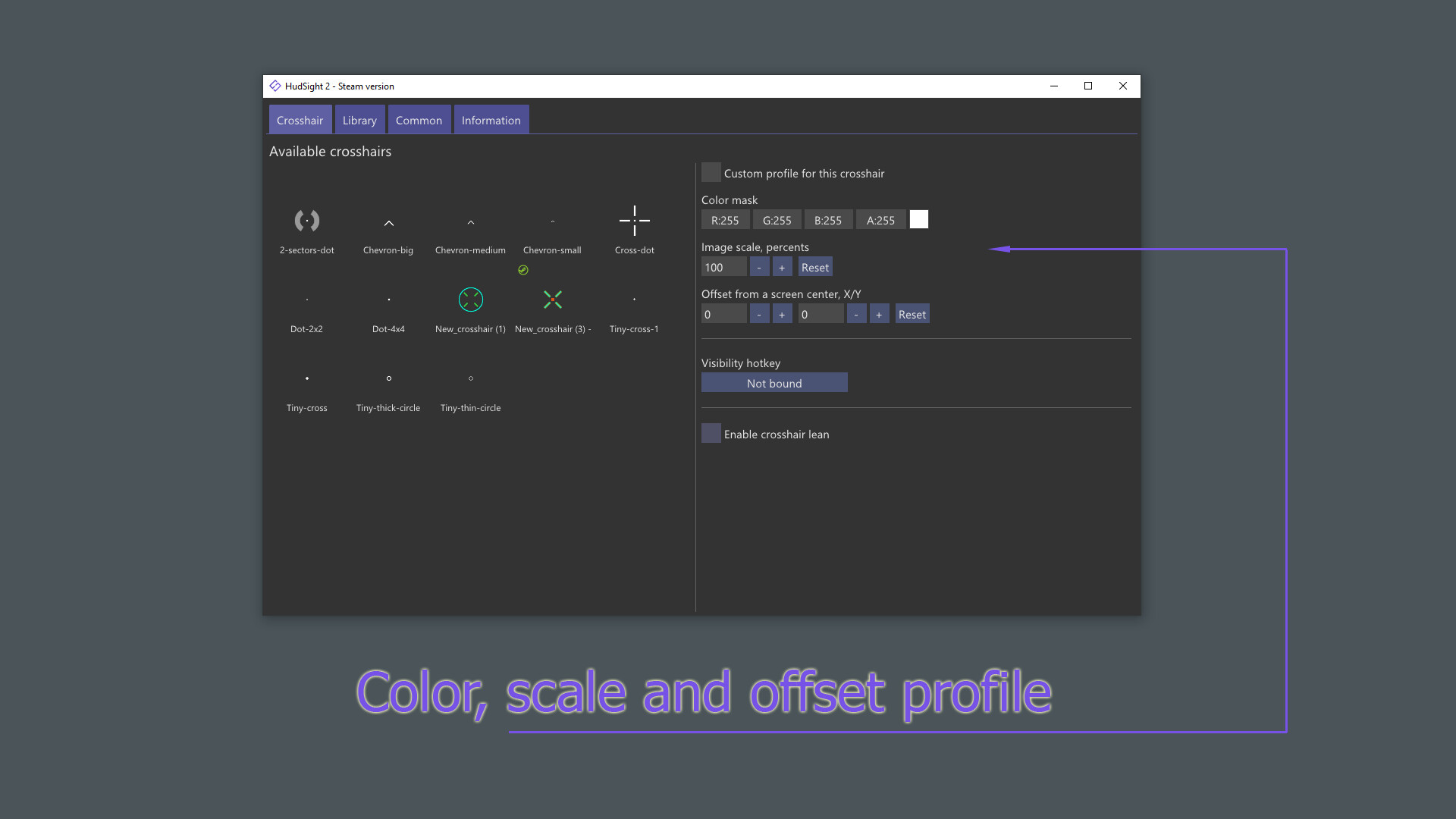
Offset, scale, lean | Set the offset relative to the center of the screen, as well as the scale or tilt for each crosshair.
Core feature of our software is a unique overlay rendering technique which is applicable both for full screen exclusive and windowed modes. Every gamer knows that playing in full screen mode offers maximum performance and minimal input lag. However, there is a problem with common "on top" overlay tools - they cannot work in the exclusive full screen mode. HudSight solves this problem by allowing you to add overlays even in full screen games!
Moreover HudSight has special overlay rendering ability using its own Microsoft Game Bar extension. This is more safe technique in the case of games (anti-cheats) that are too afraid of hooks. Don't you like Game Bar? Use our Real Overlay mode to draw overlays "as Game Bar" but without Game Bar.
HudSight supports games based on DirectX 9, 10, 11, 12, OpenGL and Vulkan graphics. 32 and 64-bits games are welcome on Windows 10/11.
스크린샷
접속자 수
가격 정보
예측 판매량
9,075+
개
예측 매출
80,767,500+
원
업적 목록
요약 정보
스팀 리뷰 (89)
러스트 할때 좋아
This software makes me aimbot.
에임 커스터마이징도 지원하고 우클릭하면 조준점 사라지게 할 수도 있어서 여러모로 기능성이 좋긴한데 막상 인게임 상에서 사용하면, 미세한 스터터링 생김. (리얼 오버레이 모드는 미세한 수준이지만, 엑박 게임바 모드는 더 심해짐.) 4090기반 세팅이라 하드웨어 성능상 문제는 전혀 아니고 프로그램 자체 문제같음. 스나세팅 써야 해서 사용해보려고 했는데, 너무 아쉽다..
cross x 환불하고 갈아타길 잘한듯. 별다른 세팅없이 전체화면 적용. 프로그램별로 적용가능해서 모니터 자체에 도트내장되있는거 쓰는것보다 세상 편함. 도트커마도 잘 되있는듯 개강추.
에임이 원래 좋은 사람은 더 좋아지고 에임이 안 좋은 사람은 조금 나아집니다 단점은 이거 없으면 기분이 이상합니다.
가운데 조준점 없어서 못 맞춘다고 핑계댈때 추천해주면 좋을거같아요.
이거 없이는 못하는 게임들이 몇개있음 메타 크리틱 90점의 CD PR DLC 같은 존재
이 프로그램을 설치하고 디비전 활동이 한결 편해졌습니다
솔직히 조준선 생겨서 지금은 쓸모없음
쌈뽕한 크로스헤어와 함께 한다면 당신도 힙스터 가능
hey developer . this not even show up in my screen . what is wrong? this program is busted?
이야@ 마싰따@ 근데 왜 한글 지원안함? 개발자님 집 찾아가기전에 빨리 한글 지원만드세요.
크로스헤어없는 FPS할때 치트키
고것은 매우 재미있는
러스트 한정 맛있다
7500원 주고 모니터에 점찍기
무료 찾다가 개고생 하다가 정착함
생각보다 나쁘지않음
붑뷁볾뿝뼭
너무잘만듬
good
The best ever
ㅇㅅㅇ
GOAT
좋아요
개죻아
For RUST
쓰셈
굿
fgdsg
asdf
.
굳
like
좋아요.
+99999999999999999999999999999999 AIM
plz hudsight 2 is crashed! please send hudsight.txt lod file with hudsight2minidump.dmp file from mydocuments folder to support team
very easy to use, but image output is kinda fade in some case by case. hopes be get much better within update by update later.
굳
hudsight2 is crashed! please send hudsight2.txt log file with hudsight2minidump.dmp file from mydocuments folder to support team 이라고 뜨고 실행이안되는데 어떻게해야하나요?
돈이 전혀 아깝지 않은 베리 굿한 앱
Very Useful
GOAT
asdasd
호환성 개좆구리고 에러많음 올드번전은 정상적임
굿
러스트 할때 쓰면 좋음 ㅠ
best
good
best game
켜기만해도 크래쉬 뜨는 사람들 참고: 한국어와 중국어 로컬라이제이션은 기본 폰트의 텍스처 크기가 훨씬 커서, 기본 폰트 크기인 18이 너무 크게 설정되어 있습니다. 이로 인해 프로그램이 크래시가 발생할 수 있습니다. 영어로 프로그램을 실행한 후 폰트 크기를 예를 들어 14로 줄여야 합니다. 또는, config.ini 파일에서 직접 수정할 수도 있습니다. 해당 파일은 다음 경로에 있습니다: C:\ProgramData\HudSight 2\config.ini (같은 ProgramData - HudSight 2 폴더 내)
한국인들 실행 안되고 ㅈ같으면 Start old HudSight v1 이걸로 실행해 이건 잘 되니까 근데 단점이 한글이 안돼서 쓰고 싶으면 유튜브에 검색해 봐 상세하게 잘 나와
굿
잘못만들어진건지 계속 오류라고뜸 ㅡㅡ
GOOD
a
.
굿
:>
러스트 필수
돈주고 샀는데 켜지지가 않냐
nc crosshair hud
crashe
GOODF
주로 레포데2 플레이할 때 사용하고 있는데 깔끔하고 커스텀 가능해서 편리하고 잘 사용 중임.
hudsight 실행하면 조준점 바꾸는 창이 안나오고 그냥 조준점만 떡하니 띄어주는데 이거 고치는 법이 어딜가도 없냐 이거 아시는분 있음? 댓글좀 ㅈㅂ 미치겠음 진짜
굳
배그 전체화면에서 무반응
doesnt work not working good app but not working
ㅉ
잘쓰면 쓸만함
에임 핵
"In my dual monitor setup, the crosshair is only appearing on the secondary monitor. How can I resolve this so it shows up on the primary monitor? Note that I have already fixed the startup error."
써보려고 씨름하는데 절대 안켜짐
잠깐 깜빡이고 꺼지시는분들 오른쪽 밑에 숨겨진 앱에 켜져있는데 못보시는 경우 많습니다 +추가 팁 한국어로 바꾸시고 글꼴 14정도 추천 (제가 이렇게 사용하는데 전체화면, 창 없는 창모드 다 가능합니다) 허드사이트 듀토리얼: https://www.youtube.com/watch?v=TIrhkmWtRfU
ASDEF
사양도 적당하고 필요한 기능만 들어있어서 잘 사용하고 있습니다.\ 이번 엡데이트 이후로 전에는 설치프로그램을 스팀 실행 없이 직접 실행하면 바로 실행되었는데 스팀 활성화를 요구합니다. 시스템 점유율을 고려해서 선택한 프로그램이 실행시키려면 스팀이 필요한게 불편합니다.
한 일주일썻는데 지금은 배그에서 프로그램만 켜지고 조준점안나와서 못쓰는중 돈날림 지금은 프로그램도 hudsightApp64.exe 뭐이딴오류뜨면서 안켜짐
카배는 잘안됨 관리자권한으로실행하세요
good
sad
아니 겜껏다키면 왜자꾸 꺼져여 짜증나게
야르
이제 펍지에서 사용못한다고 하던데 진짜임?
ee
123123131312
1
이런 이 tlqkf 거지같은거 에러 ㅈㄴ 뜨네