
Patchwork Image
Dmitry Uvarov
2021년 5월 26일
11
조회수
0
리뷰 수
0+
추정 판매량
N/A
긍정 평가
게임 정보
| 출시일: | 2021년 5월 26일 |
| 개발사: | Dmitry Uvarov |
| 퍼블리셔: | Octogames |
| 플랫폼: | Windows |
| 출시 가격: | 1,100 원 |
| 장르: | 캐주얼, 인디 |

업적 목록
업적 정보가 없습니다.
추천 게임

RPG Maker MZ - Tyler Warren RPG Battlers - 2nd 50
2021년 4월 29일

RPG Maker MZ - Heroine Character Pack 1
2021년 4월 29일

Matthew: Last Journey
발표 예정
게임 소개
Patchwork Image - is a logical educational game that develops logic and imagination, where you have to collect patterns of different levels of complexity from geometric shapes of different shapes and sizes.
상세 설명
Patchwork Image - is a logical educational game that develops logic and imagination, where you have to collect patterns of different levels of complexity from geometric shapes of different shapes and sizes.
The game consists of 35 levels, from the simplest to the most difficult.
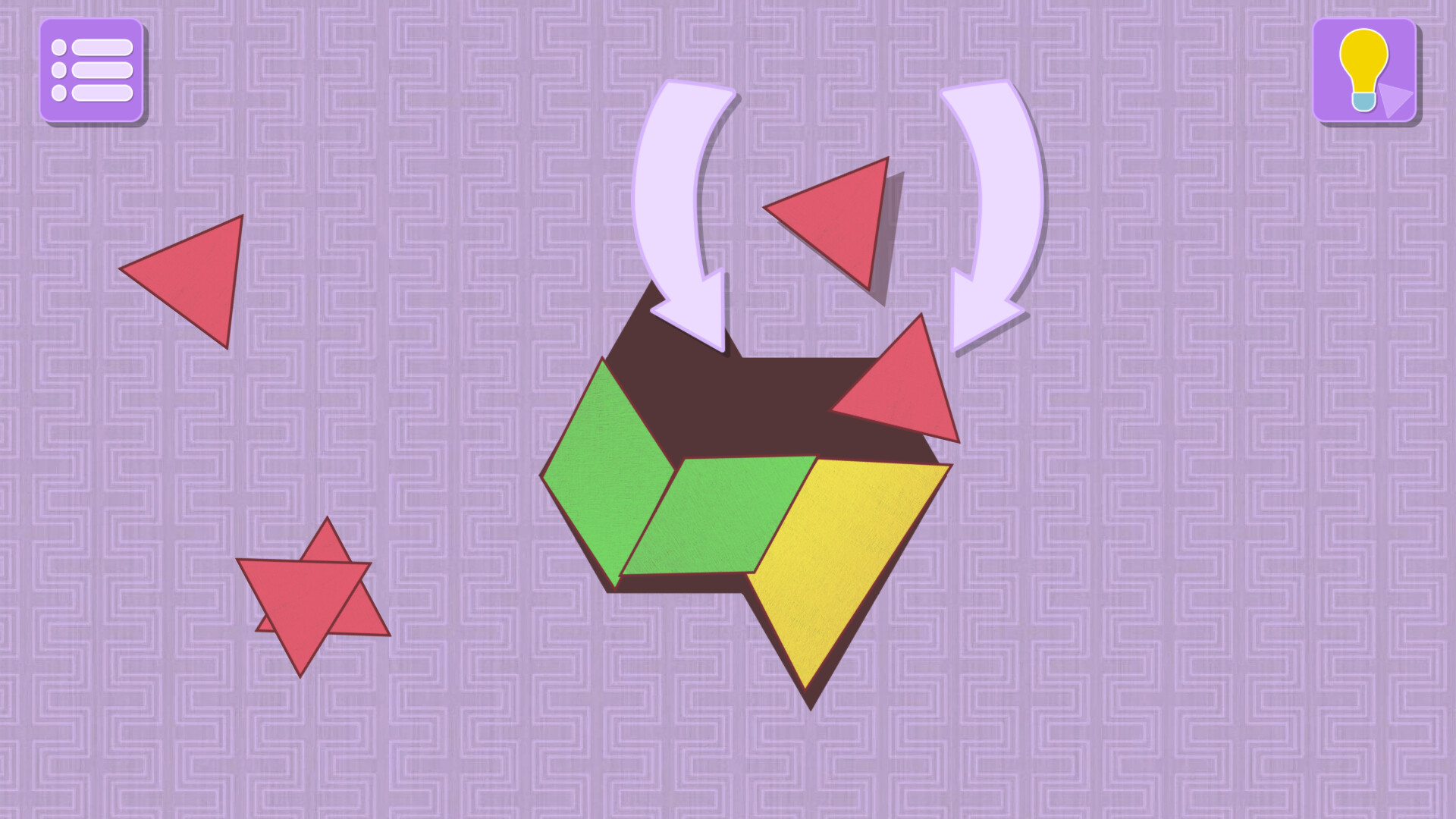
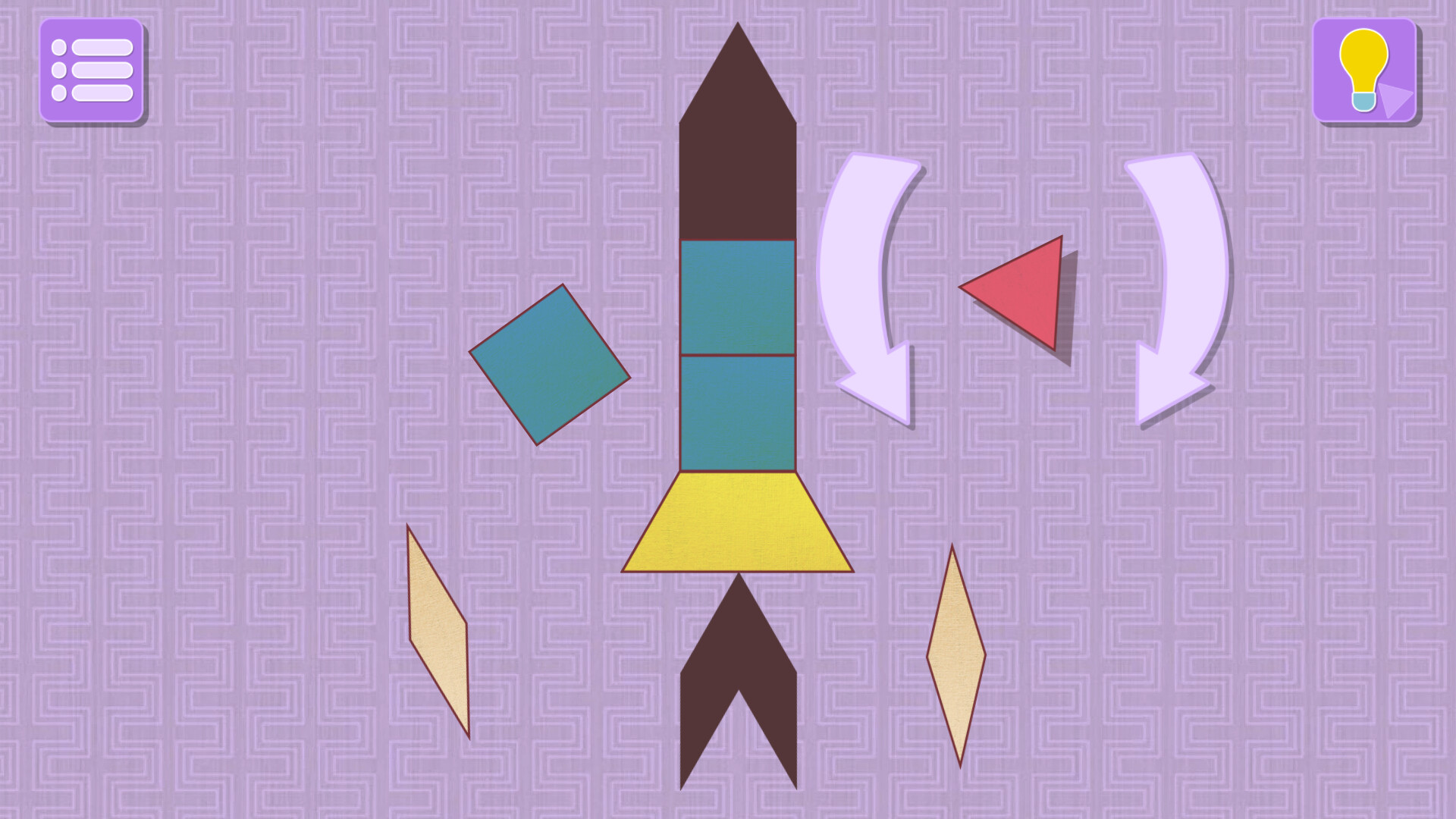
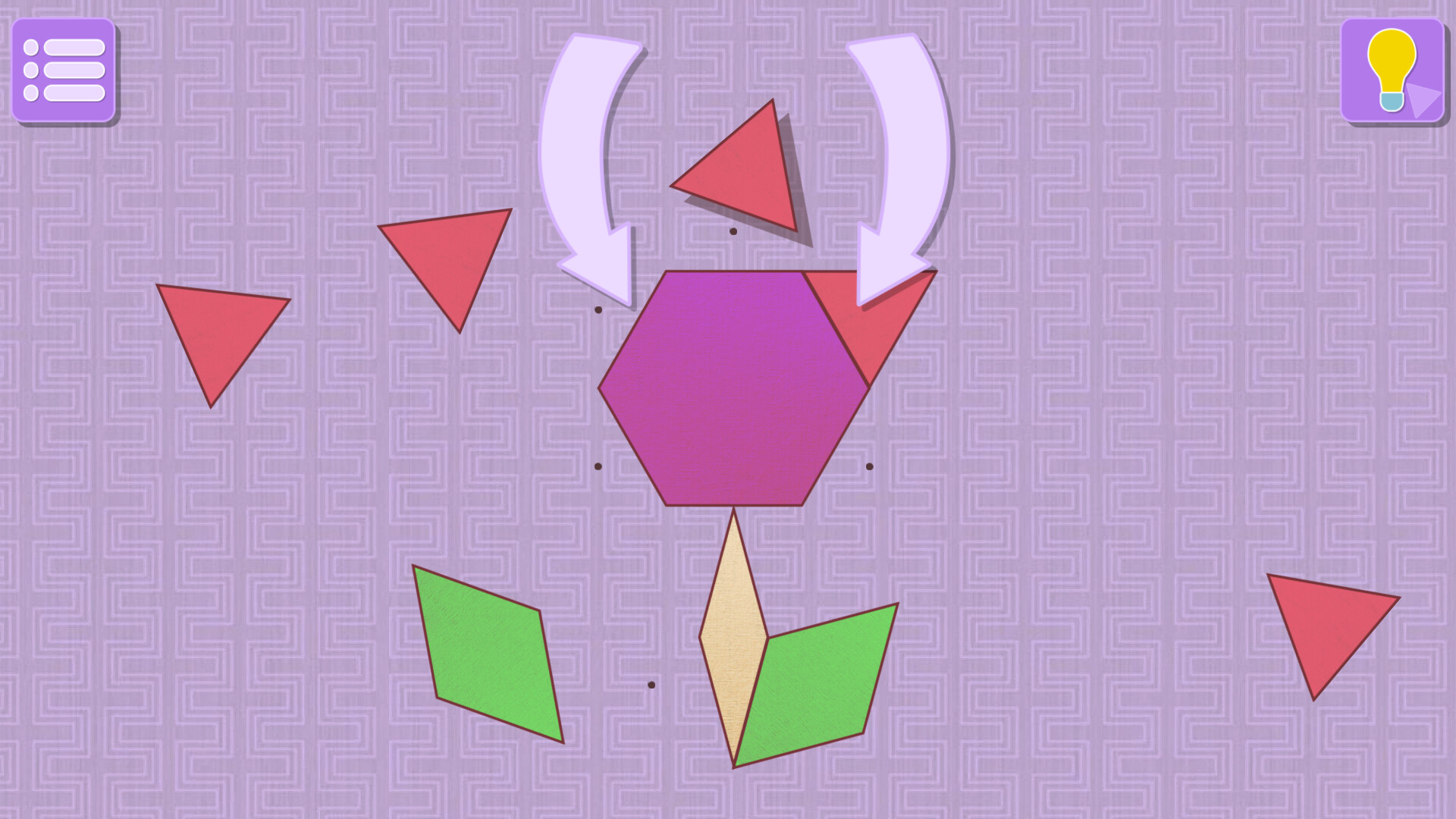
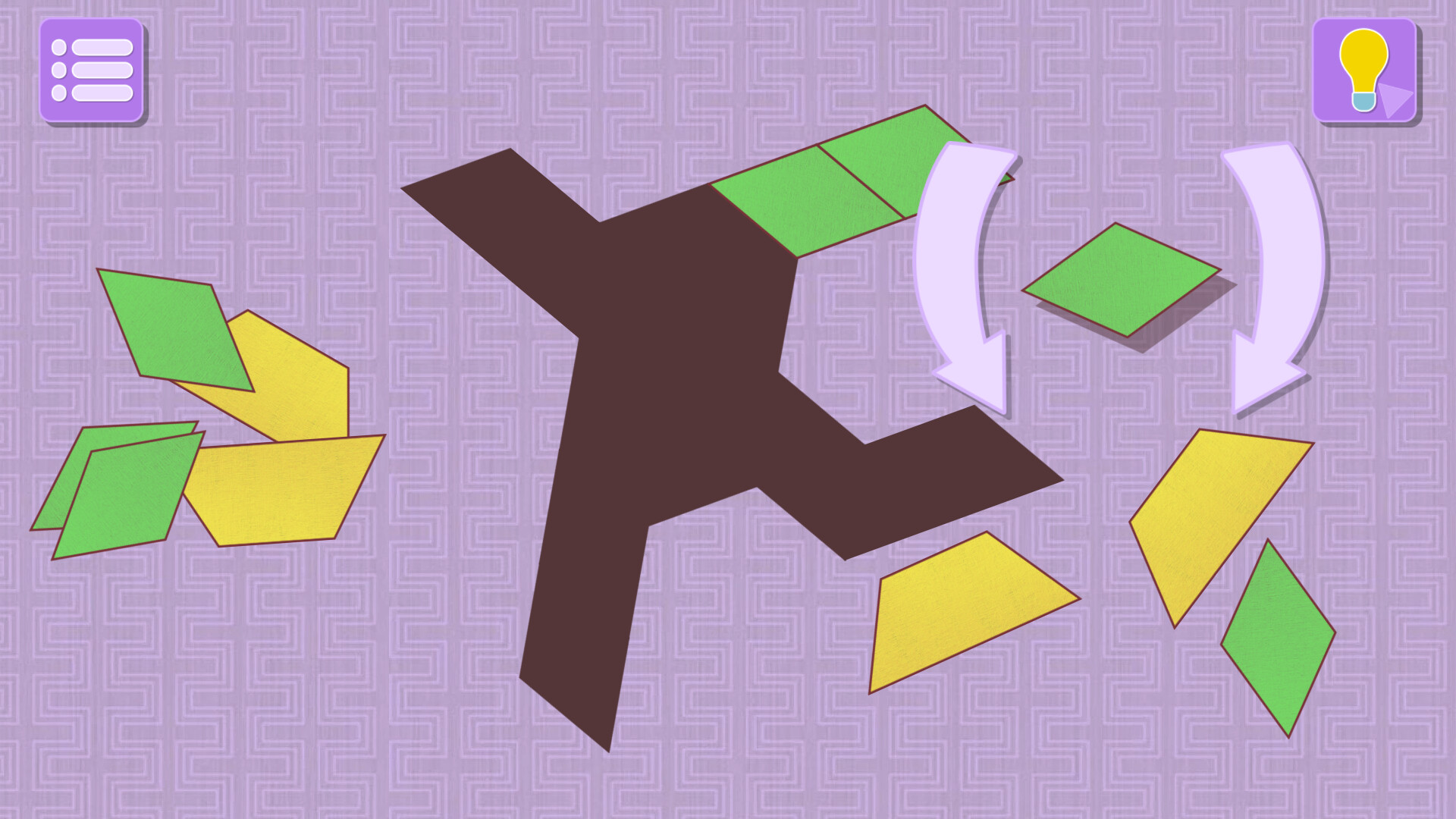
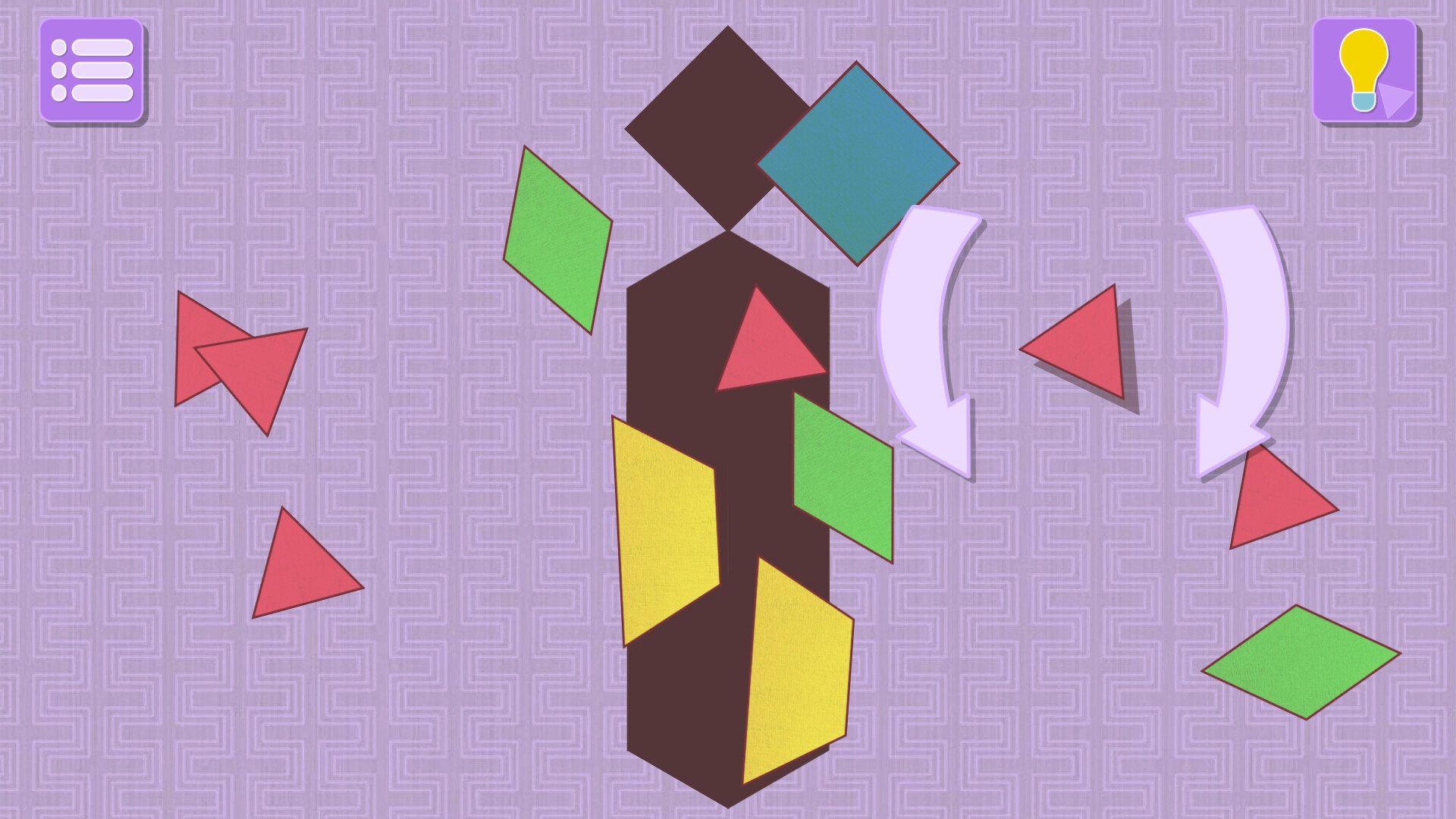
Each level displays the silhouette of the image and a set of shapes, you have to choose the right shape and specify the correct angle and position on the silhouette. As soon as all the pieces are put in their places, the level will be completed.
All control is done with the mouse.
First, click on the shape to select the desired shape, then move the shape to the desired location.
Second , if you want to change the angle of the selected shape, hold the left mouse button outside the shape and swipe around the shape. The shape will change the angle by rotating around its axis.
Third, drag the shape with the adjusted rotation angle to the desired position of the silhouette, if everything is done correctly, then the shape will stand in the right place. If the shape is already in the right place, then you need to click on it again to confirm the action.
Key features:
The game consists of 35 levels, from the simplest to the most difficult.
Each level displays the silhouette of the image and a set of shapes, you have to choose the right shape and specify the correct angle and position on the silhouette. As soon as all the pieces are put in their places, the level will be completed.
All control is done with the mouse.
First, click on the shape to select the desired shape, then move the shape to the desired location.
Second , if you want to change the angle of the selected shape, hold the left mouse button outside the shape and swipe around the shape. The shape will change the angle by rotating around its axis.
Third, drag the shape with the adjusted rotation angle to the desired position of the silhouette, if everything is done correctly, then the shape will stand in the right place. If the shape is already in the right place, then you need to click on it again to confirm the action.
Key features:
- The game develops your login and imagination
- Nice bright minimalistic graphics
- Various levels
- Meditative gameplay
- Suitable for any age group
- Fun to play with kids
스크린샷
접속자 수
가격 정보
업적 목록
업적 정보가 없습니다.
요약 정보
스팀 리뷰
스팀 리뷰가 존재하지 않습니다.