

Kestrel
Nectarware
2021년 6월 17일
2
조회수
0
리뷰 수
0+
추정 판매량
N/A
긍정 평가
게임 정보
| 출시일: | 2021년 6월 17일 |
| 개발사: | Nectarware |
| 퍼블리셔: | Nectarware |
| 플랫폼: | Windows |
| 출시 가격: | 5,500 원 |
| 장르: | 액션, 어드벤처, 인디, RPG |

업적 목록








추천 게임


게임 소개
Shoot'em up with an emphasis on progression and growth through upgrades. Fly, shoot, die, upgrade, repeat.
상세 설명
NOW WITH DARK MODE OPTION!
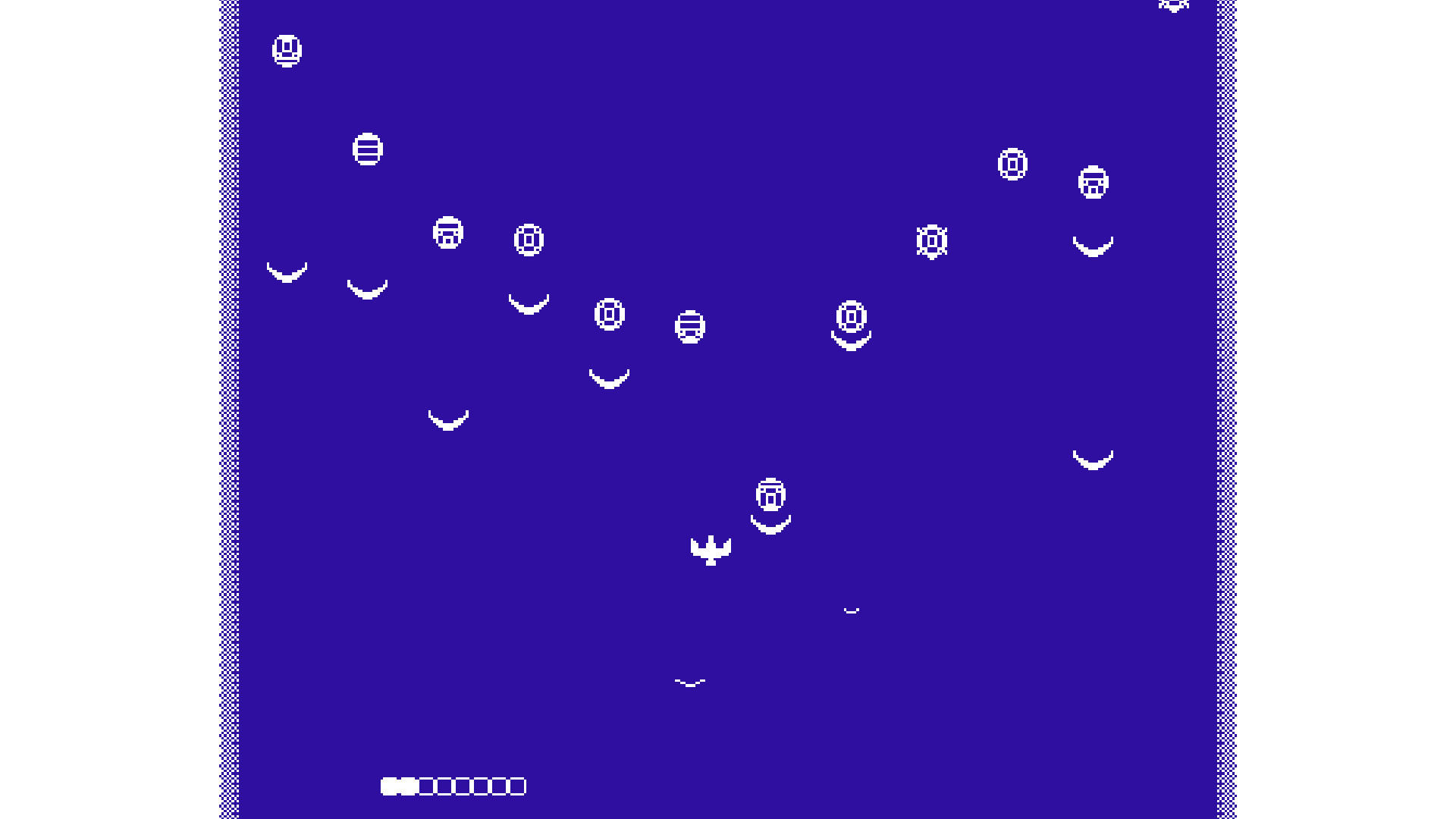
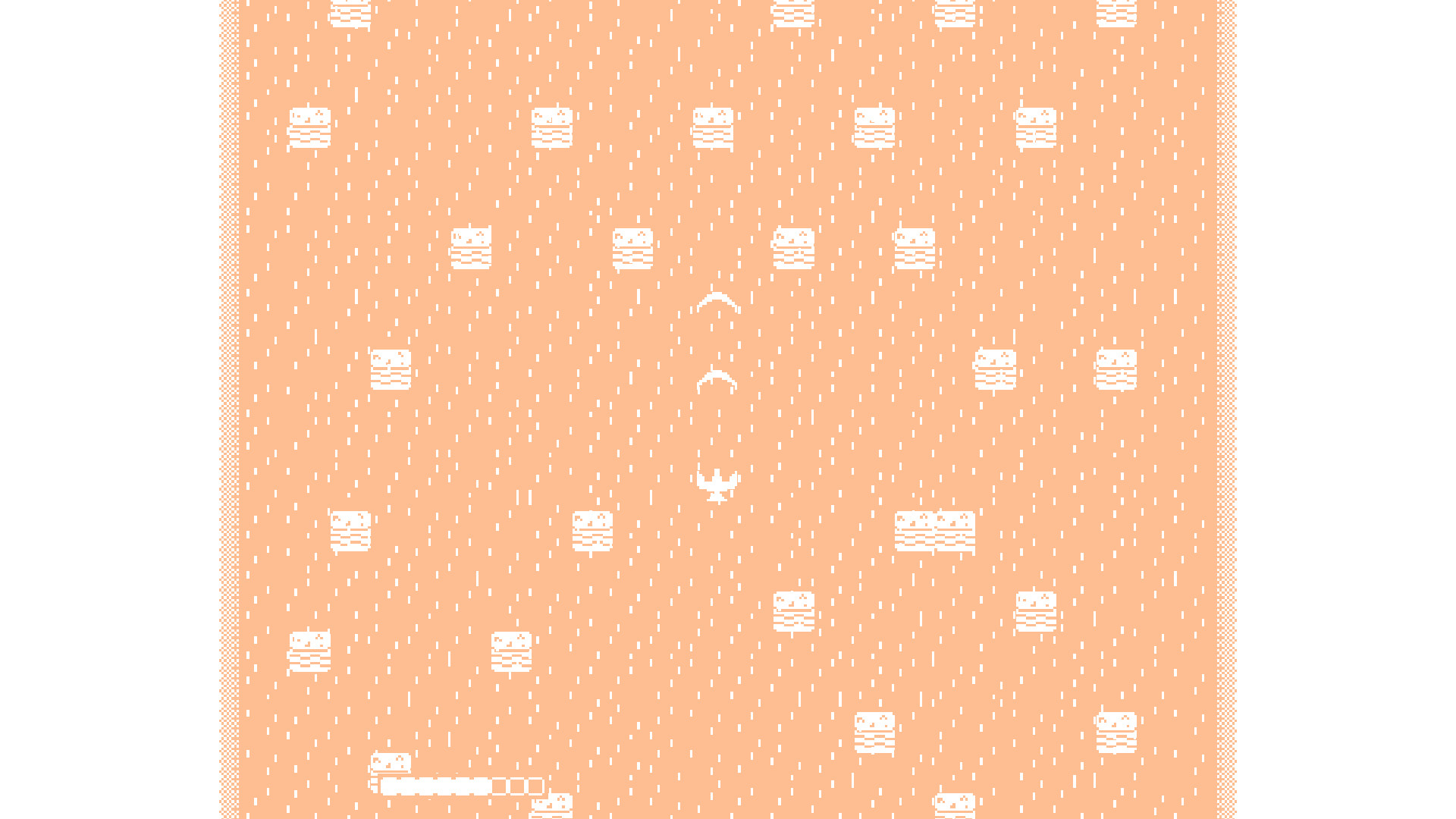
As Kestrel, you will travel through different worlds in an attempt to reach the highest order of the cosmos. You will fend off the many entities trying to stop you. Collect the rhombic shards spread across the different worlds to purchase upgrades and equip more powerful weapons.
In a departure from the typical shoot'em up, Kestrel does not force the auto-scroll mechanic that is present in the majority of the genre. Patience and strategy win out over speed and brute force.
With over 50 upgrades and infinite lives, Kestrel puts you in a position for success. A top down shoot'em up with bullet hell and RPG elements, Kestrel attempts to scratch an itch that you might know you have. Fly, shoot, die, upgrade, repeat.
Xbox Controller recommended
Move – Left Joystick or DPad
Fire Shot – A button
Pause – Menu Button
Toggle Dark Mode – View Button
Keyboard And Mouse
Move – WASD Keys
Fire Shot – Left Click or Enter
Pause – Escape Button
Toggle Dark Mode - Tab
As Kestrel, you will travel through different worlds in an attempt to reach the highest order of the cosmos. You will fend off the many entities trying to stop you. Collect the rhombic shards spread across the different worlds to purchase upgrades and equip more powerful weapons.
In a departure from the typical shoot'em up, Kestrel does not force the auto-scroll mechanic that is present in the majority of the genre. Patience and strategy win out over speed and brute force.
With over 50 upgrades and infinite lives, Kestrel puts you in a position for success. A top down shoot'em up with bullet hell and RPG elements, Kestrel attempts to scratch an itch that you might know you have. Fly, shoot, die, upgrade, repeat.
Controls
Xbox Controller recommended
Move – Left Joystick or DPad
Fire Shot – A button
Pause – Menu Button
Toggle Dark Mode – View Button
Keyboard And Mouse
Move – WASD Keys
Fire Shot – Left Click or Enter
Pause – Escape Button
Toggle Dark Mode - Tab
스크린샷




접속자 수
가격 정보
업적 목록
요약 정보
스팀 리뷰
스팀 리뷰가 존재하지 않습니다.