

Net Friend Joy Joypad
Pneuma GameZ
2022년 3월 1일
1
조회수
0
리뷰 수
0+
추정 판매량
N/A
긍정 평가
게임 정보
| 출시일: | 2022년 3월 1일 |
| 개발사: | Pneuma GameZ |
| 퍼블리셔: | Pneuma GameZ |
| 플랫폼: | Windows |
| 출시 가격: | 2,200 원 |
| 장르: | 유틸리티 |

업적 목록
업적 정보가 없습니다.
추천 게임



게임 소개
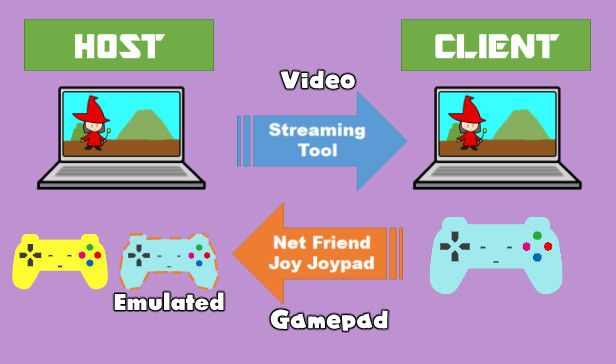
It is a tool that allows you to emulate the controller operation of a friend in a remote location on your own computer. You can play local multiplayer games without online play with your friends over the network. Since there is no video transfer function, please use the existing tools for it.
상세 설명
※It seems that the controller may become unstable when Steam input is enabled. I recommend disabling Steam input.
Right Click on Tool Name -> Property... -> Controller -> Disable Steam Input
Turn-based games are fine, but action games can be tough.
We have released a low-latency streaming system as a separate product for free, so it is a good idea to check the delay in your environment in advance. See the manual for details.
Also, play the test version to check if your gamepad is available.
For multiplayer only. You need tools for the number of player.
For non-XInput controllers, it cannot be used if the tool window is inactive.
Hide mode can be used to keep it active and minimized, but it may require some ingenuity.
※The screen sharing function integrated beta has been released.
With this tool, for example, you can play local multiplayer games with your friends over the network.
Since there is no video transfer function, please use the existing tools that have already been released for video.
It can be used by a total of 8 people, 1 host and 7 clients.
The net friend gamepad is emulated as Xbox controller on the host side.
In that case, please feel free to return and report it.
We cannot guarantee the response to bug reports.
Right Click on Tool Name -> Property... -> Controller -> Disable Steam Input
※Attention
Whether or not you can use it comfortably depends greatly on the Internet environment.Turn-based games are fine, but action games can be tough.
We have released a low-latency streaming system as a separate product for free, so it is a good idea to check the delay in your environment in advance. See the manual for details.
Also, play the test version to check if your gamepad is available.
For multiplayer only. You need tools for the number of player.
For non-XInput controllers, it cannot be used if the tool window is inactive.
Hide mode can be used to keep it active and minimized, but it may require some ingenuity.
※The screen sharing function integrated beta has been released.
Overview
It is a tool that allows you to emulate the controller operation of a friend in a remote location on your own computer.With this tool, for example, you can play local multiplayer games with your friends over the network.
Since there is no video transfer function, please use the existing tools that have already been released for video.
It can be used by a total of 8 people, 1 host and 7 clients.
The net friend gamepad is emulated as Xbox controller on the host side.
Unsupported points
- Video sharing function
(Because it is more stable and faster to use its own tool than to implement it poorly)
→ Beta Testing...
- Controller input during inactive window on client side
(In the case of XInput, controller input is accepted even if the window is inactive)
(It should be okay if you use Hide mode even for non-XInput)
- Angle type hat switch input
(I think the latest ones are probably okay ...)
Correspondence undecided
- Forced activation process of window
(Pending because I am worried that it may cause load and malfunction of other tools)
- Controller vibration function
→ Implemented! (2022/04/24)
Others
We are sorry to be irresponsible, but this kind of tool may not work depending on the environment.In that case, please feel free to return and report it.
We cannot guarantee the response to bug reports.
How to use
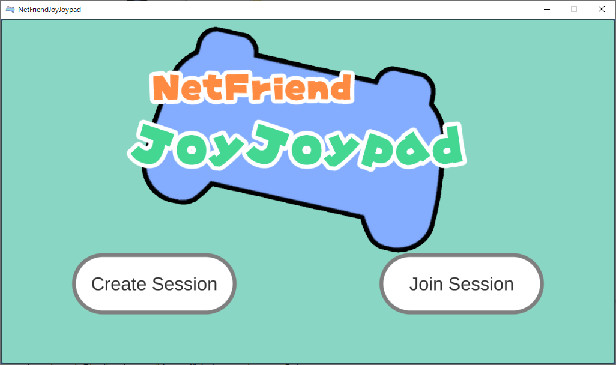
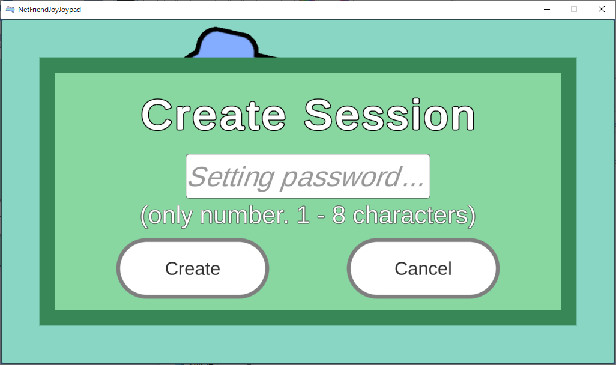
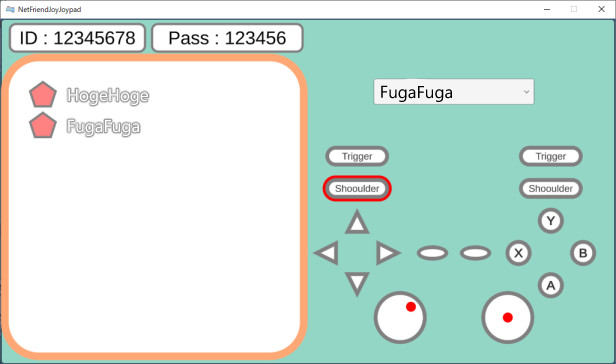
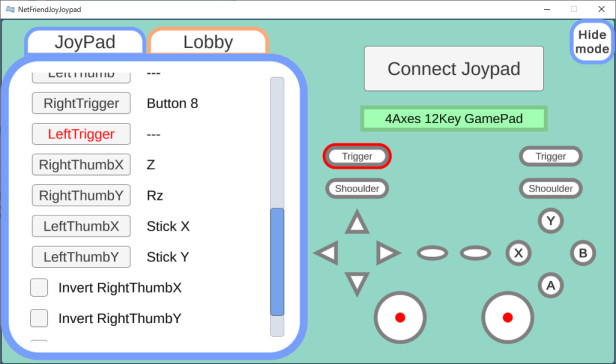
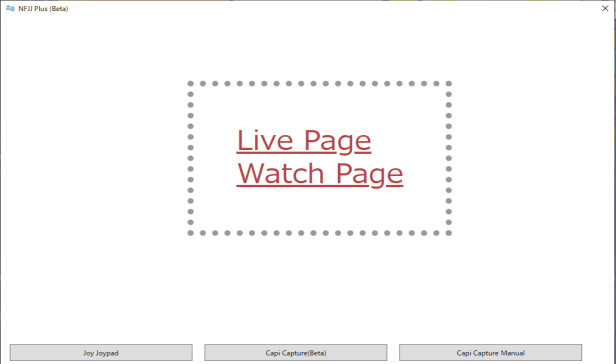
It may be intuitive to some extent, but please refer to the manual that comes with Steam. →→스크린샷

접속자 수
가격 정보
업적 목록
업적 정보가 없습니다.
요약 정보
스팀 리뷰
스팀 리뷰가 존재하지 않습니다.