

VR Archery
Wes Unwin
2022년 3월 30일
36
조회수
0
리뷰 수
0+
추정 판매량
N/A
긍정 평가
게임 정보
| 출시일: | 2022년 3월 30일 |
| 개발사: | Wes Unwin |
| 퍼블리셔: | Wes Unwin |
| 플랫폼: | Windows |
| 출시 가격: | 3,300 원 |
| 장르: | 액션, 인디 |

업적 목록
업적 정보가 없습니다.
추천 게임

Edrick's Conquest Playtest
2025년 6월 12일

The Endless Summer Surfing Challenge
2022년 5월 20일

a pet shop after dark
2022년 8월 30일
게임 소개
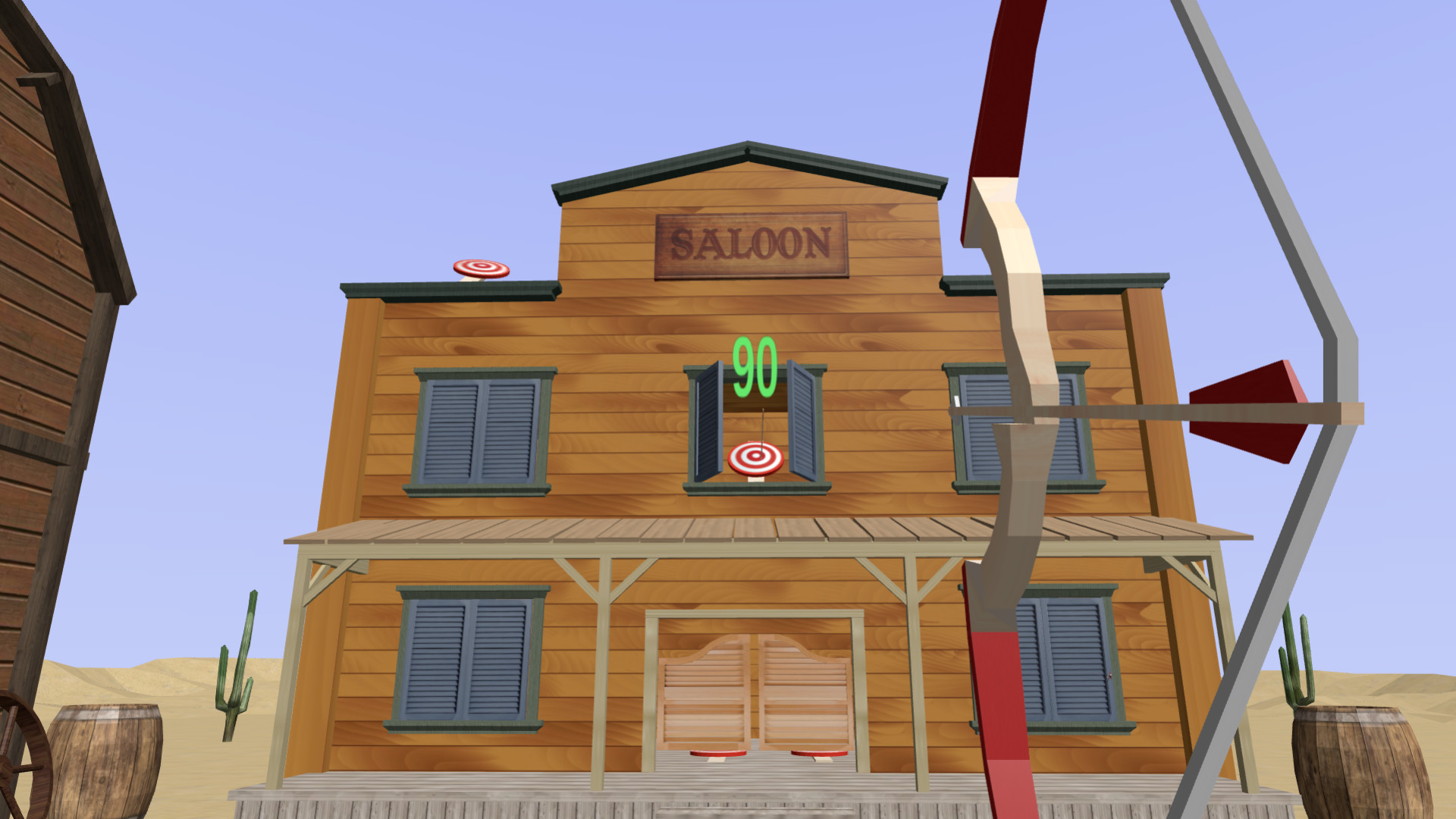
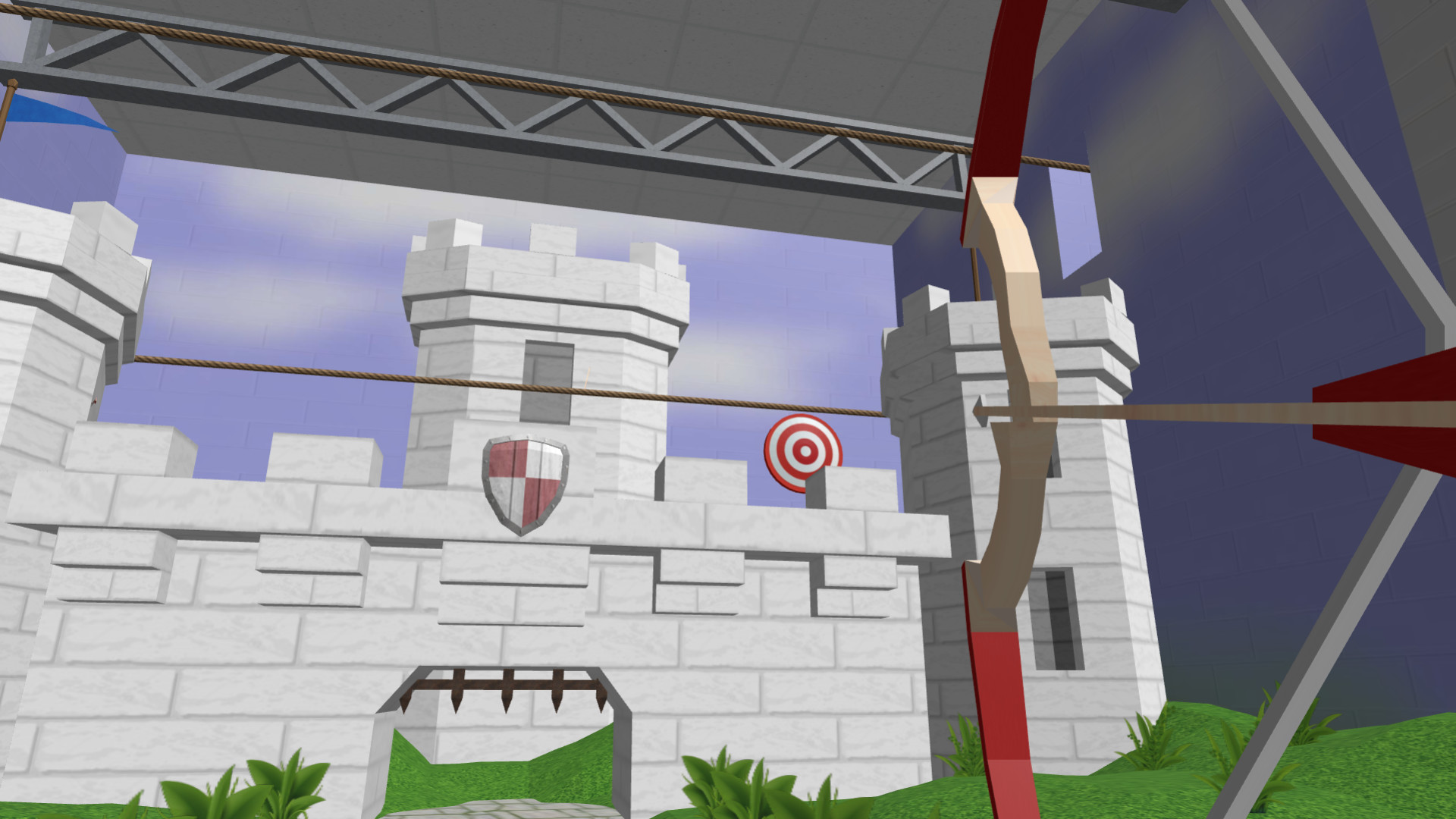
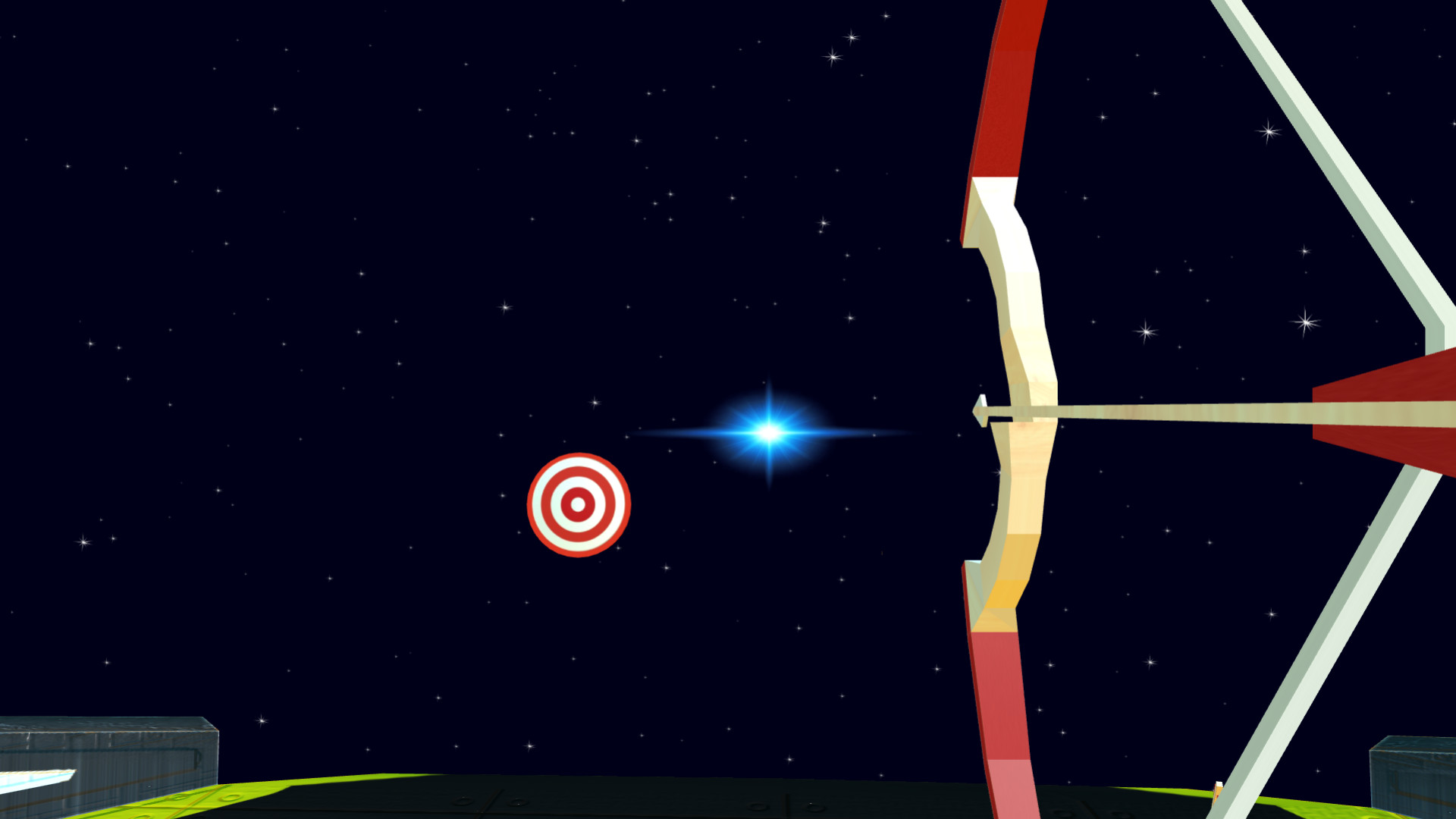
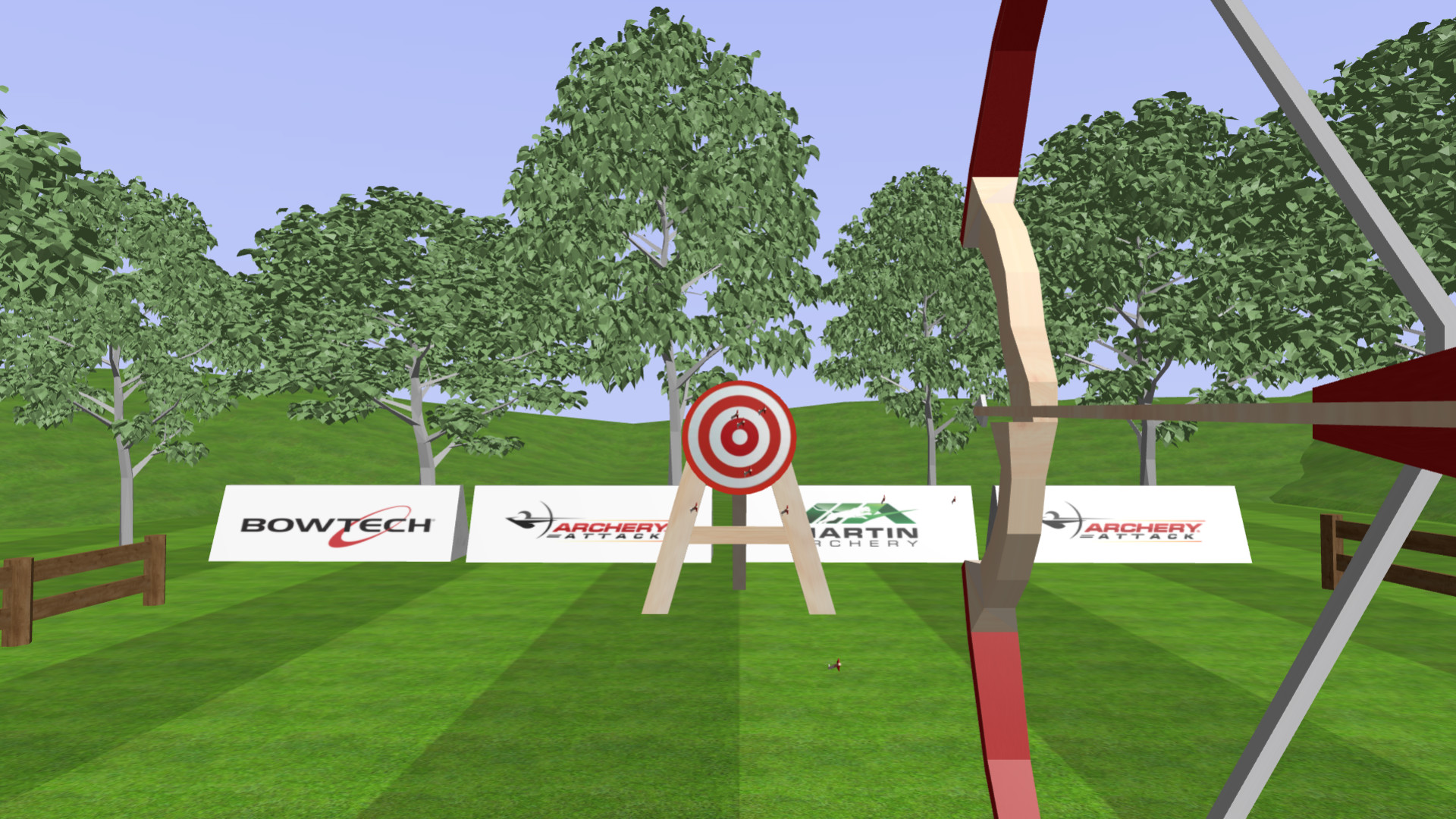
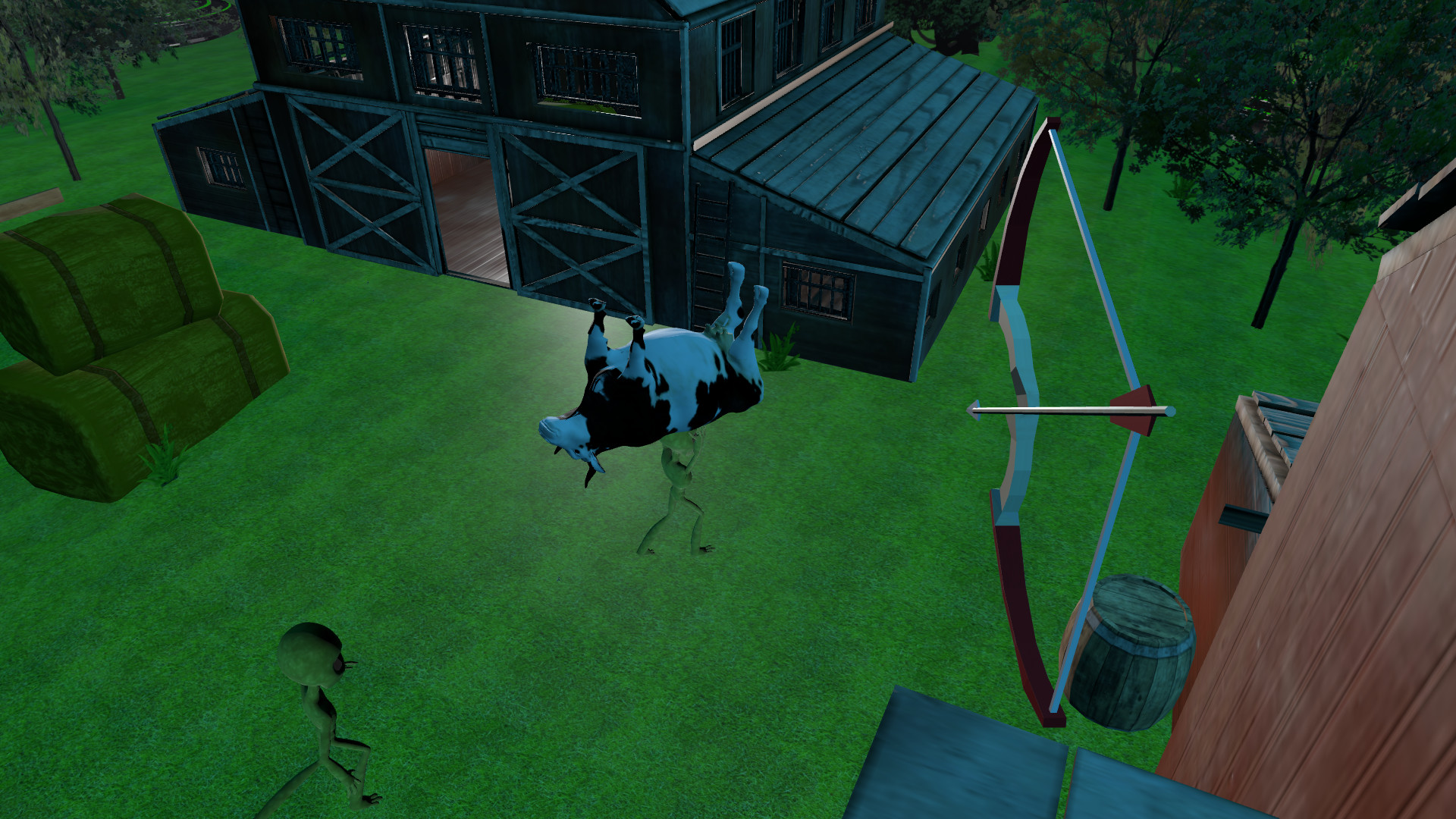
VR Archery is an exciting fast paced arcade / shooting gallery style game that delivers on a truly immersive approach to experiencing archery in virtual reality.
상세 설명
VR Archery is an exciting fast paced arcade / shooting gallery style game that delivers on a truly immersive approach to experiencing archery in virtual reality.
Please note:
This is an indie (independent/solo) developer game, so the level of quality and graphics is lower than that of most commercial games. Your feedback and bug reports are strongly appreciated and will quickly be used to make this a better game.
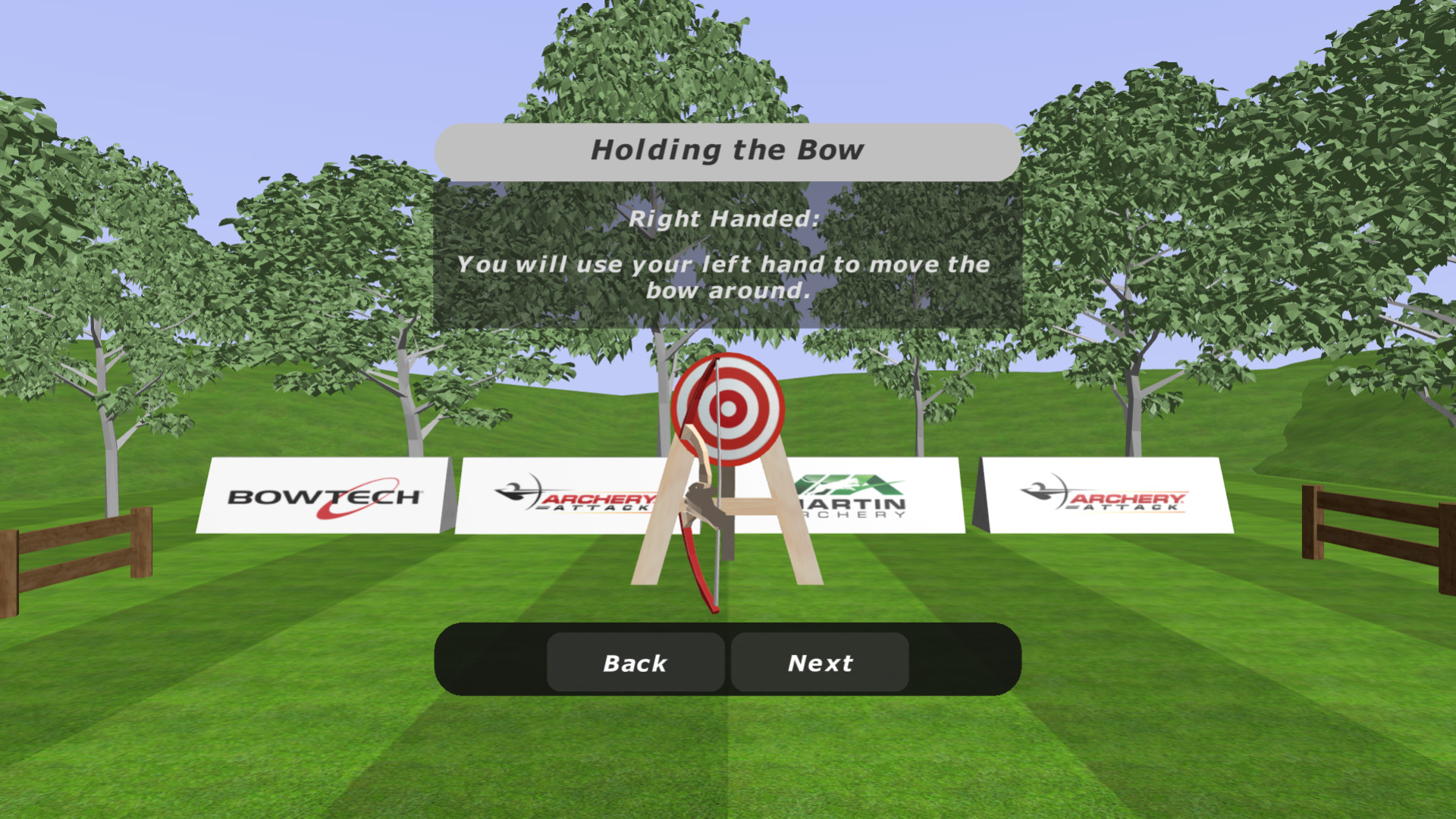
Play through several arcade style shooting galleries, after completing a tutorial level that will guide you through the basics of how to play VR Archery.
This game also features a defence (capture the flag style) level, and a practice level.
For playing in VR, you will require a headset with 2 controllers.
Oculus Quest 2 users: Make sure to install the Oculus app for Windows, futhermore, you will need to put on your headset and ensure that you have clicked the blue button to "Enable" Oculus link from within your headset.
Oculus link allows you to run this application on your PC, taking advantage of your PC's hardware, and be able to view and hear the game through your headset. You can connect your Oculus device by either a USB-C type link cable or setup Air Link. For best results the official Oculus Link Cable is recommended.
Please note:
This is an indie (independent/solo) developer game, so the level of quality and graphics is lower than that of most commercial games. Your feedback and bug reports are strongly appreciated and will quickly be used to make this a better game.
Play through several arcade style shooting galleries, after completing a tutorial level that will guide you through the basics of how to play VR Archery.
This game also features a defence (capture the flag style) level, and a practice level.
For playing in VR, you will require a headset with 2 controllers.
Oculus Quest 2 users: Make sure to install the Oculus app for Windows, futhermore, you will need to put on your headset and ensure that you have clicked the blue button to "Enable" Oculus link from within your headset.
Oculus link allows you to run this application on your PC, taking advantage of your PC's hardware, and be able to view and hear the game through your headset. You can connect your Oculus device by either a USB-C type link cable or setup Air Link. For best results the official Oculus Link Cable is recommended.
스크린샷
접속자 수
가격 정보
업적 목록
업적 정보가 없습니다.
요약 정보
스팀 리뷰
스팀 리뷰가 존재하지 않습니다.