

게임 정보
| 출시일: | 출시 예정 |
| 개발사: | SIENTURE |
| 퍼블리셔: | SIENTURE |
| 플랫폼: | Windows |
| 출시 가격: | 무료 |
| 장르: | 액션, 인디, 소프트웨어 교육, 유틸리티 |

링크
업적 목록
업적 정보가 없습니다.
추천 게임



게임 소개
One click, more FPS: a smart game booster with HDD-friendly preload, profile switcher (Gaming/Balanced/Power Saver), GPU preference, lightweight crosshair overlay, and Windows tuning for smoother, more consistent performance.
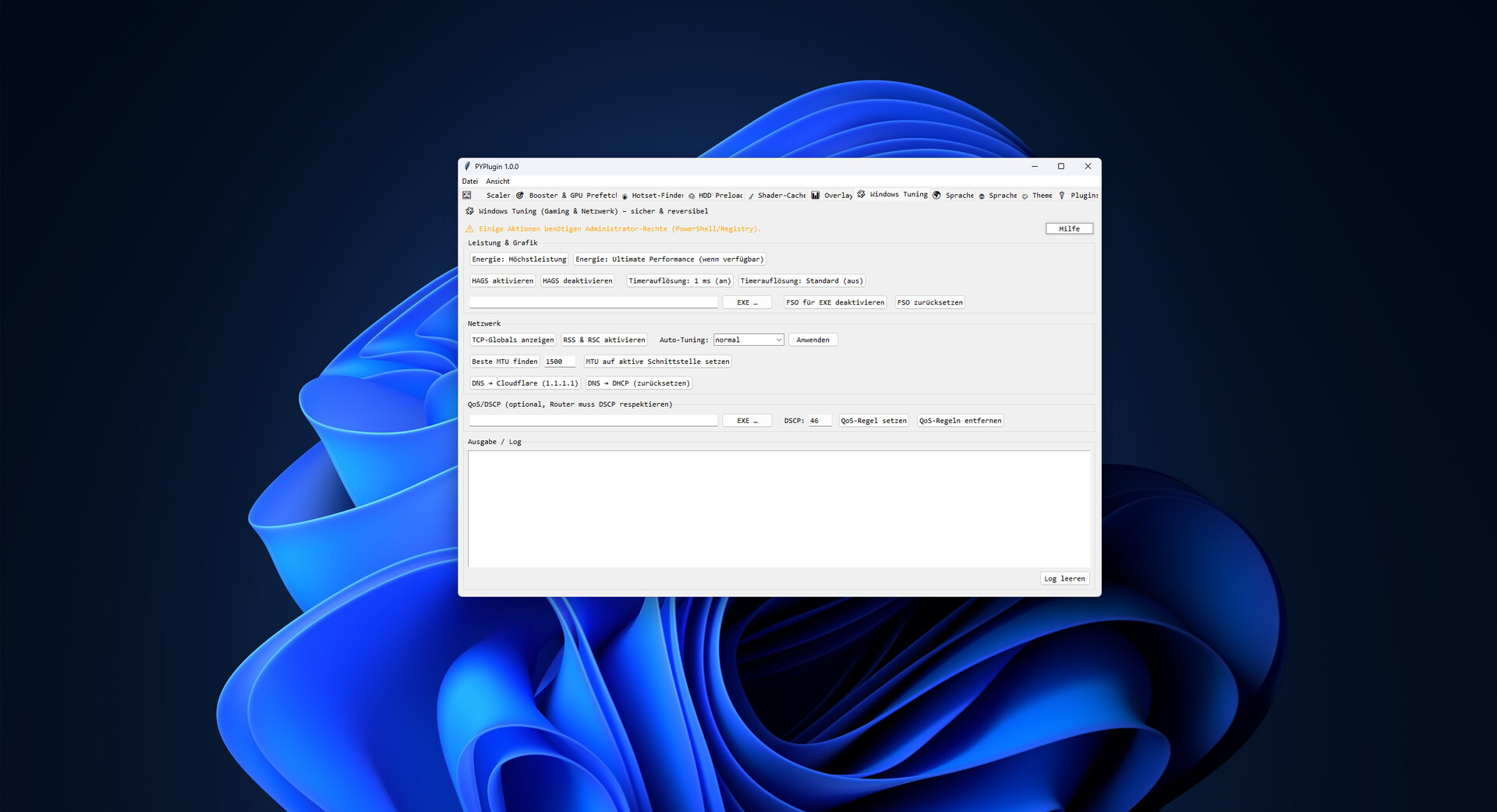
This tool squeezes real performance out of your PC—no snake oil, no risk. It combines a smart game booster that applies the right performance profile when your game launches with an HDD-friendly preload system that cuts loading stutter. On top, you get GPU preference control, a lightweight crosshair overlay, shader-cache cleanup, and practical system tweaks. Ideal if you want fast, repeatable results without manual fiddling.
Why You’ll Like It
Noticeably smoother: Applies the right Windows optimizations, priorities, and service states for your game.
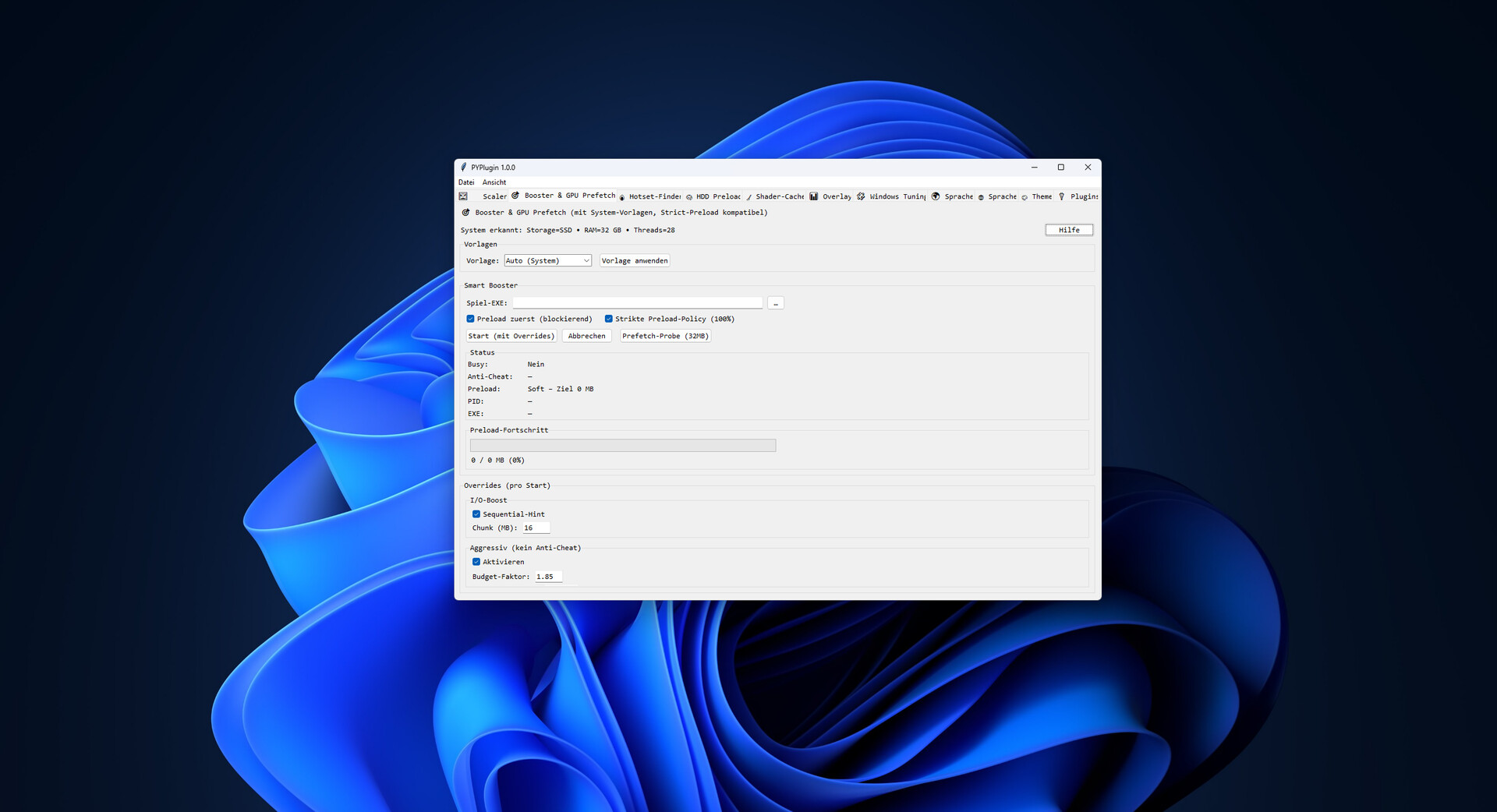
Faster loads—even on HDDs: Preloads files in controlled chunks to reduce hitching and background thrashing.
Profiles, not guesswork: Gaming, Balanced, or Power Saver—switch in a click, feel the difference.
Clean & reversible: No dangerous registry hacks. Everything is transparent and undoable.
Anti-cheat friendly: Uses system-level info; no code injection into the game process.
Core Features
Smart Game Booster
Sets CPU priorities for selected processes.
Starts/stops optional services (e.g., updates/print) for a lean play session.
Startup cleanup to free resources.
HDD-Friendly Preload
Preloads game files in configurable MB chunks with I/O throttling for HDDs.
Optional Top-N MB to preload only the most impactful data.
Supports a “prefer” list via hotset.json (learns frequently accessed files).
GPU Preferences
Quickly prioritize integrated vs. dedicated GPU (where supported by the system).
Save/load presets.
Overlay (Crosshair)
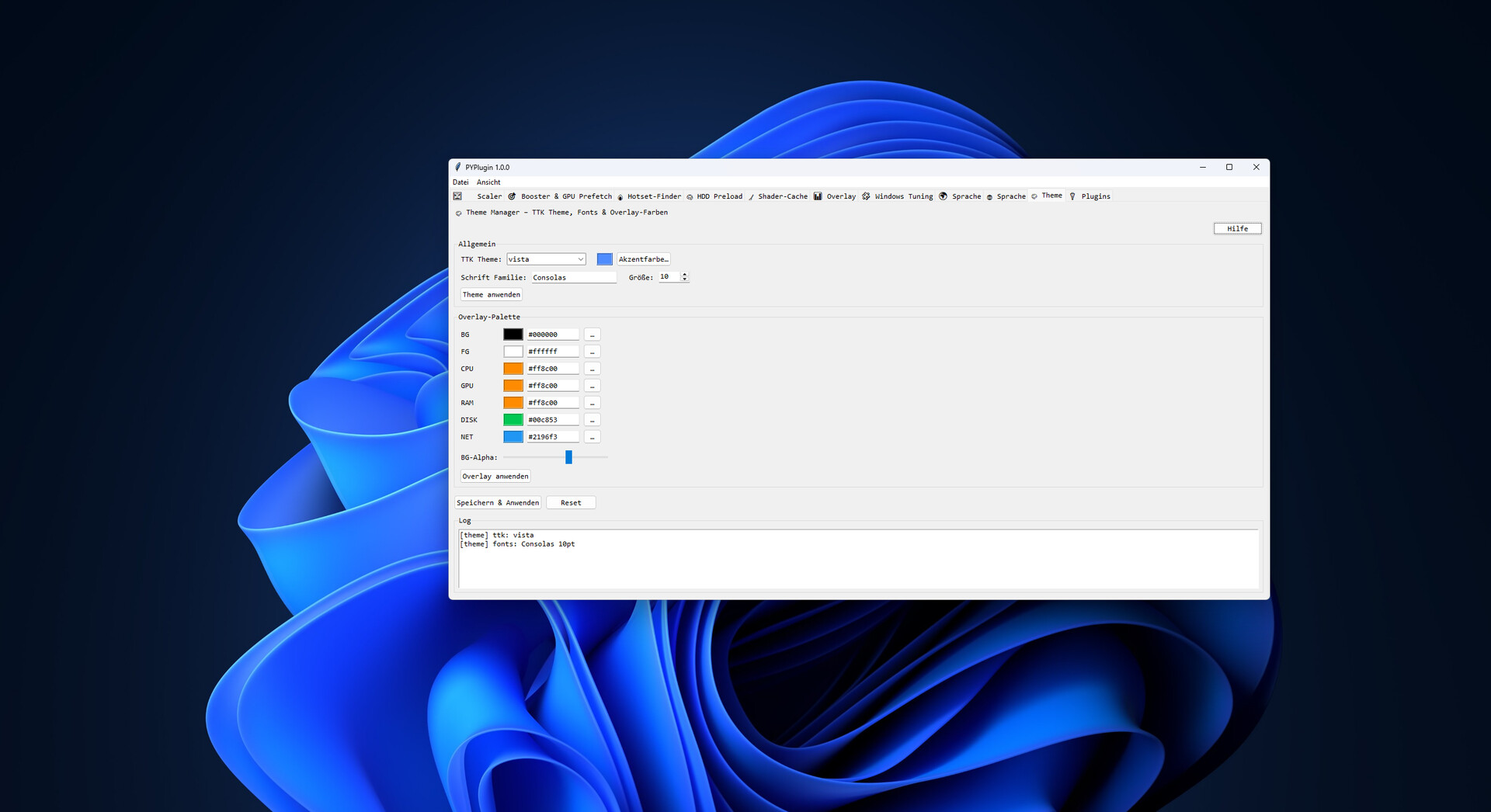
Always on top, click-through, adjustable size/color/transparency.
Hotkey to toggle visibility.
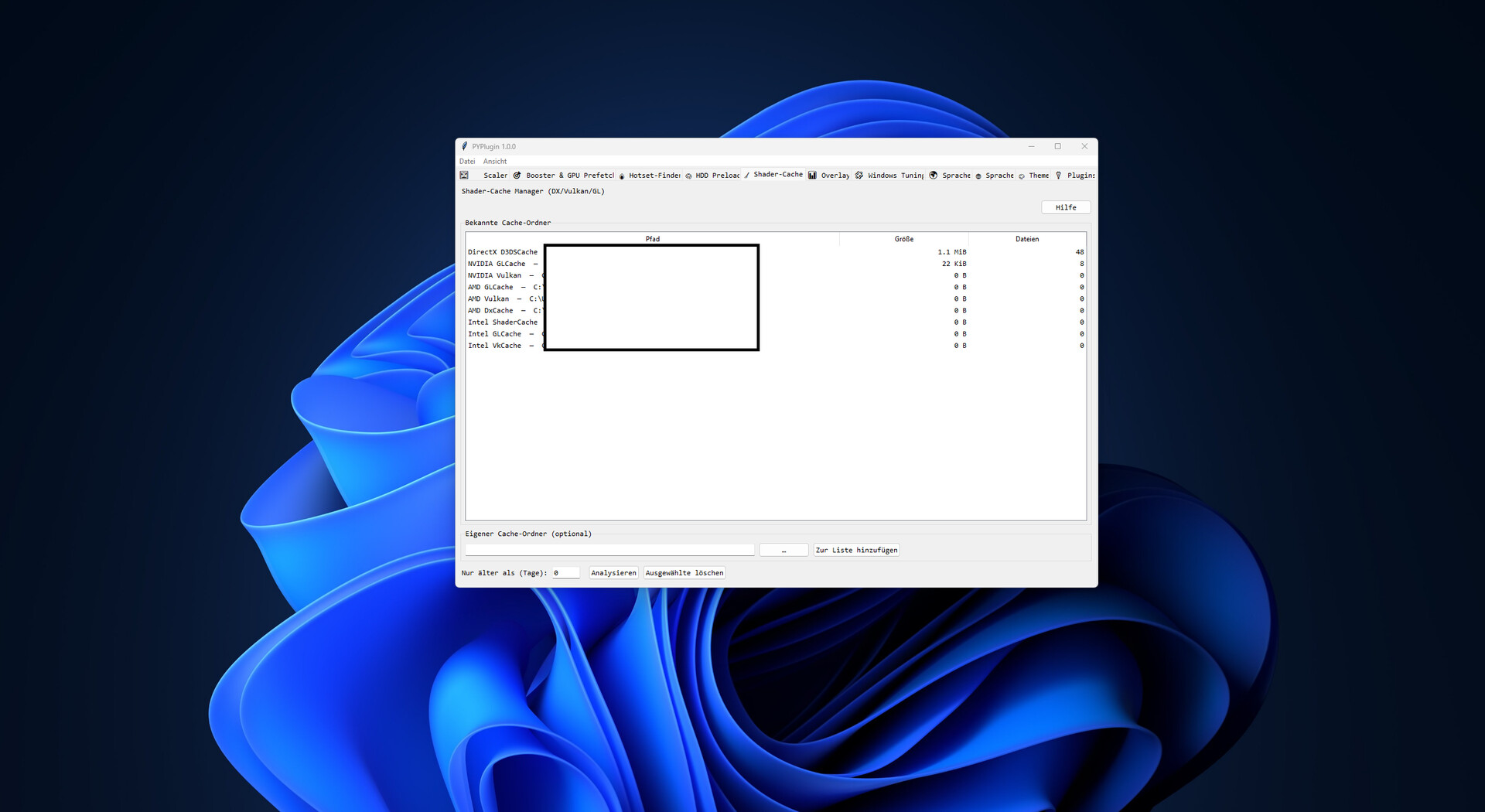
Shader Cache Manager
Shows common cache locations (DirectX/Vulkan/GL).
Deletes only files older than N days, if desired.
Note: shaders will auto-recompile on next launch.
Profiles & Settings
Gaming / Balanced / Power Saver starting points.
Save/load profiles, backup/restore settings.
System Info & Monitoring
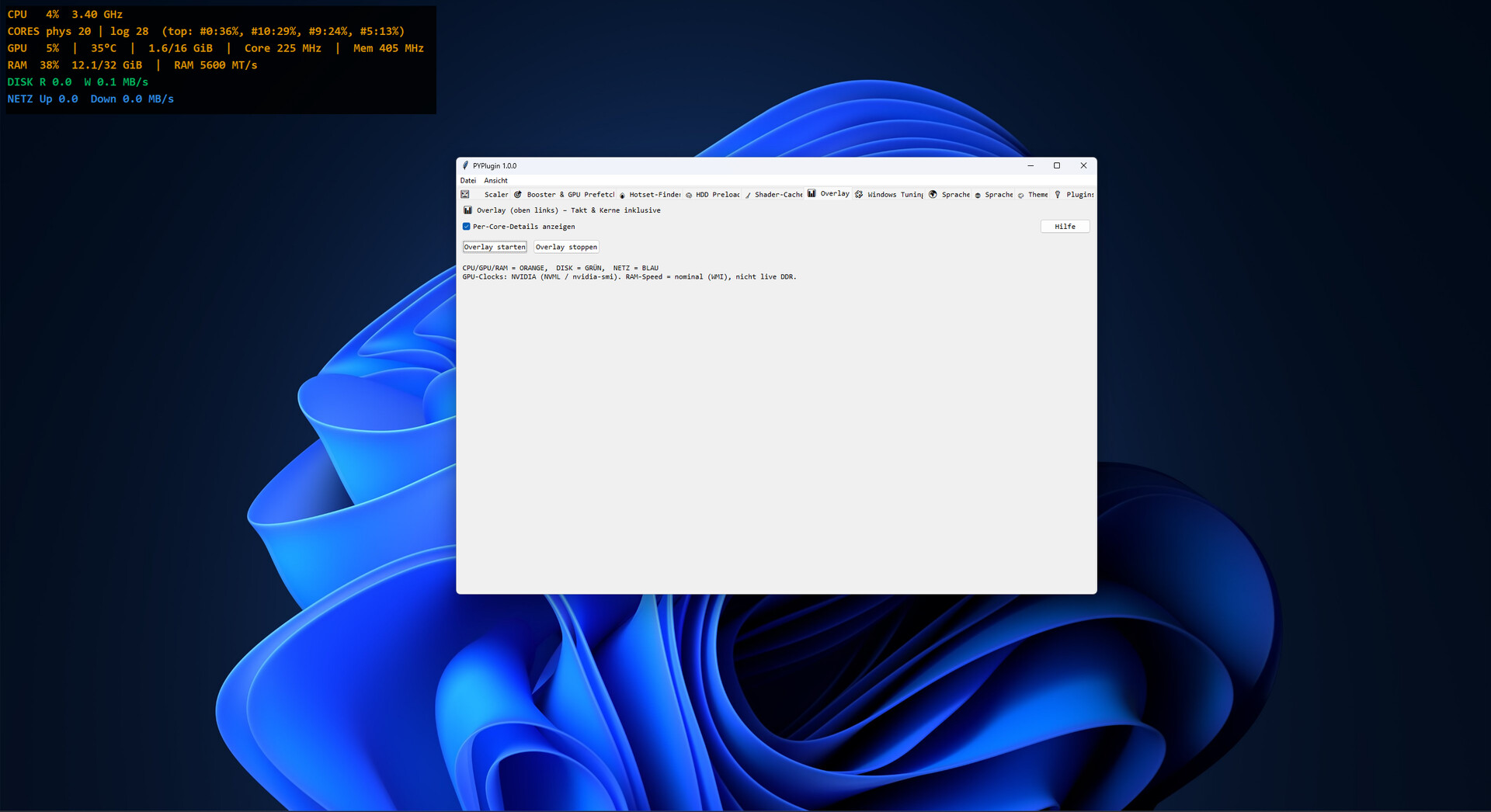
Quick view of network/system status, lightweight graphs, handy shortcuts.
Who It’s For
Gamers with HDD installs or chatty background services.
Creators/Streamers needing repeatable performance profiles.
Laptop users switching between battery saving and max performance.
What It’s Not
Not a miracle fix for broken drivers or thermal throttling.
Not a cheat: no process injection, no packet tampering.
FAQ
Do I have to configure each game?
No. Profiles cover most cases. Fine-tuning is optional.
Anti-cheat risk?
Designed to be process-external (priorities, services, file preload). No code injection.
Any benefit on SSDs?
Yes—profiles and priorities still help. Preload mainly targets HDD bottlenecks.
System Requirements
OS: Windows 10/11 (64-bit)
Processor: x64 CPU
Memory: 4 GB RAM (8 GB recommended)
Storage: 200 MB for the app + variable cache
Other: Admin rights recommended for service/startup actions
스크린샷
접속자 수
가격 정보
업적 목록
업적 정보가 없습니다.
요약 정보
스팀 리뷰
스팀 리뷰가 존재하지 않습니다.