
GPU Terrain Painter
François Sahy
2024년 10월 24일
37
조회수
0
리뷰 수
0+
추정 판매량
N/A
긍정 평가
게임 정보
| 출시일: | 2024년 10월 24일 |
| 개발사: | François Sahy |
| 퍼블리셔: | François Sahy |
| 플랫폼: | Windows |
| 출시 가격: | 27,000 원 |
| 장르: | 시뮬레이션, 애니메이션과 모델링, 디자인과 일러스트레이션, 유틸리티, 게임 개발 |

링크
업적 목록
업적 정보가 없습니다.
추천 게임


게임 소개
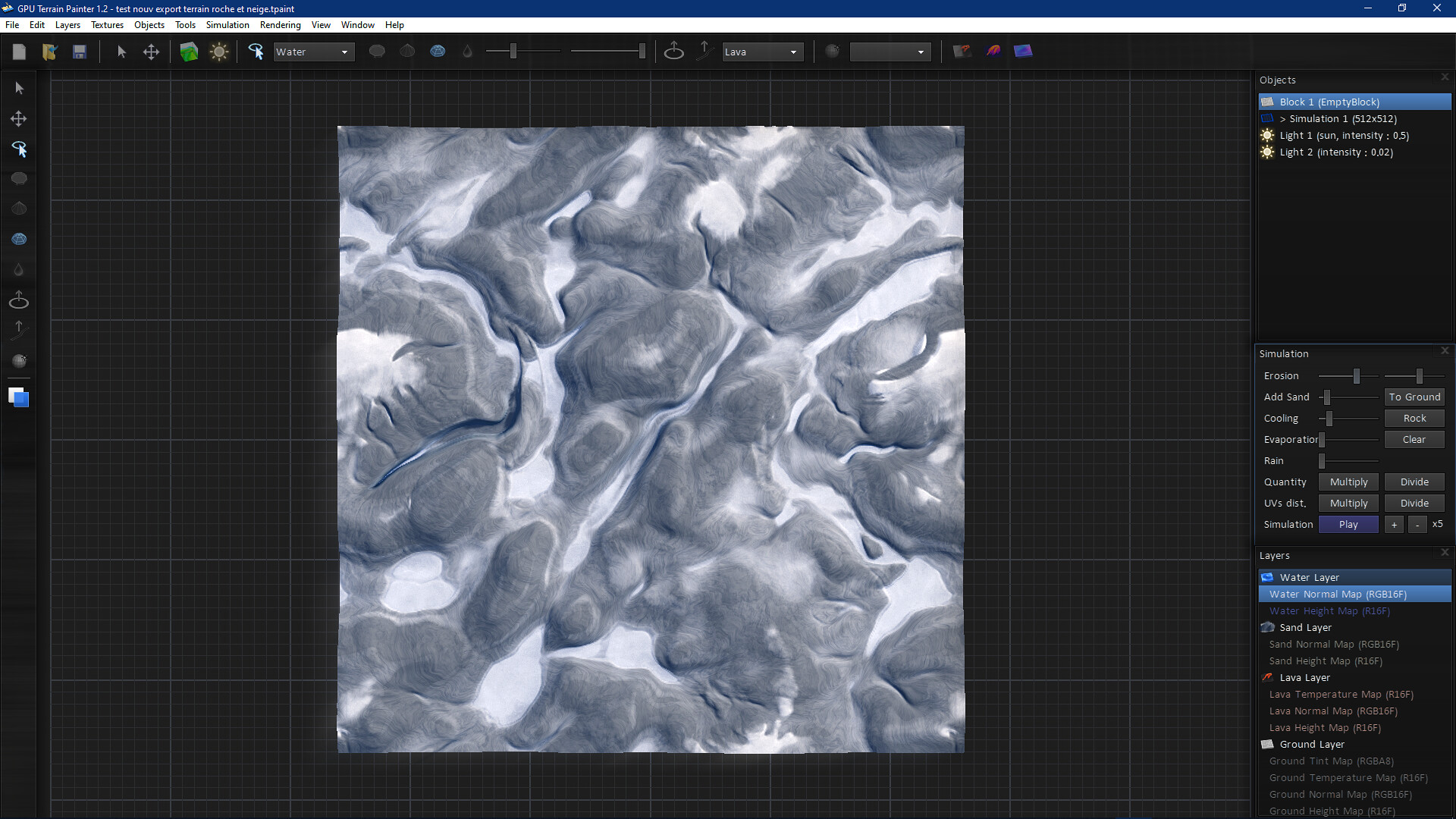
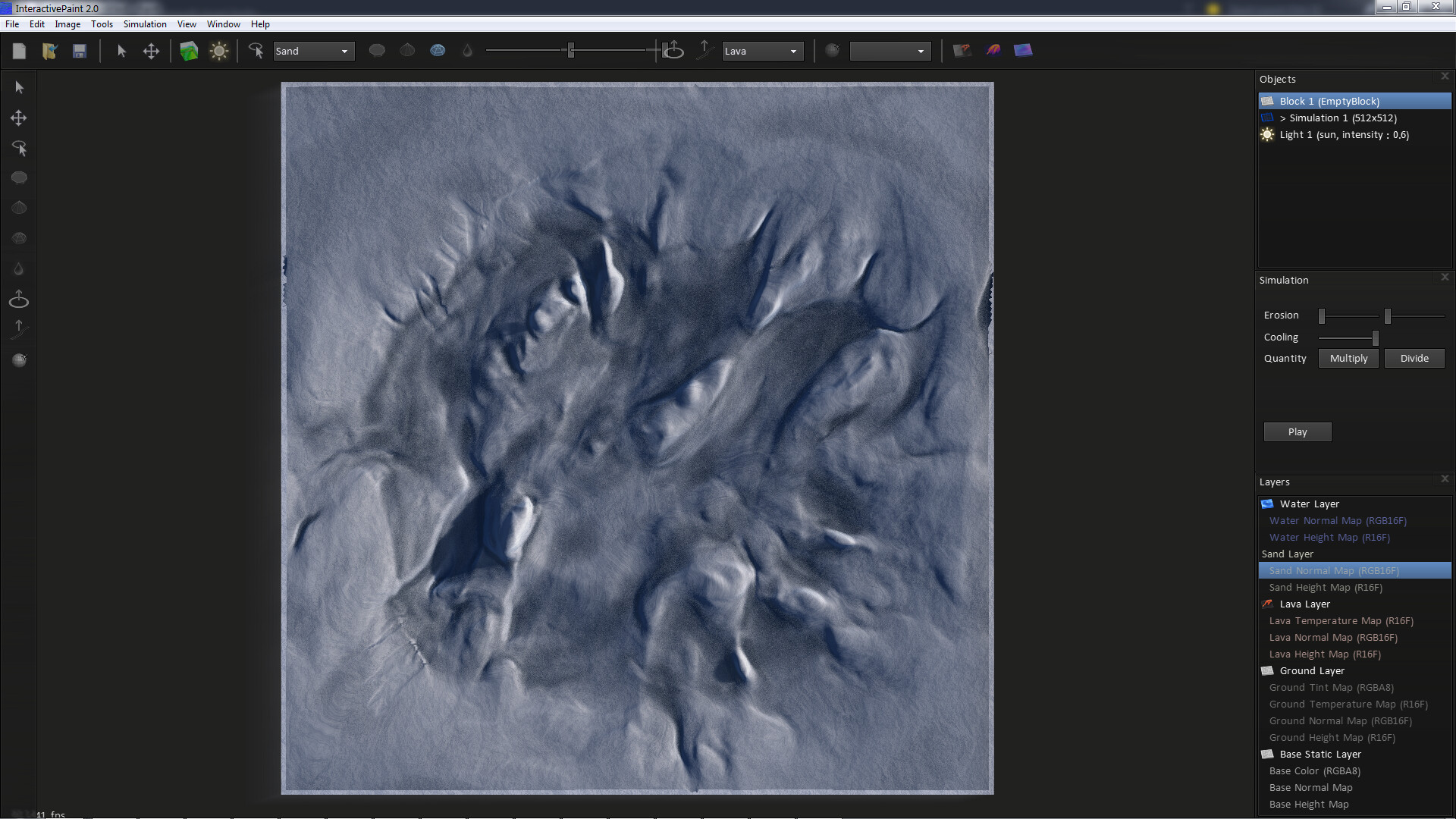
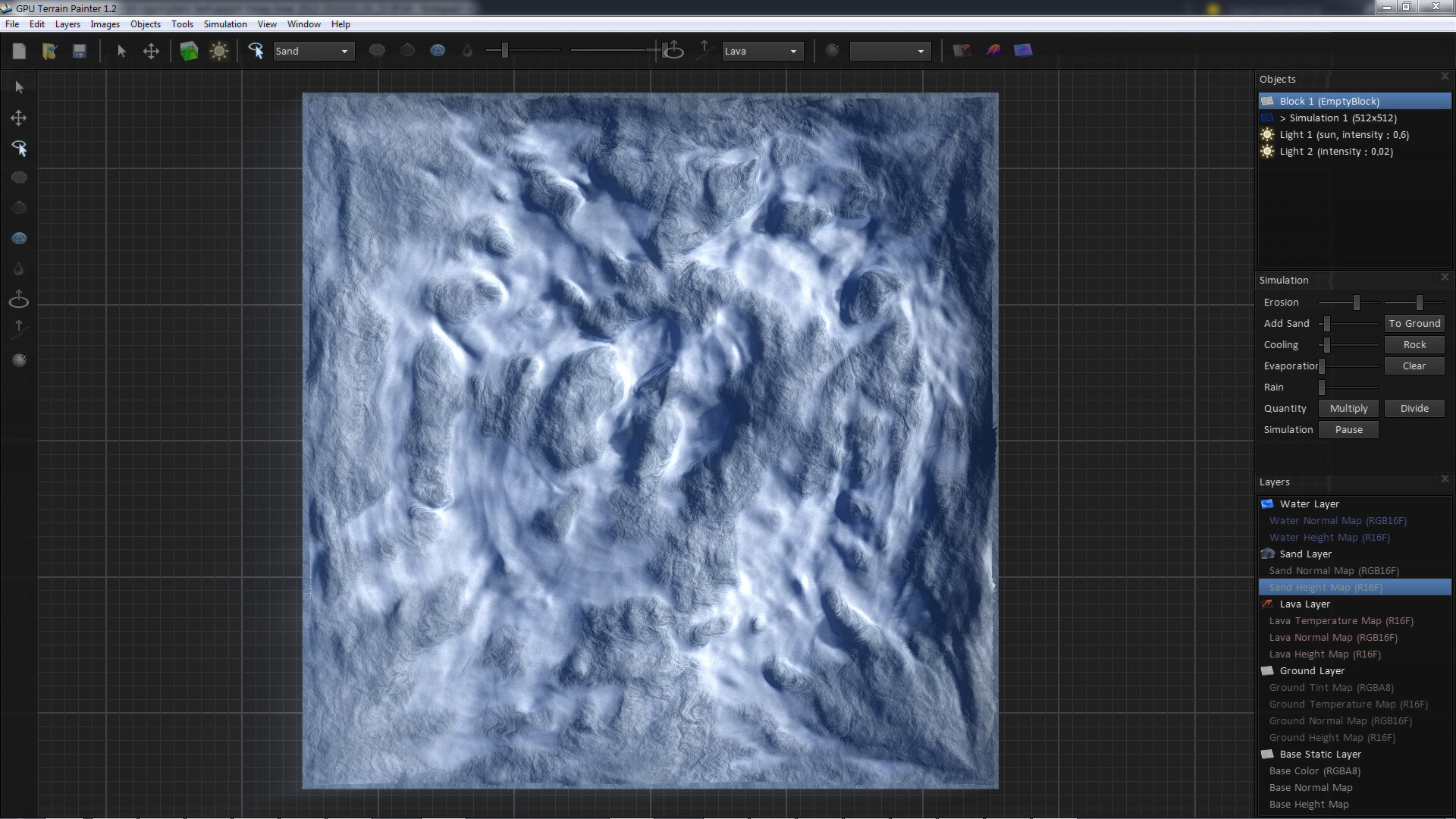
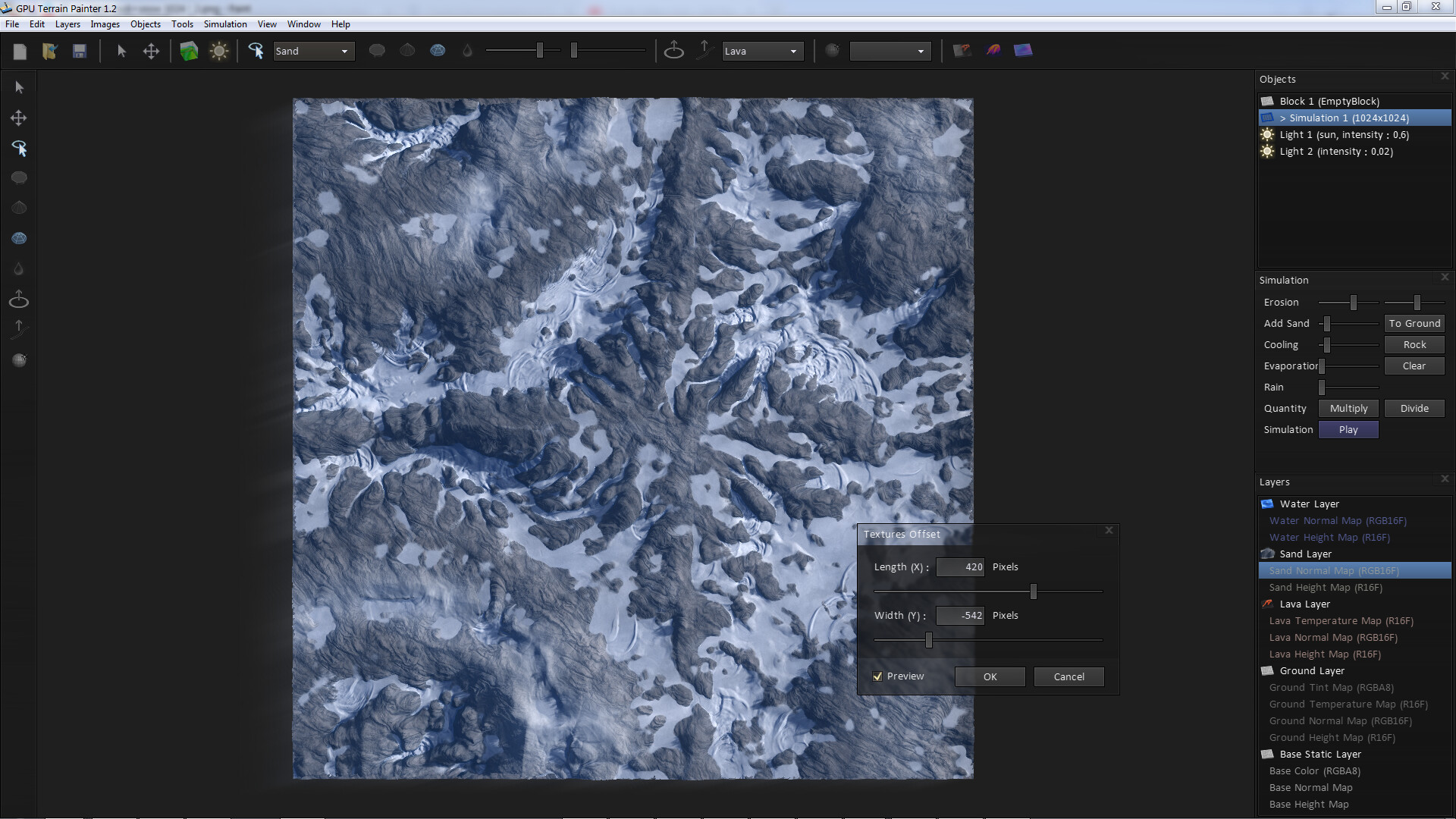
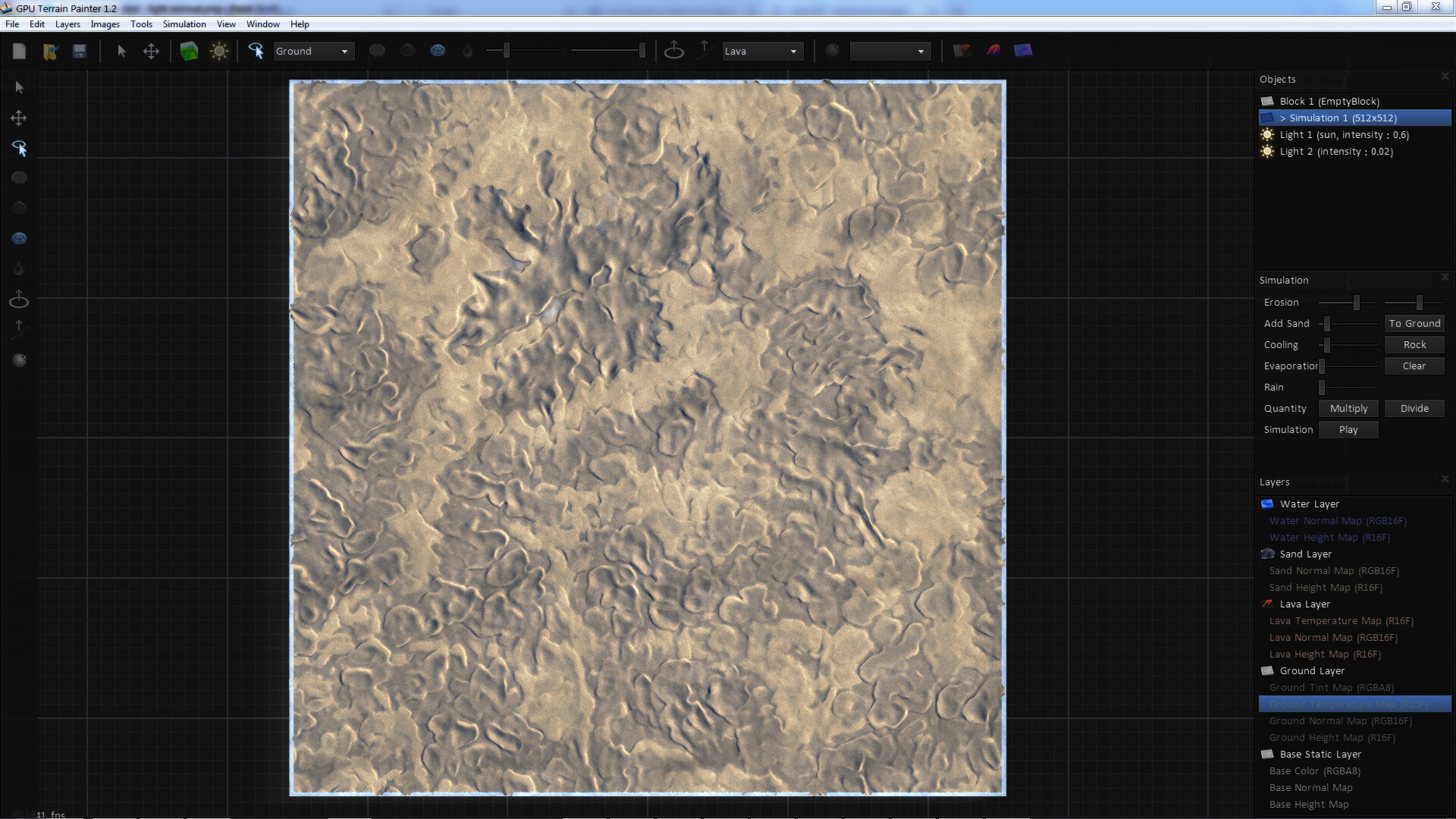
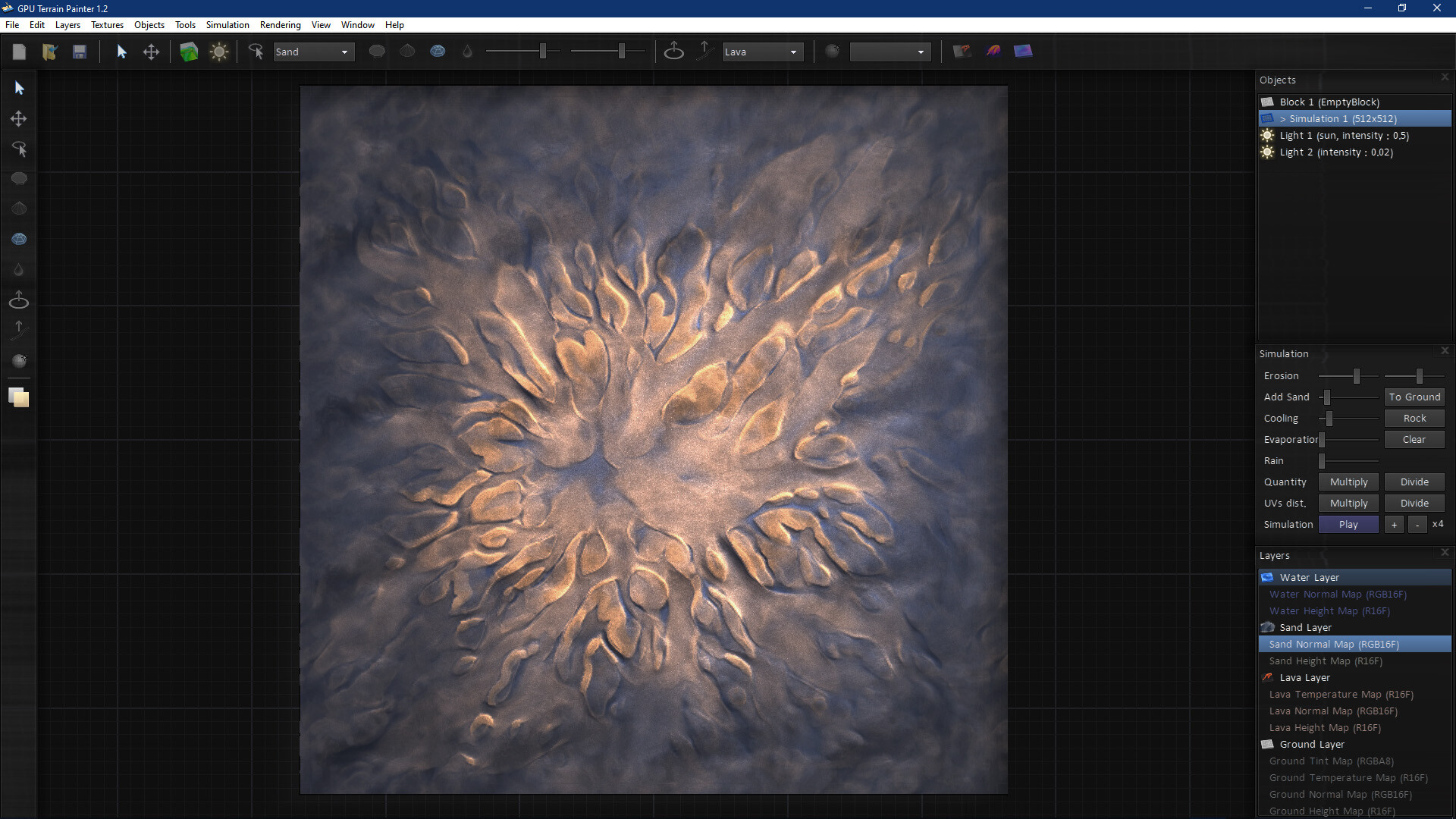
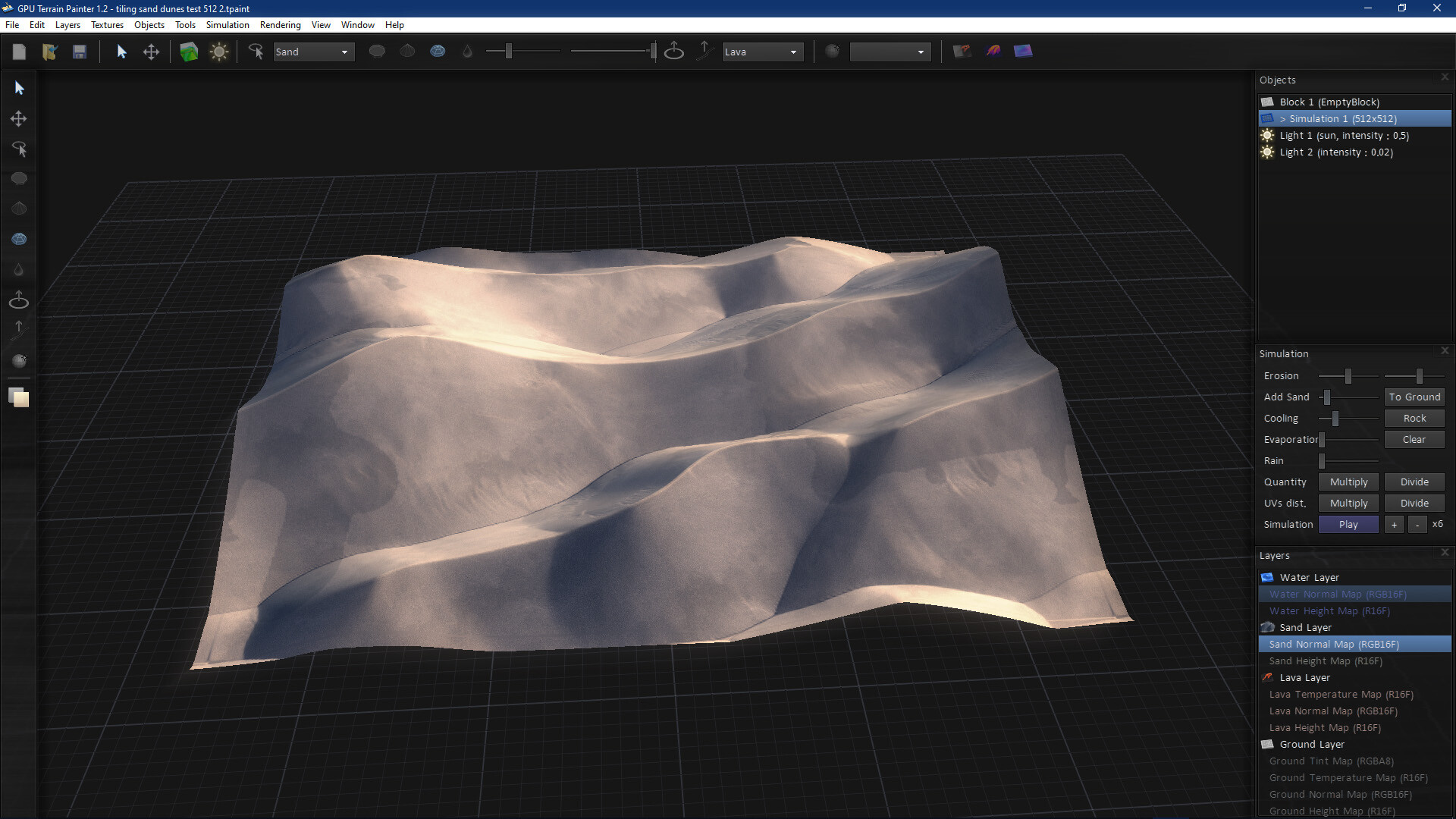
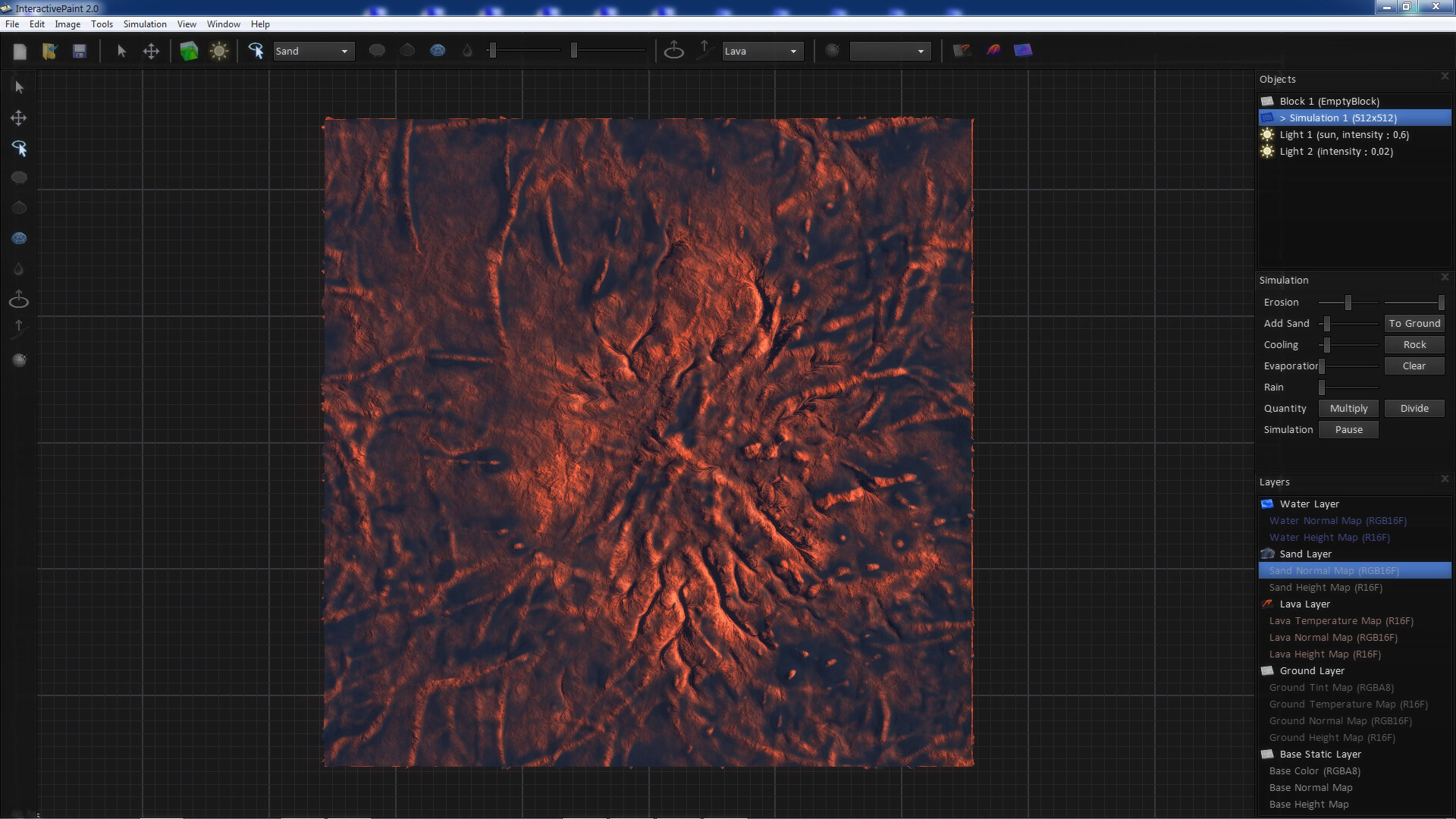
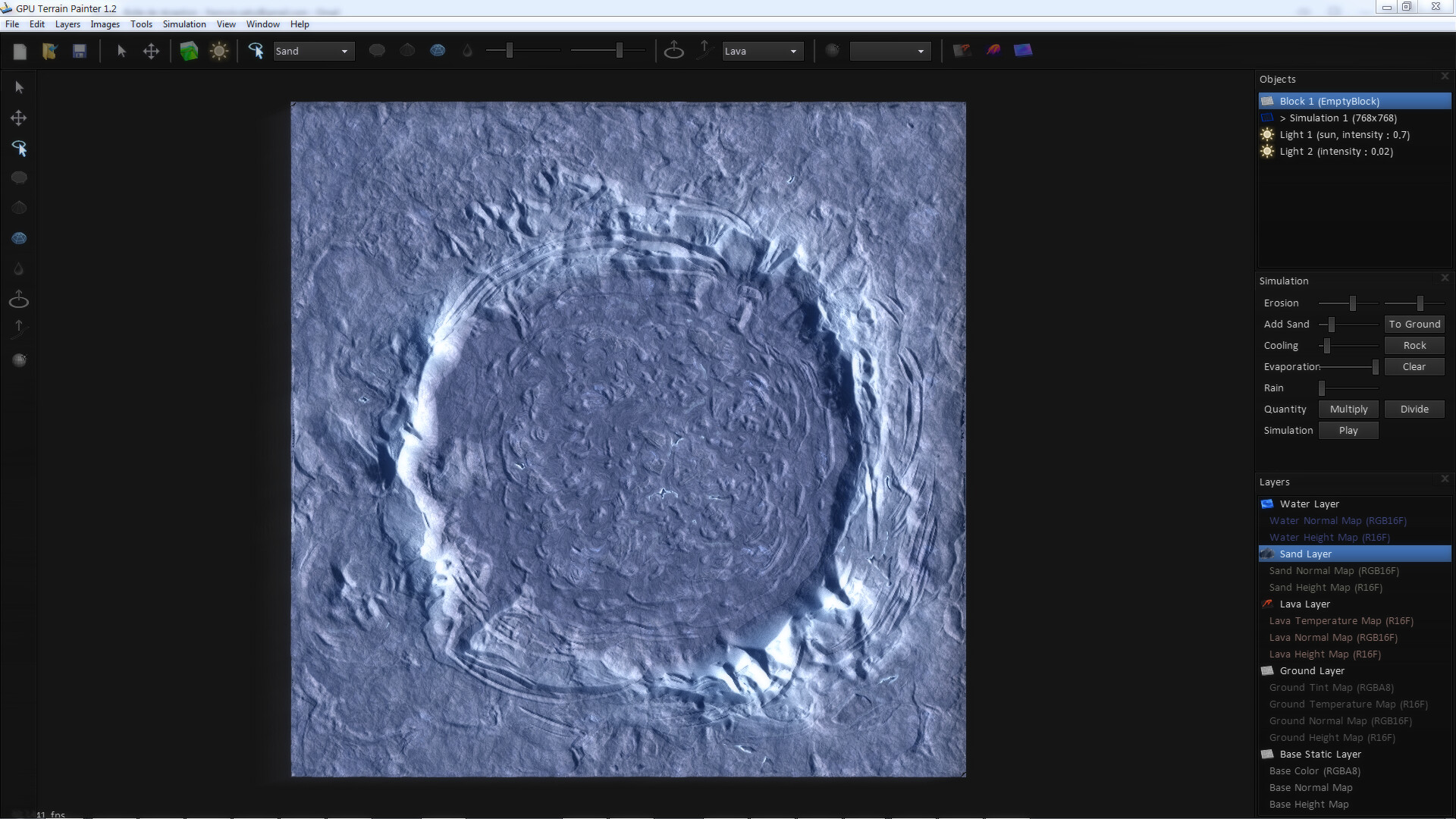
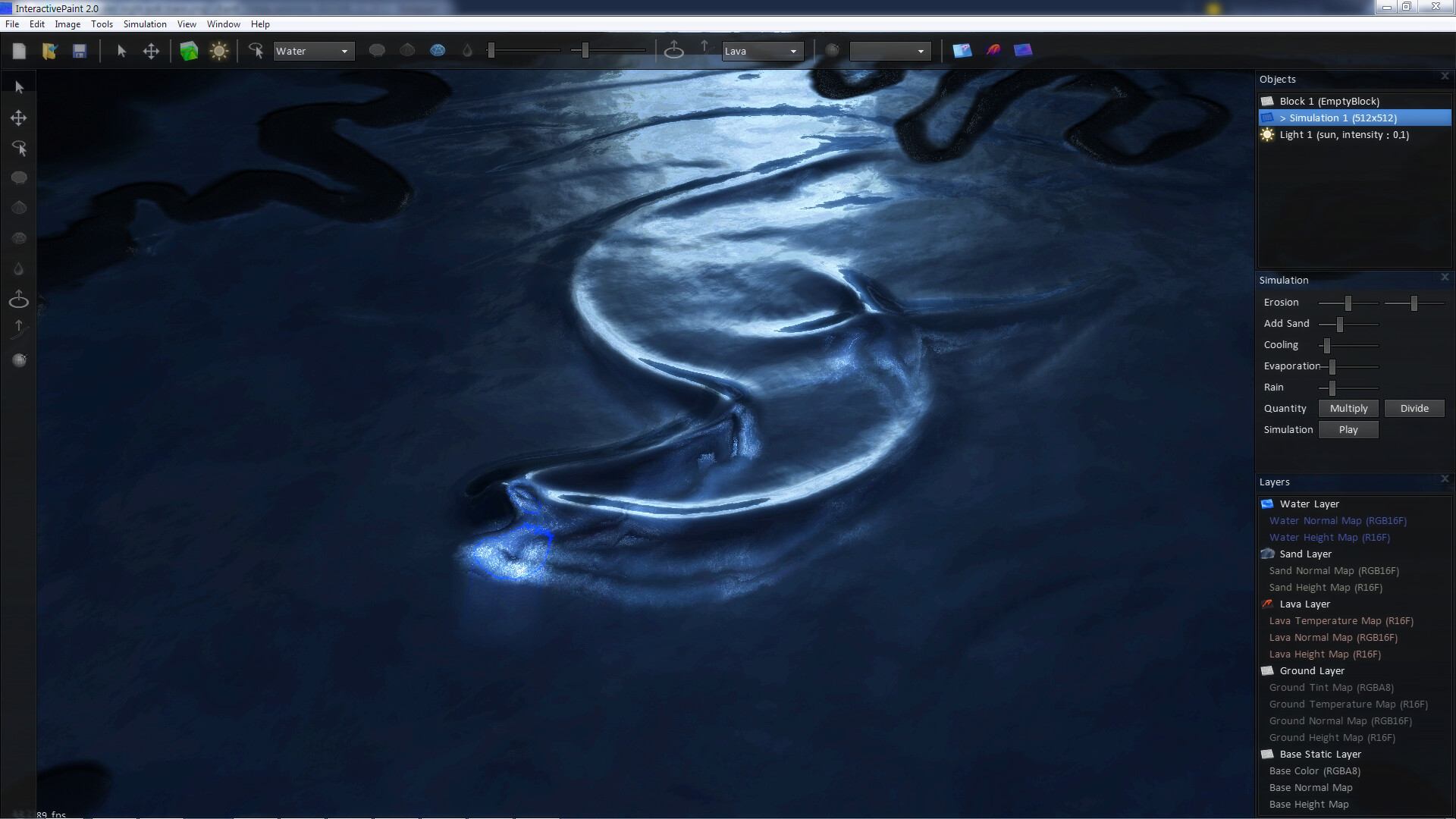
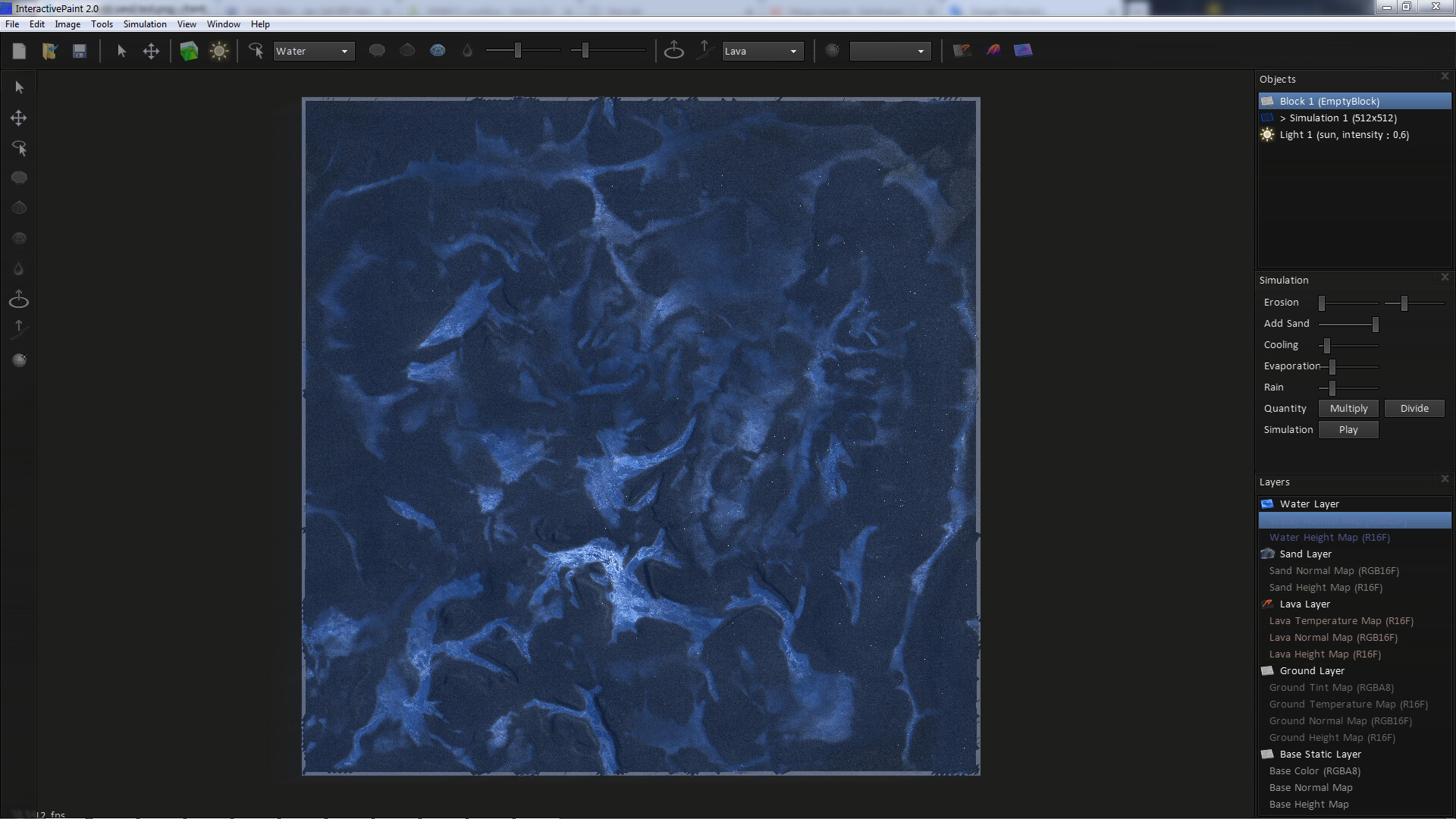
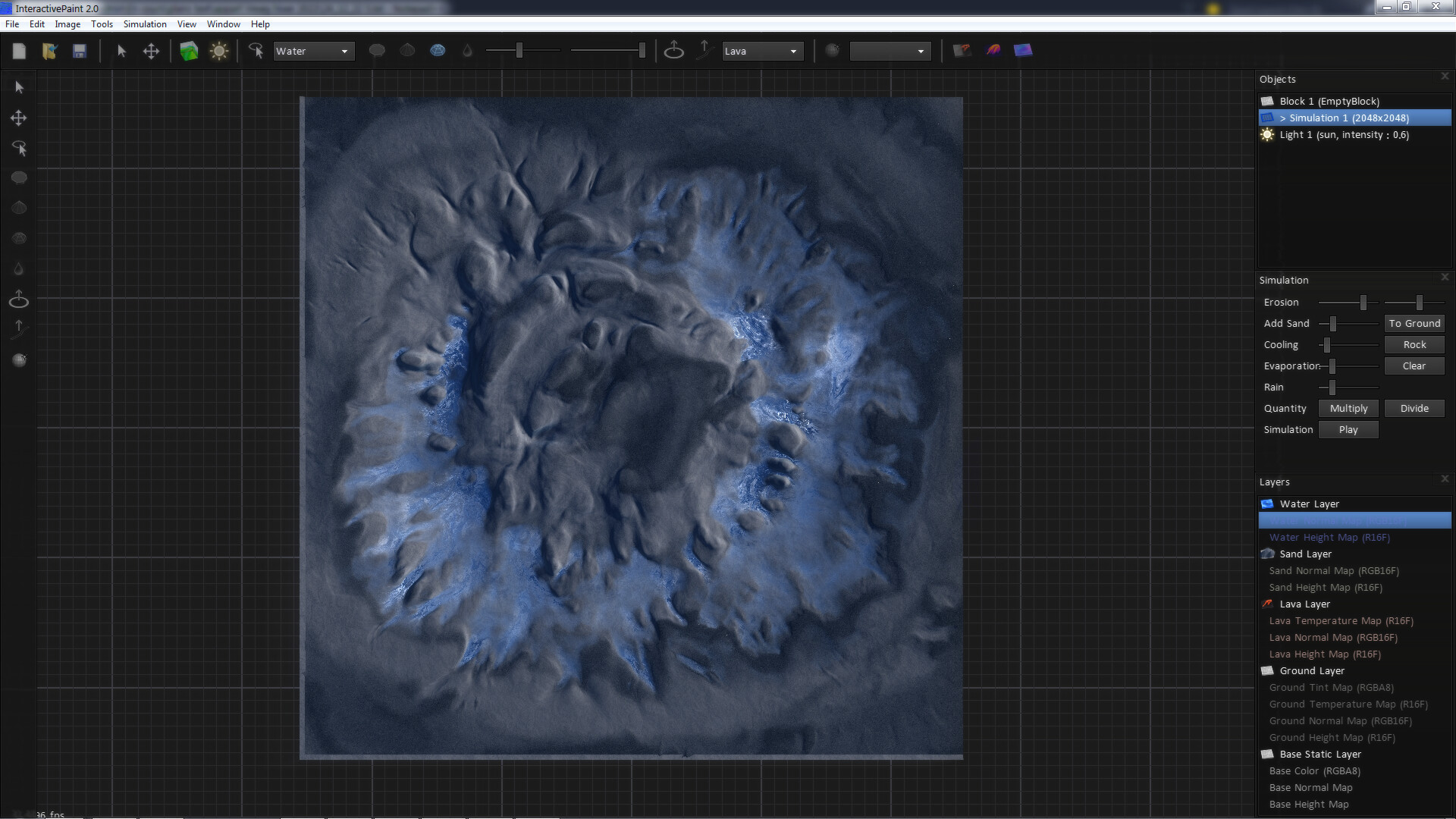
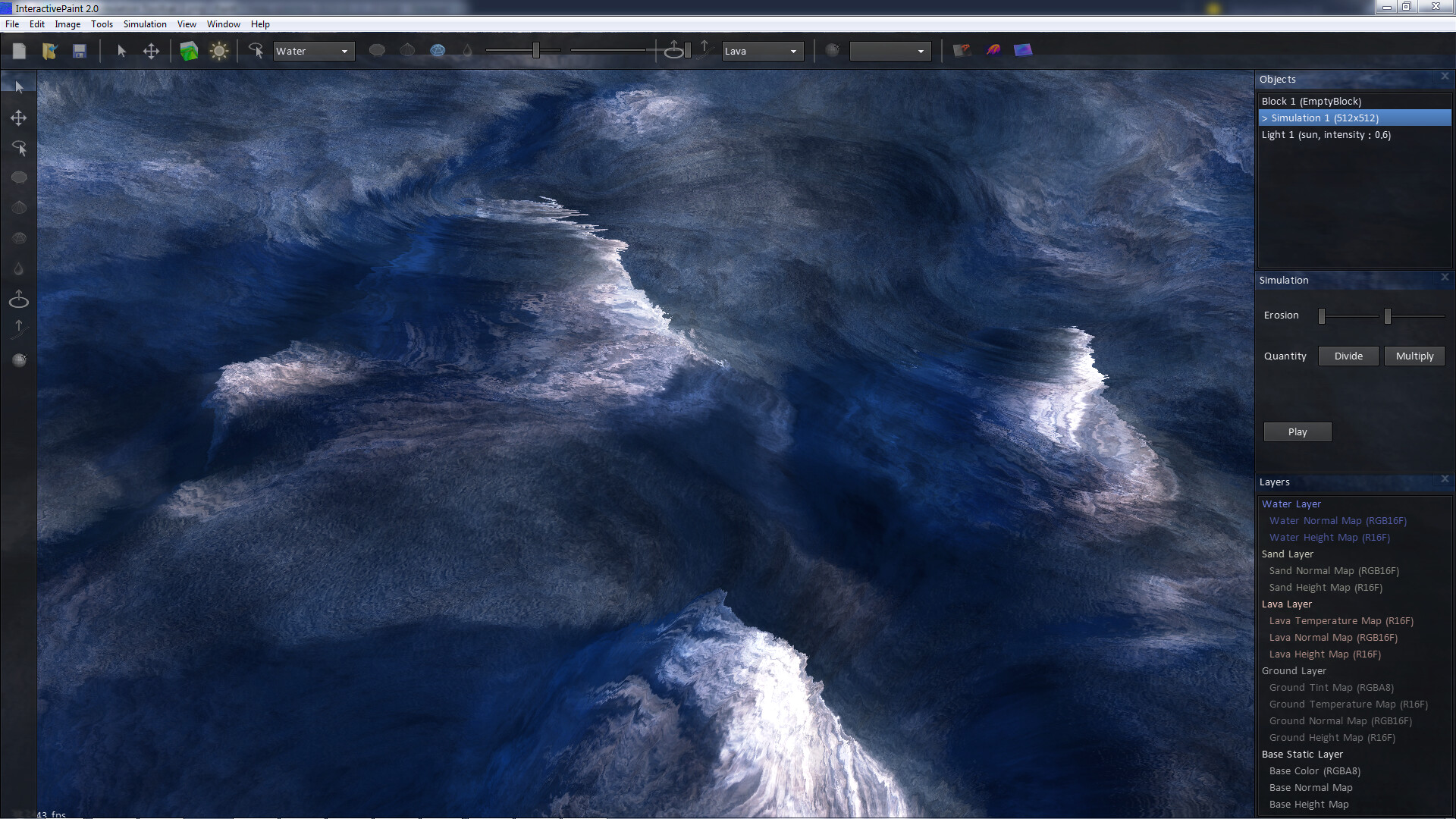
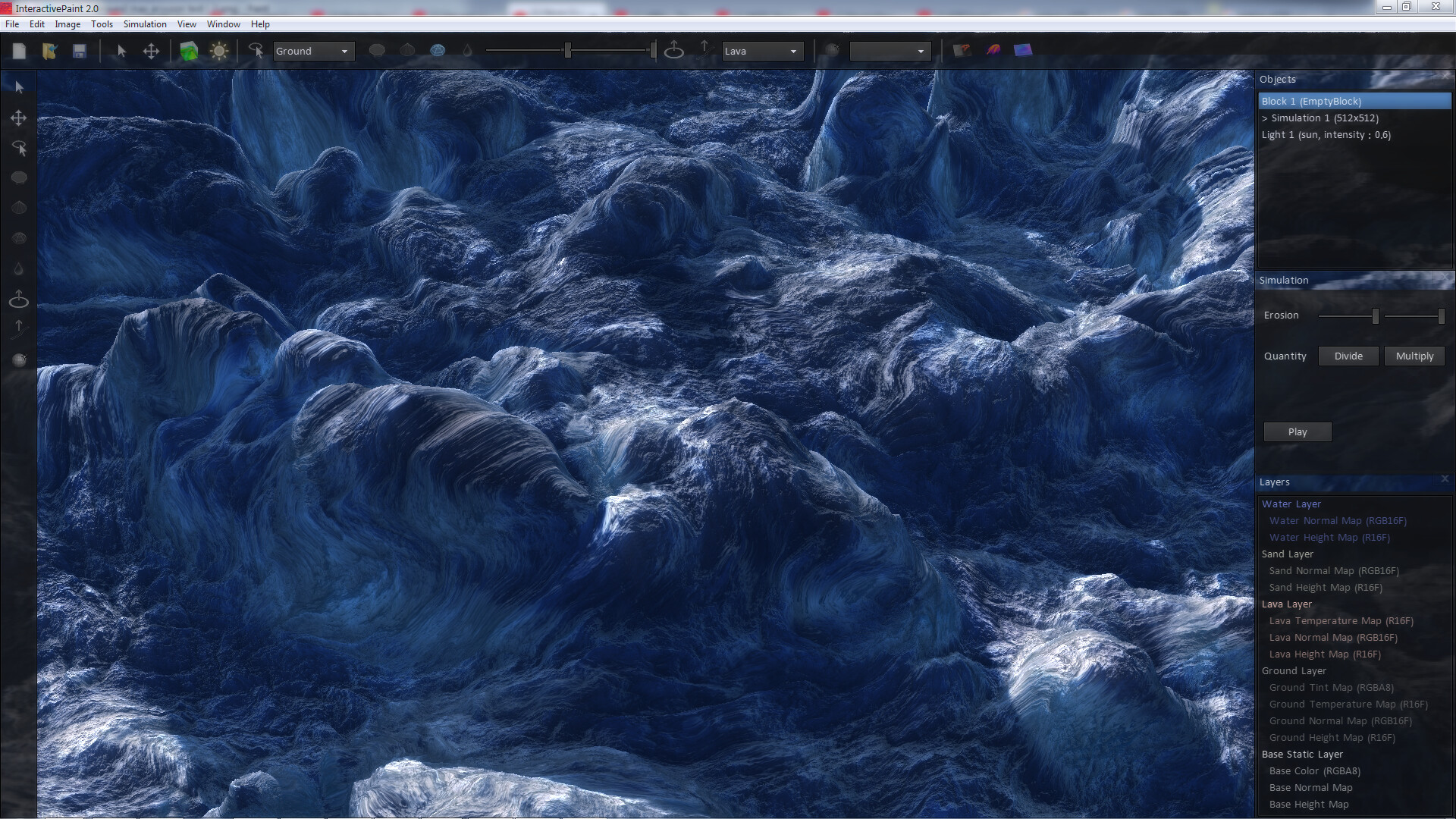
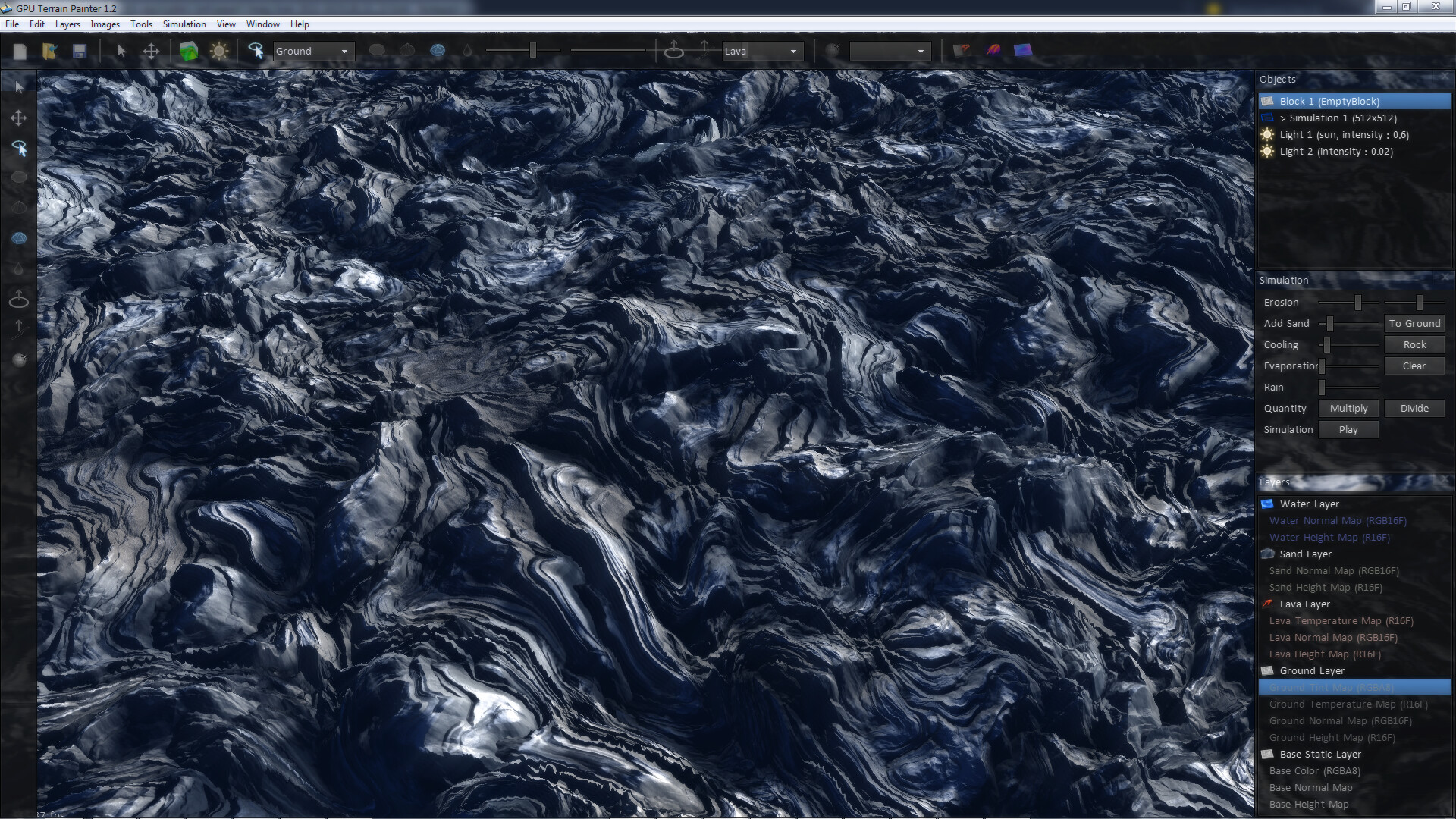
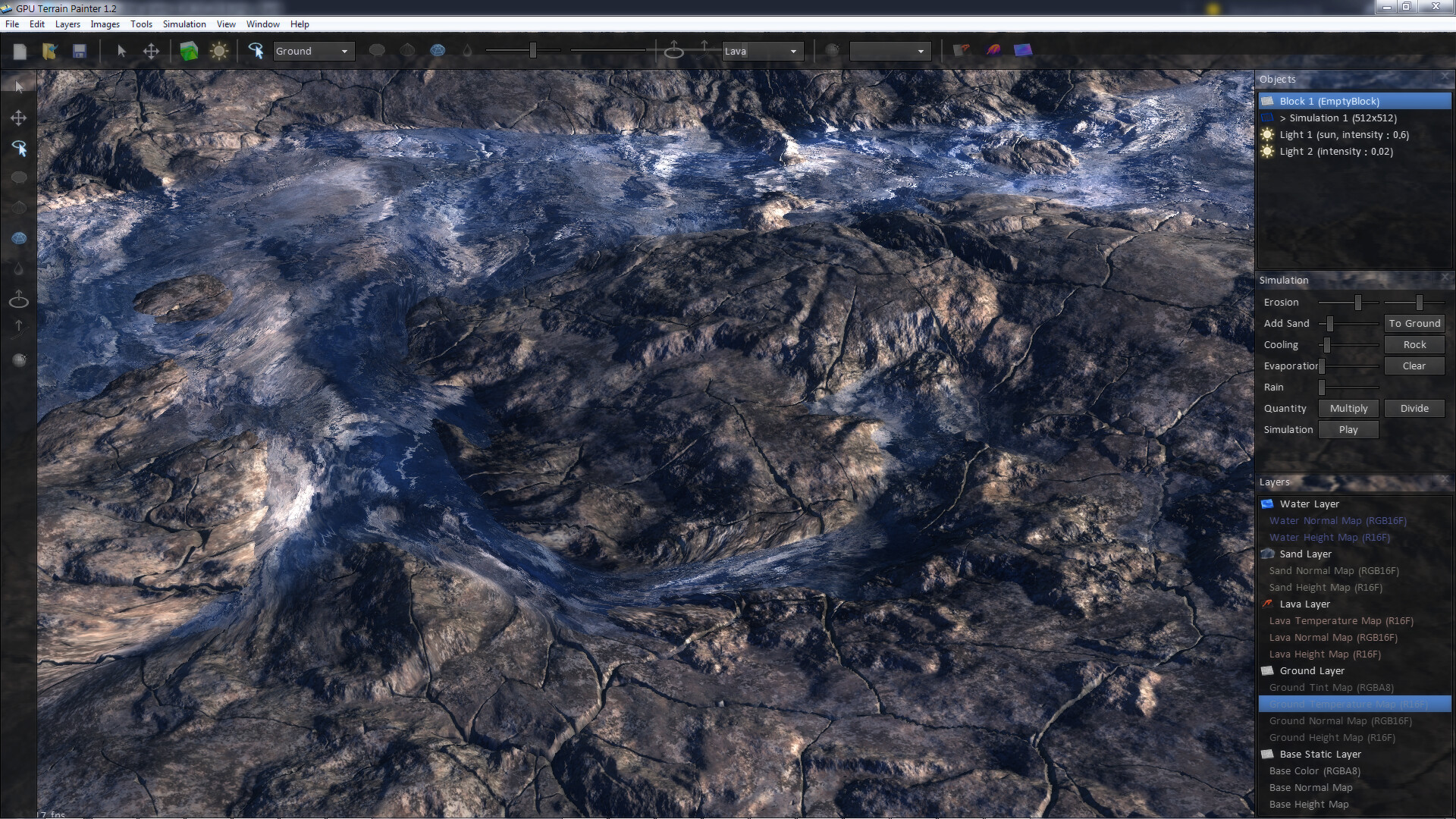
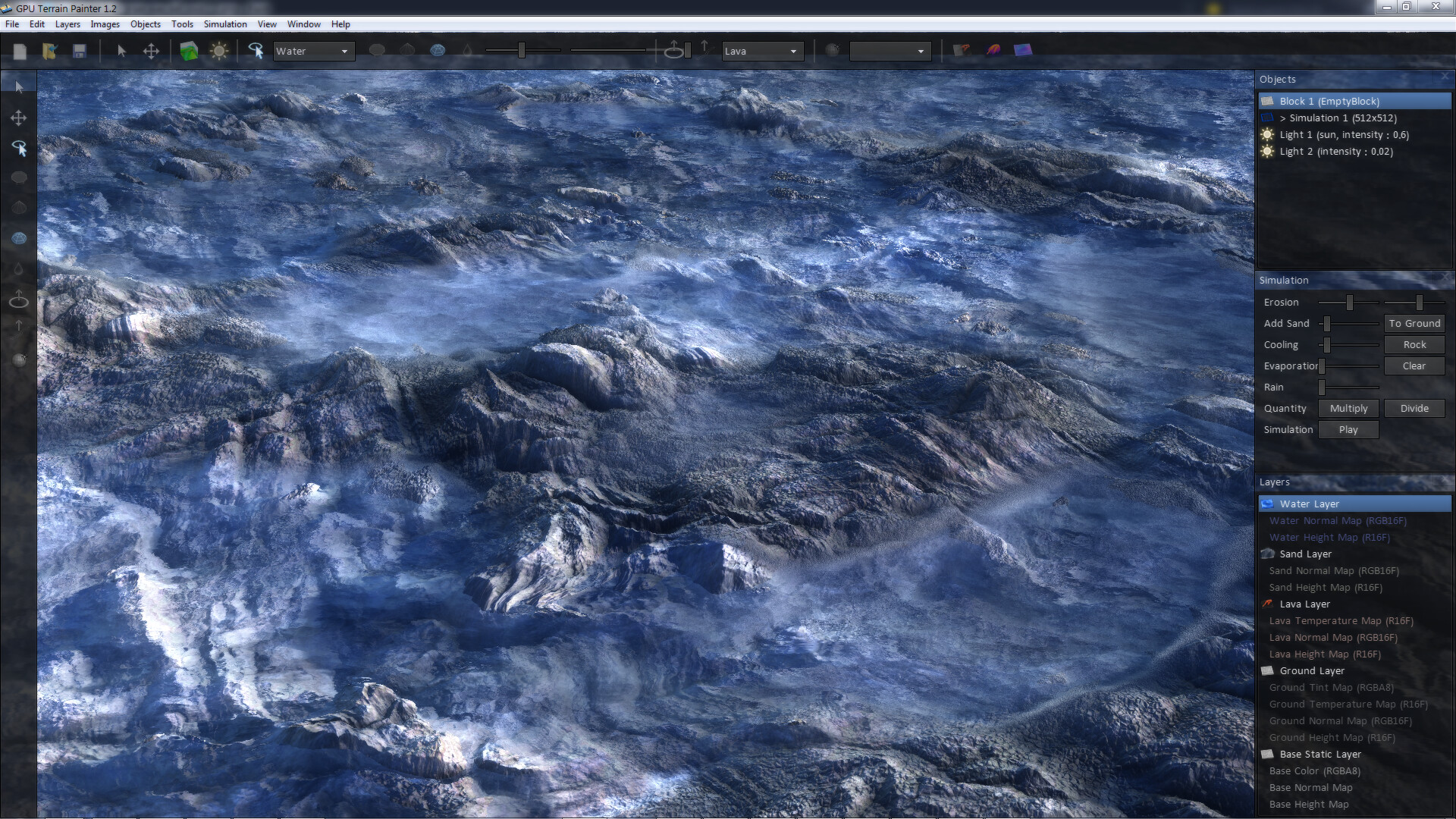
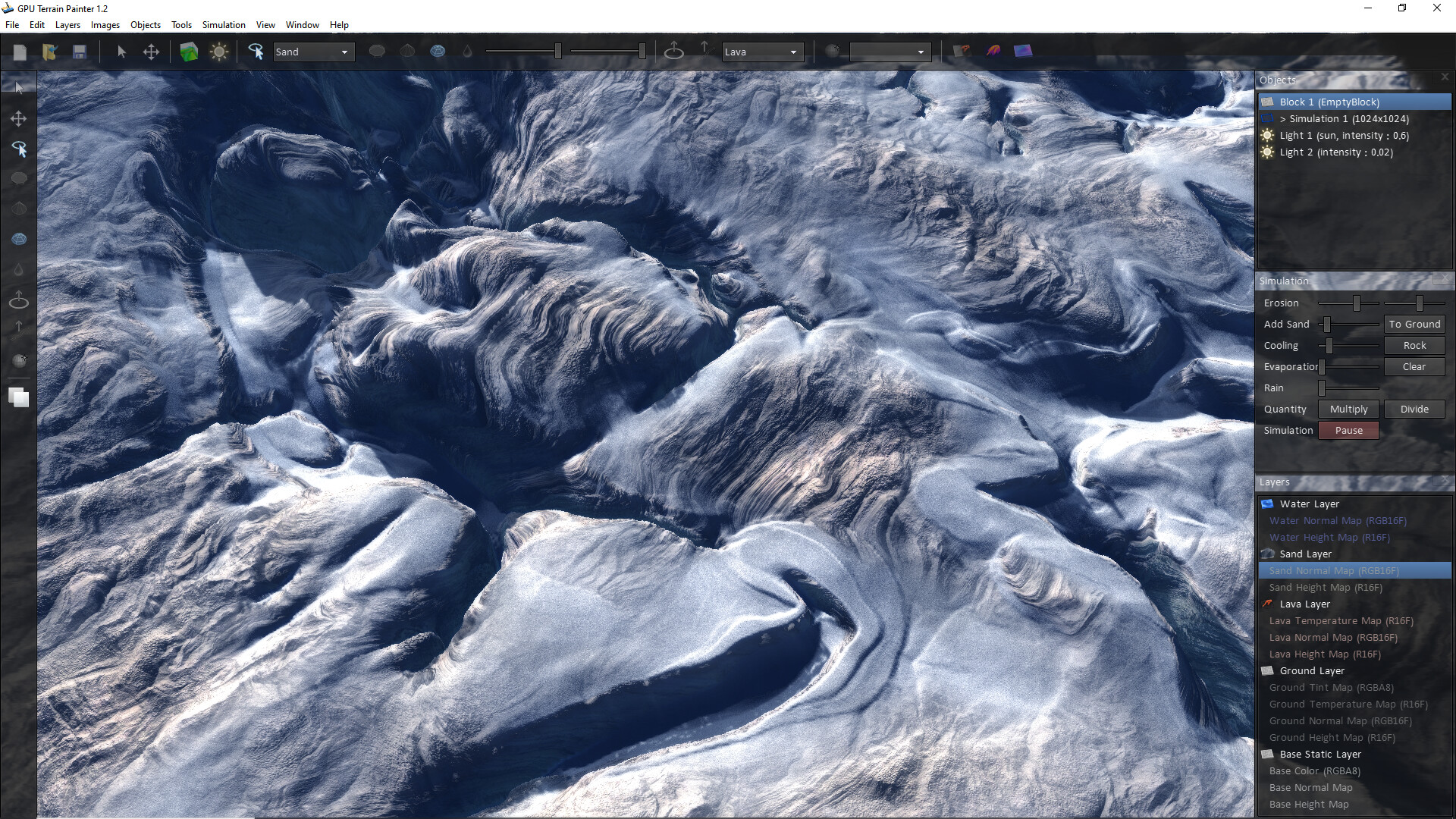
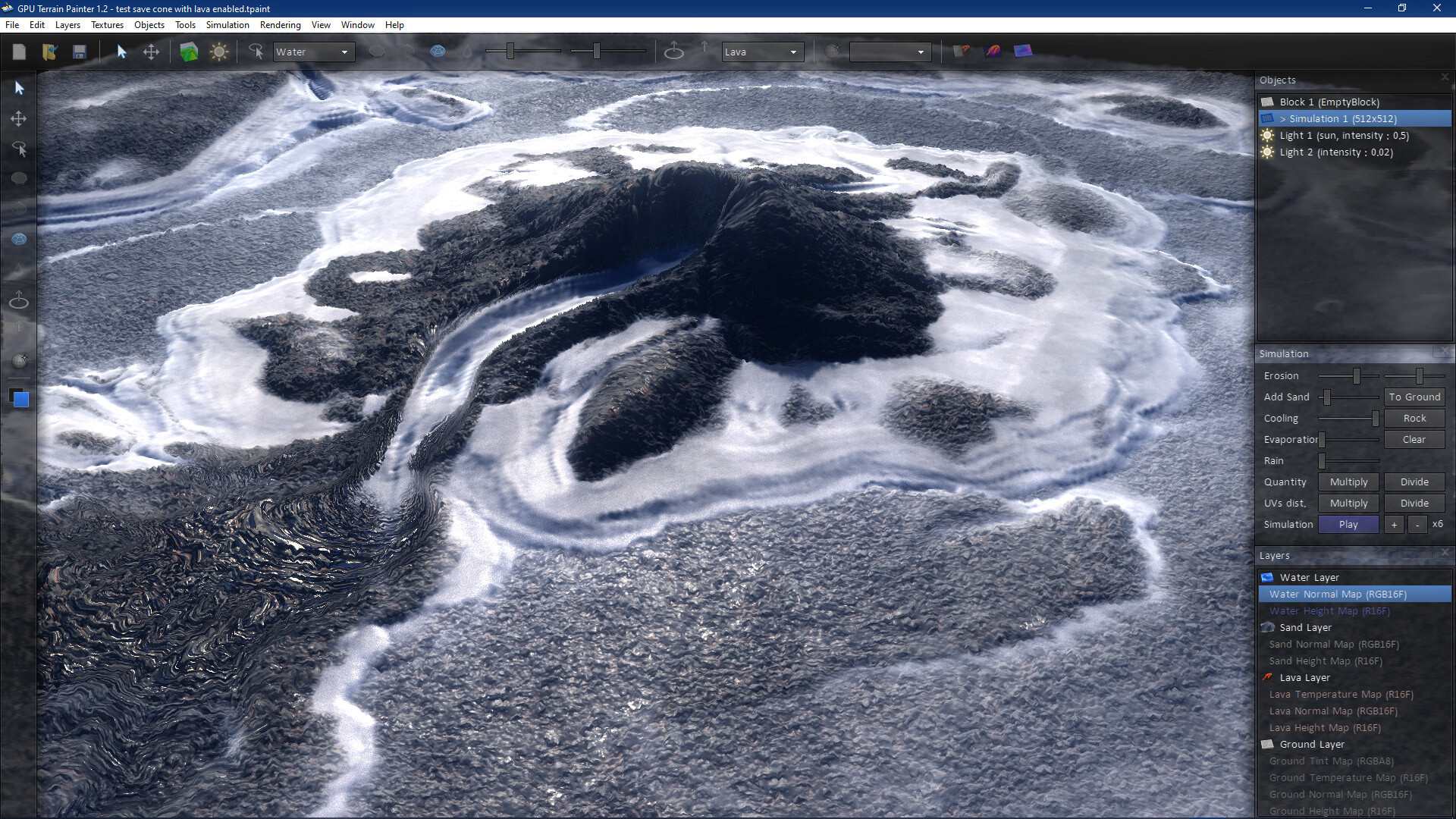
Terrain Painter is an interactive, GPU-accelerated terrain painting software, that allows you to design stunning landscapes in real-time ! Each brush literally draws the selected matter (water, sand, lava !) on ground to get an immediate realistic result !
상세 설명
Unleash your creativity and paint realistic terrains in just a few minutes !
Terrain Painter is an interactive, GPU-accelerated terrain painting software that allows you
to design stunning landscapes in real-time !
Each brush literally "paints" the selected matter (rock, lava, sand, water, ..) on ground to get an immediate realistic result !
With features such as rain, erosion, volcanic eruptions, each brush stroke adds a new layer of realism, from sand dunes to raging rivers !
Designing custom environments that look and feel real has never been easier !
Features
• Interactive painting of natural terrains !
• Physical brushes (sand, lava, water)
• Classic brushes (raise, dig, smooth, smudge, ..)
• Multi-layers, merges layers
• Interactive simulation
• Advanced lava simulation
• Erosion, matter transport
• HD rendering
• GPU accelerated (OpenGL 4.6)
• Native seamless tiling !
• Textures UV édition
• Export to UHD 8K !
• 8/16/32 bits PNG import/export
• Export of diffuse, height, normal, metallic and uv maps
• Export of complete terrain mesh/scene in OBJ, ASE and FBX
Useful shortcuts
• Mouse Middle Pan View
• Alt+Middle Rotate View
• Ctrl+Scroll Changes Brush Layer
• Shift+Scroll Changes Brush Strength
• Alt+Scroll Changes Brush Size
• Ctrl+B Change Brush Shape
• Ctrl+G Draw Cursor
• Ctrl+E Objects Selection
• Break Play/Pause Simulation
• +- Changes Simulation Speed
• */ Multiply/Divide Layer Height
• Ctrl+U Show Color Dialog
• Ctrl+I Inverse Layer (height)
• Space Convert Layer to Ground
• Shift+Space Merge to Lower Layer
• Shift+B Blur Layer
• Shift+N Sharpen Layer
• T Top View
• P Perspective View
• C Center View on Cursor
• N Normal Map View
• W WireFrame View
Terrain Painter is an interactive, GPU-accelerated terrain painting software that allows you
to design stunning landscapes in real-time !
Each brush literally "paints" the selected matter (rock, lava, sand, water, ..) on ground to get an immediate realistic result !
With features such as rain, erosion, volcanic eruptions, each brush stroke adds a new layer of realism, from sand dunes to raging rivers !
Designing custom environments that look and feel real has never been easier !
Features
• Interactive painting of natural terrains !
• Physical brushes (sand, lava, water)
• Classic brushes (raise, dig, smooth, smudge, ..)
• Multi-layers, merges layers
• Interactive simulation
• Advanced lava simulation
• Erosion, matter transport
• HD rendering
• GPU accelerated (OpenGL 4.6)
• Native seamless tiling !
• Textures UV édition
• Export to UHD 8K !
• 8/16/32 bits PNG import/export
• Export of diffuse, height, normal, metallic and uv maps
• Export of complete terrain mesh/scene in OBJ, ASE and FBX
Useful shortcuts
• Mouse Middle Pan View
• Alt+Middle Rotate View
• Ctrl+Scroll Changes Brush Layer
• Shift+Scroll Changes Brush Strength
• Alt+Scroll Changes Brush Size
• Ctrl+B Change Brush Shape
• Ctrl+G Draw Cursor
• Ctrl+E Objects Selection
• Break Play/Pause Simulation
• +- Changes Simulation Speed
• */ Multiply/Divide Layer Height
• Ctrl+U Show Color Dialog
• Ctrl+I Inverse Layer (height)
• Space Convert Layer to Ground
• Shift+Space Merge to Lower Layer
• Shift+B Blur Layer
• Shift+N Sharpen Layer
• T Top View
• P Perspective View
• C Center View on Cursor
• N Normal Map View
• W WireFrame View
스크린샷

접속자 수
가격 정보
업적 목록
업적 정보가 없습니다.
요약 정보
스팀 리뷰
스팀 리뷰가 존재하지 않습니다.