
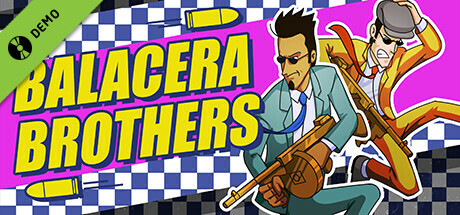
Balacera Brothers Demo
Merso Entertainment
2023년 7월 18일
210
조회수
0
리뷰 수
0+
추정 판매량
N/A
긍정 평가
게임 정보
| 출시일: | 2023년 7월 18일 |
| 개발사: | Merso Entertainment |
| 퍼블리셔: | Merso Entertainment |
| 플랫폼: | Windows |
| 출시 가격: | 무료 |
| 장르: | 액션 |

업적 목록
업적 정보가 없습니다.
추천 게임

게임 소개
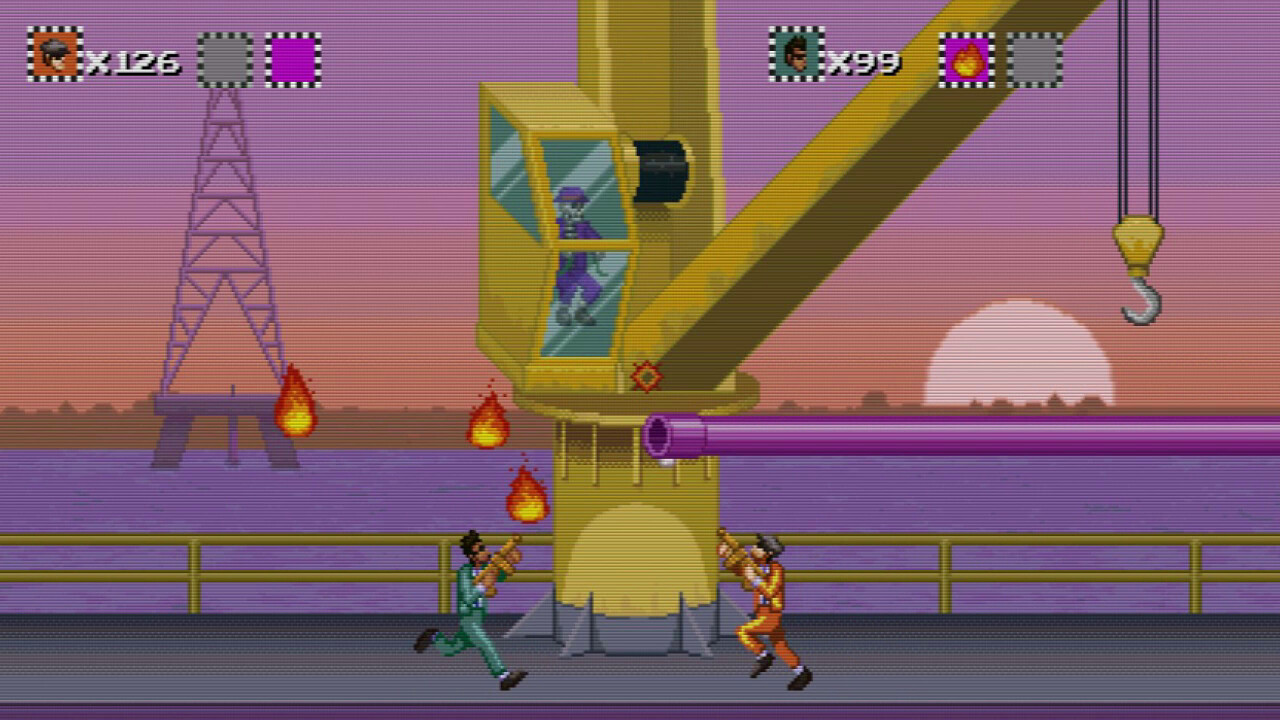
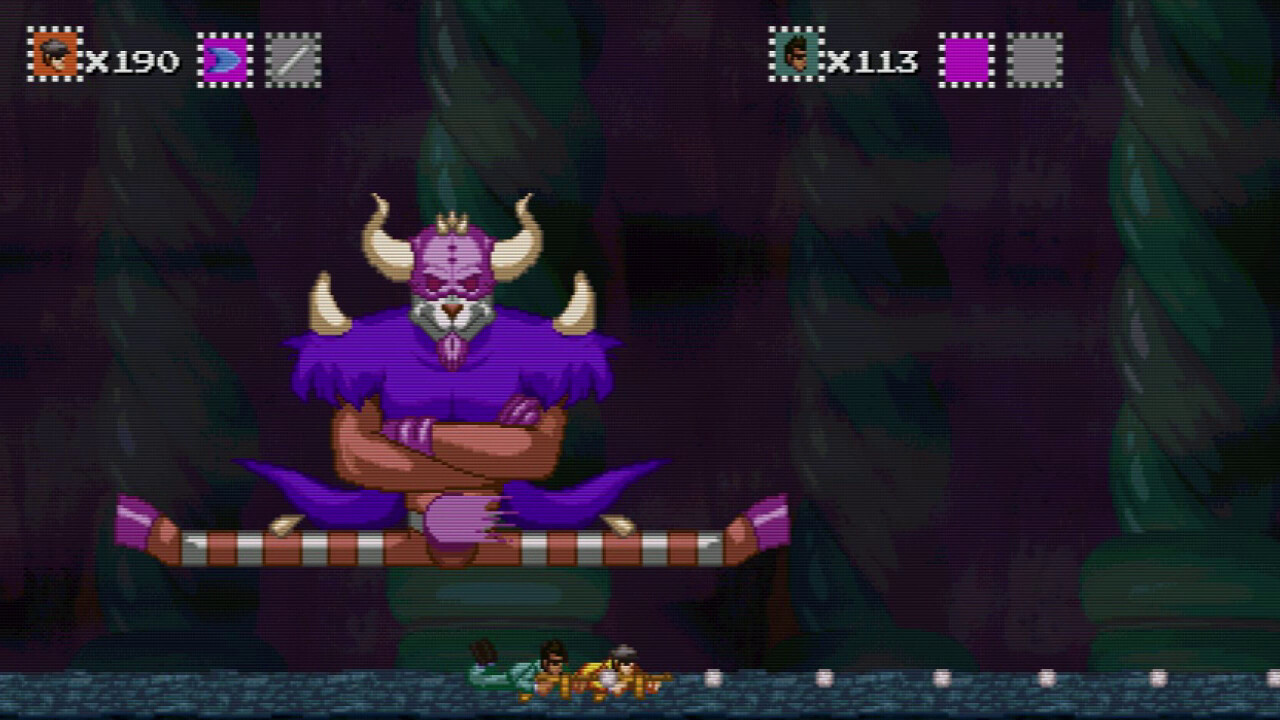
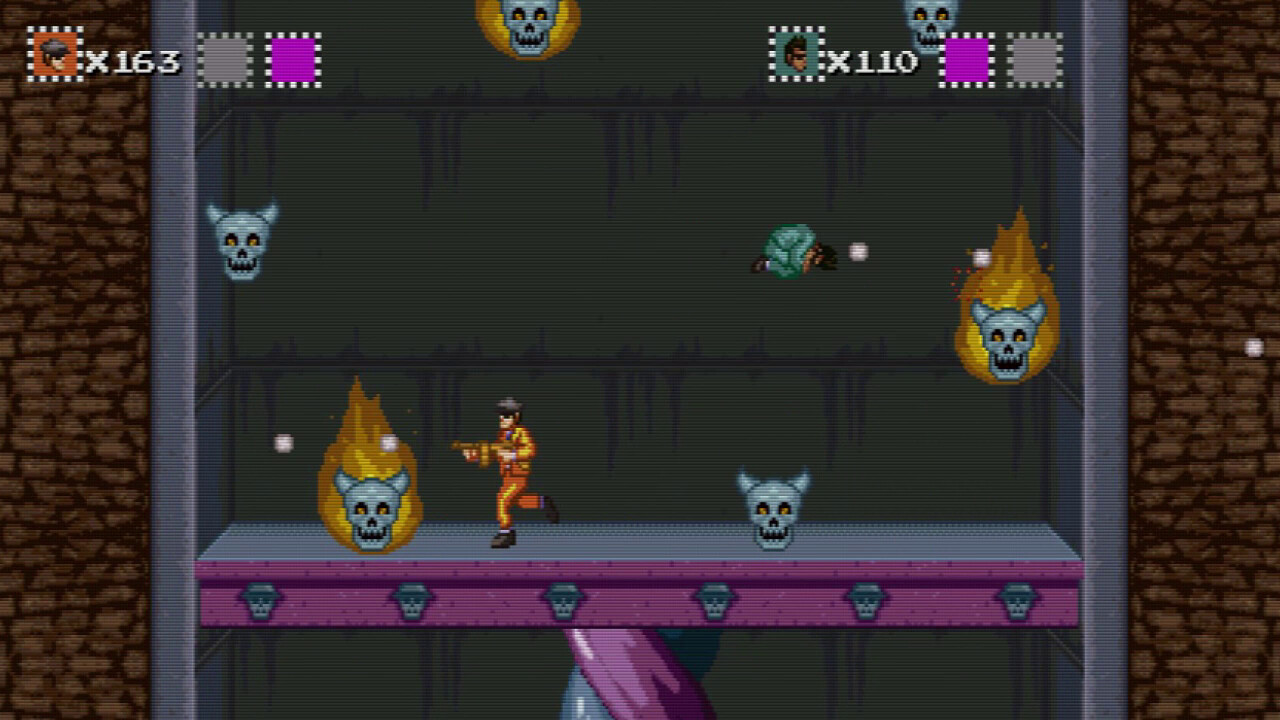
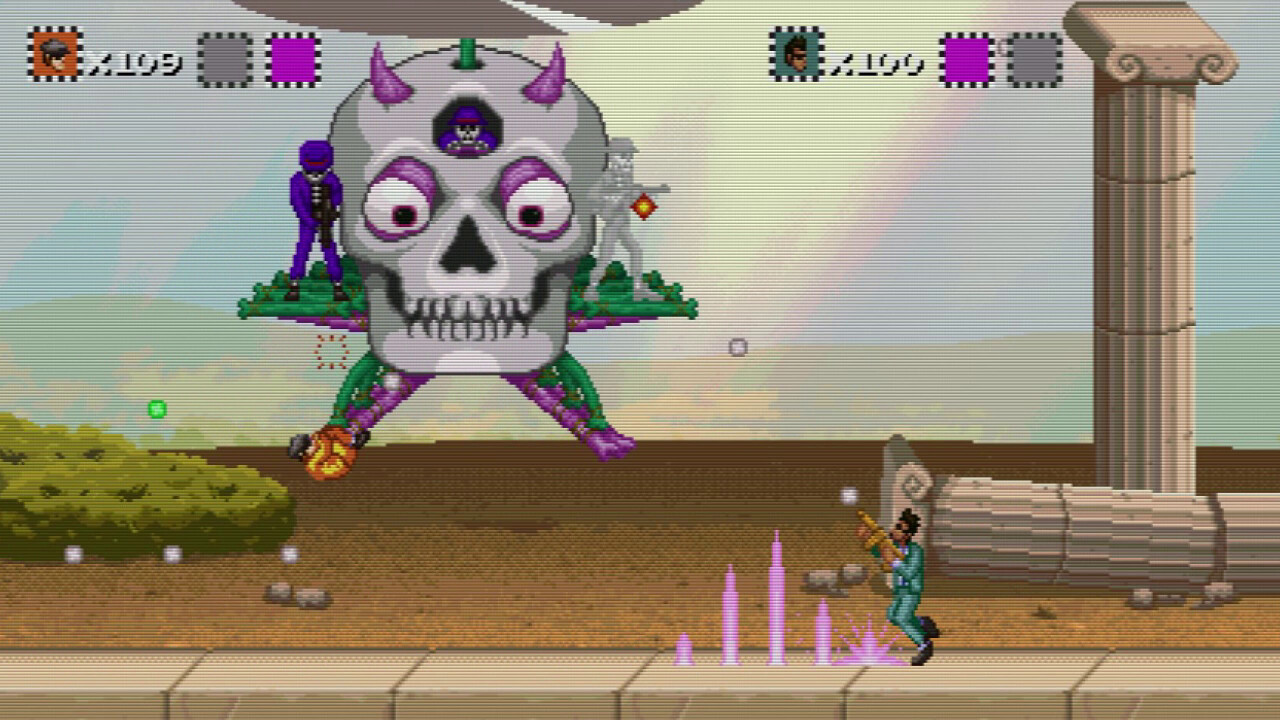
Inspired by classic titles like Contra and Sunset Riders, Balacera Brothers is a retro run n' gun game full of color, energetic music, and fast-paced action. Enjoy the free demo!
상세 설명
Balacera Brothers is a run-and-gun action game set in a world plagued by crime and darkness. Join heroes Harold and Benny as they take a break from their ska band to battle the merciless Nugnur and his army of evil skeletons in this adventure inspired by classics like Sunset Riders and the original Contra.

Featuring:
- Demo includes stage 1-1
- Thrilling Gameplay: Dive into non-stop action that keeps you on your toes!
- Vibrant Pixel Art: Enjoy colorful visuals that pop with personality.
- Energetic Ska Soundtrack: Jam out to an upbeat soundtrack that fuels your fight against darkness.
- Globally Inspired Stages: Explore levels inspired by real-world locations.
- Playful Tone: Enjoy a a lighthearted adventure that captures the spirit of run-and-gun classics of the 80's and 90's.
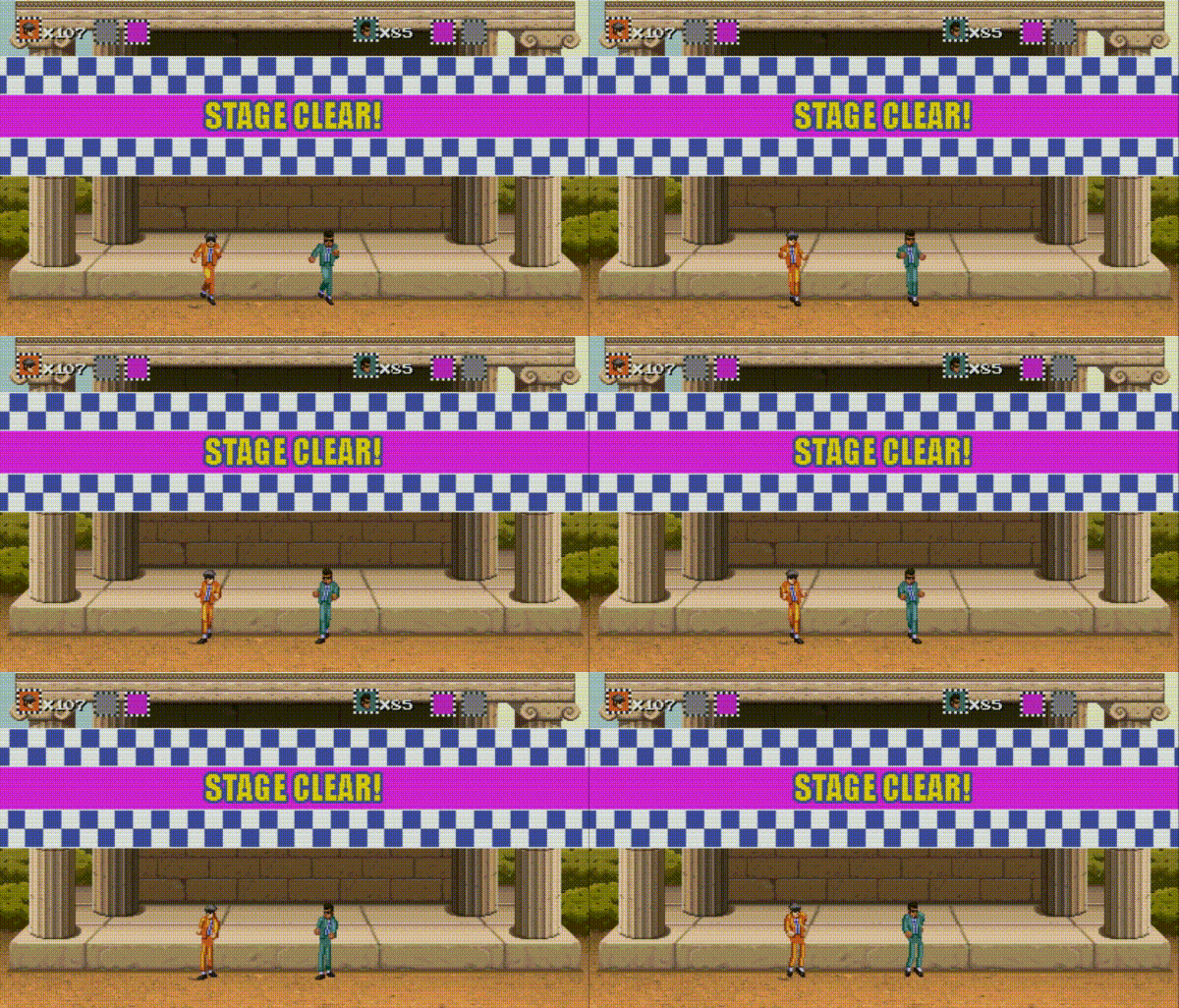
"Crime ran rampant through the streets, but Harold and Benny played every club and dive to spread that sweet sound of music to every ear that could hear.
However...
Crime breeds fear, and fear feeds the dark. The ghosts and ghasts reach out and eat more than the boys can beat! When music alone can't stop these bad bones, it's time for a little balacera!"
INSTRUCTIONS
The instructions for this game can be found at:
It’s highly recommended that you play Balacera Brothers with a gamepad instead of the keyboard. Follow these instructions to set it up:
• Make sure your gamepad is plugged in before running the game.
• Go to Options > Control Options > Setup Player 1
• The first action, "Move Up", is selected by default. Press Enter on your keyboard, followed by the button on the gamepad you want to assign that action to (in this case, UP in the directional pad)
• After that, press the down arrow on your keyboard to highlight the next action, and repeat the process.
스크린샷

접속자 수
가격 정보
업적 목록
업적 정보가 없습니다.
요약 정보
스팀 리뷰
스팀 리뷰가 존재하지 않습니다.