
Garden of Táozi
BenkovszkyCreations
2024년 6월 26일
173
조회수
0
리뷰 수
0+
추정 판매량
N/A
긍정 평가
게임 정보
| 출시일: | 2024년 6월 26일 |
| 개발사: | BenkovszkyCreations |
| 퍼블리셔: | BenkovszkyCreations |
| 플랫폼: | Windows |
| 출시 가격: | 1,100 원 |
| 장르: | 어드벤처, 캐주얼 |

링크
업적 목록
업적 정보가 없습니다.
추천 게임



게임 소개
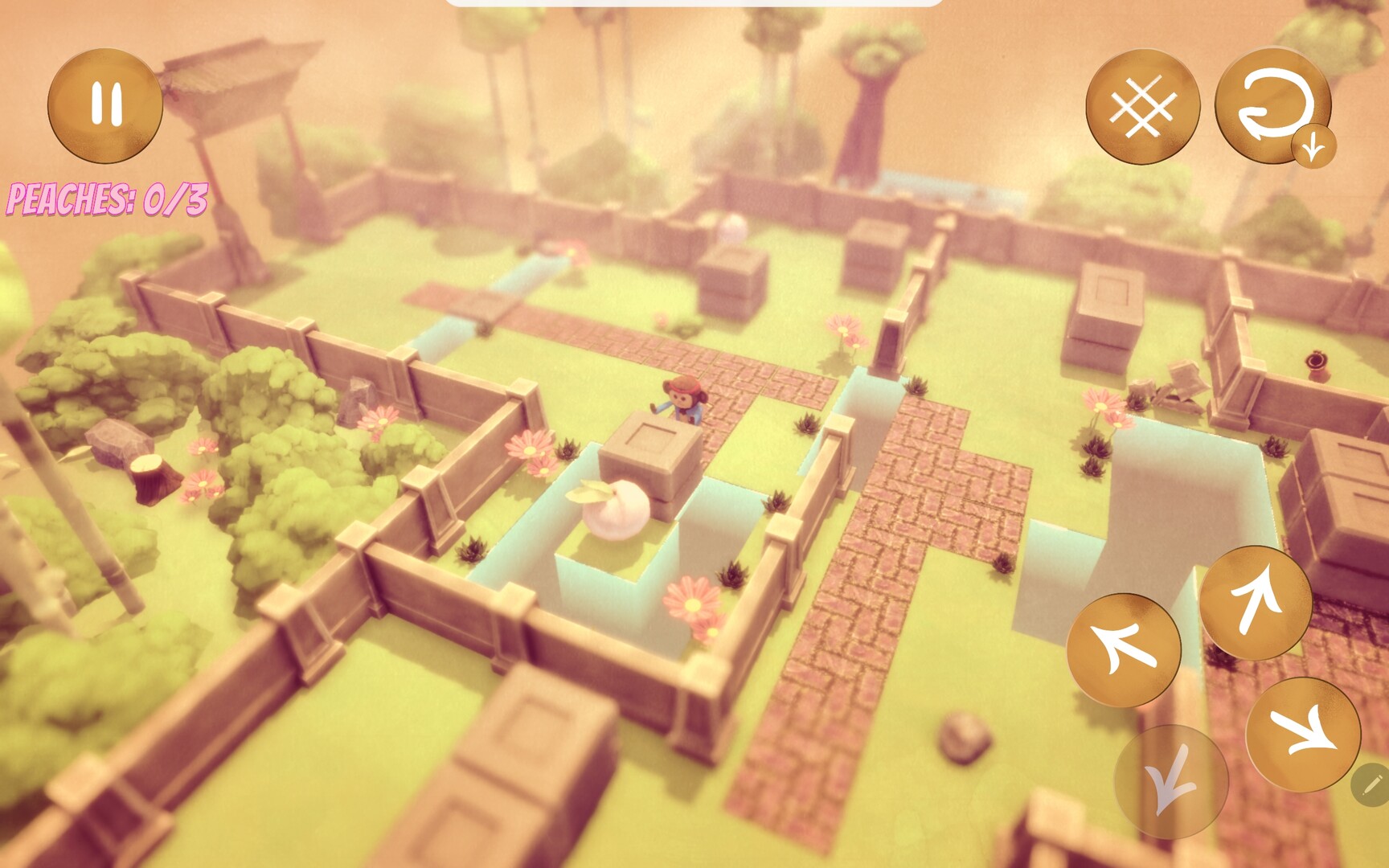
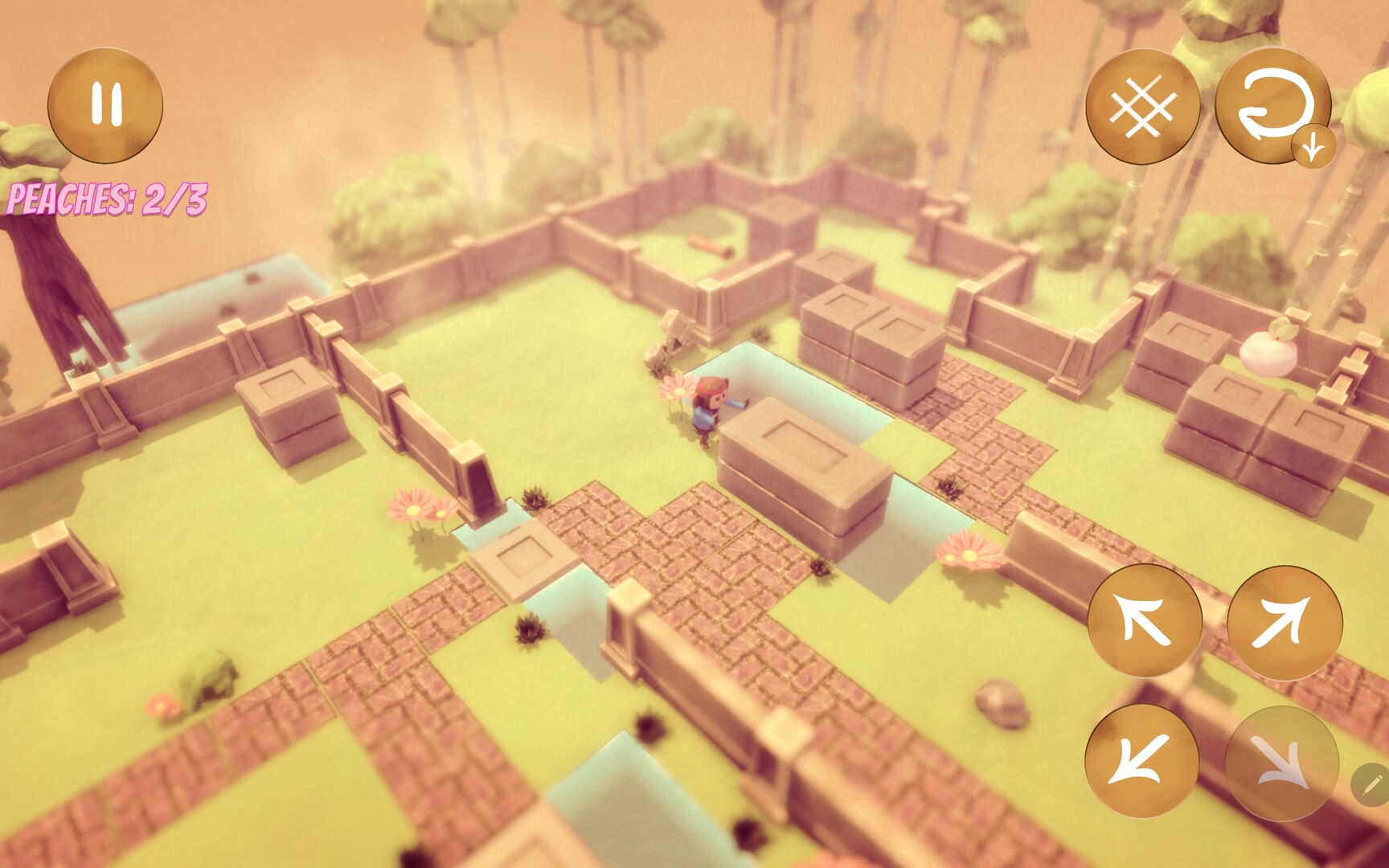
In this stylized, 3D sliding block puzzle adventure, play as a cute version of Sun Wukong as he goes on a quest to collect the legendary Golden Peach of Healing! Push blocks and collect peaches to progress forward!
상세 설명
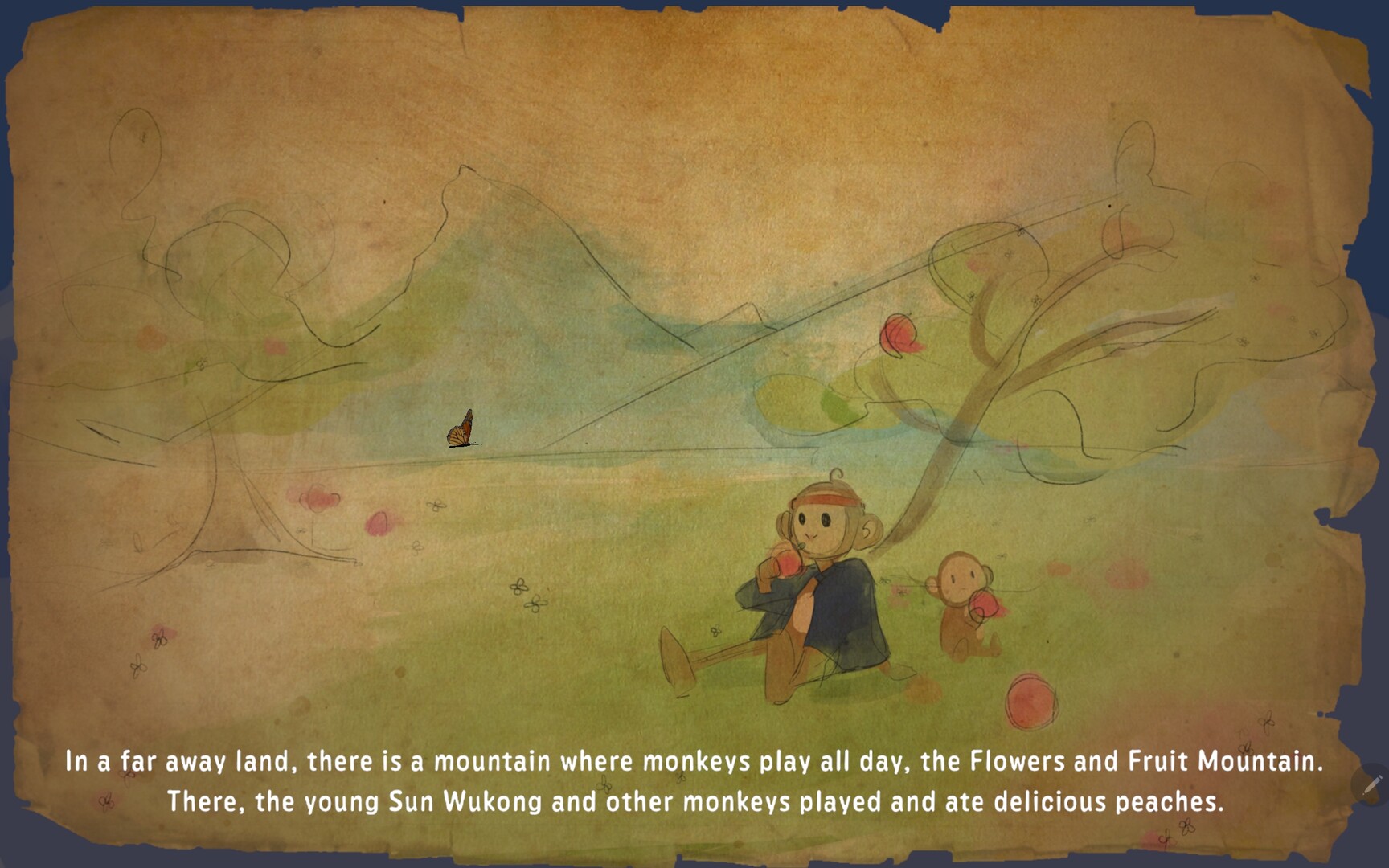
Play as Sun Wukong in this zen, stylized, 3D, sliding-block puzzle game as you go on a journey to obtain the legendary Golden Peach of Healing in order to heal your sick relative!
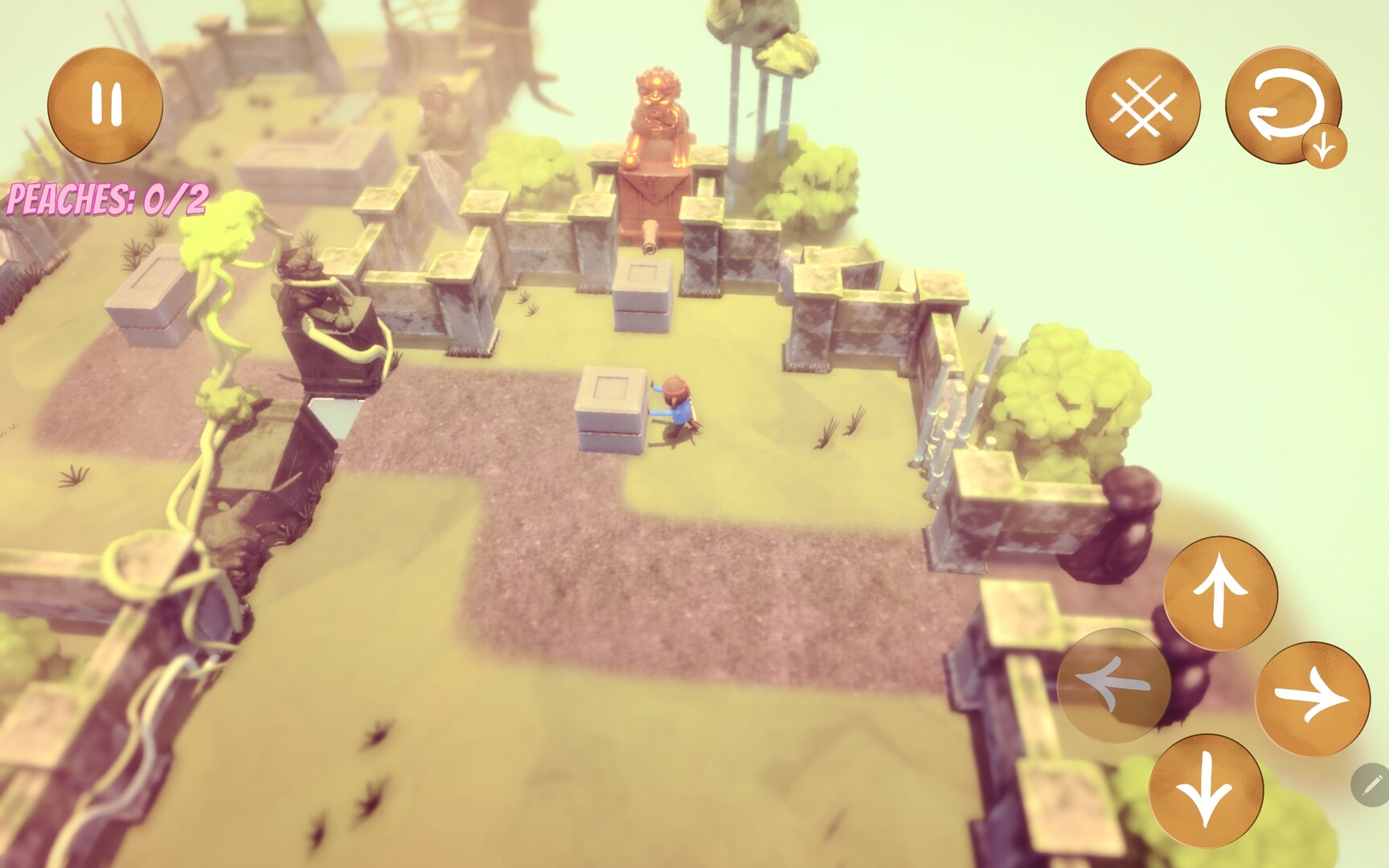
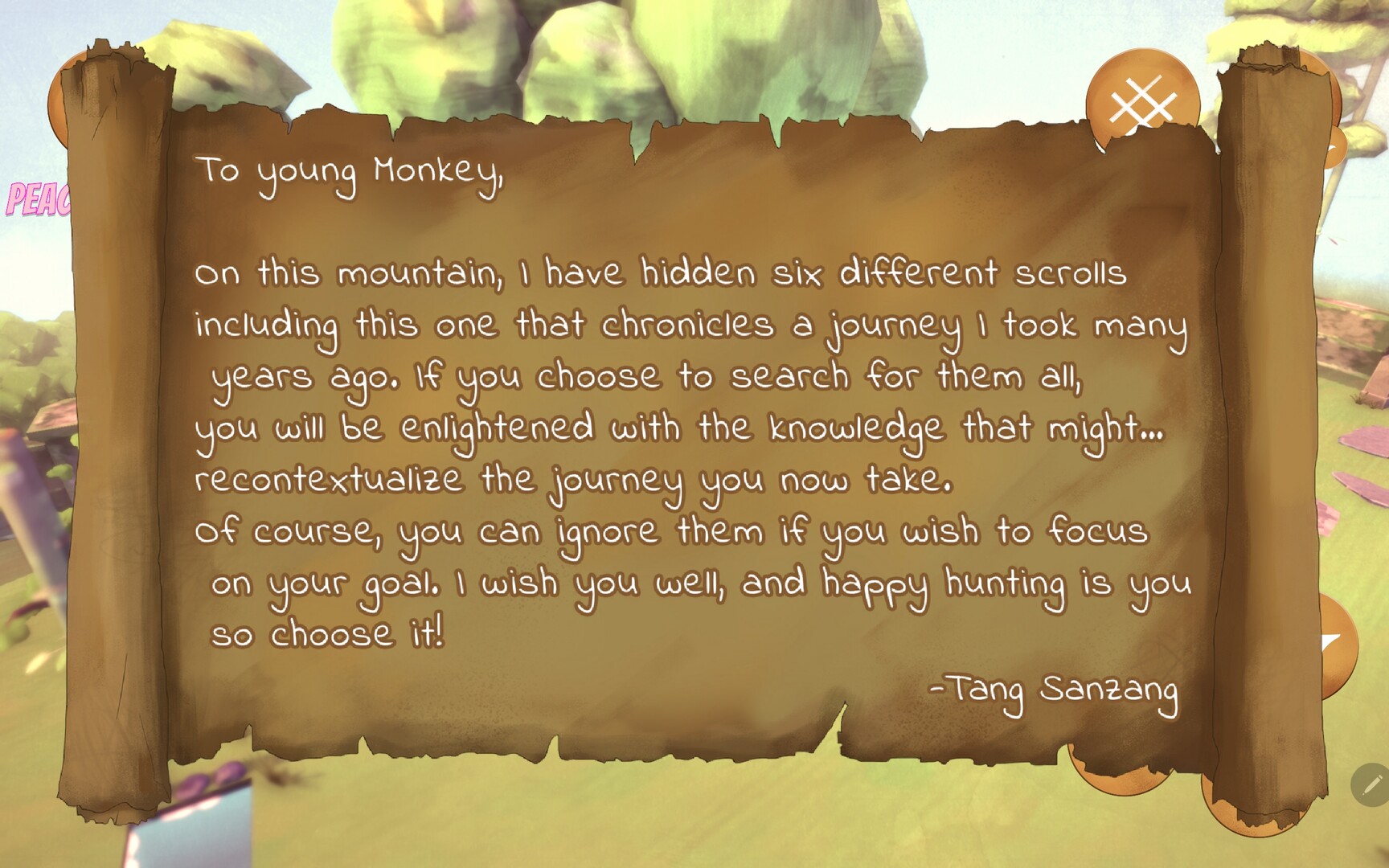
-This game has 7 unique levels. Collect every peach in a level in order to cross the gate into the next one. There's also a secret in each level that are used to piece together a secret story. Can you collect them all?
-This game has a grid-based movement system. Press the arrow buttons on the bottom right of the screen to move in the desired direction.
-Click and drag the screen to rotate the camera.
-Monkey can't cross water! Use blocks to cross the water by pushing them into it and create a bridge!
-Made a mistake? Don't worry! On the top right of the screen, there's an undo button to go back a move. If you hold down that button, it reveals options to move back several moves at a time, including restarting the level.
-To the left of the undo button is a grid button that toggles a grid on/off! The grid helps see the puzzles easier.
-This game has 7 unique levels. Collect every peach in a level in order to cross the gate into the next one. There's also a secret in each level that are used to piece together a secret story. Can you collect them all?
-This game has a grid-based movement system. Press the arrow buttons on the bottom right of the screen to move in the desired direction.
-Click and drag the screen to rotate the camera.
-Monkey can't cross water! Use blocks to cross the water by pushing them into it and create a bridge!
-Made a mistake? Don't worry! On the top right of the screen, there's an undo button to go back a move. If you hold down that button, it reveals options to move back several moves at a time, including restarting the level.
-To the left of the undo button is a grid button that toggles a grid on/off! The grid helps see the puzzles easier.
스크린샷
접속자 수
가격 정보
업적 목록
업적 정보가 없습니다.
요약 정보
스팀 리뷰
스팀 리뷰가 존재하지 않습니다.