
게임 정보
| 출시일: | 2026년 1월 30일 |
| 개발사: | sky |
| 퍼블리셔: | sky |
| 플랫폼: | Windows |
| 출시 가격: | 4,500 원 |
| 장르: | 캐주얼, 인디, 전략 |

링크
업적 목록
업적 정보가 없습니다.
추천 게임

게임 소개
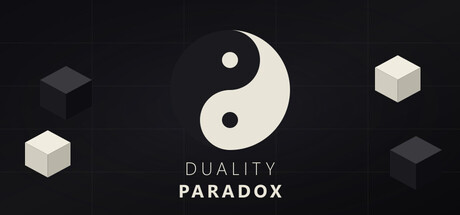
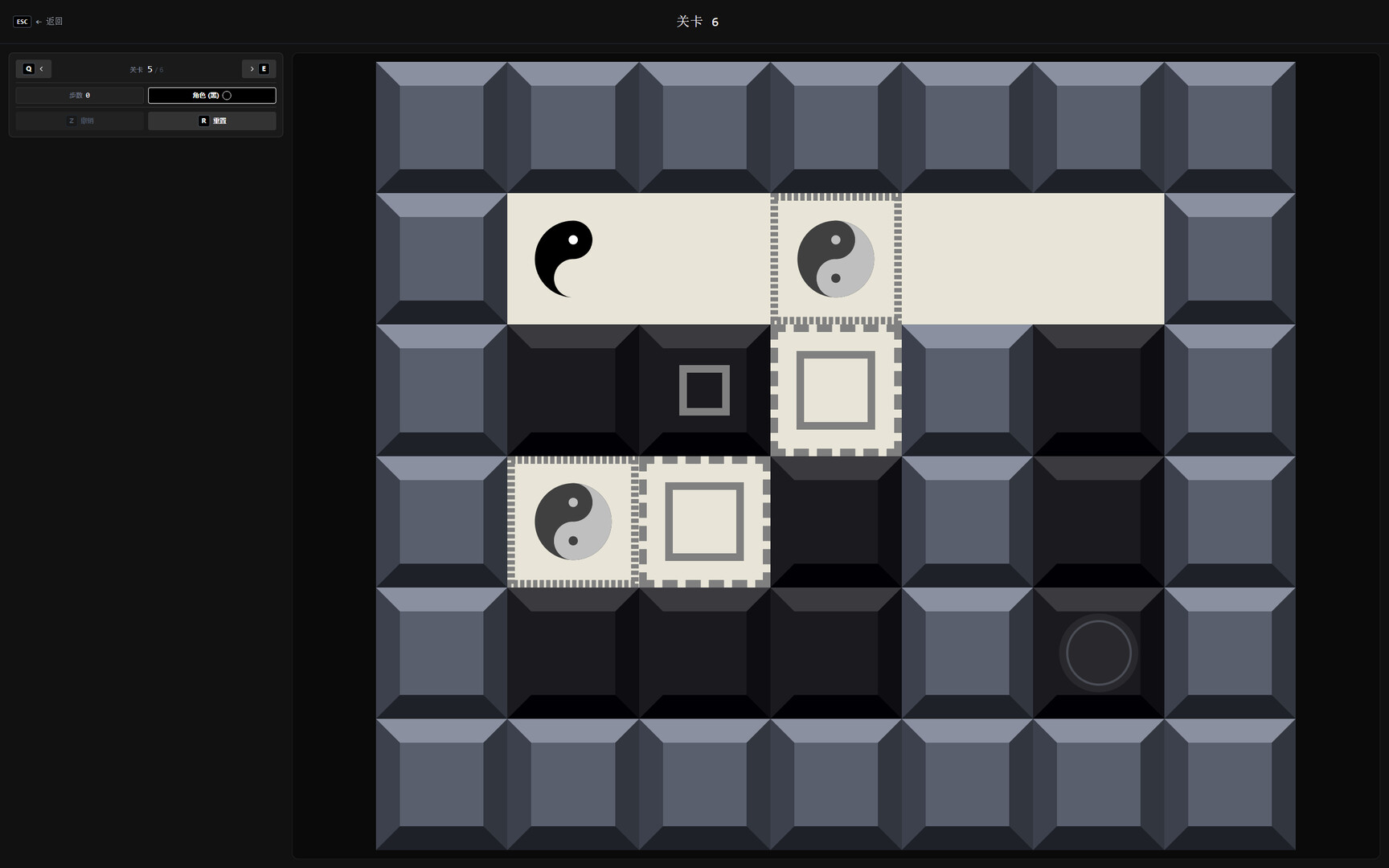
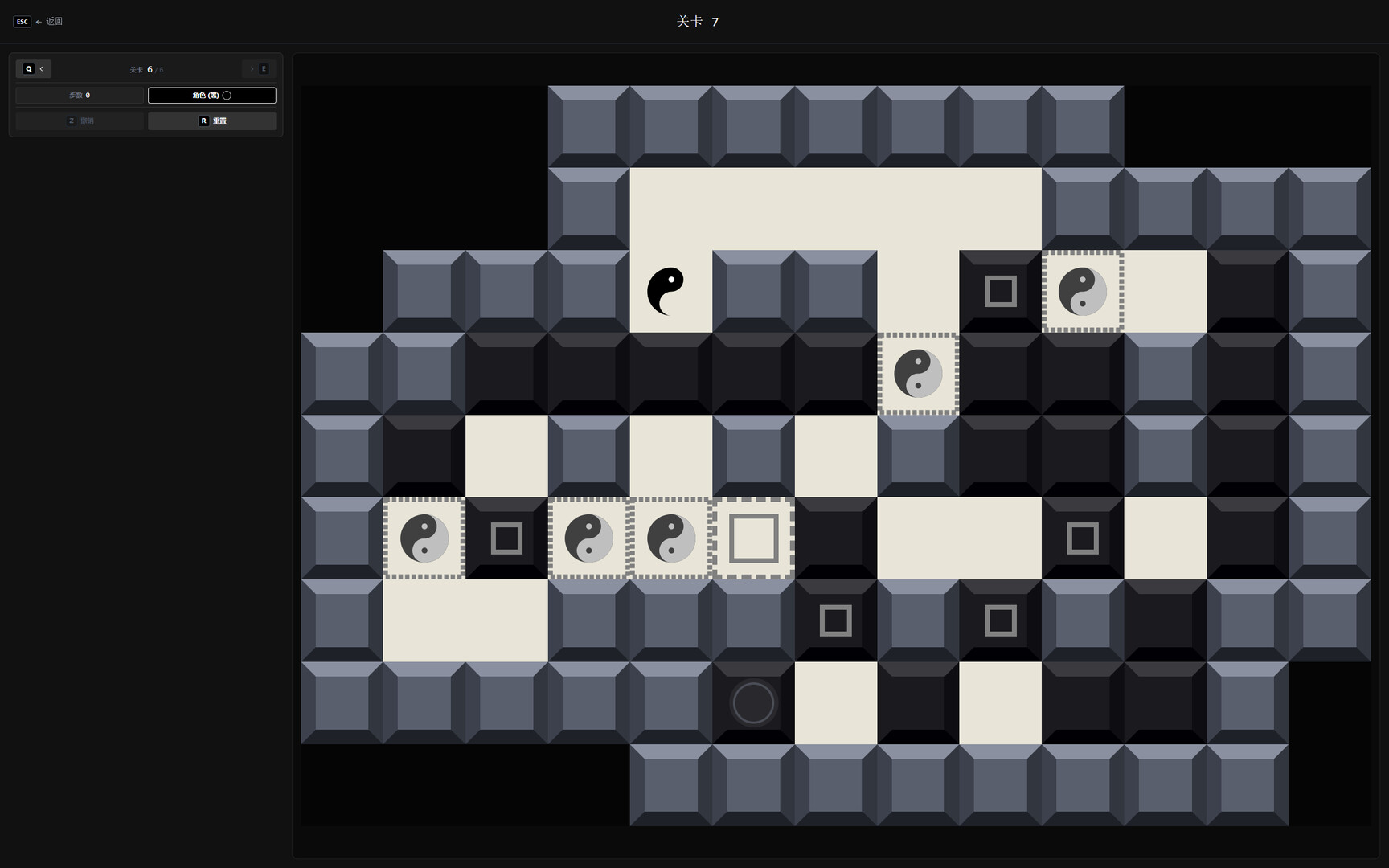
Duality Paradox is a puzzle game where players control a character that switches between black and white. This color shift changes how the world is perceived: matching colors become walls, while opposite colors turn into passable floors.
🎮 Game Introduction
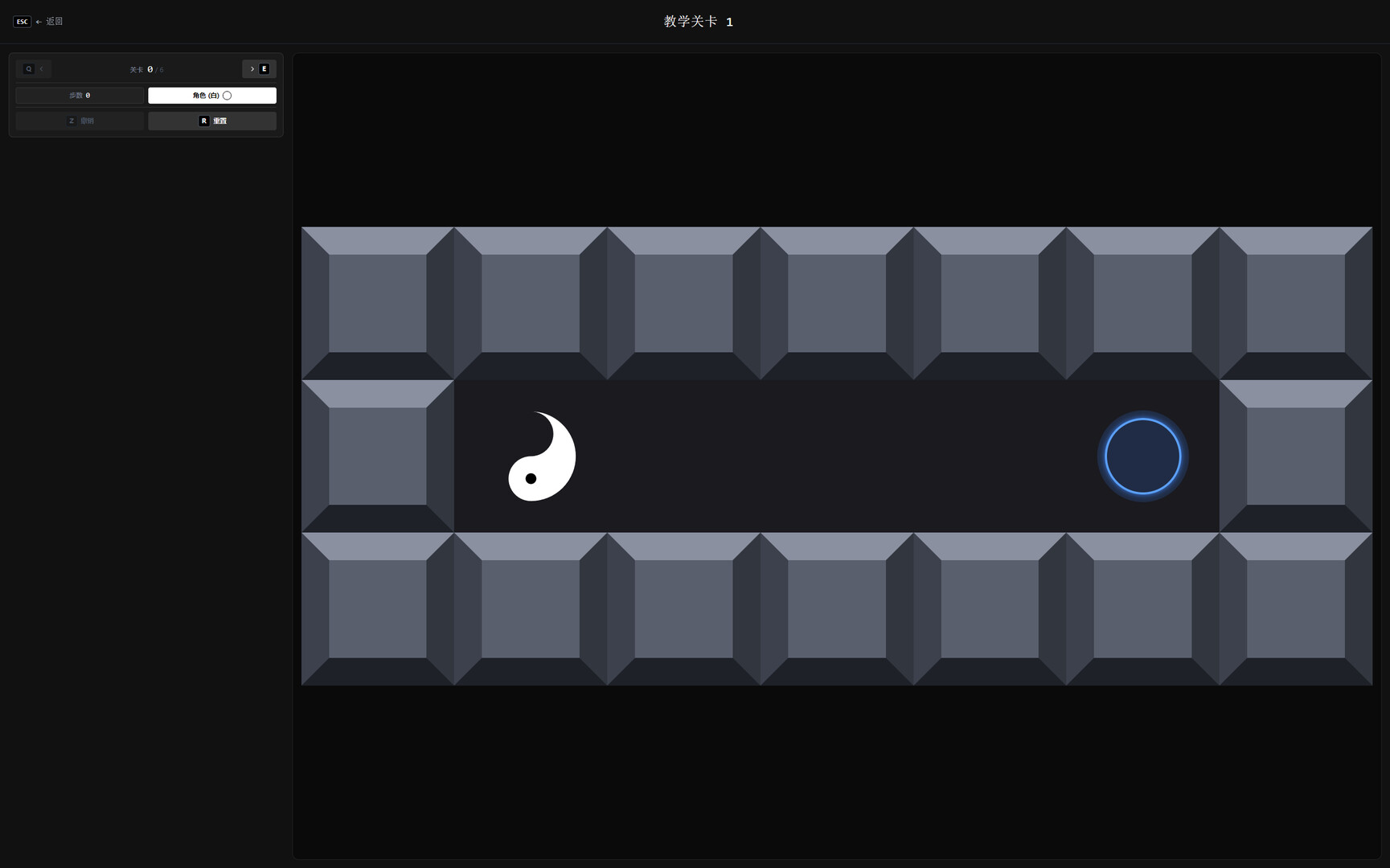
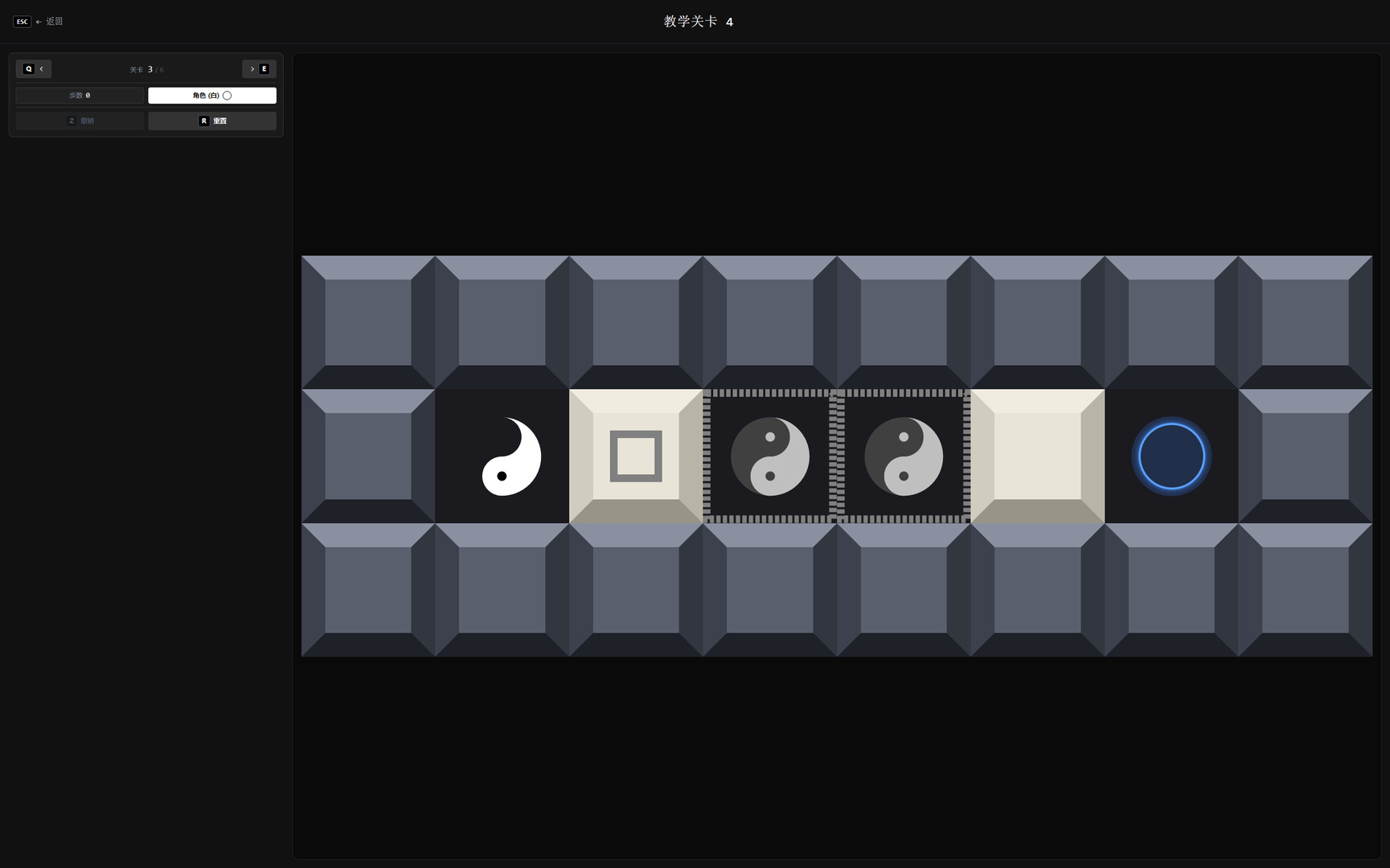
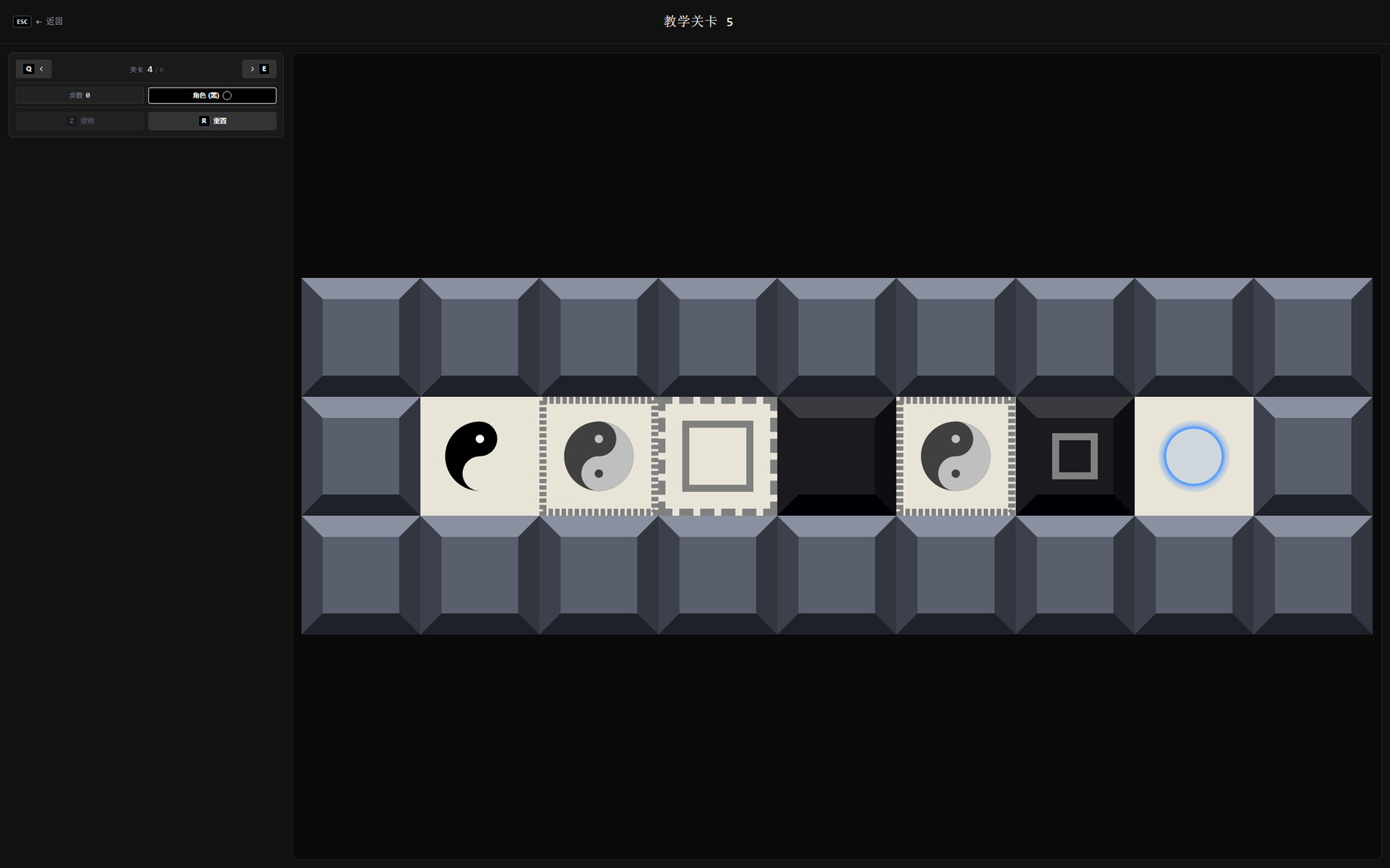
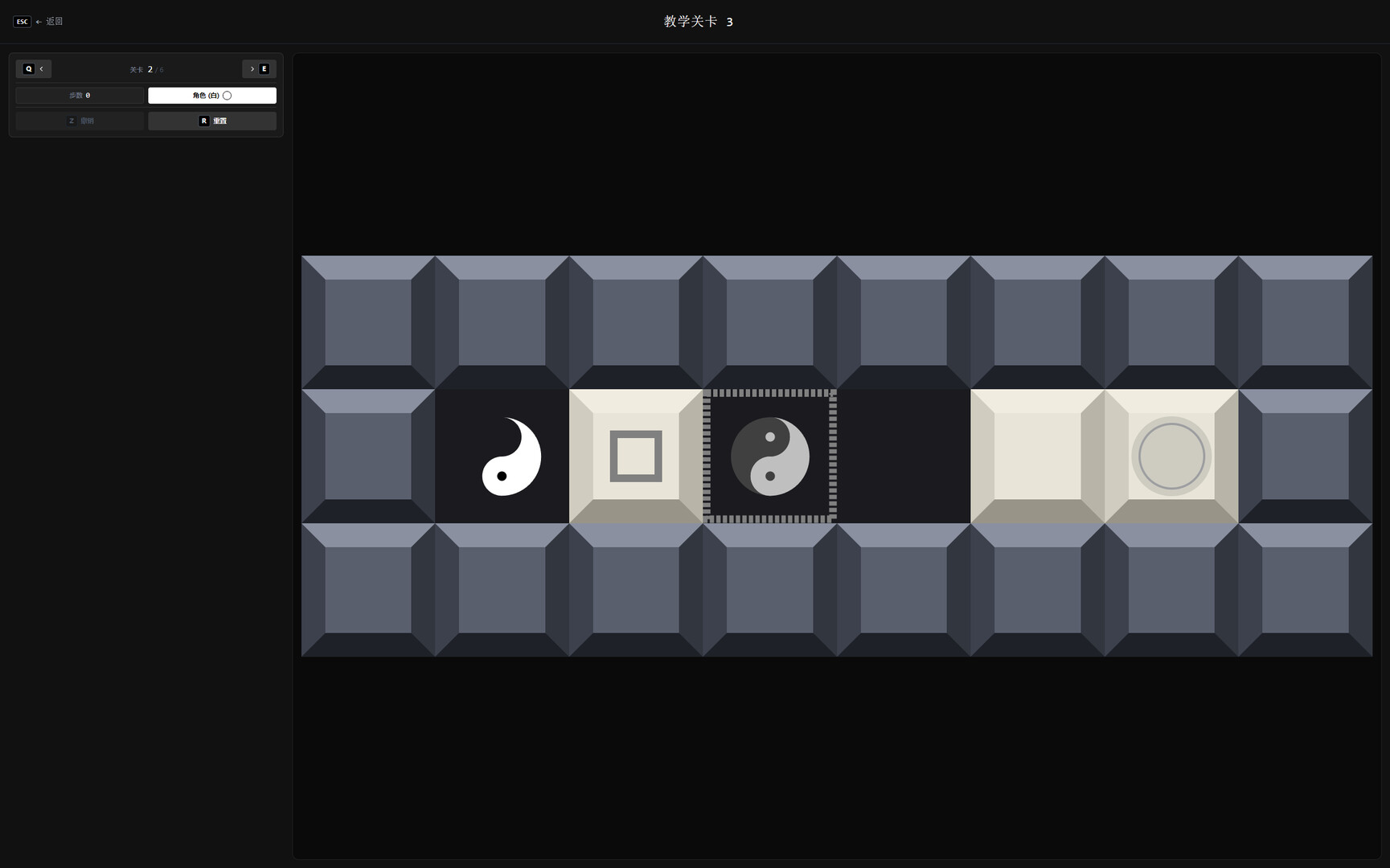
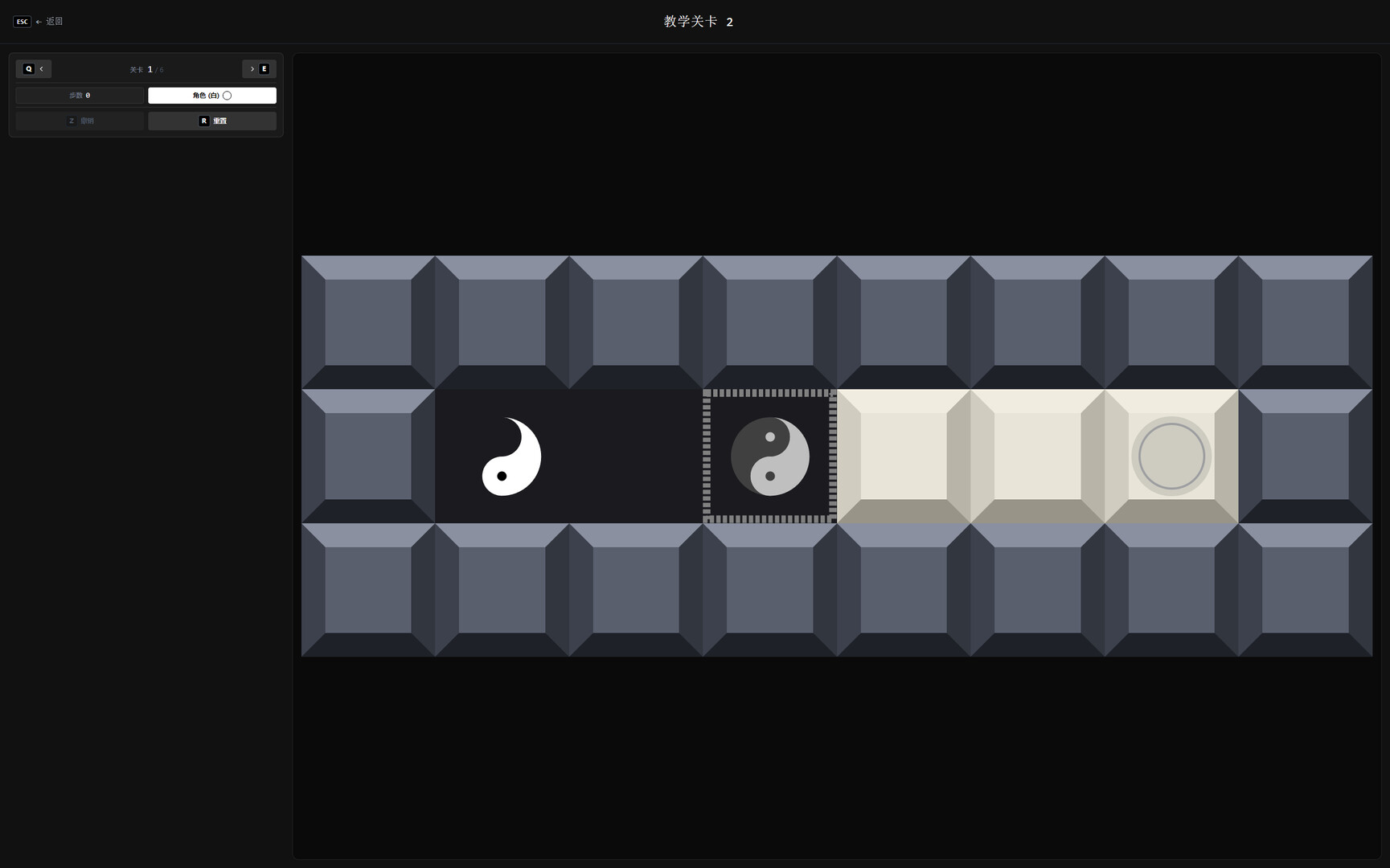
Duality Paradox is a unique block-pushing puzzle game. Players control a Yin-Yang fish character that can switch between black and white states. By changing its color, the character alters its perception of the world—objects of the same color act as walls, while those of the opposite color become passable floors.
Core Mechanics
Color Switching: The character can toggle between white and black states.
Perception Shift:
White Character: White tiles/boxes act as walls; black tiles/boxes act as floors.
Black Character: Black tiles/boxes act as walls; white tiles/boxes act as floors.
Box Pushing: Only boxes matching the character’s color can be pushed.
Objective: Reach all goal points to complete the level.
🎯 Game Features
🧩 Unique Dual-Color Mechanism – Change traversal rules by switching colors.
🎨 Minimalist Art Style – Clean visual design primarily in black, white, and gray.
🔧 Built-in Level Editor – Create and share your own levels.
🌐 Steam Workshop Support – Upload, download, and play community-made levels.
🎮 Full Controller Support – Compatible with Xbox/PlayStation and other standard controllers.
⌨️ Keyboard Controls – Simple and intuitive keyboard scheme.
🎨 Level Editor
The game includes a built-in level editor for creating custom levels:
Select "Level Editor" from the main menu.
Use the toolbar to place terrain and objects:
Walls – Always impassable.
White/Black Tiles – Passability changes based on the character's color.
Switch Points – Allow the character to toggle colors when standing on them.
White/Black Boxes – Pushable boxes.
Goal Points – Conditions to complete the level.
Test the playability of your level.
Publish to Steam Workshop to share with others.
🌐 Steam Workshop
Browse – Explore levels created by the community.
Subscribe – Subscribe to your favorite levels.
Publish – Share the levels you've created.
Rate – Like and support well-designed levels.
스크린샷
접속자 수
가격 정보
업적 목록
업적 정보가 없습니다.
요약 정보
스팀 리뷰
스팀 리뷰가 존재하지 않습니다.