

魔法钢琴
JUGOU NET
2024년 7월 11일
10
조회수
0
리뷰 수
0+
추정 판매량
N/A
긍정 평가
게임 정보
| 출시일: | 2024년 7월 11일 |
| 개발사: | JUGOU NET |
| 퍼블리셔: | JUGOU NET |
| 플랫폼: | Windows |
| 출시 가격: | 21,500 원 |
| 장르: | 캐주얼, 애니메이션과 모델링, 오디오 제작, 디자인과 일러스트레이션, 유틸리티 |

링크
업적 목록
업적 정보가 없습니다.
추천 게임
Paint By Numbers - 8-Bit World Ep. 7
2024년 6월 17일
Paint By Numbers - 8-Bit World Ep. 8
2024년 6월 17일

Paint By Numbers - 8-Bit World Ep. 9
2024년 6월 17일
게임 소개
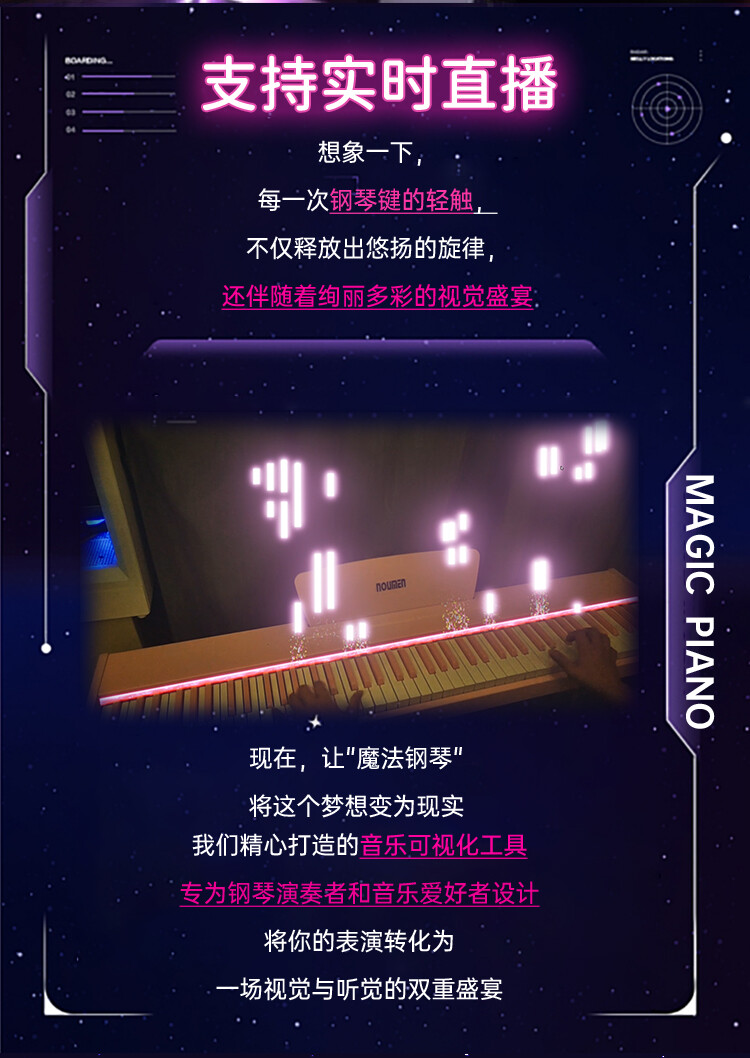
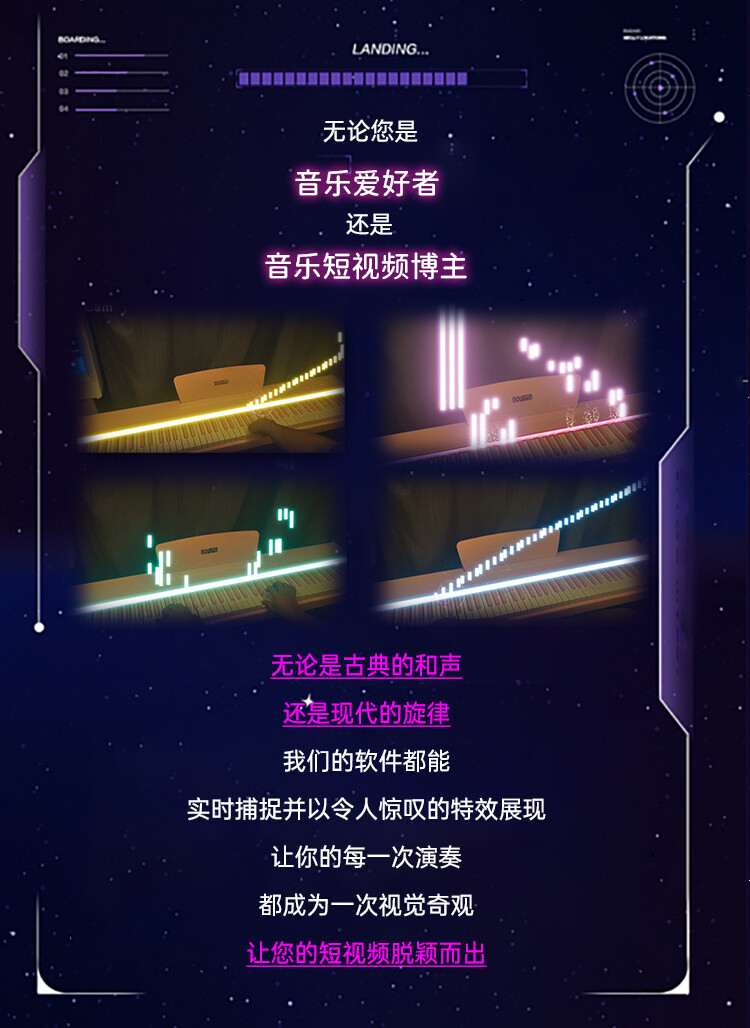
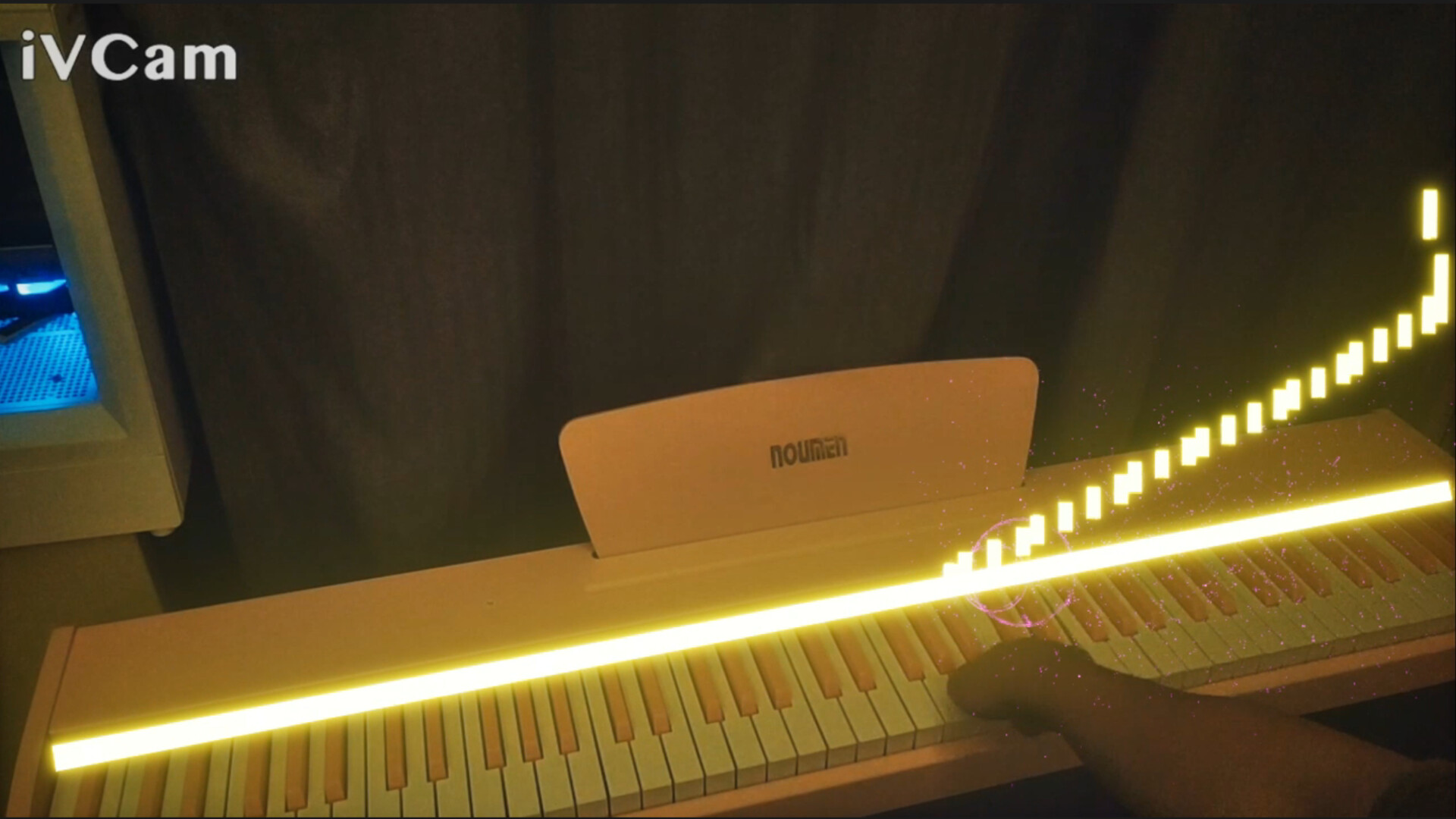
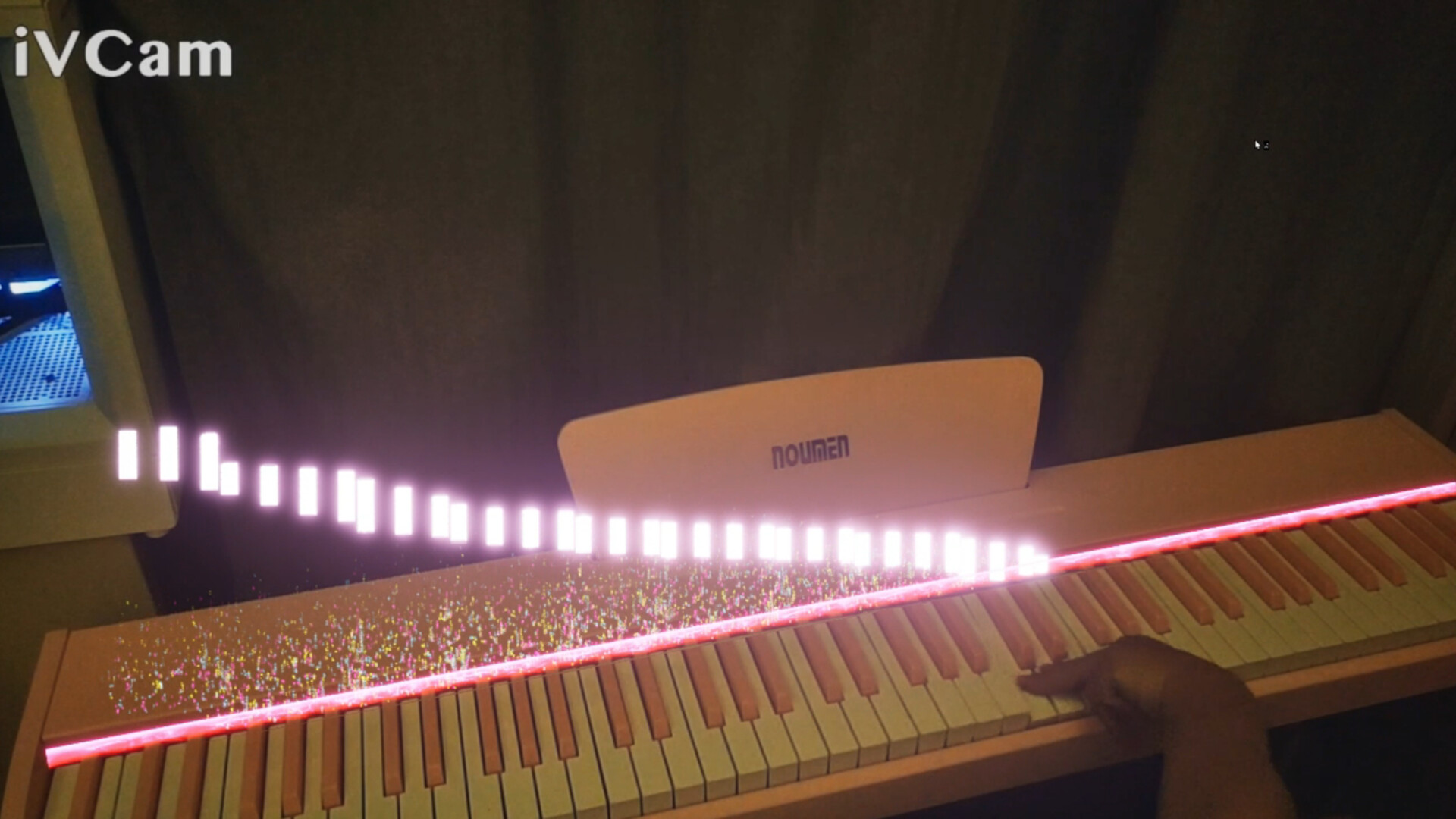
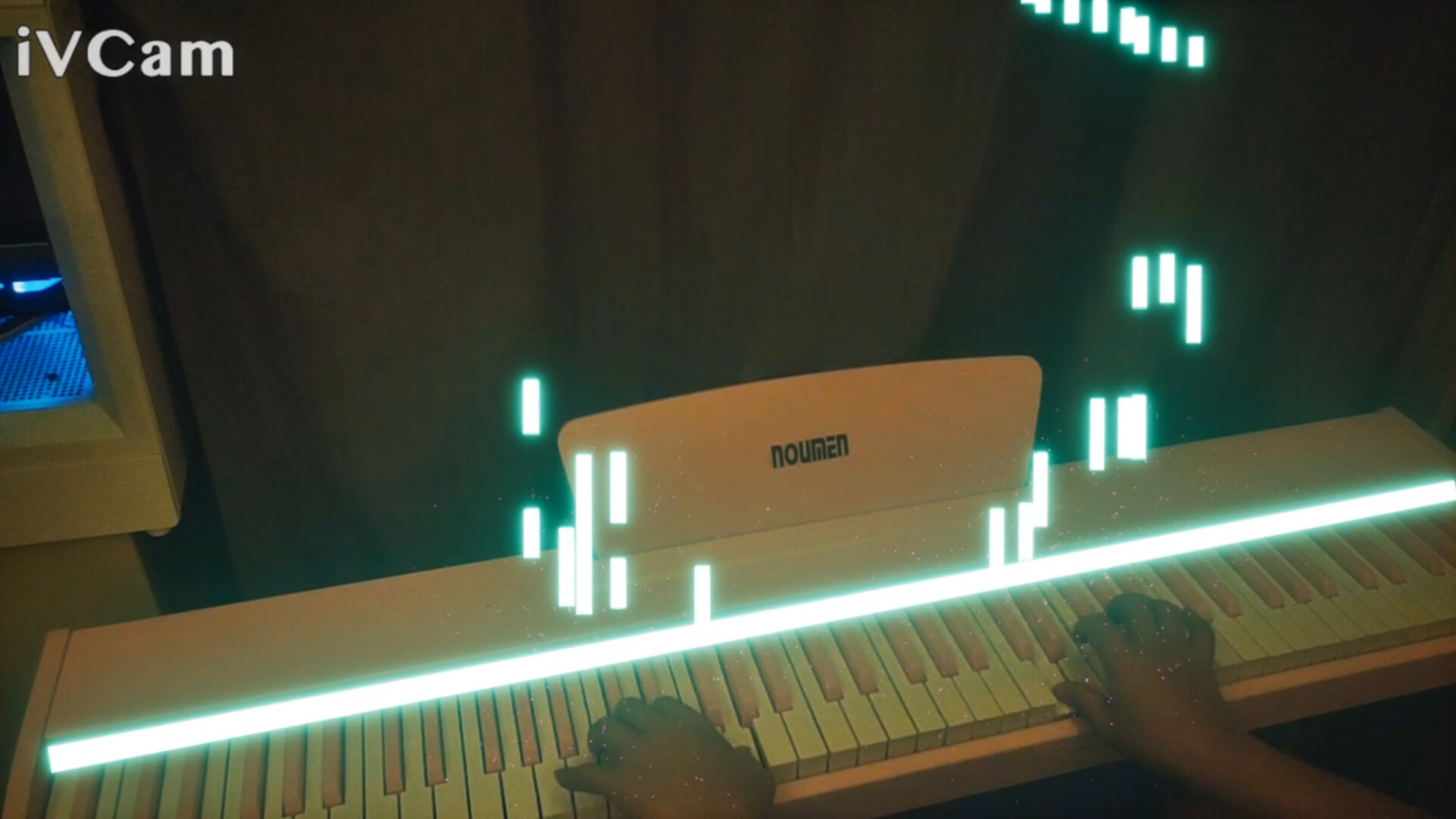
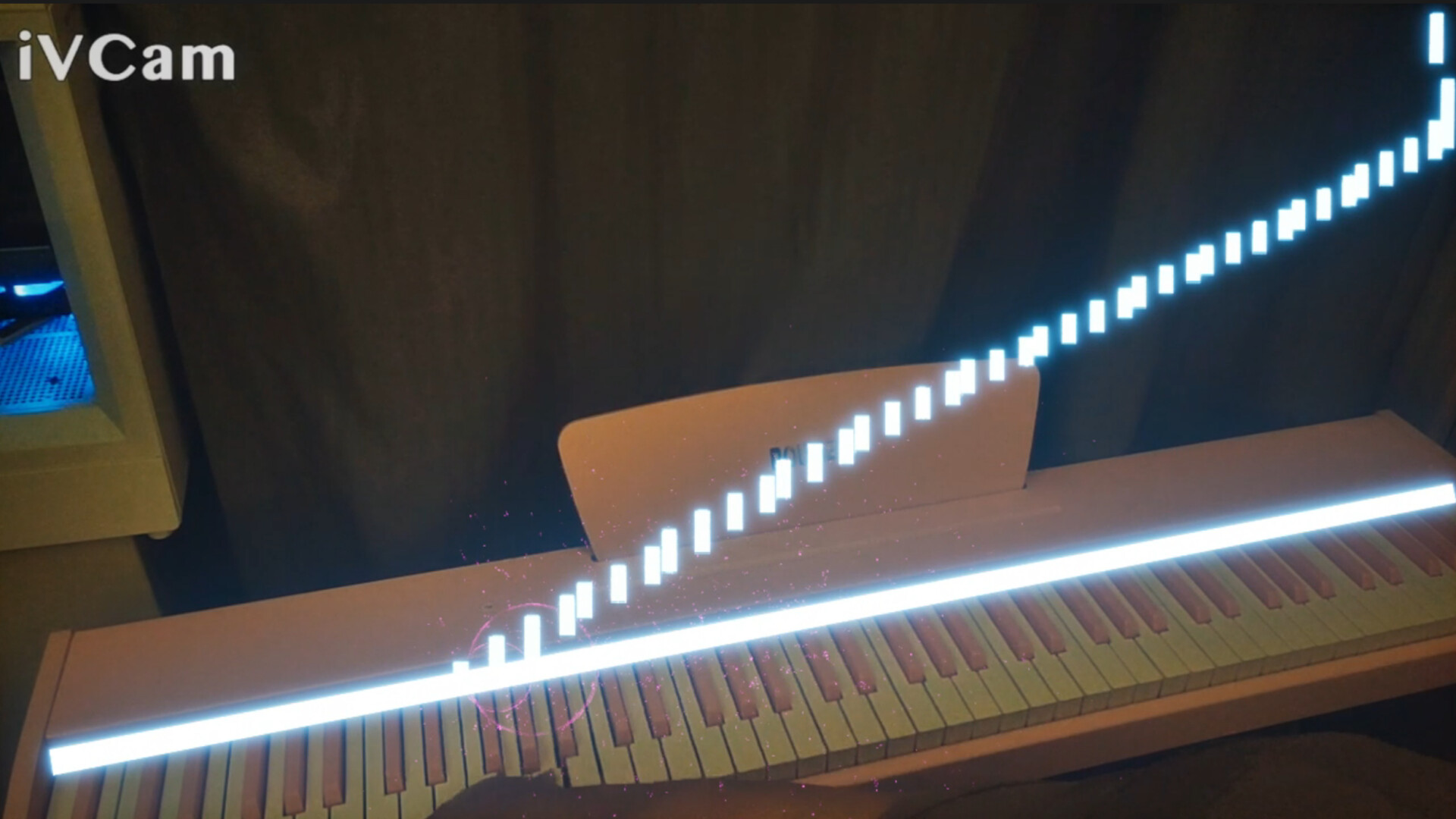
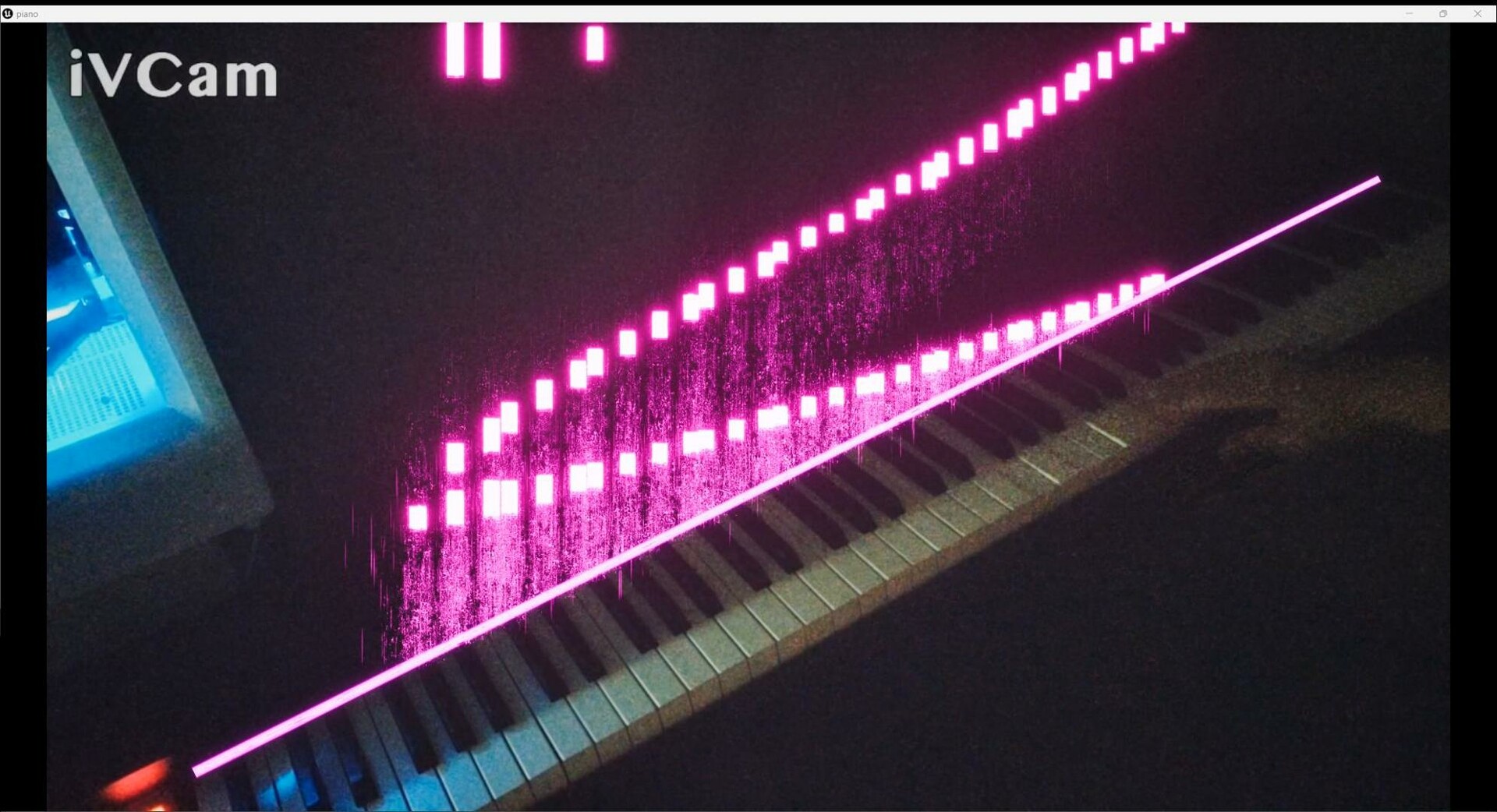
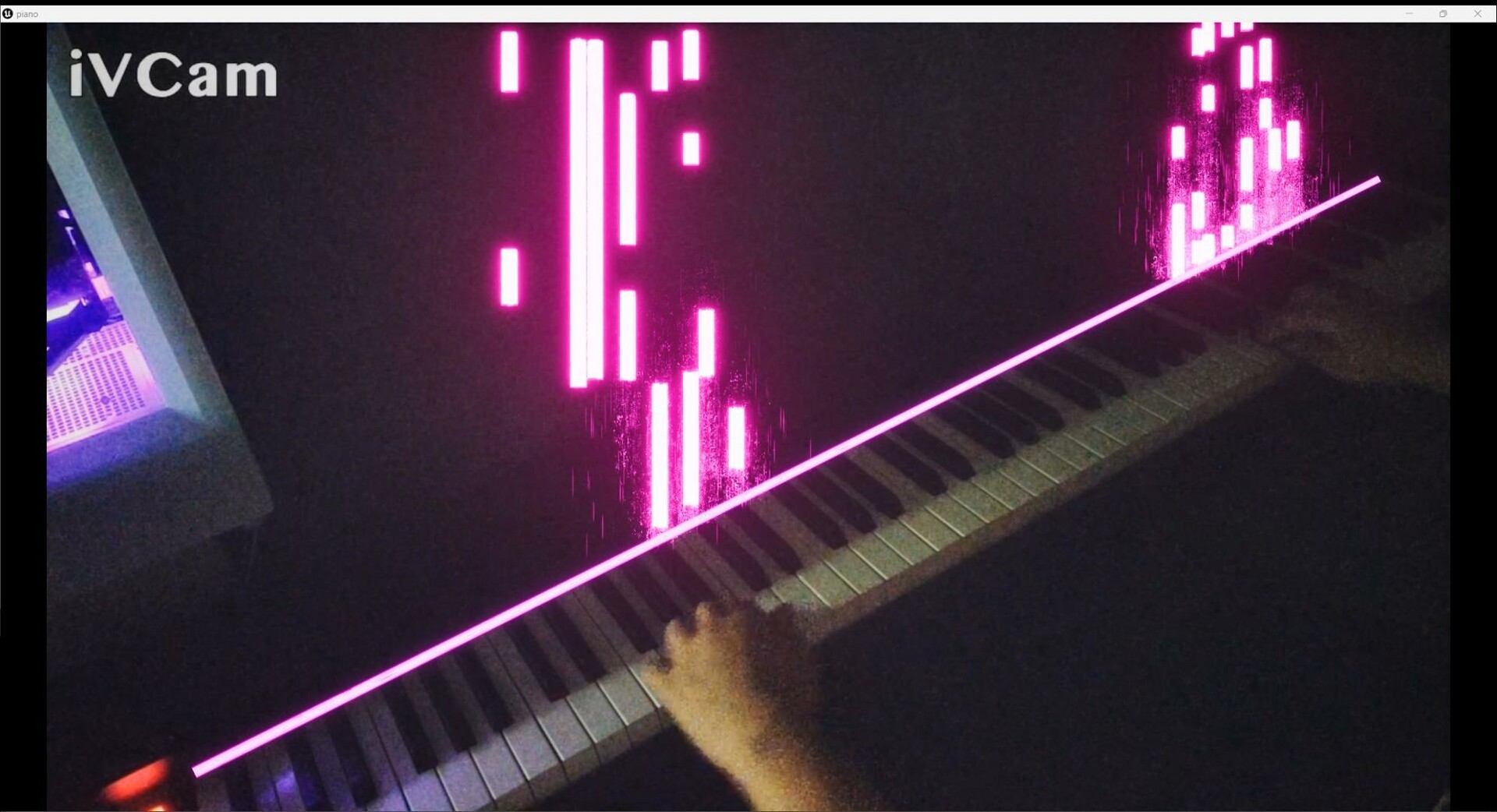
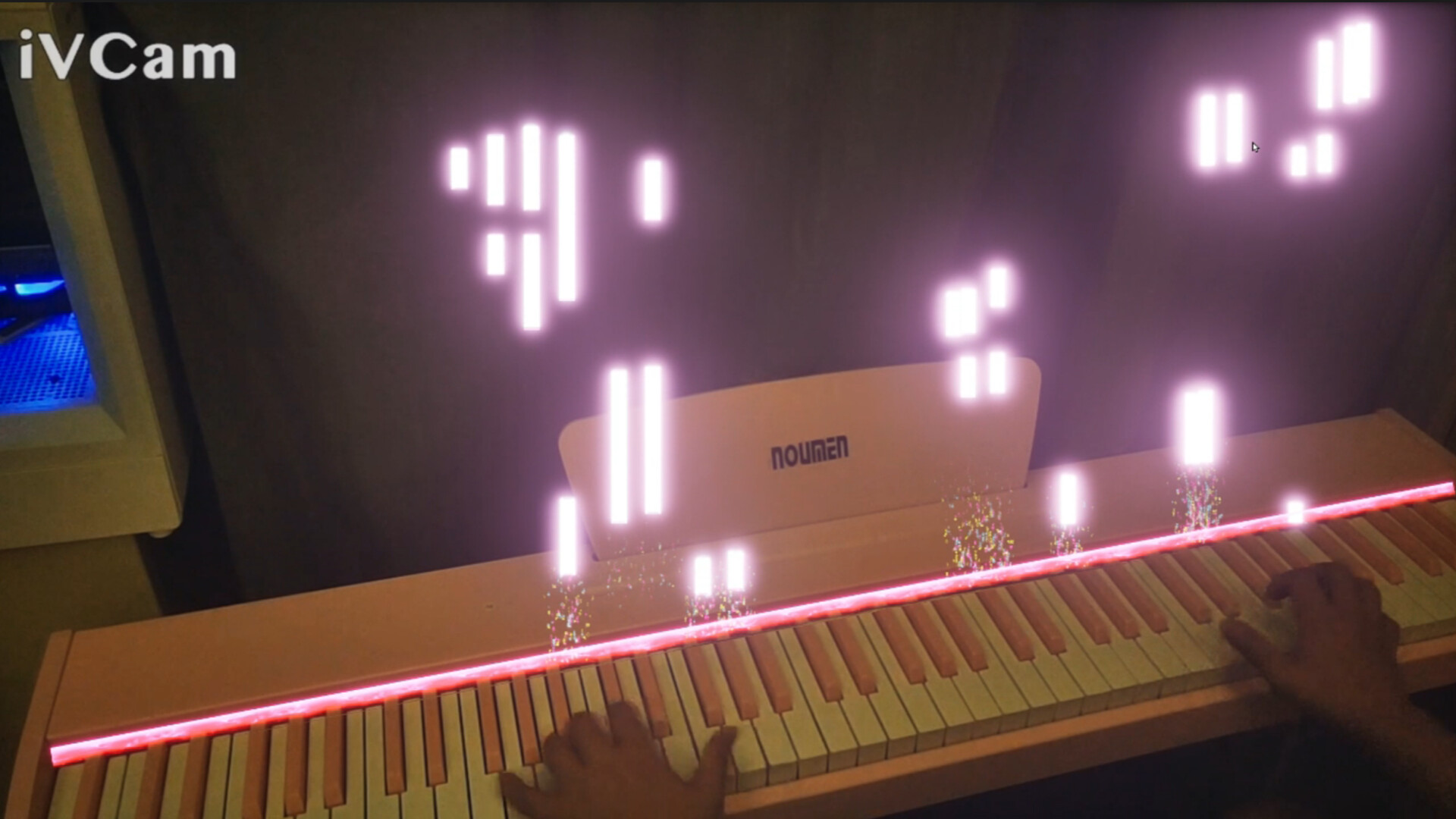
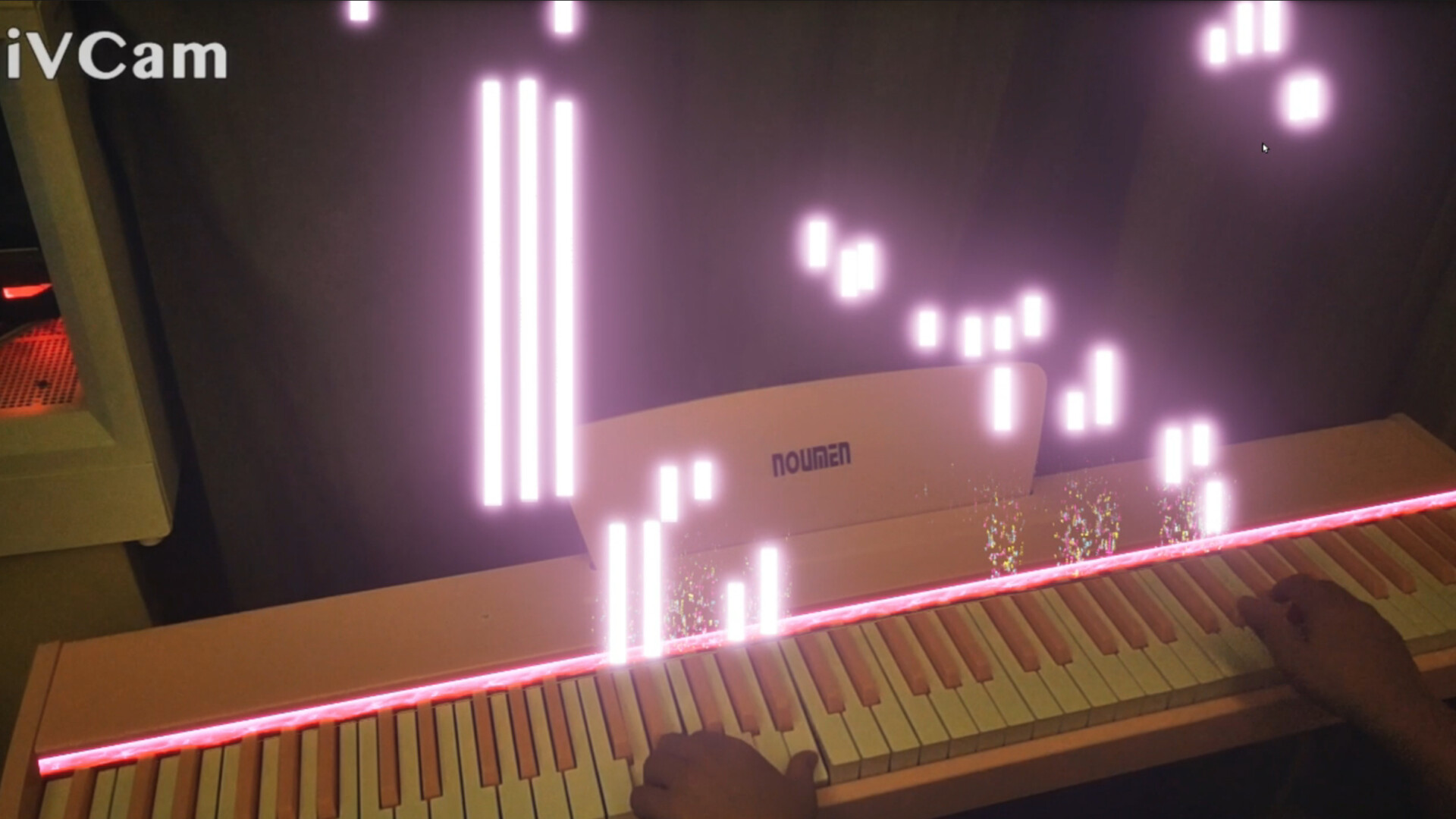
An innovative music visualization tool designed for pianists. Through the interaction with the piano keyboard, the software can generate special effects in real time, add visual elements to the performance, and create a multi-sensory music experience.
상세 설명
Usage tutorial:
1. Download IVCAM together with your phone and computer( )
2. Turn on both the phone and computer's ivcam together, and it can automatically recognize and connect to the same wifi. The phone serves as the camera
3. The placement of the phone can refer to promotional videos, and other angles are also acceptable. The special effects position and depth can be adjusted by oneself to find the position that is suitable for the piano
4. Connect the piano to the computer and connect it with MIDI cable (this midi cable is the most suitable one after testing. Purchase connection and )
5. Finally, open the Magic Piano software
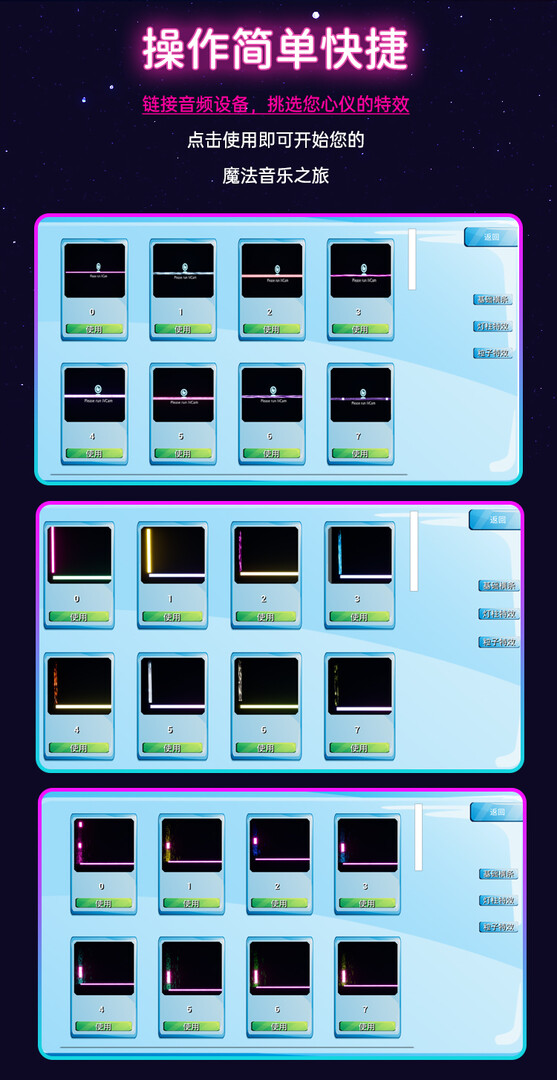
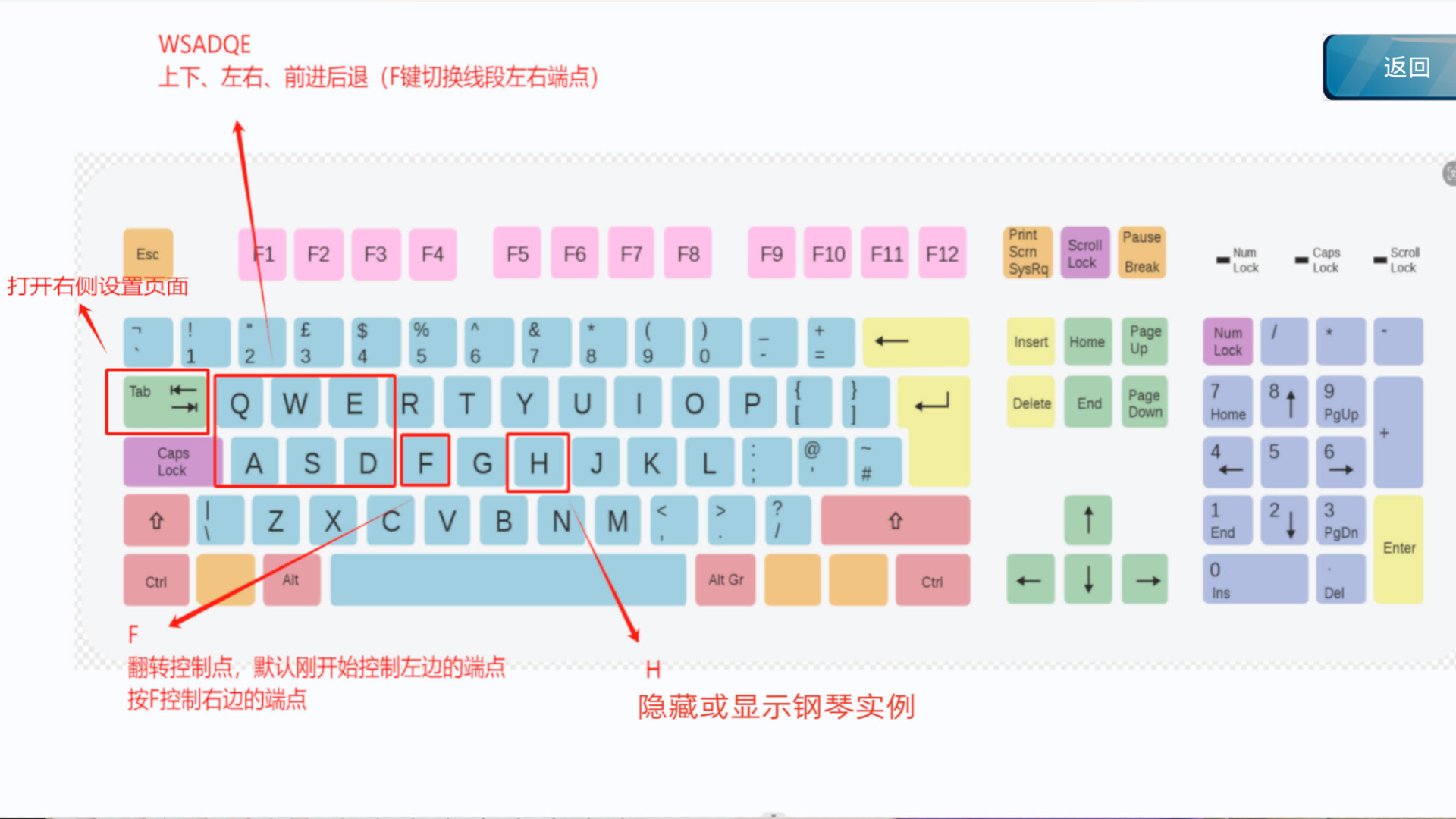
6. Wasdqe is used to control the endpoints on both sides of a special effect, which is used to move the position of the effect. Wasd is the movement of the plane, and qe is the movement of the depth before and after. When the software is first opened, the special effect is to present the appearance of piano keys,
which are used to align with real piano keys when moving. Pressing the H key can hide them. The Tab key can hide the control interface on the right.
The ivcam camera comes with a watermark. If you mind, you can remove it by purchasing a membership in ivcam. Link: After opening, click on the app store. The first product is the ivcam mobile camera. After purchasing, you can remove the ivcam watermark
An innovative music visualization tool designed for pianists. Through the interaction with the piano keyboard, the software can generate special effects in real time, add visual elements to the performance, and create a multi-sensory music experience.
Software features:
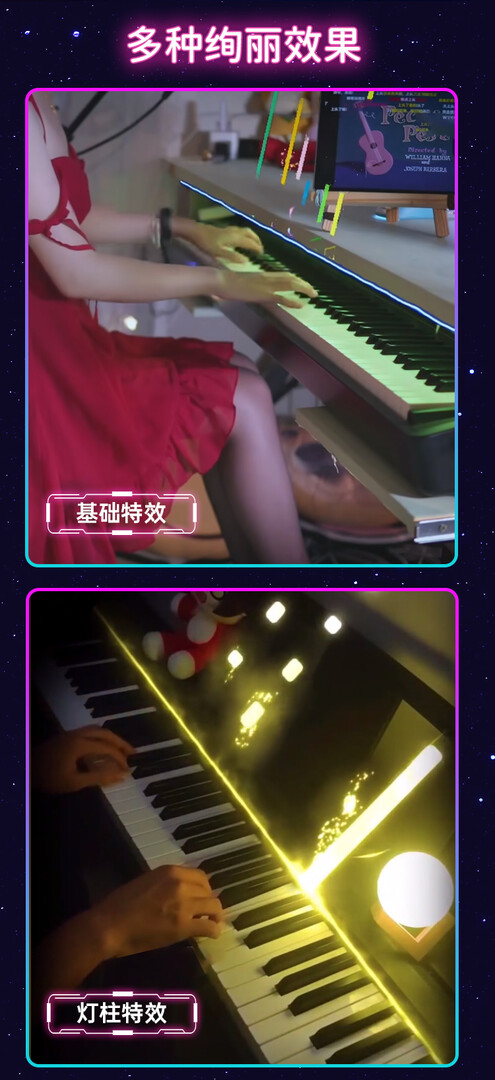
1. Real-time special effects generation: every time you press the piano key, the software will trigger the corresponding special effects to ensure that the visual effects are synchronized with the music.
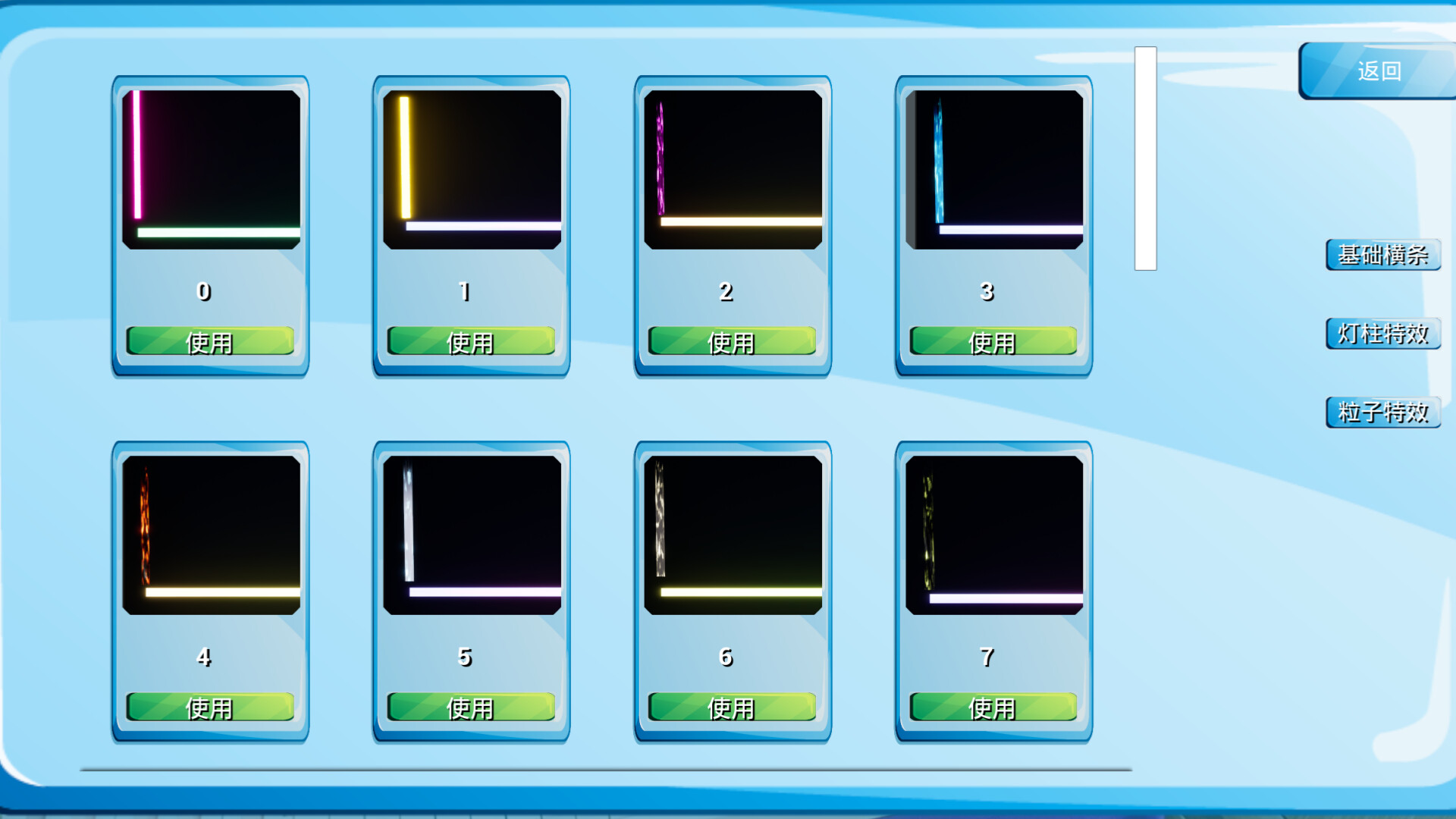
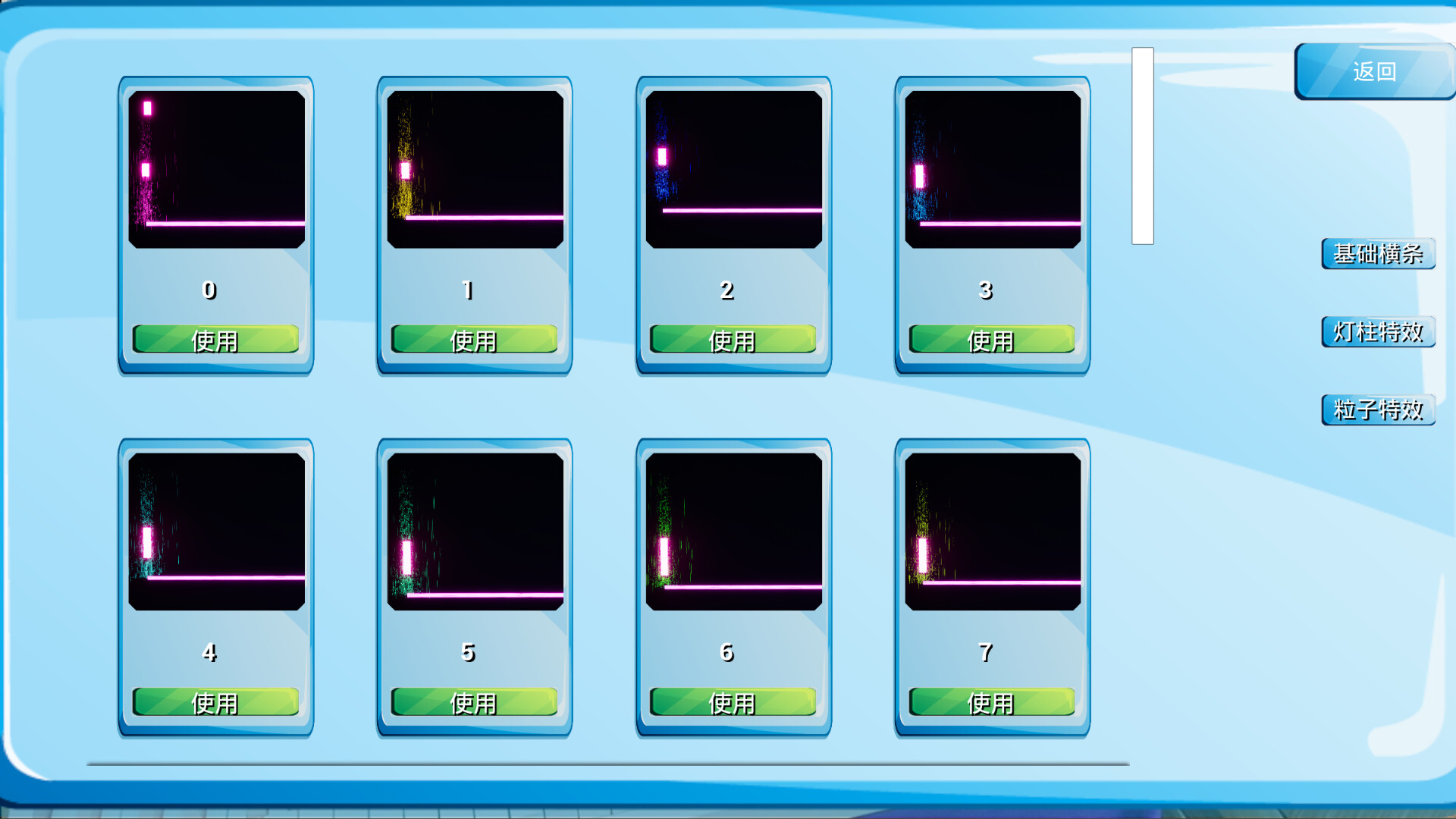
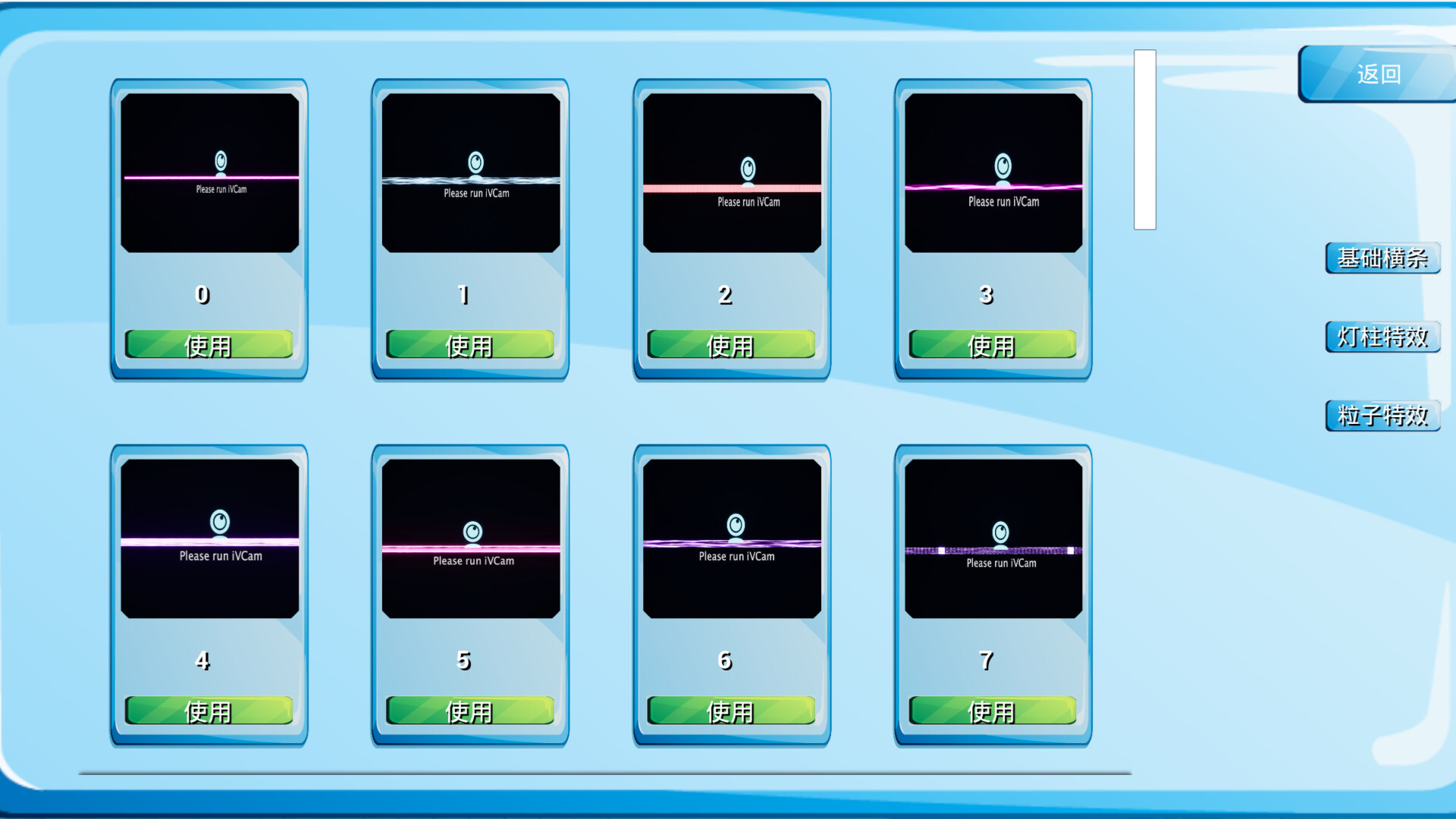
2. Customized special effects: users can adjust the style, color and animation effects of the special effects according to their personal preferences.
3. Compatibility: the software is suitable for a variety of computer operating systems, and there is no need to worry about compatibility.
4, easy to operate: the user interface is simple and intuitive, even beginners can get started quickly.
Use the scene:
1. Stage performance: provide unforgettable visual support for live performances.
2. Music teaching: help students better understand the rhythm and dynamics of music.
3. Personal entertainment: add fun when practicing piano at home.
Technical features:
High-performance algorithms ensure the fluency of special effects generation without delay.
The optimized code ensures that the software runs stably and takes up less system resources.
1. Download IVCAM together with your phone and computer( )
2. Turn on both the phone and computer's ivcam together, and it can automatically recognize and connect to the same wifi. The phone serves as the camera
3. The placement of the phone can refer to promotional videos, and other angles are also acceptable. The special effects position and depth can be adjusted by oneself to find the position that is suitable for the piano
4. Connect the piano to the computer and connect it with MIDI cable (this midi cable is the most suitable one after testing. Purchase connection and )
5. Finally, open the Magic Piano software
6. Wasdqe is used to control the endpoints on both sides of a special effect, which is used to move the position of the effect. Wasd is the movement of the plane, and qe is the movement of the depth before and after. When the software is first opened, the special effect is to present the appearance of piano keys,
which are used to align with real piano keys when moving. Pressing the H key can hide them. The Tab key can hide the control interface on the right.
The ivcam camera comes with a watermark. If you mind, you can remove it by purchasing a membership in ivcam. Link: After opening, click on the app store. The first product is the ivcam mobile camera. After purchasing, you can remove the ivcam watermark
An innovative music visualization tool designed for pianists. Through the interaction with the piano keyboard, the software can generate special effects in real time, add visual elements to the performance, and create a multi-sensory music experience.
Software features:
1. Real-time special effects generation: every time you press the piano key, the software will trigger the corresponding special effects to ensure that the visual effects are synchronized with the music.
2. Customized special effects: users can adjust the style, color and animation effects of the special effects according to their personal preferences.
3. Compatibility: the software is suitable for a variety of computer operating systems, and there is no need to worry about compatibility.
4, easy to operate: the user interface is simple and intuitive, even beginners can get started quickly.
Use the scene:
1. Stage performance: provide unforgettable visual support for live performances.
2. Music teaching: help students better understand the rhythm and dynamics of music.
3. Personal entertainment: add fun when practicing piano at home.
Technical features:
High-performance algorithms ensure the fluency of special effects generation without delay.
The optimized code ensures that the software runs stably and takes up less system resources.
스크린샷


접속자 수
가격 정보
업적 목록
업적 정보가 없습니다.
요약 정보
스팀 리뷰
스팀 리뷰가 존재하지 않습니다.