

게임 정보
| 출시일: | 2015년 6월 18일 |
| 개발사: | Cyanide Studio |
| 퍼블리셔: | Focus Home Interactive |
| 플랫폼: | Windows |
| 출시 가격: | 5,000 원 |
| 장르: | 시뮬레이션, 스포츠 |

업적 목록


추천 게임



게임 소개
Become the sporting director of one of the pro cycling circuit's 90 teams, and compete in a thrilling 2015 season. Participate in over 200 competitions (550 stages) and the ultimate challenge: the prestigious Tour de France 2015 and its official route.
Become the sporting director of one of the pro cycling circuit's 90 teams, and compete in a thrilling 2015 season. Participate in over 200 competitions (550 stages) and the ultimate challenge: the prestigious Tour de France 2015 and its official route. Recruitment, personnel management, finances, contracts with riders and sponsors, training programs and the race calendar: leave nothing to chance. Your role will be equally important during the race, where every decision will be crucial in your bid for victory!
Embark on a season in Solo mode or organize online competitions against virtual managers around the world!
Pro Cycling Manager 2015 is packed with new features:
- Pro Cyclist: a new game mode where you create and control a cyclist from the start of his career and turn him into an international star!
- Career: a revised rider progress system, specific training programs, a more extensive scout management system and the opportunity to manage a reserve team!
- More realistic and strategic sprint sequences with the option to choose your sprinter’s preferred trajectory
- Even more meticulous graphics with richly detailed environments and a high-performance AI to make the action more challenging
- New interface and design of the menus and in the race
스크린샷
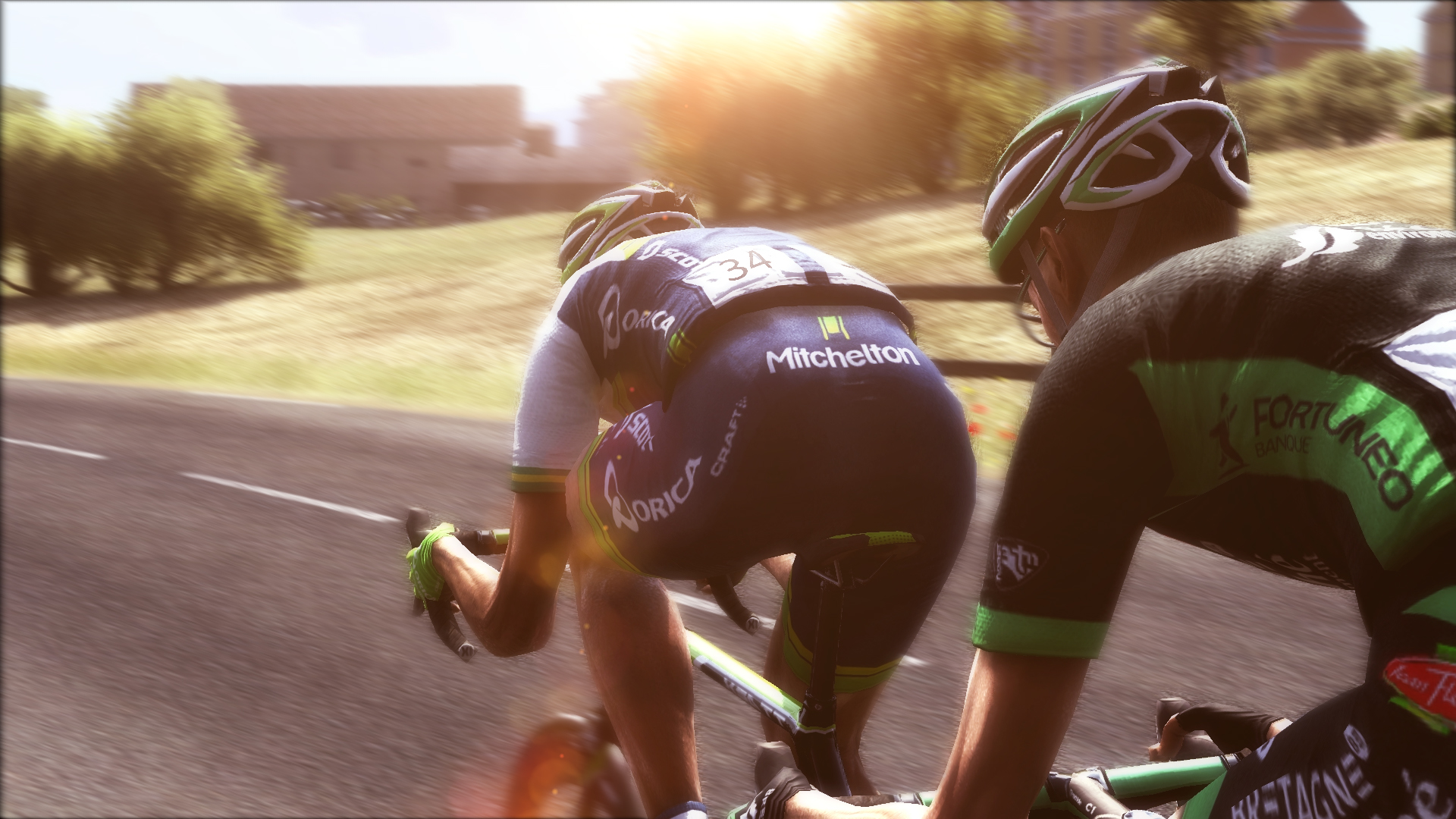
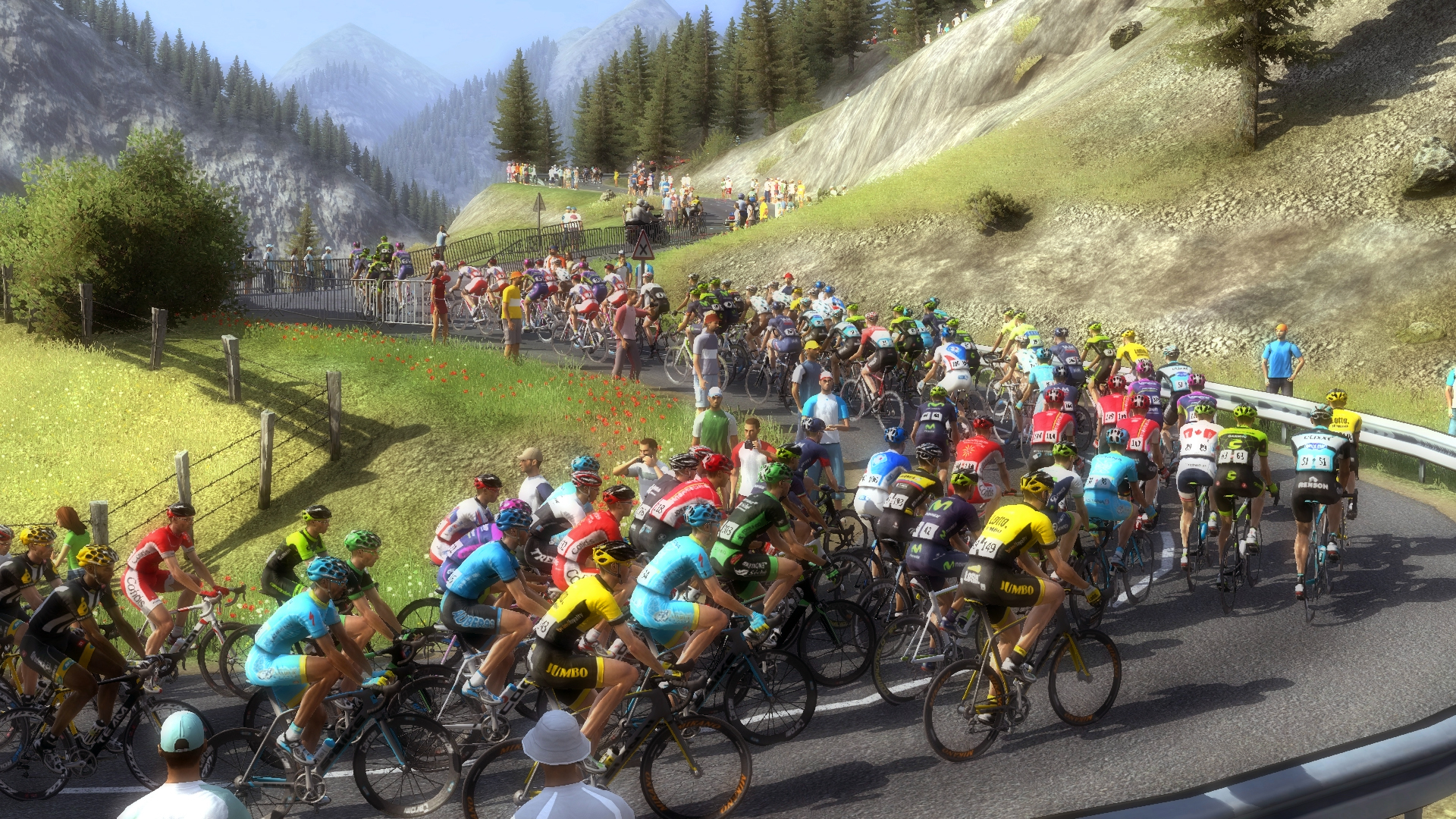
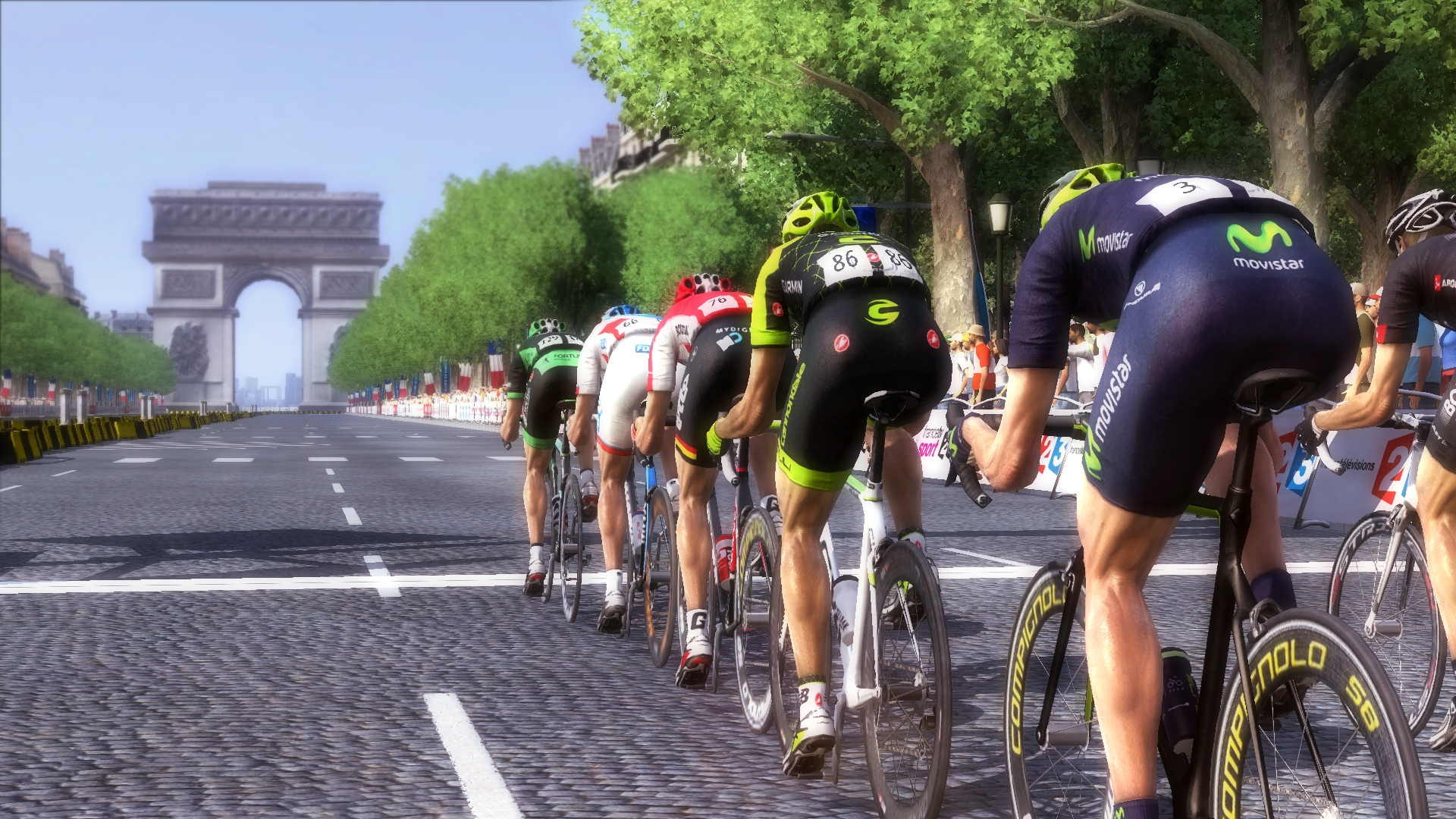

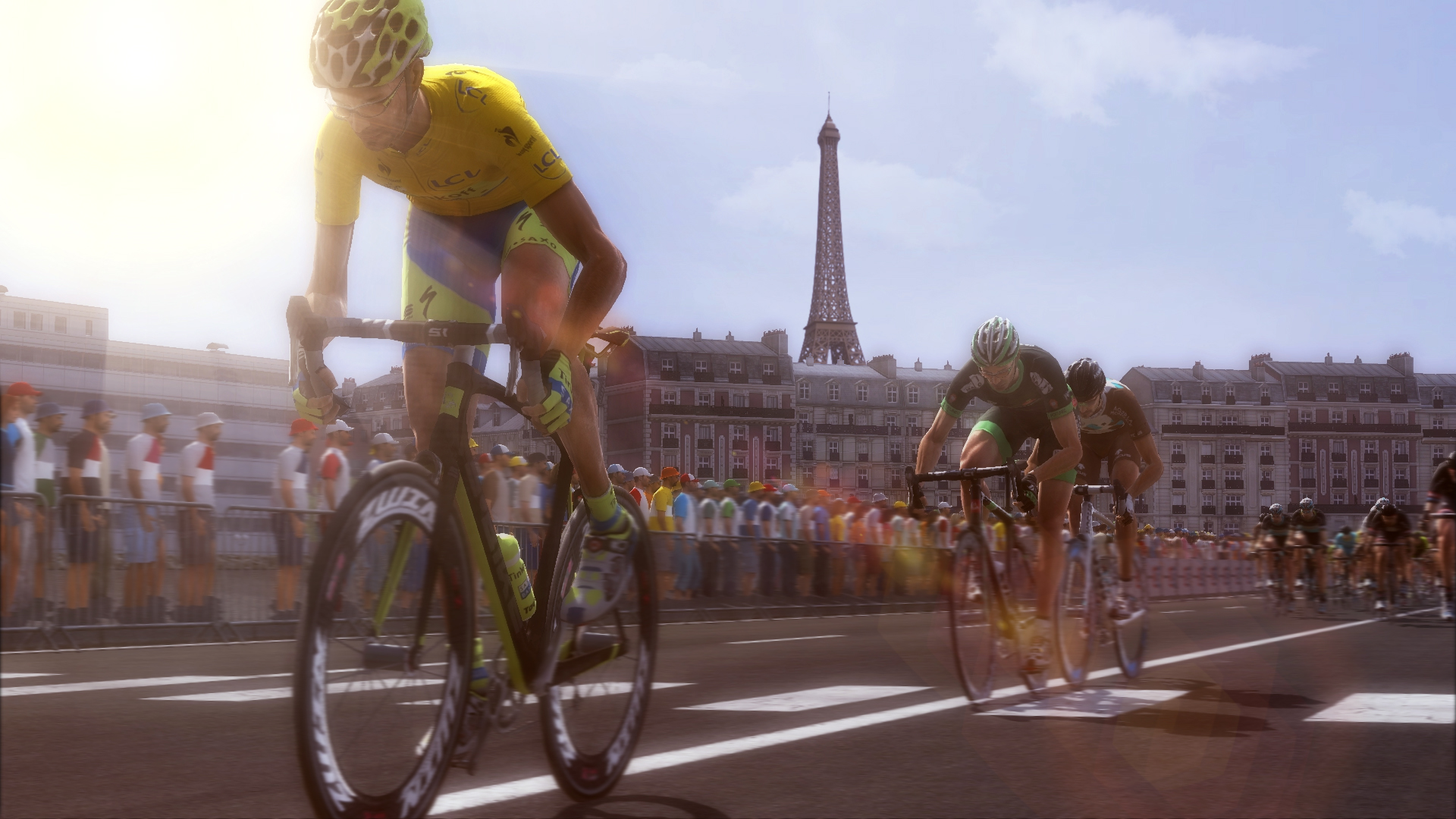

접속자 수
가격 정보
예측 판매량
150+
개
예측 매출
750,000+
원
업적 목록
요약 정보
스팀 리뷰 (2)
운영, 시뮬레이션, 스포츠 모두 좋아하신다면 추천. 본인이 직접 팀을 운영할수도, 팀의 일원으로 들어가 선수로 플레이할수도 있다. 운영,시뮬, 스포츠 장르를 모두 좋아하는 본인로써는 아깝지 않은 선택. 다만 확실히 확인되지는 않았으나 인스톨 후 게임 플레이하는데 몇번의 오류가 있어서 조금 불편했달까, 아마 호환성문제인듯 싶다. p.s. 하다보니 왠지 애니 겁쟁이페달이 보고싶어졌더라. 11/01 추가내용 기본 해상도가 1920x1080으로 설정되어 있어 해상도가 떨어지는 노트북의 경우 외부에서 해상도를 조절할수 있게 해줘야하는데 딱히 그런기능이 없음. 1920급 해상도 노트북 아니면 포기하시길.... + 인줄 알았는데 PCM.exe에서 호환성 문제 해결 > 프로그램이 열리지만 제대로 표시되지않음 체크 > 디스플레이문제에서 큰 음글꼴을 선택하면 프로그램이 제대로 표시되지않음 선택 > 디스플레이설정이 높은 DPI 배율되잇고 테스트해보니 성공! 이후 옵션에 들어가서 해상도 변경해주면 됩니다.
이거선수키우는거자꾸팅기는데어떻게안되나요?