
게임 정보
| 출시일: | 2024년 11월 9일 |
| 개발사: | 勿忘国耻,China Game |
| 퍼블리셔: | 勿忘国耻 |
| 플랫폼: | Windows |
| 출시 가격: | 무료 |
| 장르: | 액션, 어드벤처, 캐주얼, 인디, RPG, 시뮬레이션, 전략 |
업적 목록

추천 게임

게임 소개
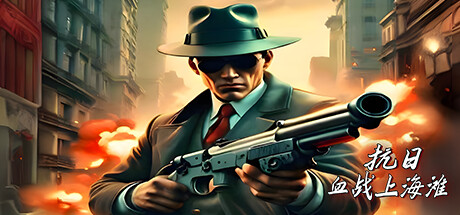
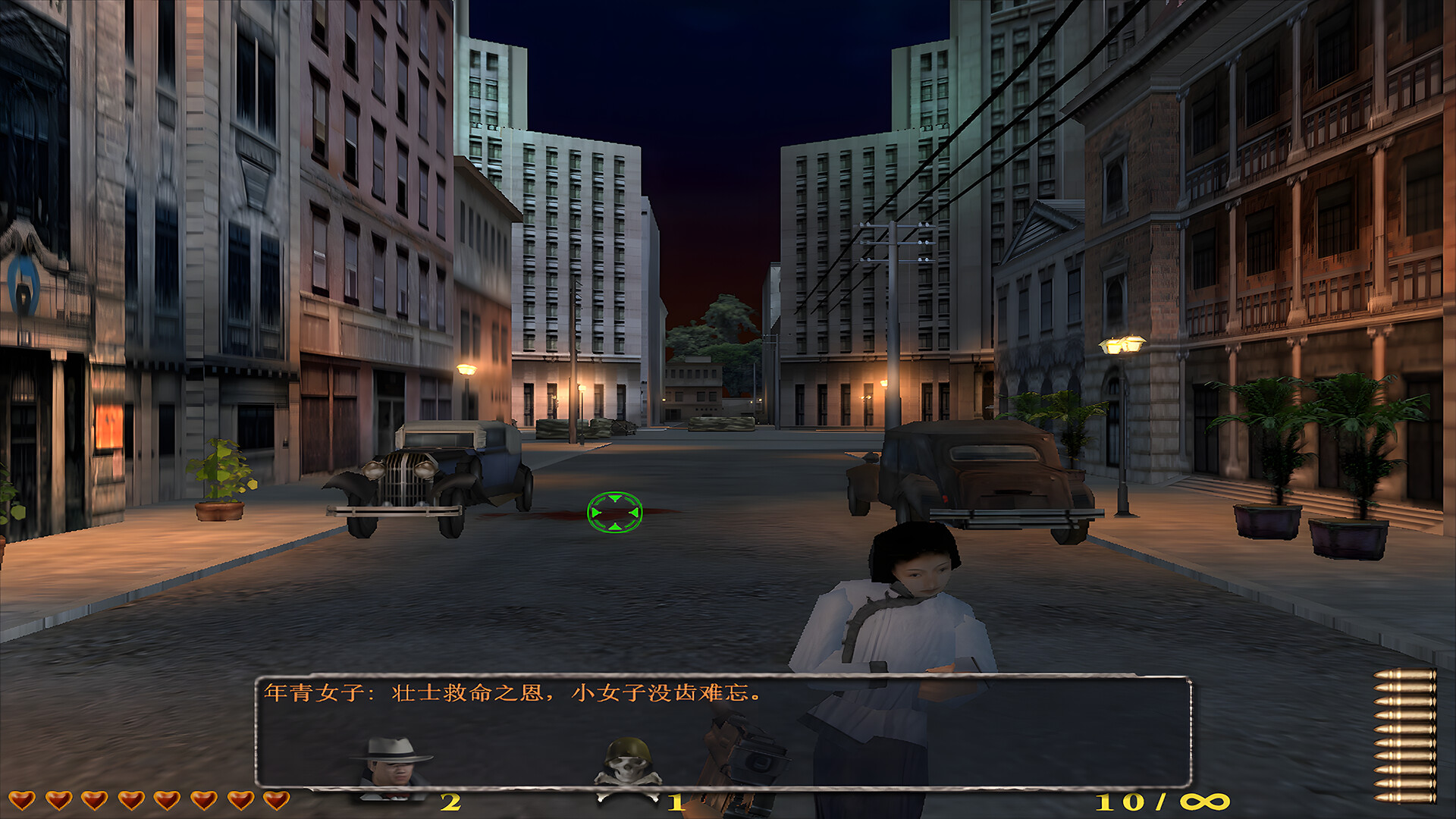
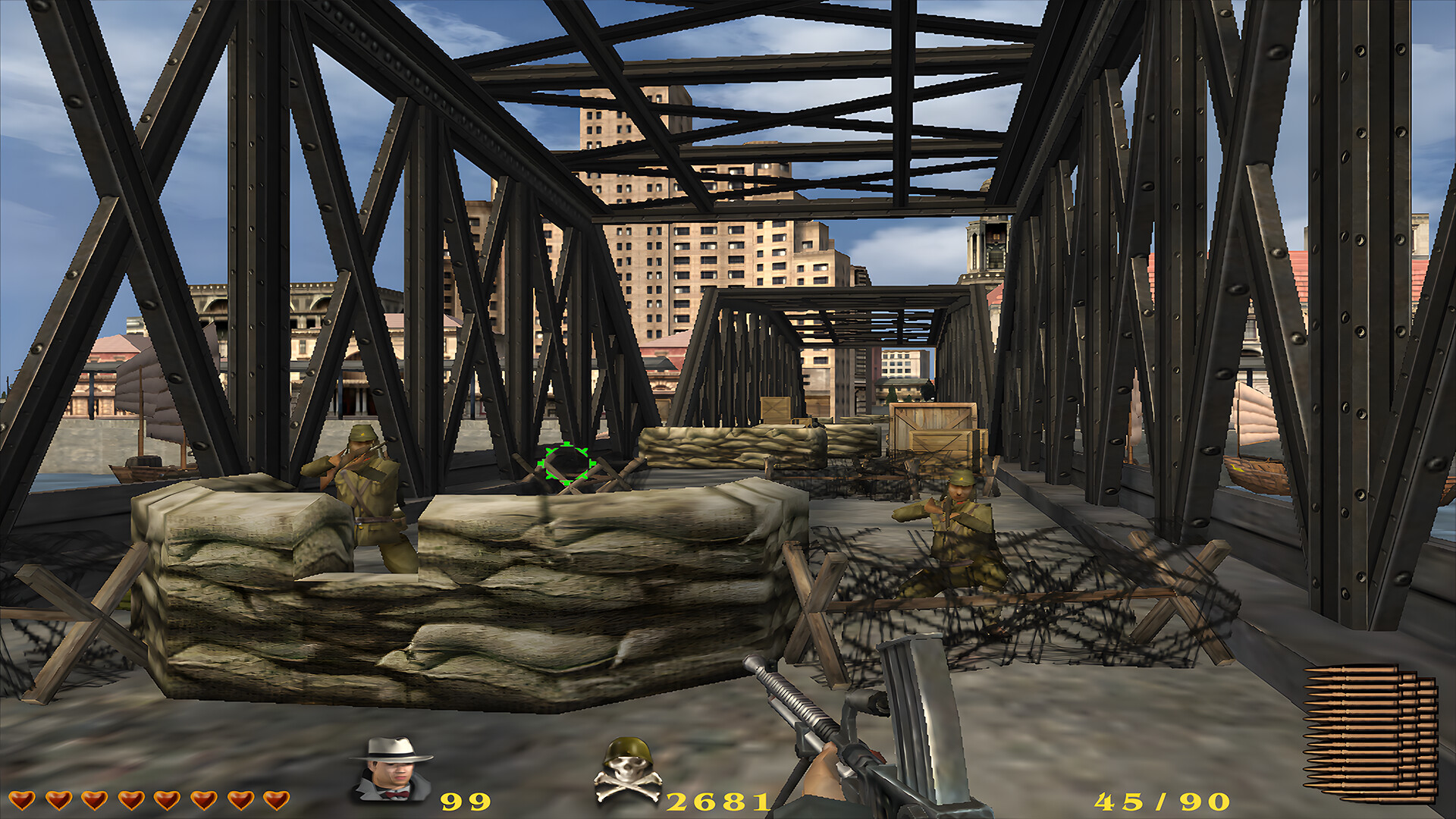
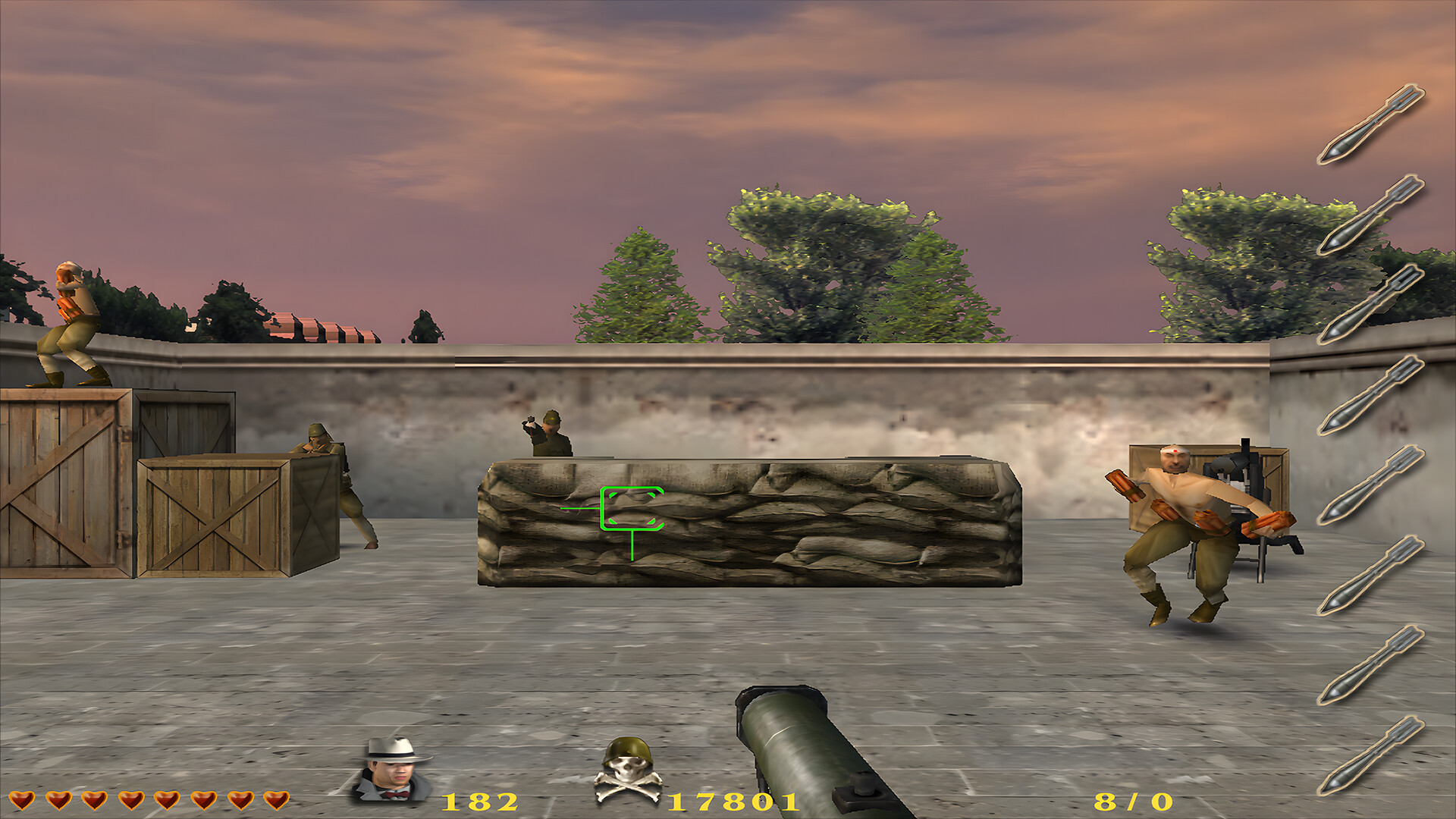
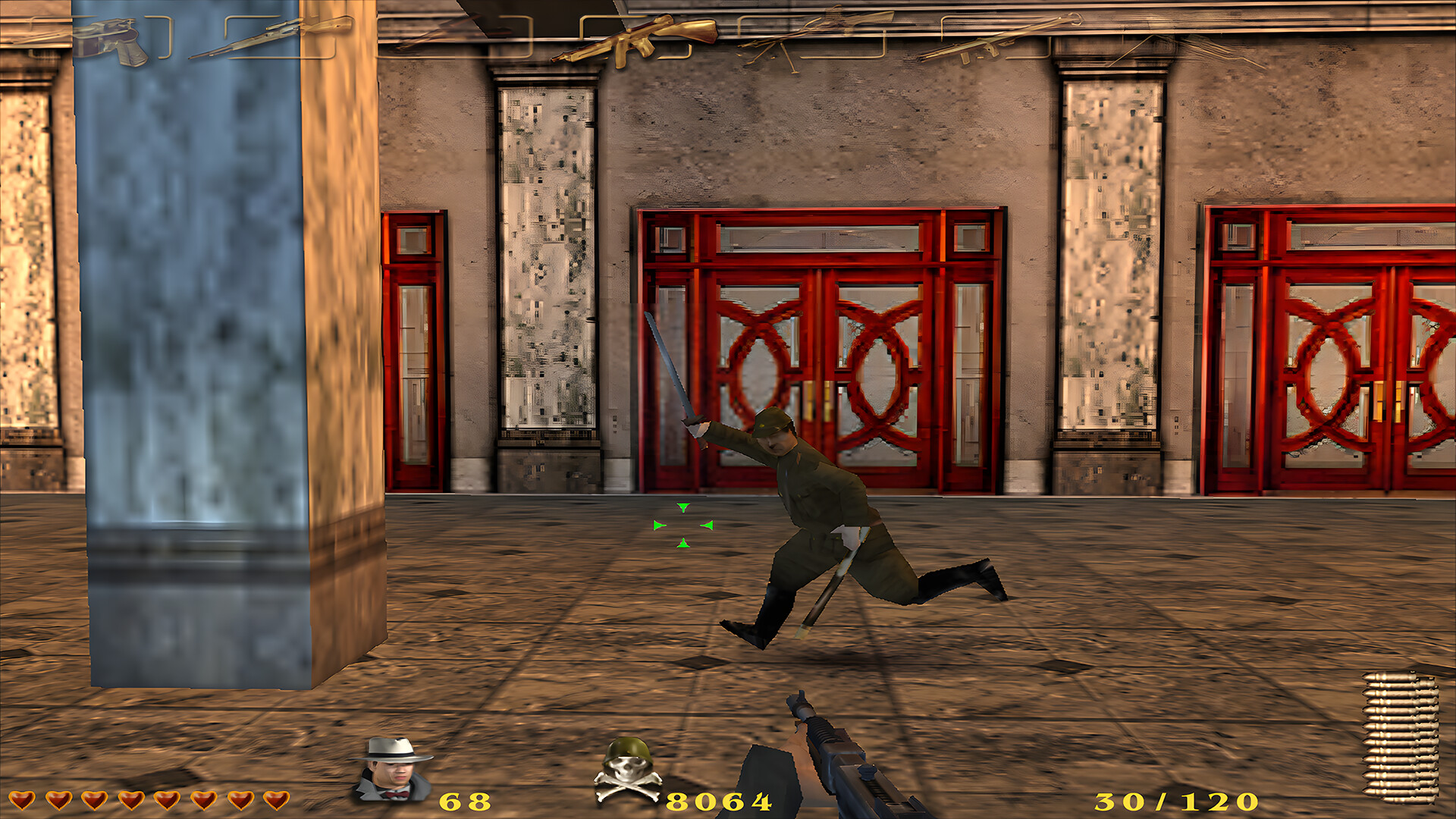
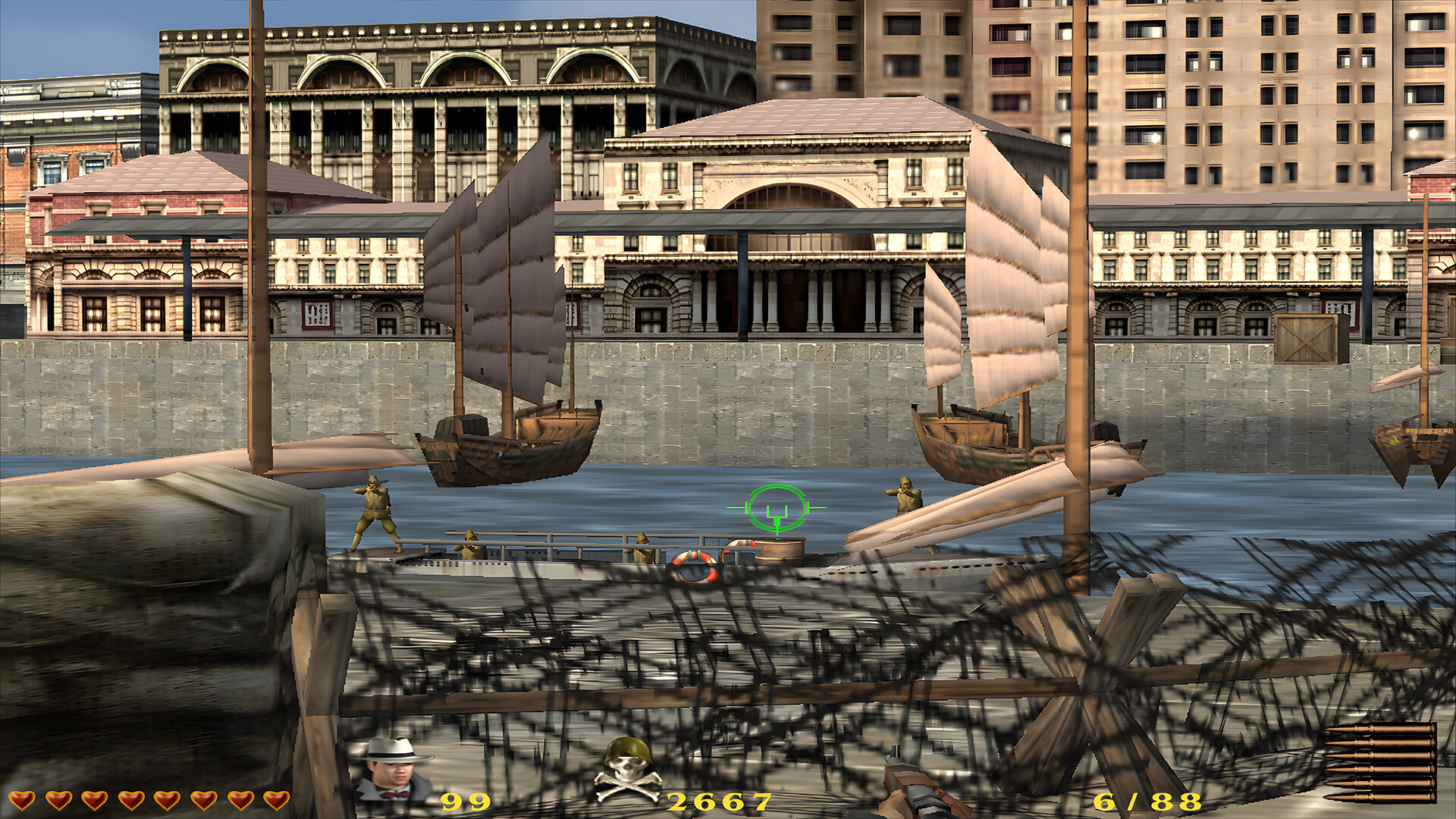
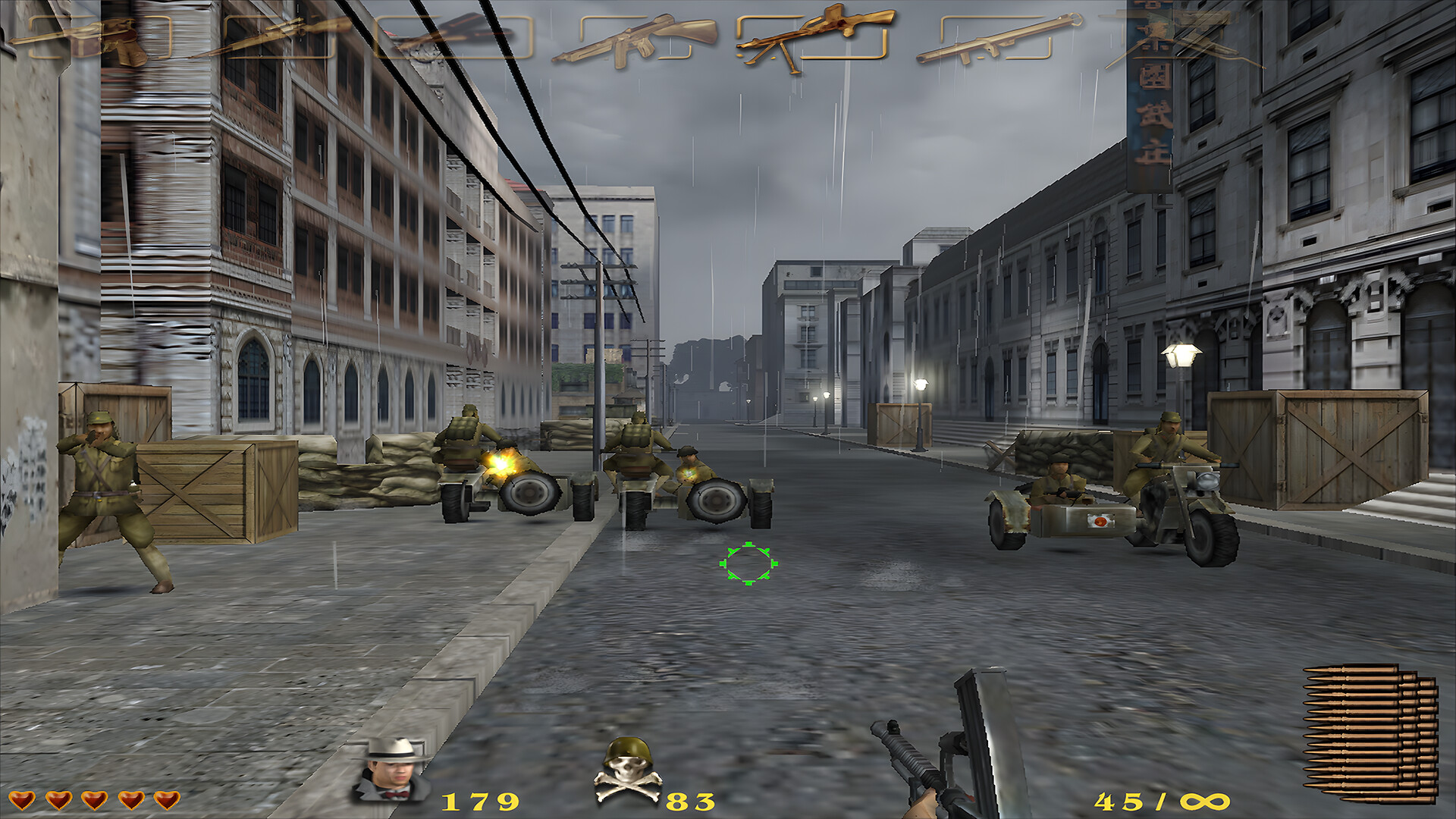
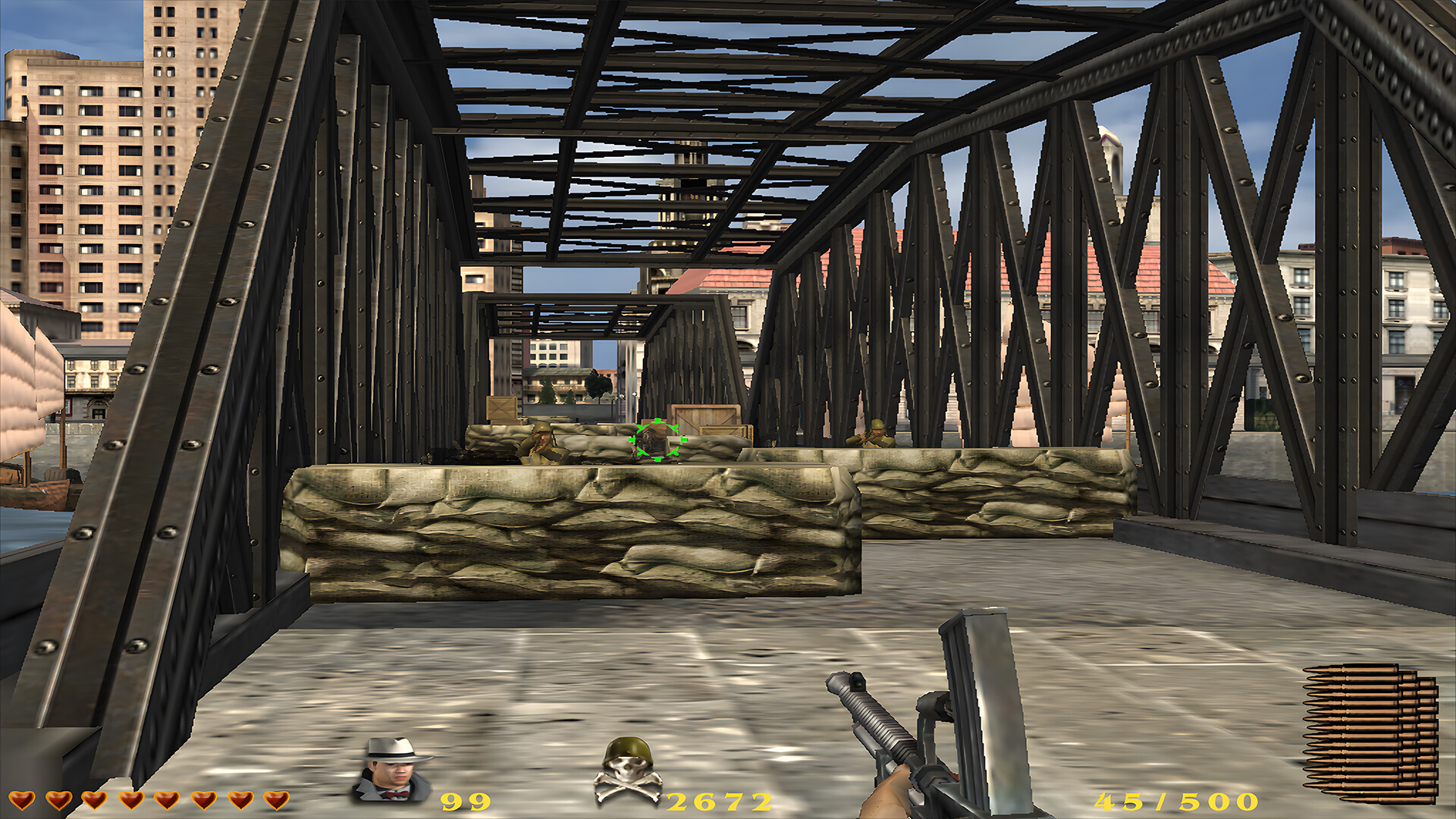
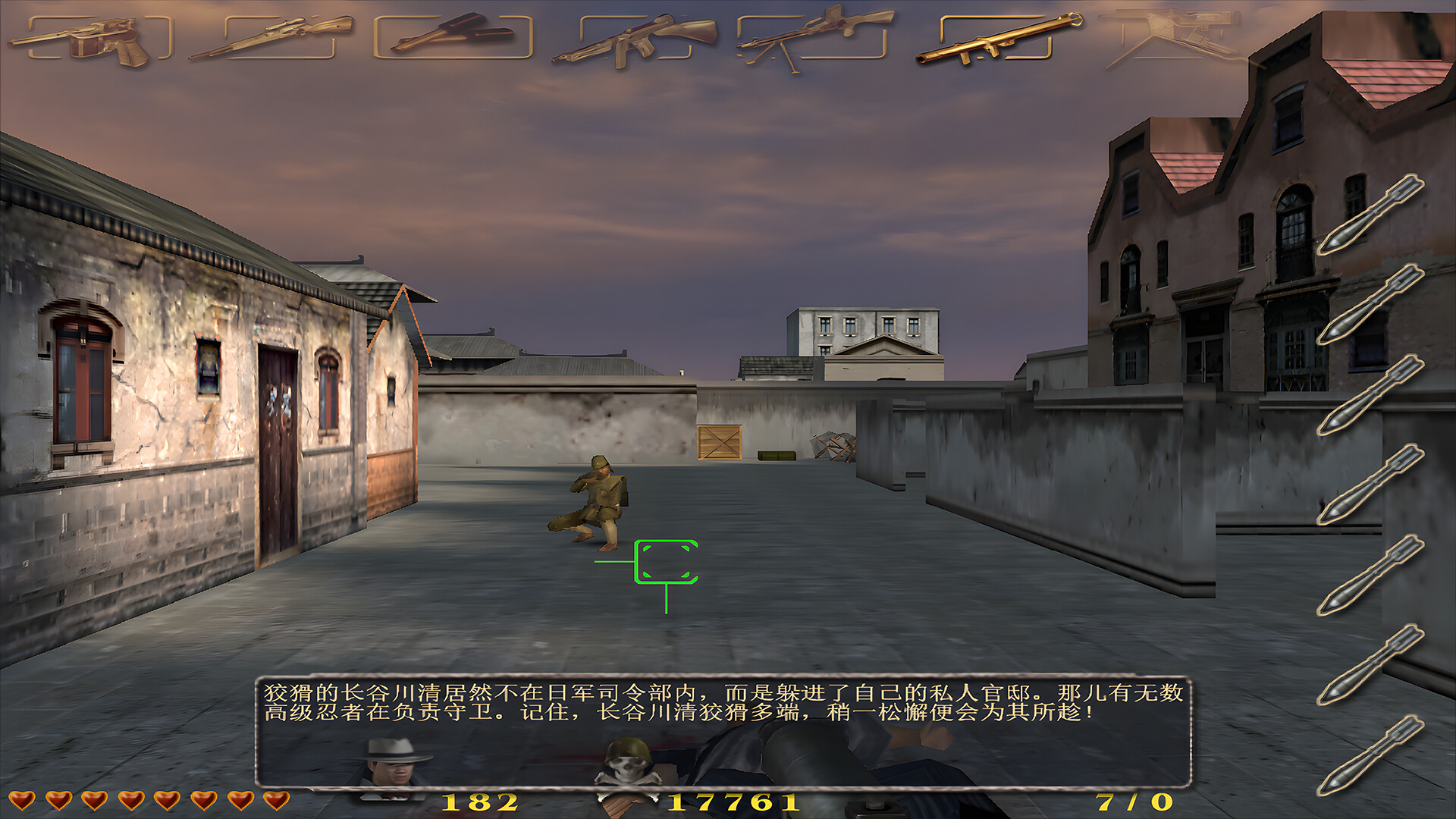
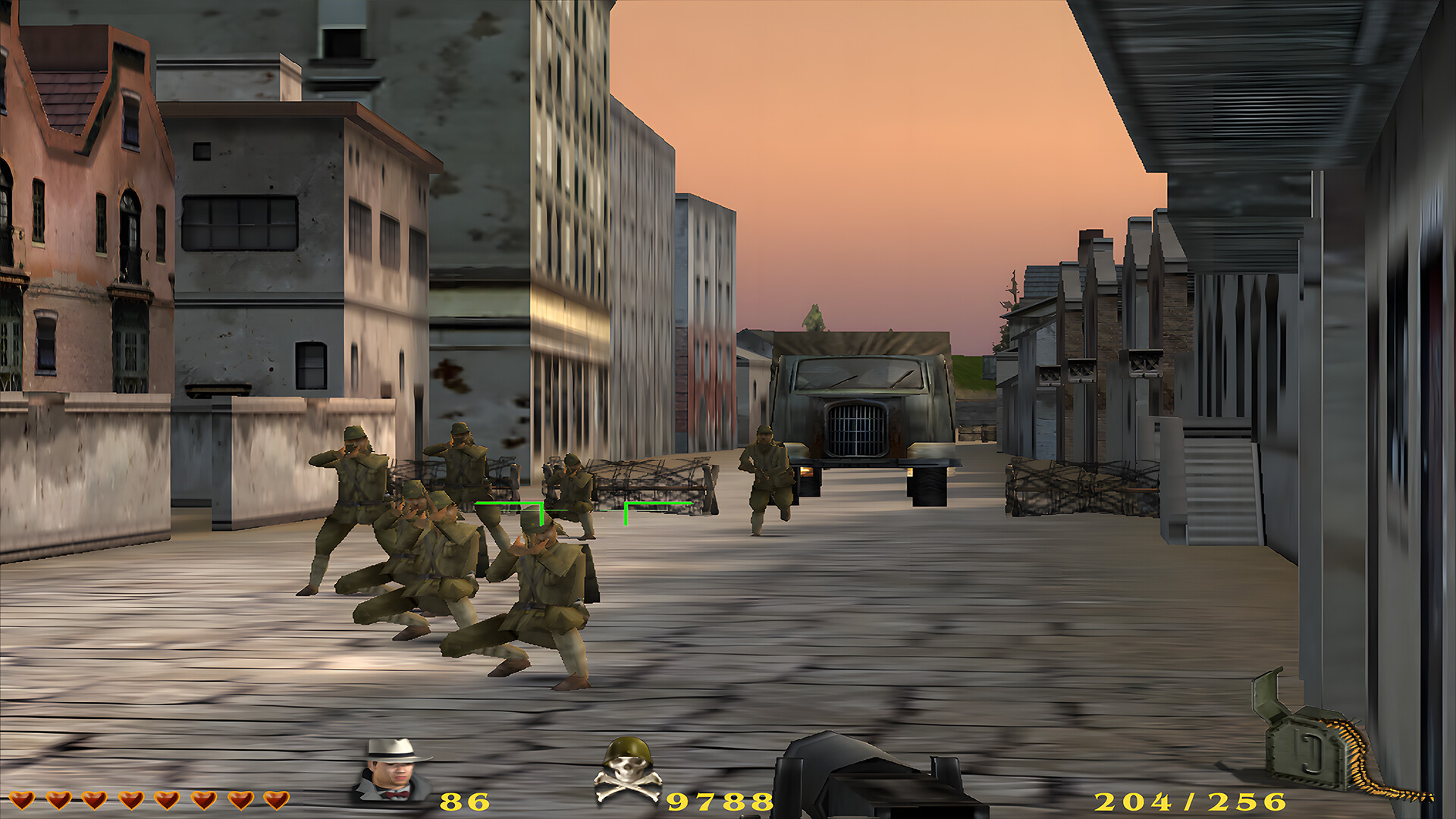
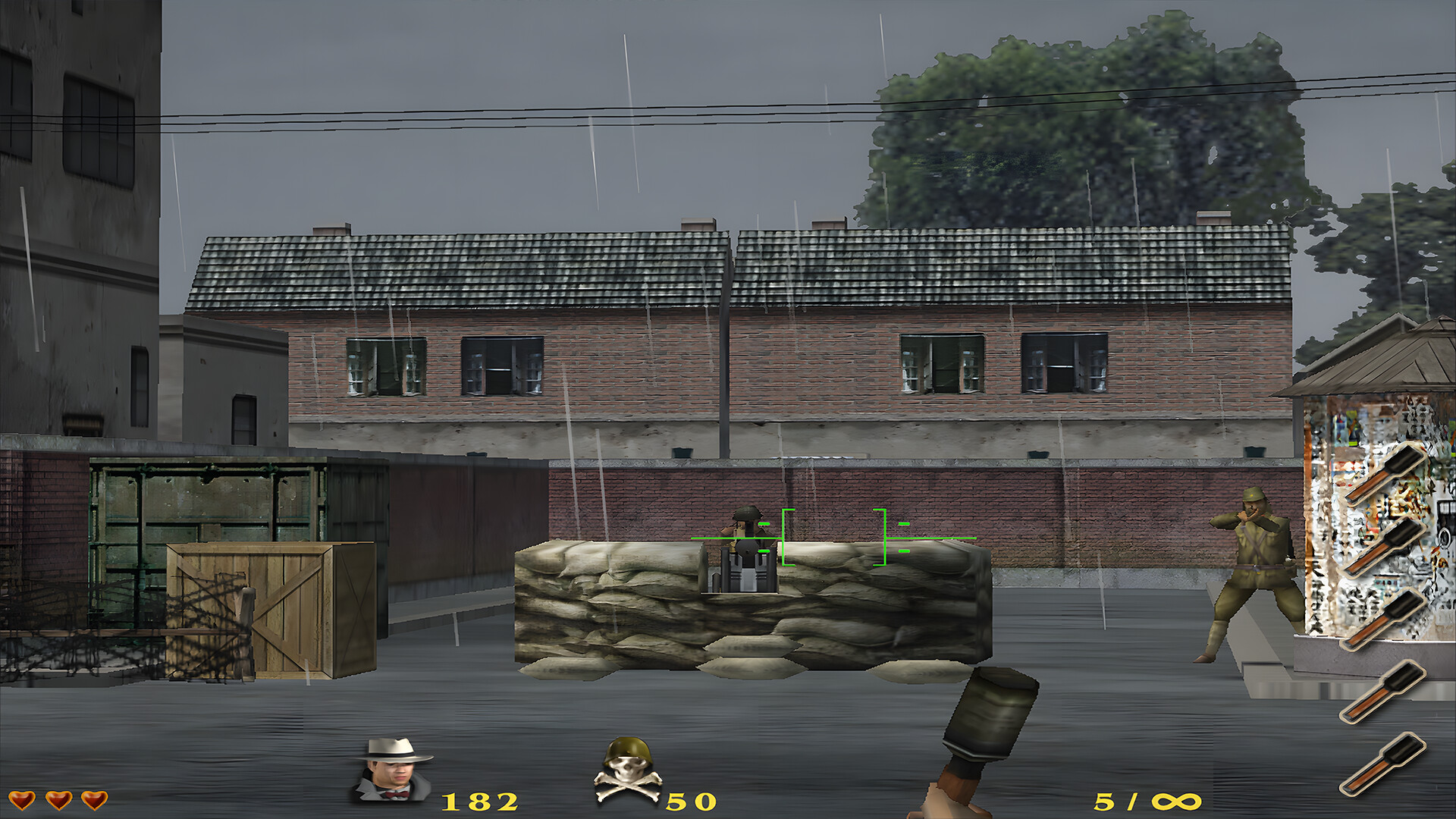
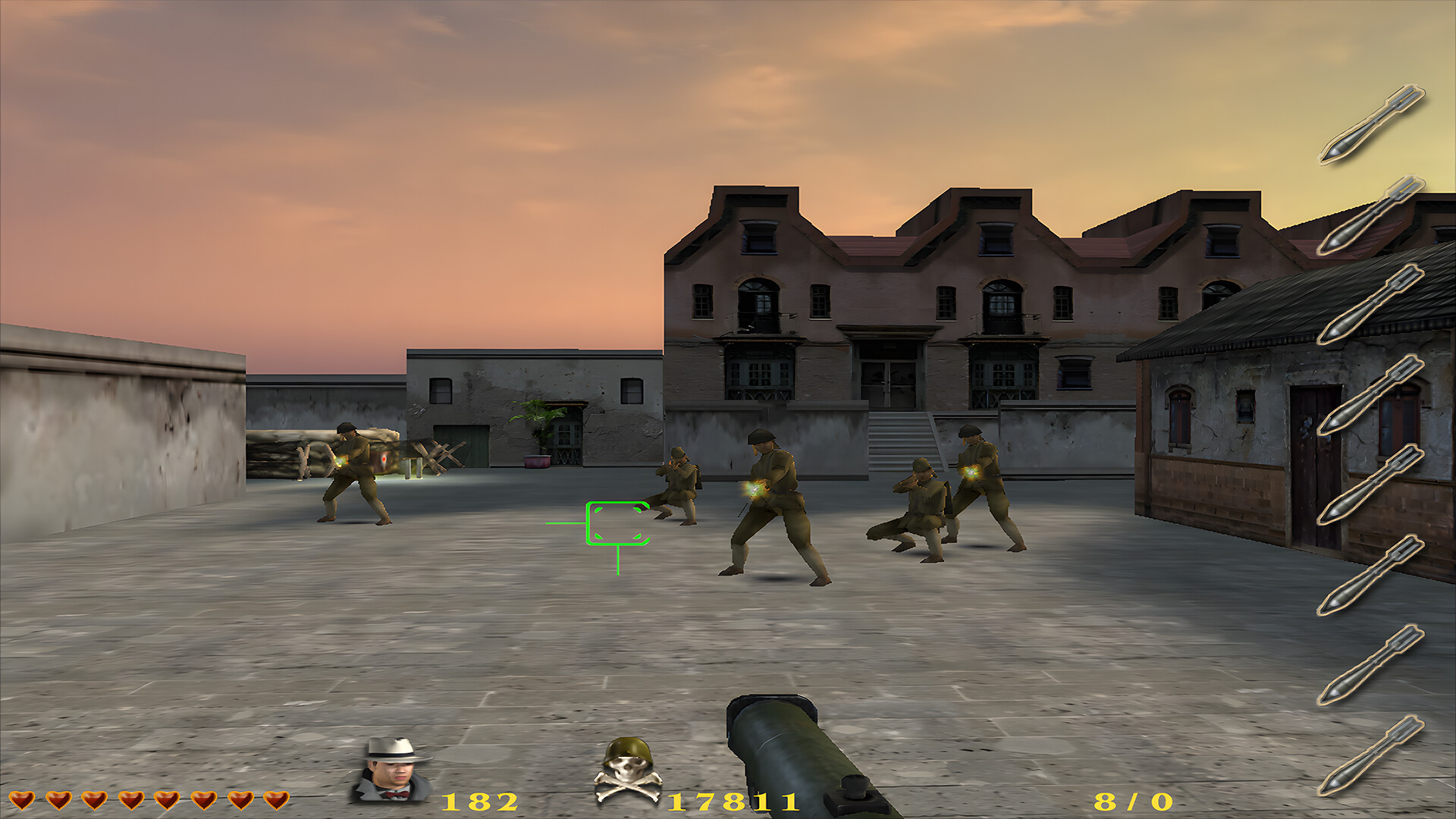
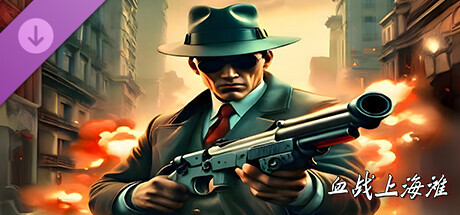
Blood Battle Shanghai Beach is a shooting game! In the game, players will play the role of an anti Japanese hero named Hua Chenglong and complete a series of unlikely missions deep behind enemy lines
ㅤㅤ
On August 15, 1945, Japan announced unconditional surrender!
게임 정보
Game Background
New Battle of Shanghai Beach is a shooting game
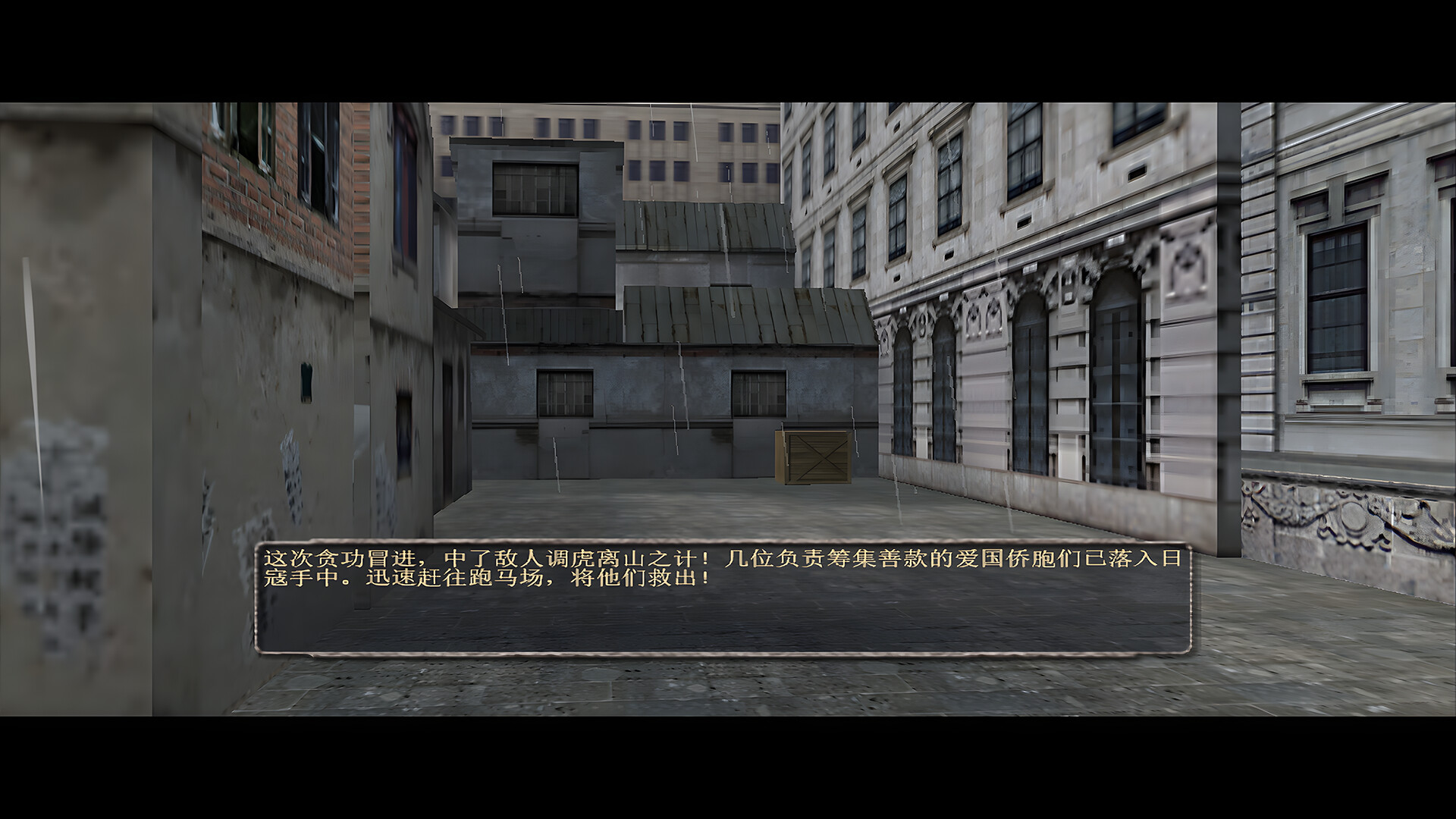
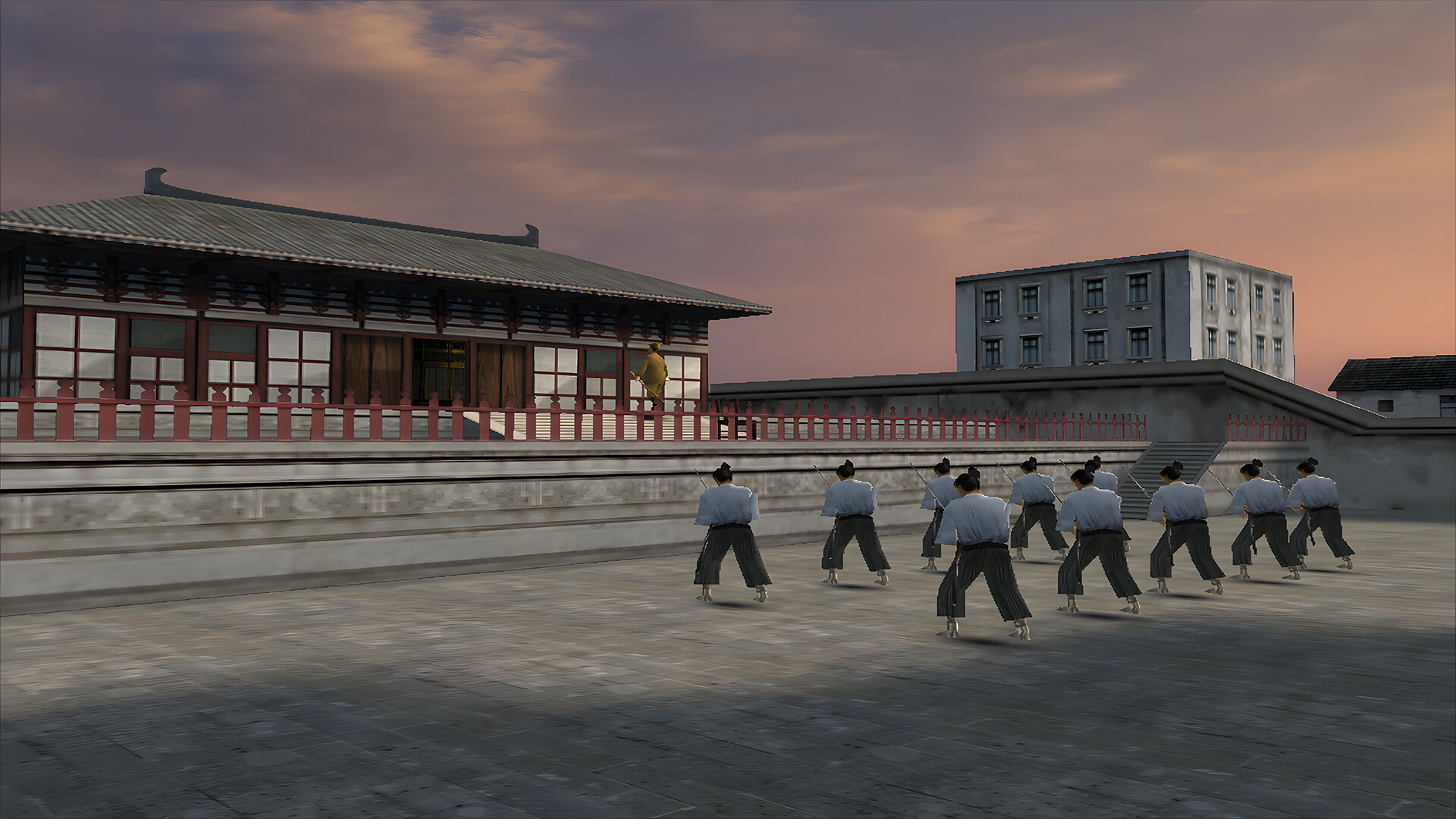
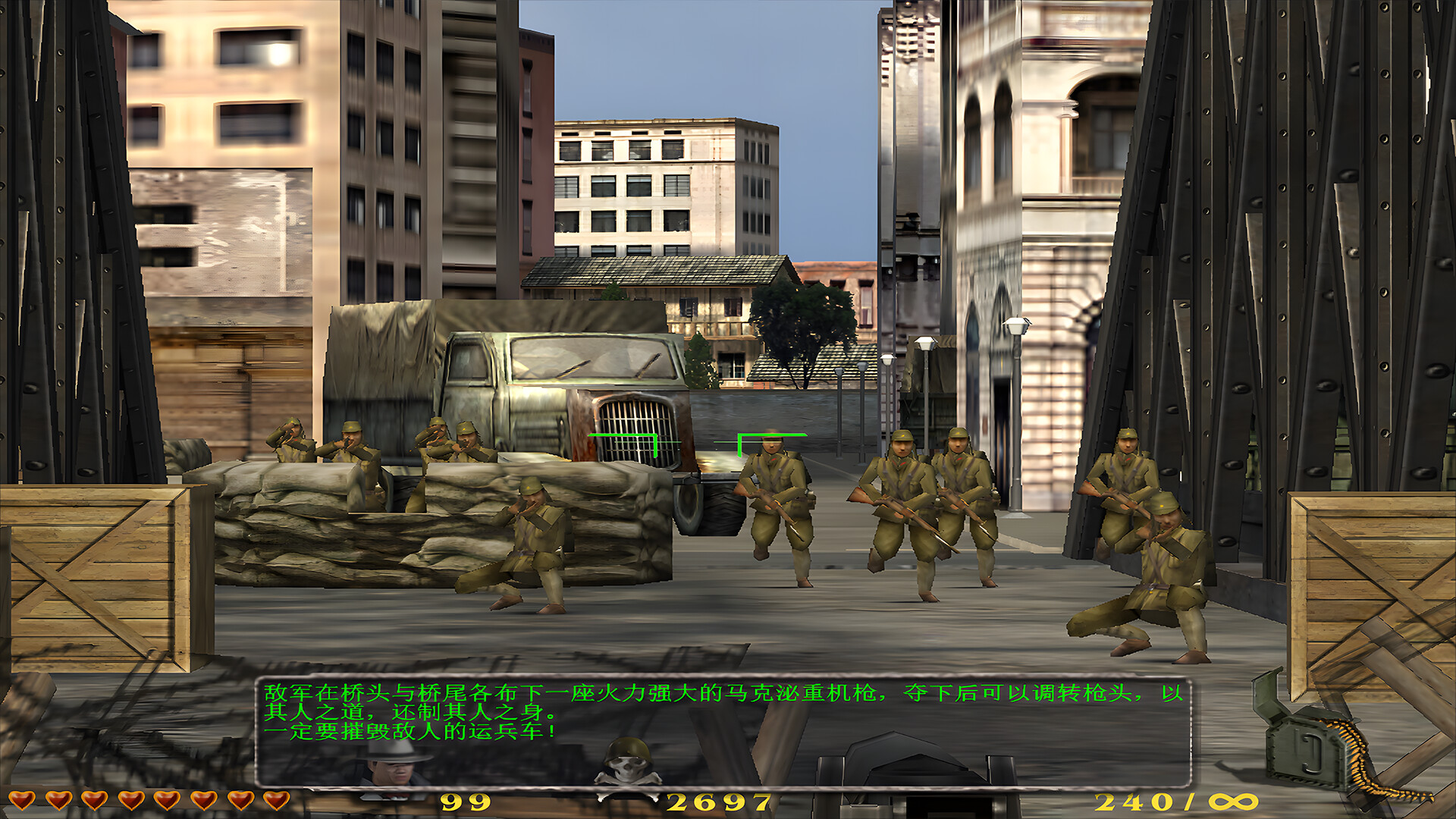
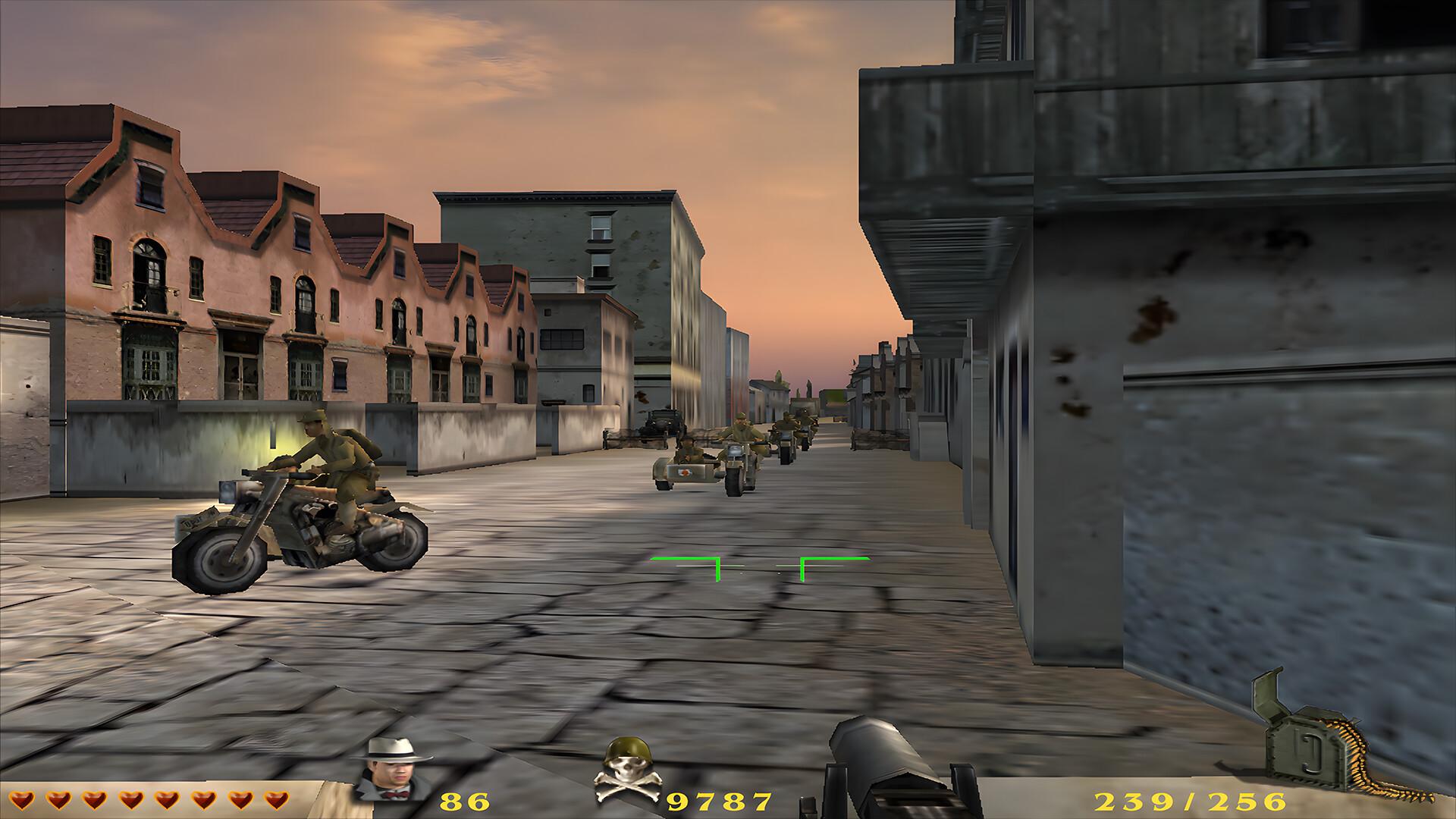
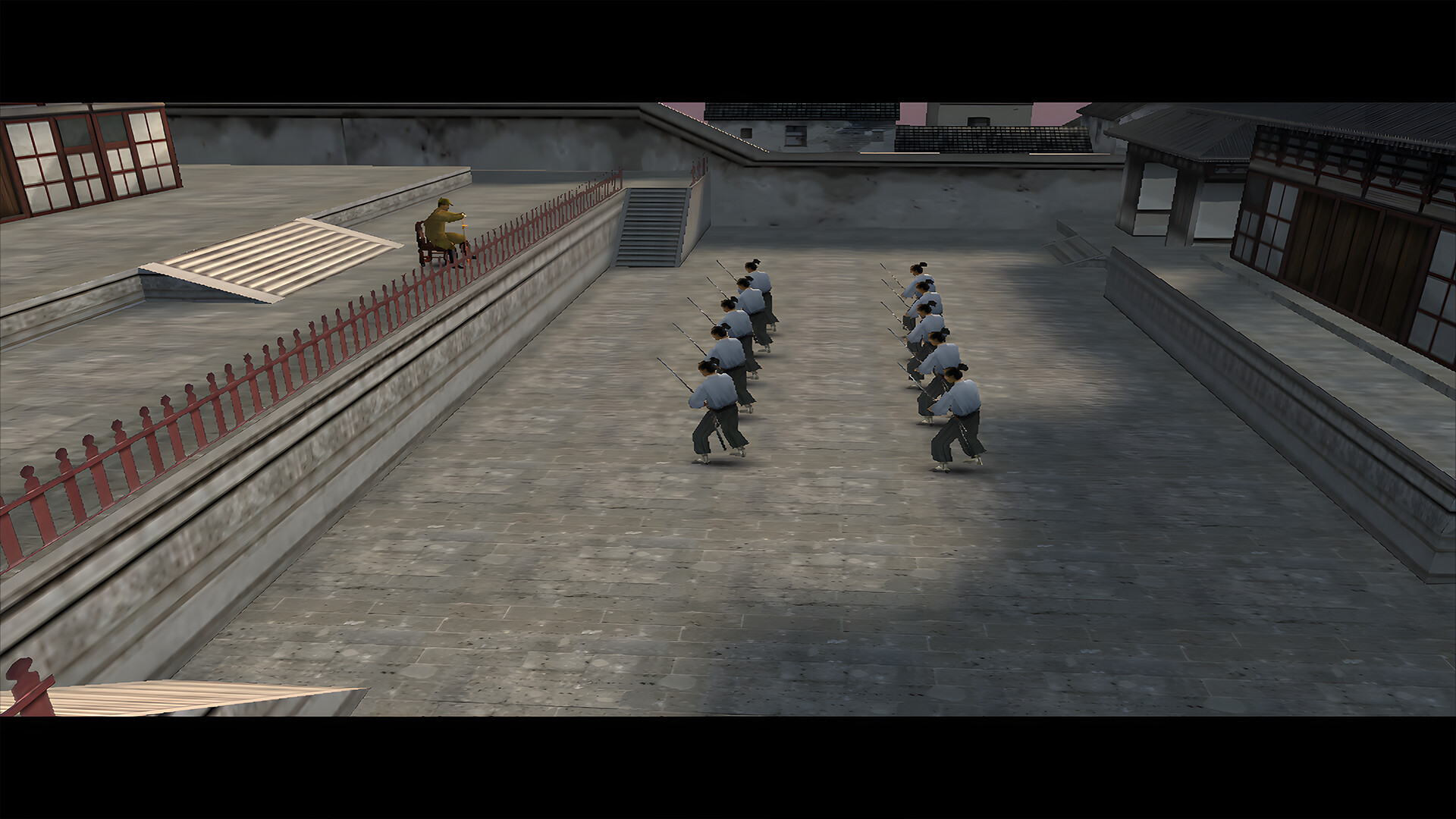
In the game, you need to complete a series of unlikely tasks alone on Shanghai Beach! Carry out missions along the locations in the game such as HSBC Bank, pier, racecourse, Jardine Matheson&Co., Union Church Suzhou River/Baidu Bridge, Broadway, Japanese Concession Embassy, and Hongkou Grand Theatre! After breaking through layers of blockades, enter the enemy headquarters and clear the last big boss to complete the mission. During the clearance period, you must first confront enemy soldiers and ninjas of all sizes Wait for the NPC and engage in a series of life and death battles. In short, after using some weapons to kill many enemies, you can then kill the biggest boss to complete the mission!
brief overview
【Attention】
The game is played in full screen mode with a default resolution of 800x600, and the resolution cannot be adjusted. When the game is played in window mode, if you switch to full screen mode, the game resolution will automatically be based on your desktop resolution, and the game clarity will also be better than the default full screen mode
【 Comrades Alliance 】 Button Function Description
In the game interface, clicking on the Comrade Alliance option will quickly switch to the desktop. If the game runs in default full screen mode (800x600) resolution, then when you click on Comrade Alliance to switch to the desktop, you will see that the desktop also changes to 800x600 resolution. This is normal. If you click on Comrade Alliance while running in windowed mode and switch to the desktop, it will be the desktop resolution you originally set
Instructions for in-game buttons
You can control shooting with the left mouse button in the game! Replace magazine Press the R key to pause the game Press the P key For other detailed instructions please refer to the game guide, which can be opened in the game startup option!
스크린샷

접속자 수
가격 정보
업적 목록
요약 정보
스팀 리뷰
스팀 리뷰가 존재하지 않습니다.