

게임 정보
| 출시일: | 2024년 12월 25일 |
| 개발사: | MrDots Games |
| 퍼블리셔: | MrDots Games |
| 플랫폼: | Windows, Mac, Linux |
| 출시 가격: | 3,400 원 |
| 장르: | 캐주얼, 인디, 시뮬레이션 |

업적 목록
업적 정보가 없습니다.
추천 게임


게임 소개
Included are four walkthroughs for CH3 to help you along with your game progress.These guides can help you to:Unlock every bonus imageUnlock every alternate imageCollect points for the female characters you are interested inHelping you to choose the right options
We have included four Walkthrough’s to help you along with your game progress.
With these guides, you can get help with:
Finding every collectible
Unlocking every bonus image
Unlock every alternate image
Collect points for the female characters you are interested in - gaining enough points unlocks
various game endings with them and other characters
Finding out how your choices will affect different scenes in the game
Game Walkthrough - this tells you the effect each choice you make has, where to collect
points for each character love interest, and which character paths you are on for each scene
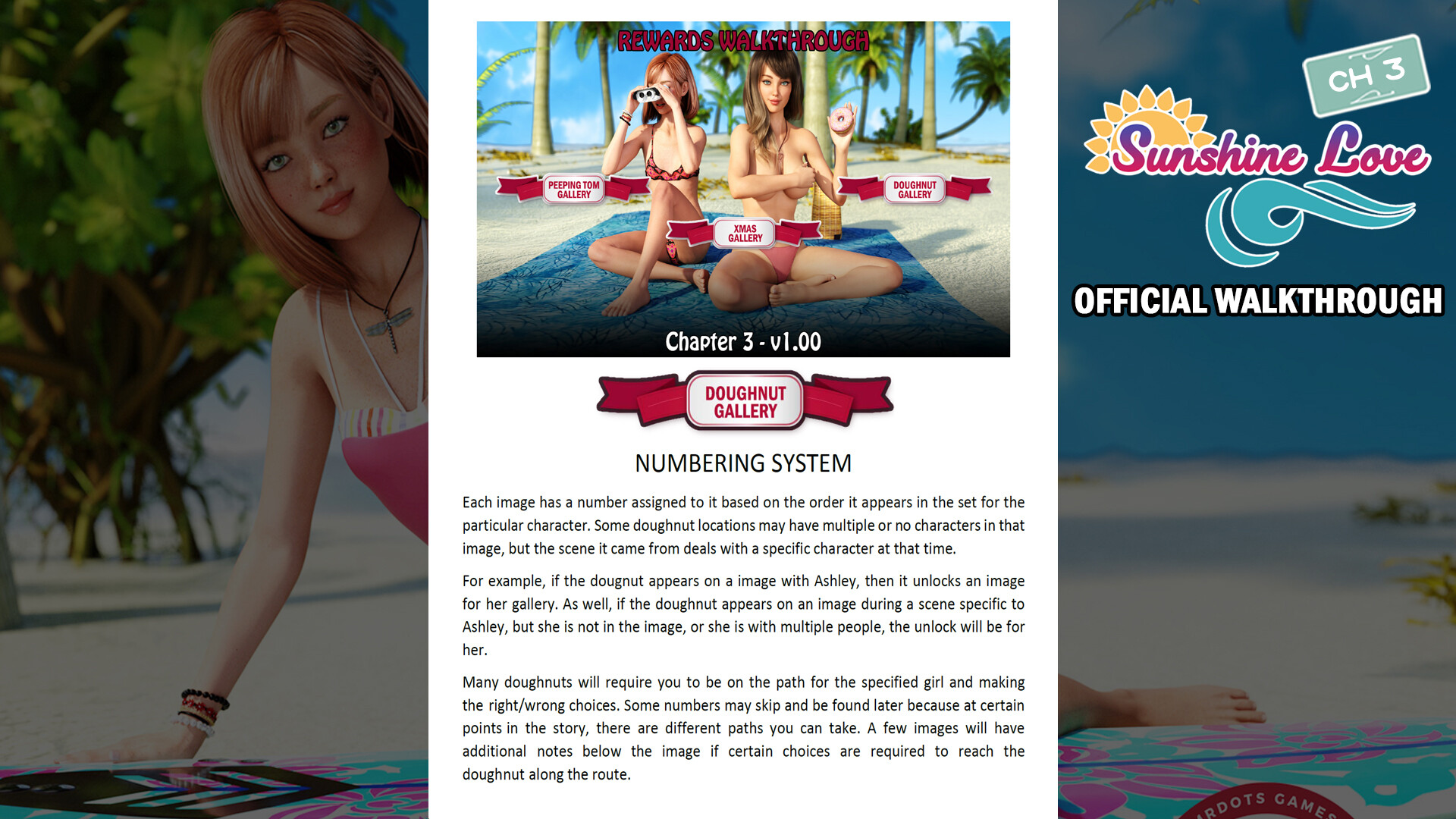
Doughnut Walkhrough - this tells you where you can find all the donuts we have hidden within the game.
When you find them, it unlocks bonus images of various characters that you can view in the “Rewards Gallery”.
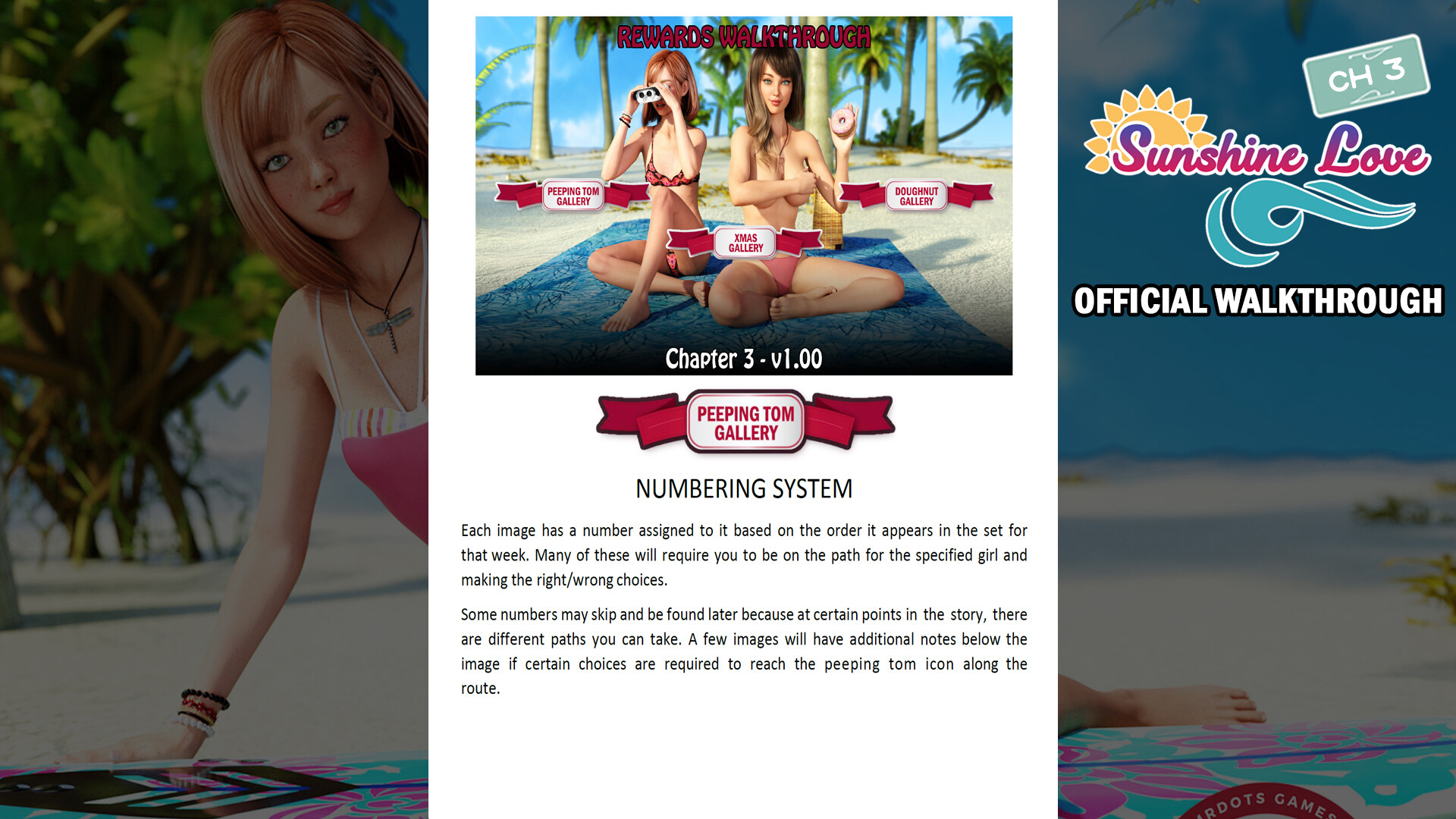
Peeping Tom Walkhrough - this tells you where and when the Pepping Tom icon appears during your playthrough.
Clicking on it unlocks an alternate image of what you can see on the screen. You can view these images again in the “Rewards Gallery”.
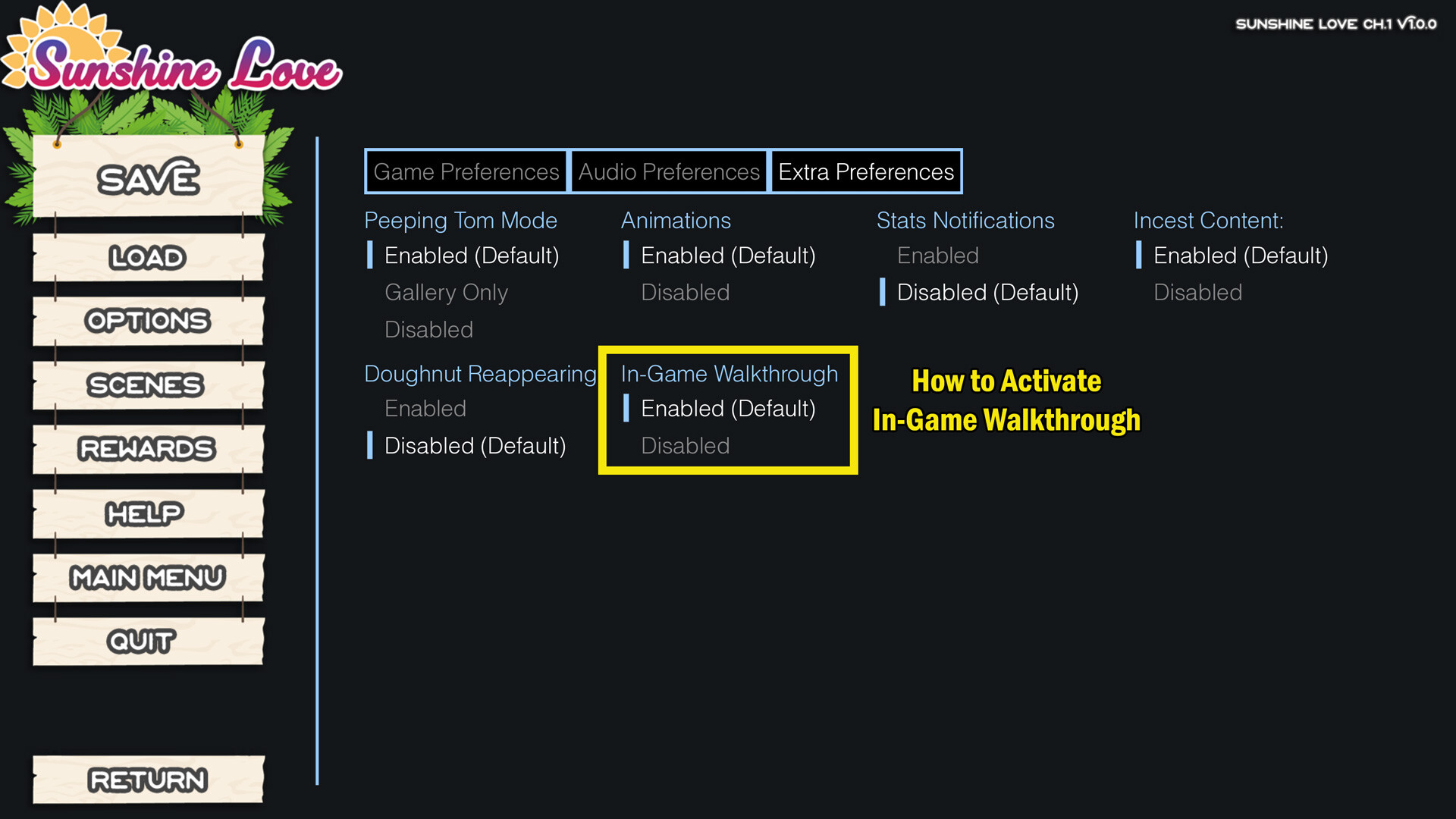
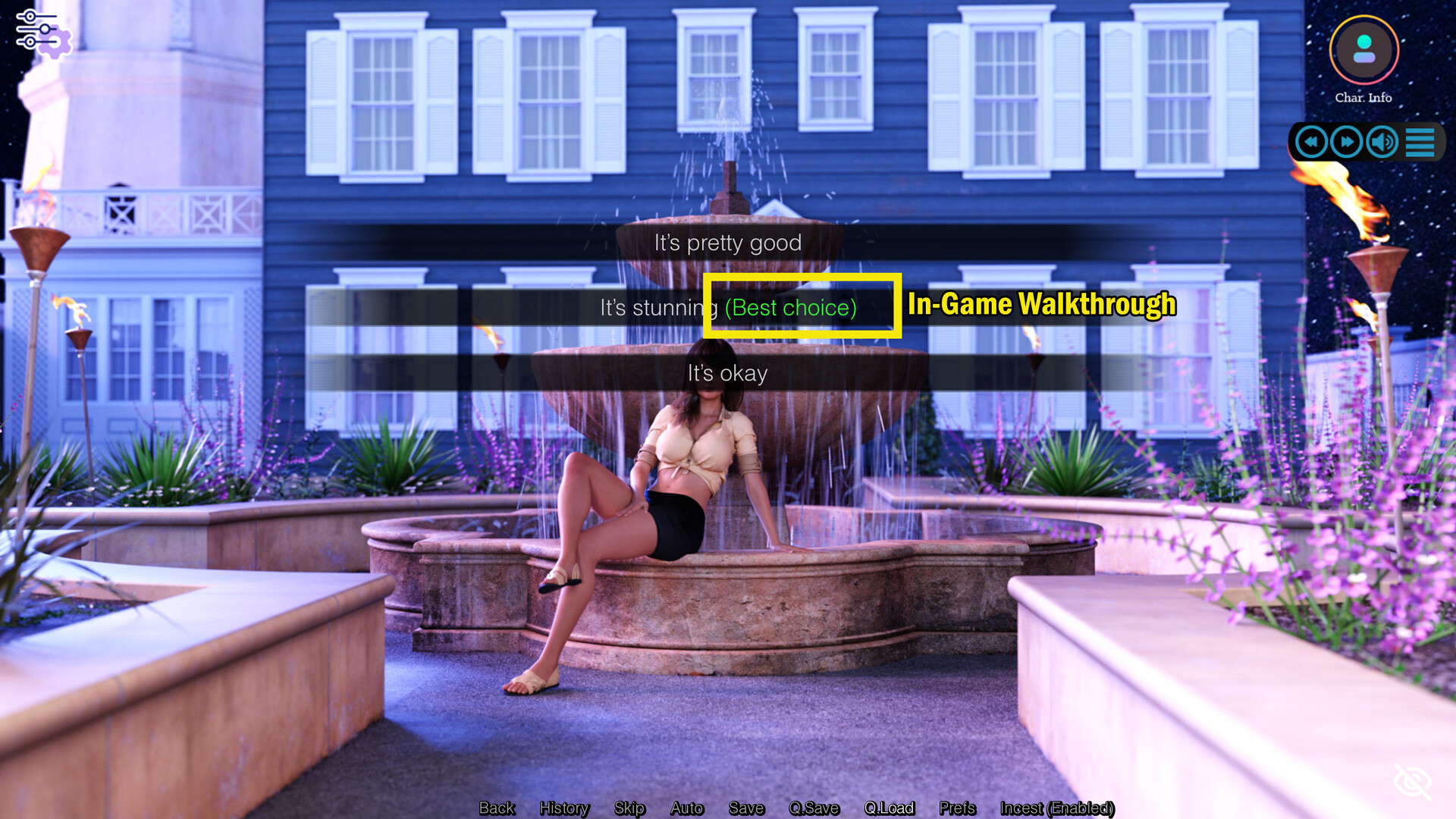
In-Game Walkthrough - enabling this walkthrough means that when the various choices come up during the many scenes in the game, this will give you hint for the best option to choose. It will be highlighted in GREEN.
Where to find these Walkthroughs
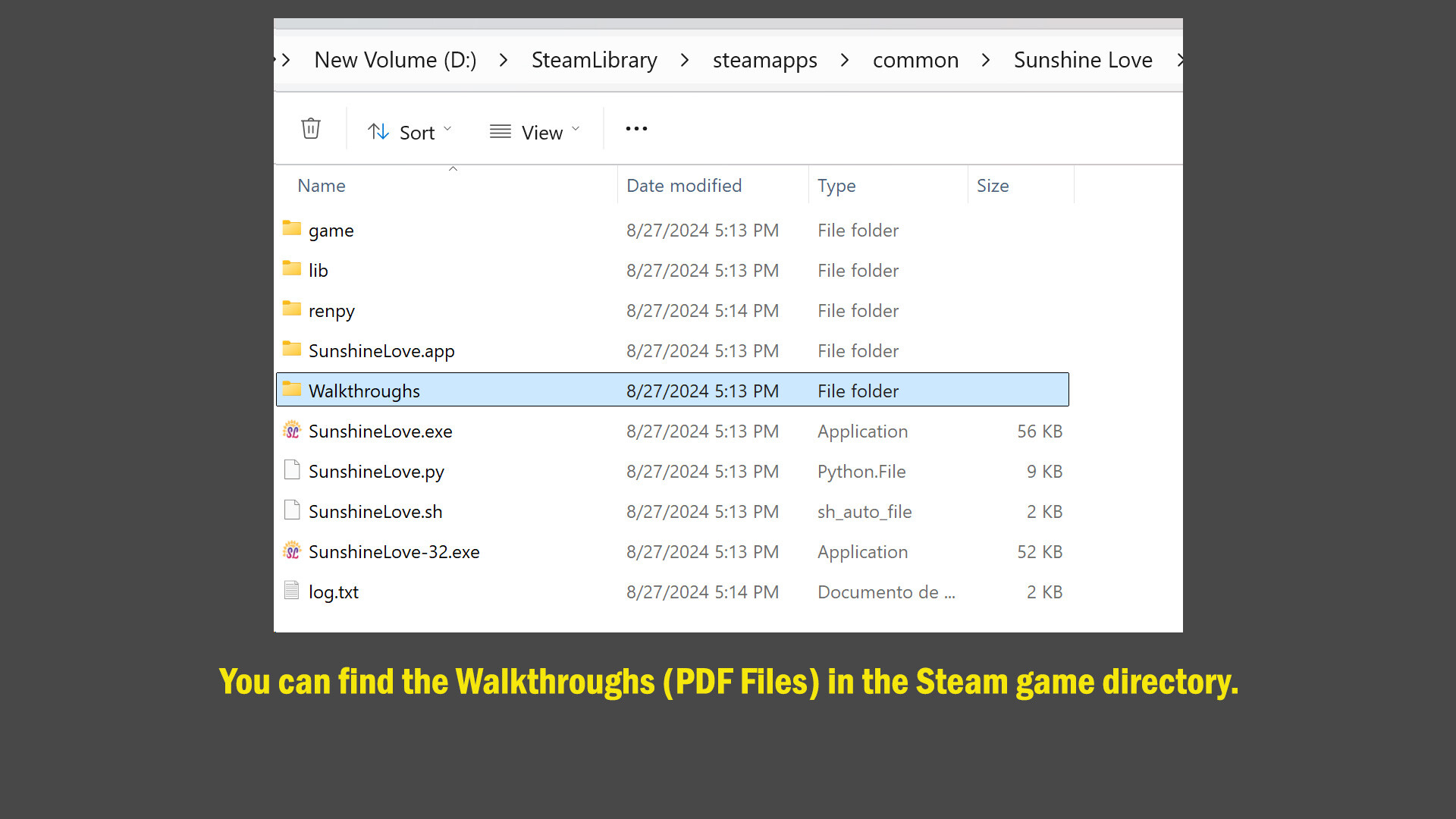
You'll find the walkthroughs (PDF Files) in the Steam game's directory under the folder "Walkthroughs/CH3".
As for the in-game Walkthrough, once the game has launched and you are on the main menu, you need to go to "Options", "Extra Preferences" and Activate the "in-game Walkthrough" feature. You don't need to restart the game for this feature to work.
스크린샷

접속자 수
가격 정보
업적 목록
업적 정보가 없습니다.
요약 정보
스팀 리뷰
스팀 리뷰가 존재하지 않습니다.