

CivIdle - Cross Platform Cloud Save
Fish Pond Studio
2025년 12월 4일
2
조회수
0
리뷰 수
0+
추정 판매량
N/A
긍정 평가
게임 정보
| 출시일: | 2025년 12월 4일 |
| 개발사: | Fish Pond Studio |
| 퍼블리셔: | |
| 플랫폼: | Windows, Linux |
| 출시 가격: | 2,300 원 |
| 장르: | 인디, 시뮬레이션, 전략, 무료 플레이 |

업적 목록
업적 정보가 없습니다.
추천 게임


게임 소개
Cross Platform Cloud Save allows you to link your account to another platform (e.g. iOS, Android) and sync your save (progress, account rank, etc.) across. You only need this if you want to sync with a different platform
상세 설명
Cross Platform Cloud Save allows you to link your account to another platform (e.g. iOS, Android) and sync your save (progress, account rank, etc.) across.
You only need this if you want to sync with a different platform. CivIdle has Steam Cloud enabled and will sync your save across different devices that runs Steam without this DLC. However, if you want to sync your save to another platform (e.g. iOS, Android), which Steam Cloud does not support, you will need to purchase this DLC.
This DLC enables Cross Platform Cloud Save and does not add any content to the game. The price of this DLC is used to cover the server cost of hosting and syncing your save across platforms.
Apple Game Center account is required to sync to iOS. Google Play Games account is required to sync to Android. They should be available by default on respective platforms. Launching the game and see if you can connect to the server to verify the set up.
This DLC only carries your Supporter Pack purchase on Steam to other platforms, but not the other way around. For example, purchasing this DLC and the Supporter Pack on mobile will not work.
You only need this if you want to sync with a different platform. CivIdle has Steam Cloud enabled and will sync your save across different devices that runs Steam without this DLC. However, if you want to sync your save to another platform (e.g. iOS, Android), which Steam Cloud does not support, you will need to purchase this DLC.
This DLC enables Cross Platform Cloud Save and does not add any content to the game. The price of this DLC is used to cover the server cost of hosting and syncing your save across platforms.
How to Sync Save Across Platforms
- Purchase this DLC and restart your game
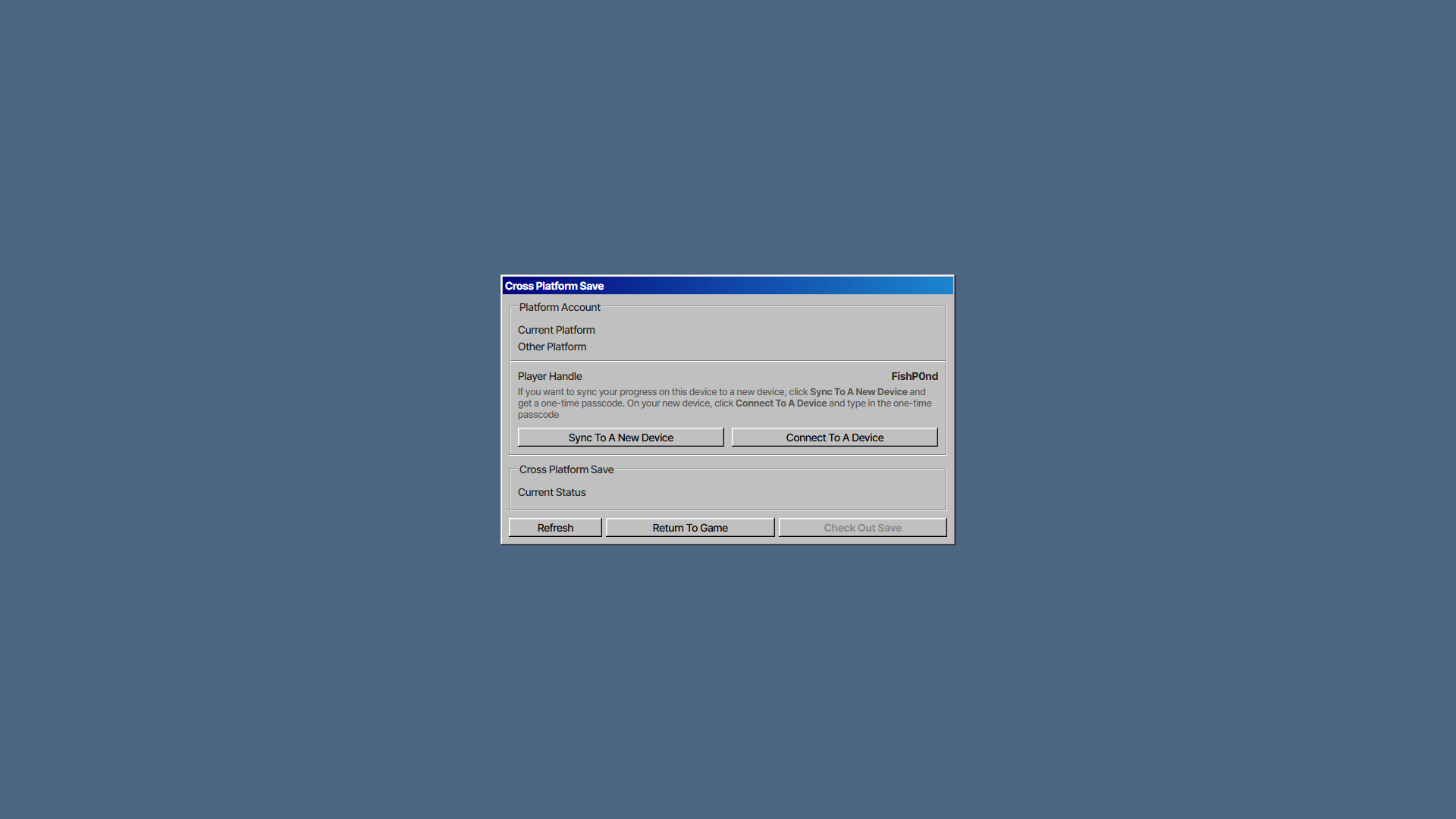
- Go to Options -> Manage Save and click Sync To A New Device to generate a passcode
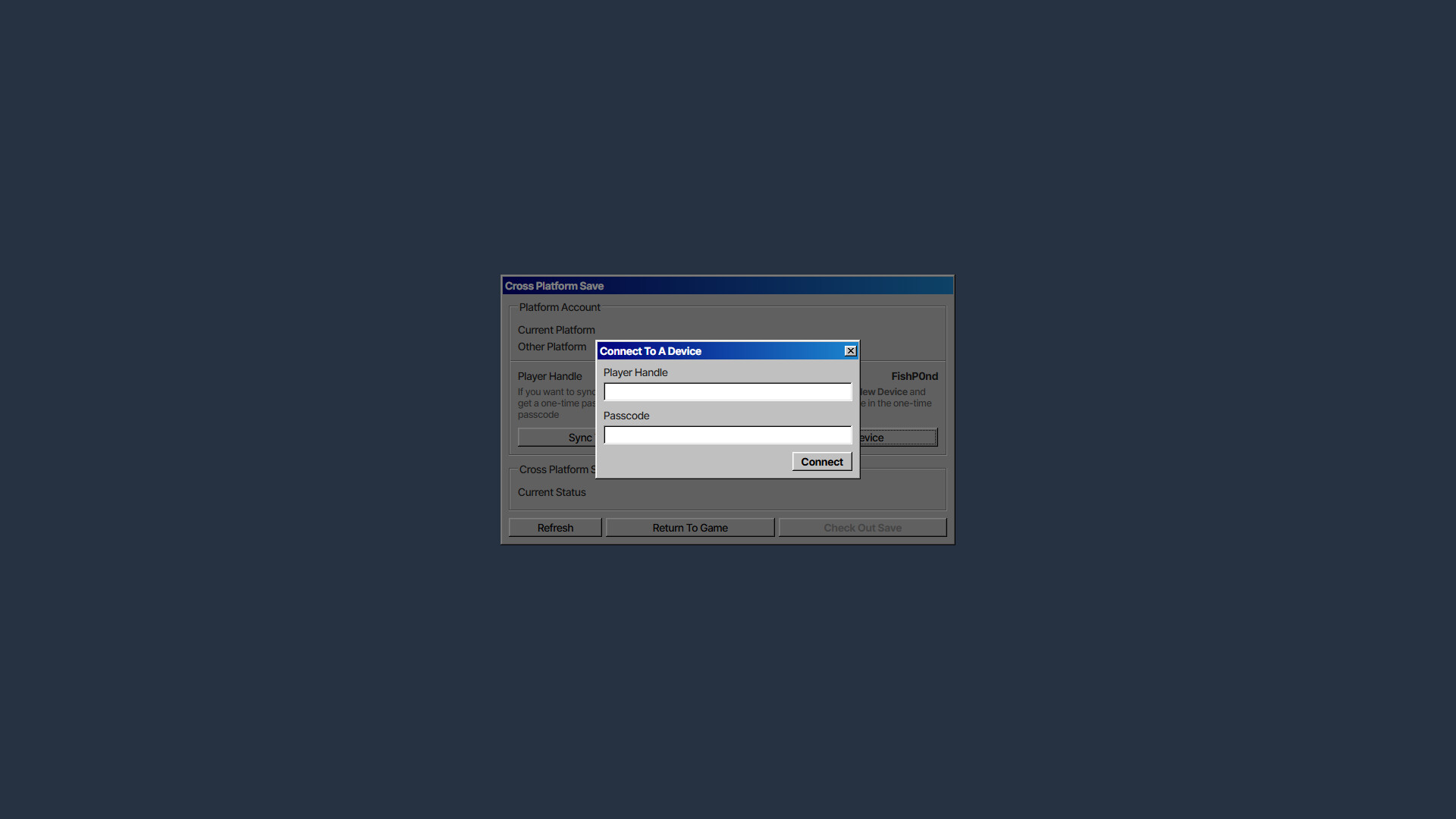
- On a new device (iOS/Android), go to Options -> Manage Save and click Connect To A Device. Type in your player handle and the passcode
- You can now check in your save on one platform and check it out on another. To avoid save conflict, you can only check out your save on one platform at a time
Apple Game Center account is required to sync to iOS. Google Play Games account is required to sync to Android. They should be available by default on respective platforms. Launching the game and see if you can connect to the server to verify the set up.
This DLC only carries your Supporter Pack purchase on Steam to other platforms, but not the other way around. For example, purchasing this DLC and the Supporter Pack on mobile will not work.
스크린샷
접속자 수
가격 정보
업적 목록
업적 정보가 없습니다.
요약 정보
스팀 리뷰
스팀 리뷰가 존재하지 않습니다.