
게임 정보
| 출시일: | 2025년 3월 7일 |
| 개발사: | L.L.B. |
| 퍼블리셔: | L.L.B. |
| 플랫폼: | Windows |
| 출시 가격: | 2,250 원 |
| 장르: | 캐주얼, 인디, 전략 |

링크
업적 목록
업적 정보가 없습니다.
추천 게임


게임 소개
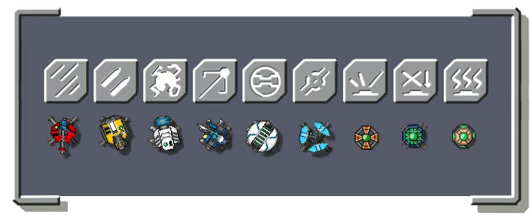
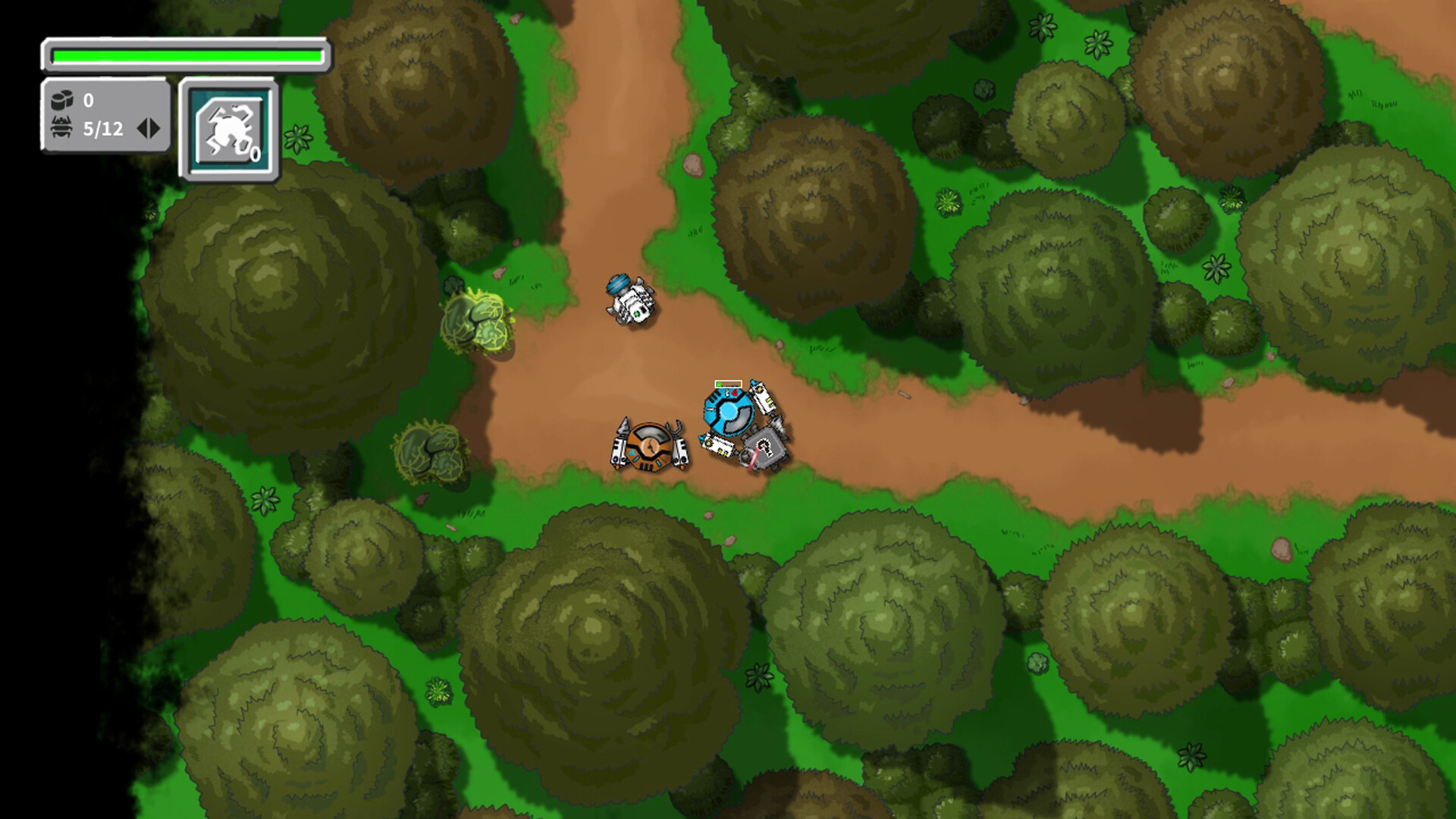
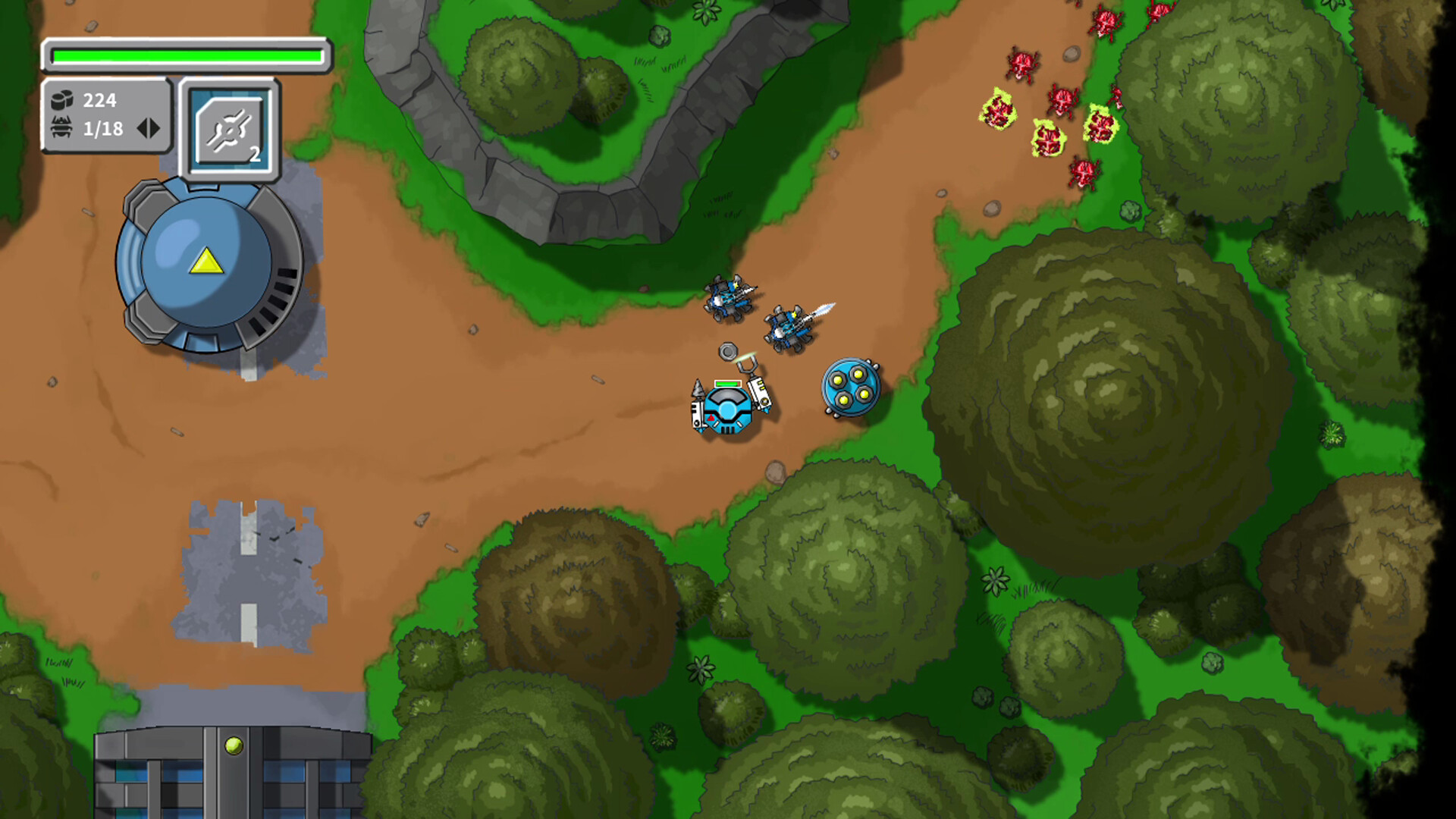
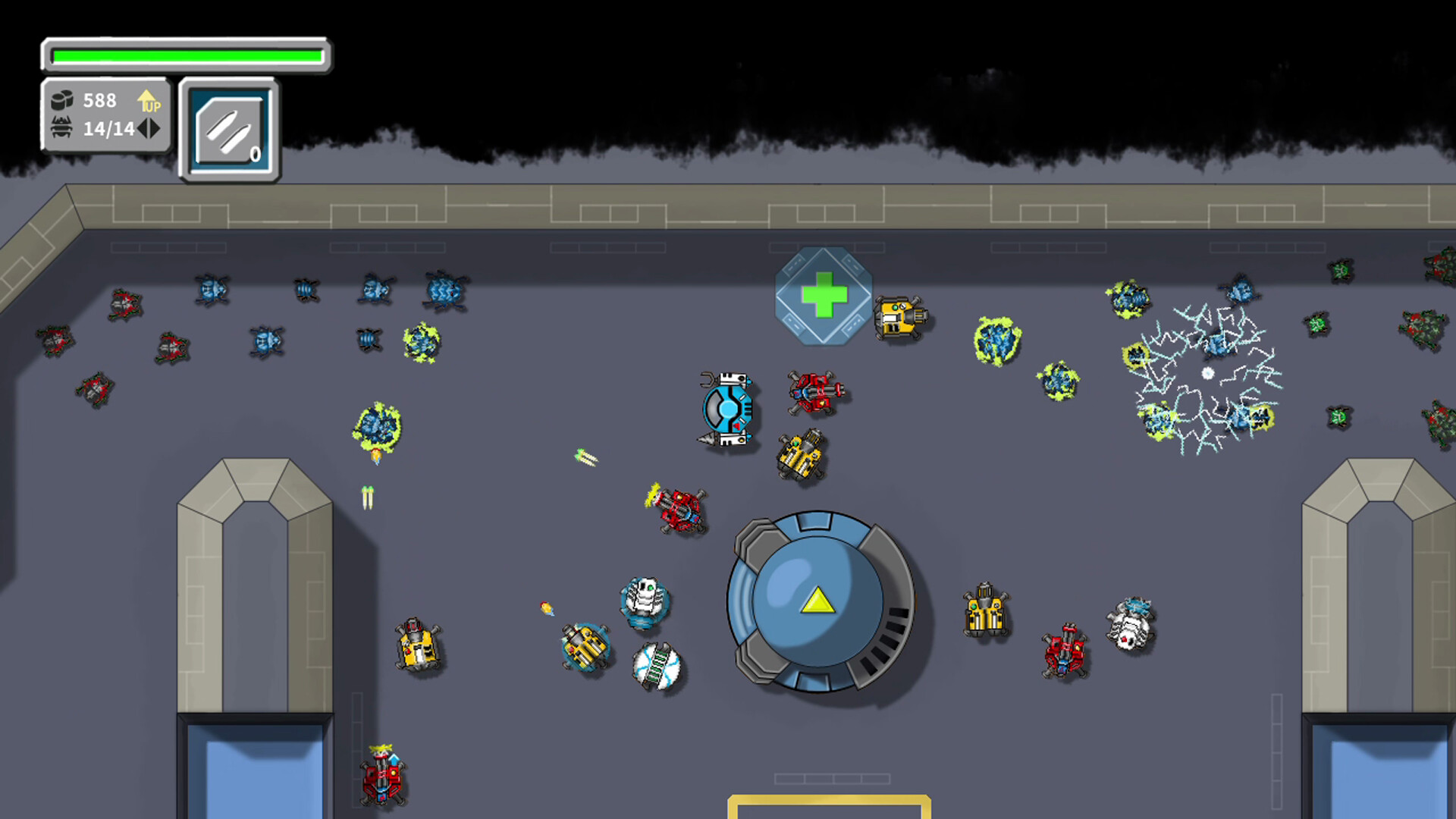
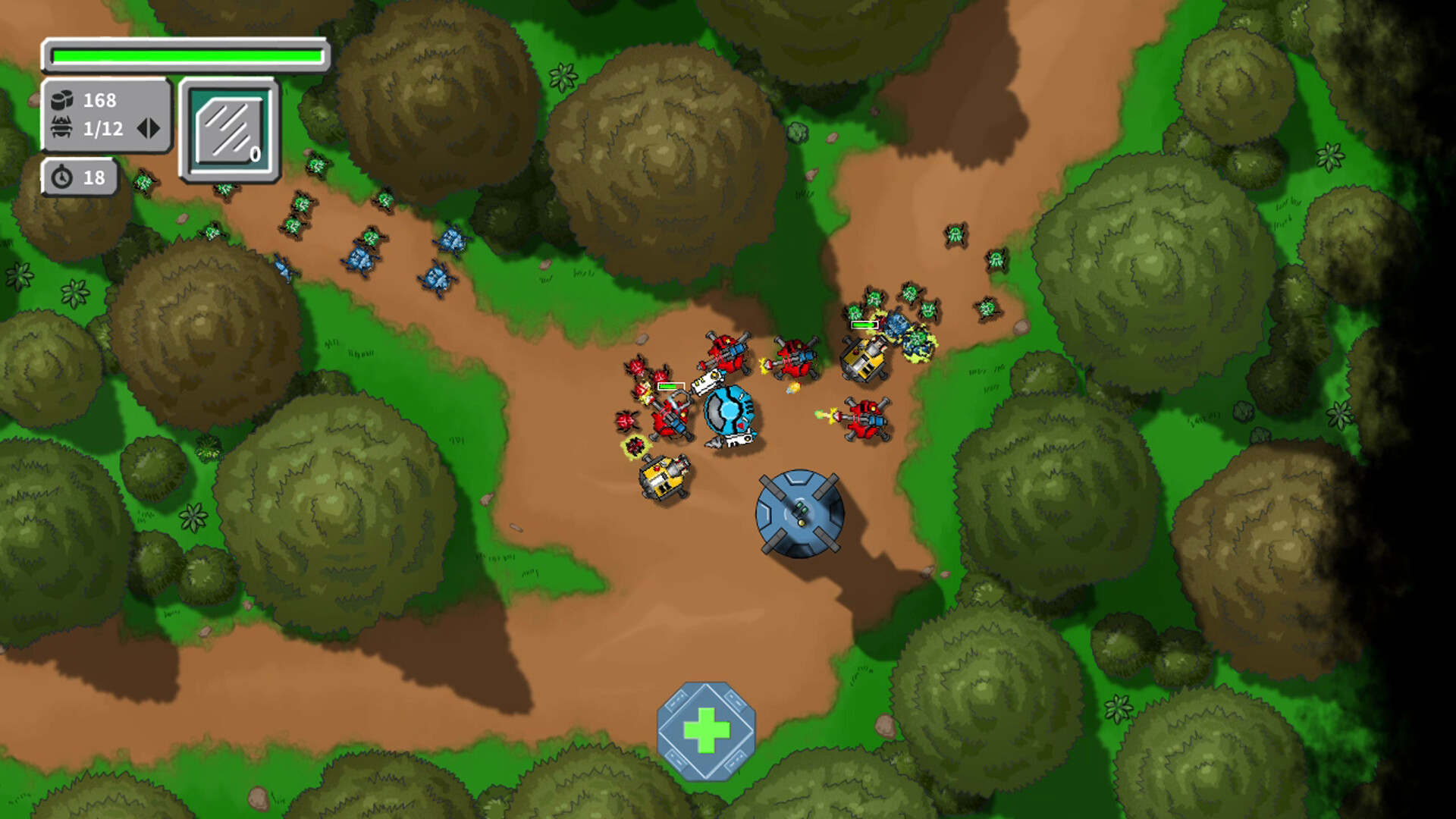
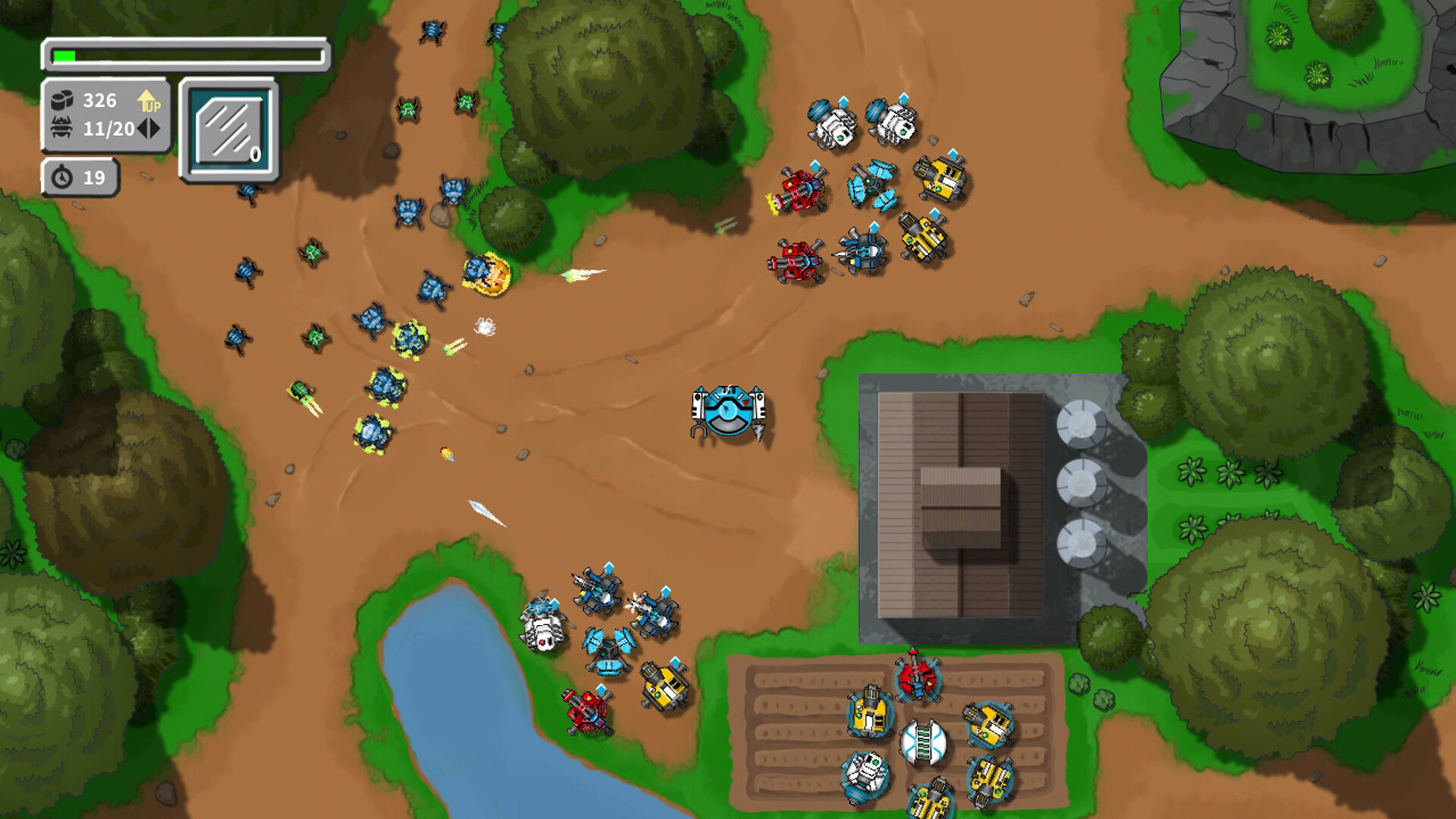
In Vermin Control, you will enter a thrilling sci-fi tower defense world filled with strategic combat and high tension. Operate a versatile unit capable of both melee combat and construction, deploy and manage 9 unique devices, and protect key facilities from relentless vermin assaults.
In Vermin Control, you will enter a thrilling sci-fi tower defense world filled with strategic combat and high tension. Operate a versatile unit capable of both melee combat and construction, deploy and manage 9 unique devices, and protect key facilities from relentless vermin assaults.
● Diverse Tactical Combinations: Use machine guns, heavy cannons, shields, mines, and more to create strategies and counter various types of vermin.
● Upgrade and Enhancement System: Collect bio-data to upgrade your devices and strengthen your defenses to face even stronger enemies.
● Challenging Levels: 15 meticulously designed levels, each bringing new challenges and strategic twists that test your tactical prowess.
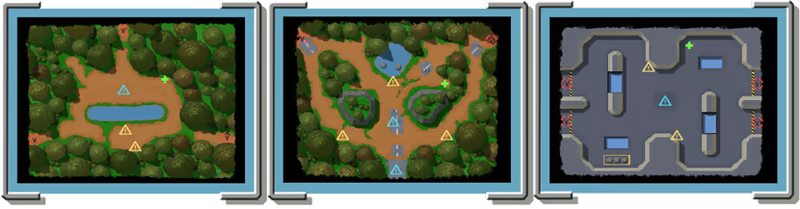
● High-Freedom Operations: Not just a tower defense game—engage in close combat, deploy and retrieve devices at any time, and adjust your strategies on the fly.
● Multilingual Support: Available in Simplified Chinese, Traditional Chinese, English, and Japanese.
Are you ready to face the vermin onslaught? Build your defense and become humanity's ultimate protector!
Players Notice
◉ If you're playing with a keyboard, please switch your input mode to English after starting the game; otherwise, the keyboard input may not respond properly.
◉ Some antivirus software (especially McAfee) may mistakenly flag the game as harmful. If this happens, please add the game to your antivirus software's trusted list.
◉ The in-game language automatically follows your system's default language. To change it, modify the language settings in the game. The new language setting will take effect after restarting the game.
◉ Steam Overlay is not supported in this game. For screenshots and recordings, I recommend using the Game Bar (Win + G).
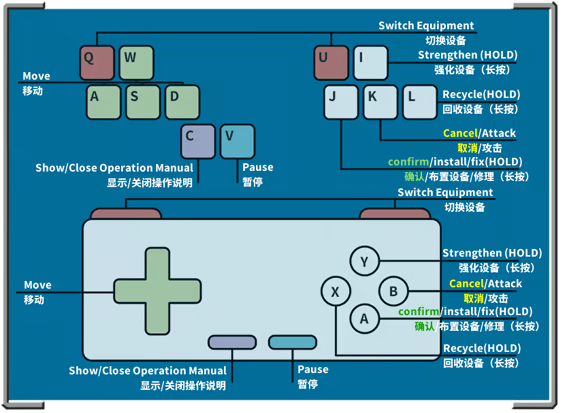
◉ You can check the control guide anytime by pressing C on the keyboard (or SELECT on the gamepad).
스크린샷

접속자 수
가격 정보
업적 목록
업적 정보가 없습니다.
요약 정보
스팀 리뷰
스팀 리뷰가 존재하지 않습니다.