
게임 정보
| 출시일: | 2026년 3월 16일 |
| 개발사: | Johan Peitz |
| 퍼블리셔: | Apskeppet |
| 플랫폼: | Windows, Mac |
| 출시 가격: | 16,500 원 |
| 장르: | 애니메이션과 모델링, 디자인과 일러스트레이션, 게임 개발 |

업적 목록
업적 정보가 없습니다.
추천 게임

게임 소개
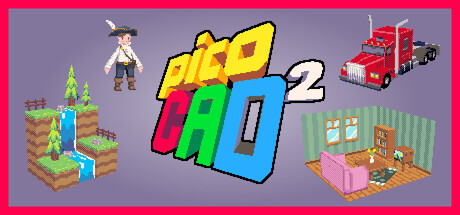
picoCAD 2 is a 3D modelling tool that lets you make low poly models with a unique aesthetic, A fun, easy, and accessible 3D modeller focusing on the bare essentials.
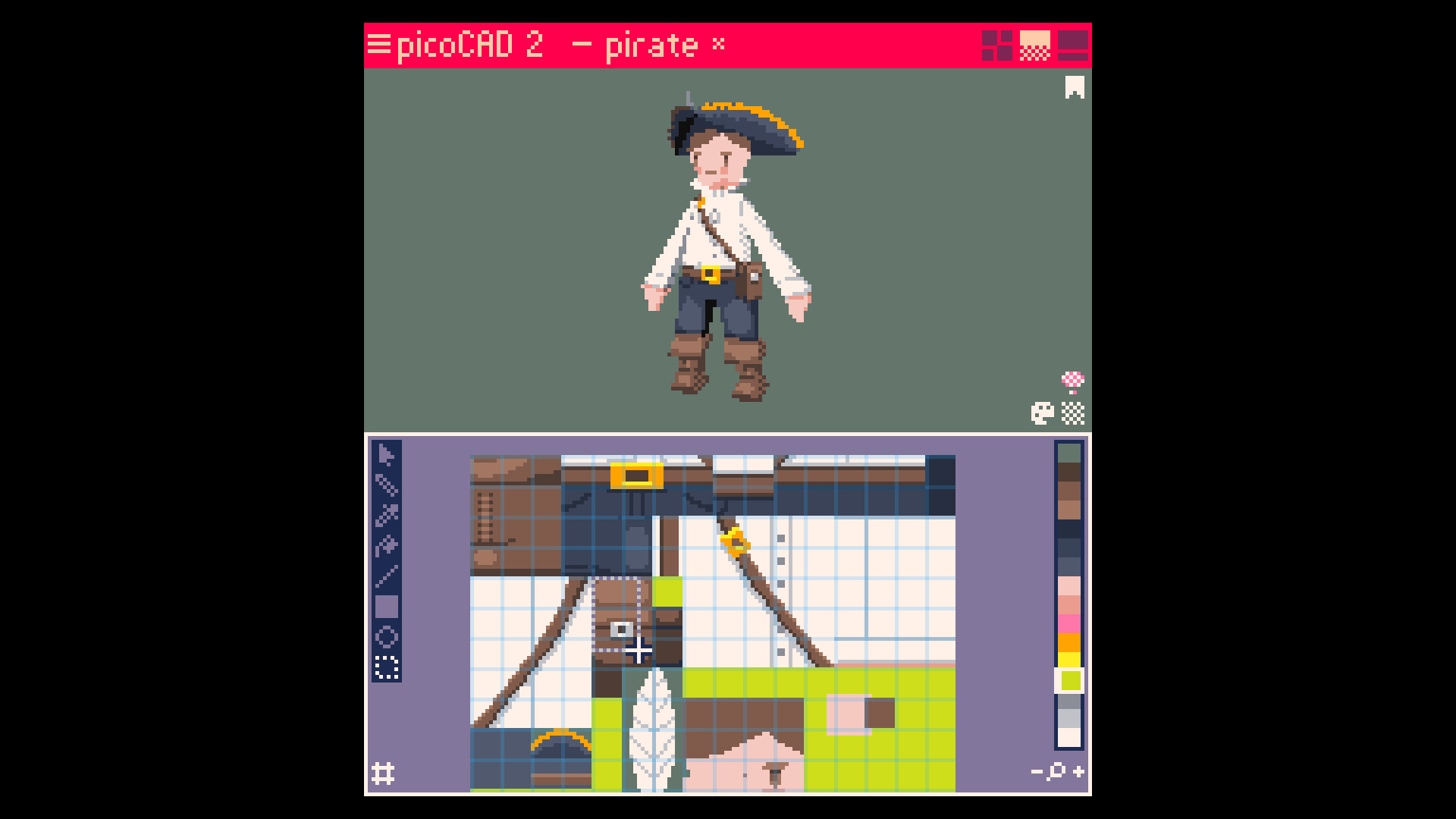
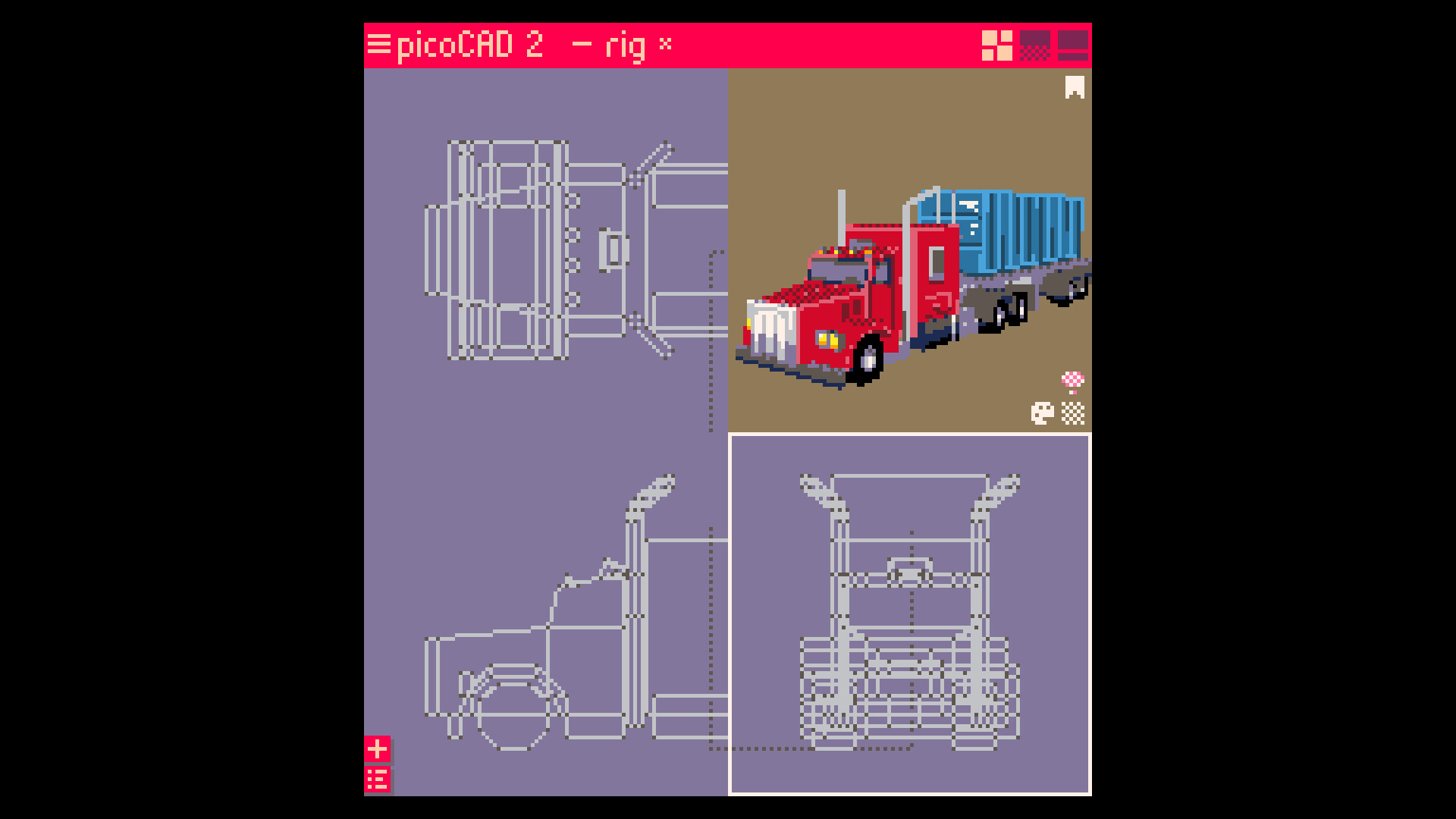
Focused on the bare essentials of 3D modelling, picoCAD blends simplicity with creativity, letting you make low-poly 3D models with just a few clicks. Whether you are a total beginner, or an expert, picoCAD is a unique and approachable tool to express your art in.
KEY FEATURES
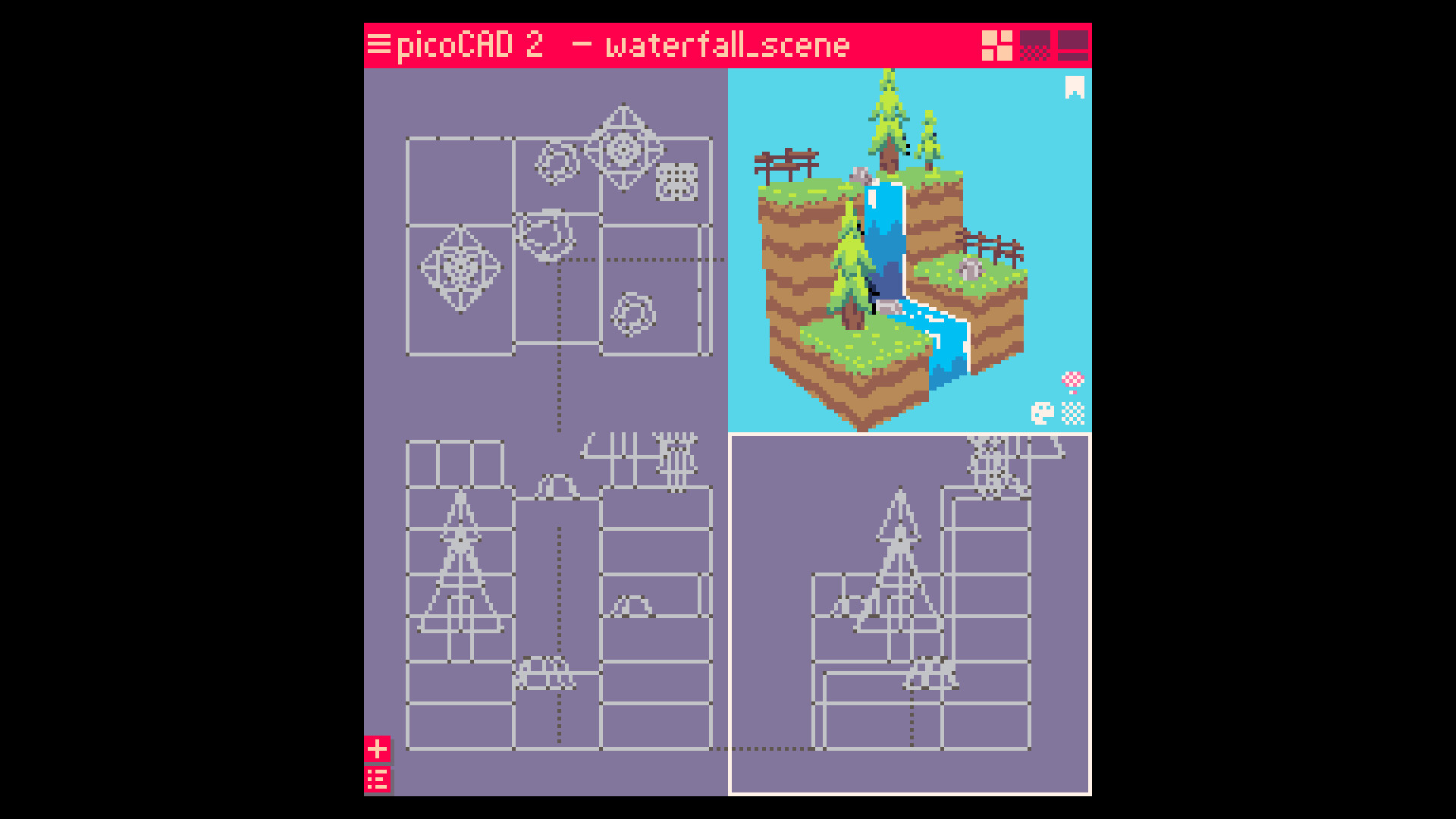
Focused toolset: Create retro-style models without any prior experience
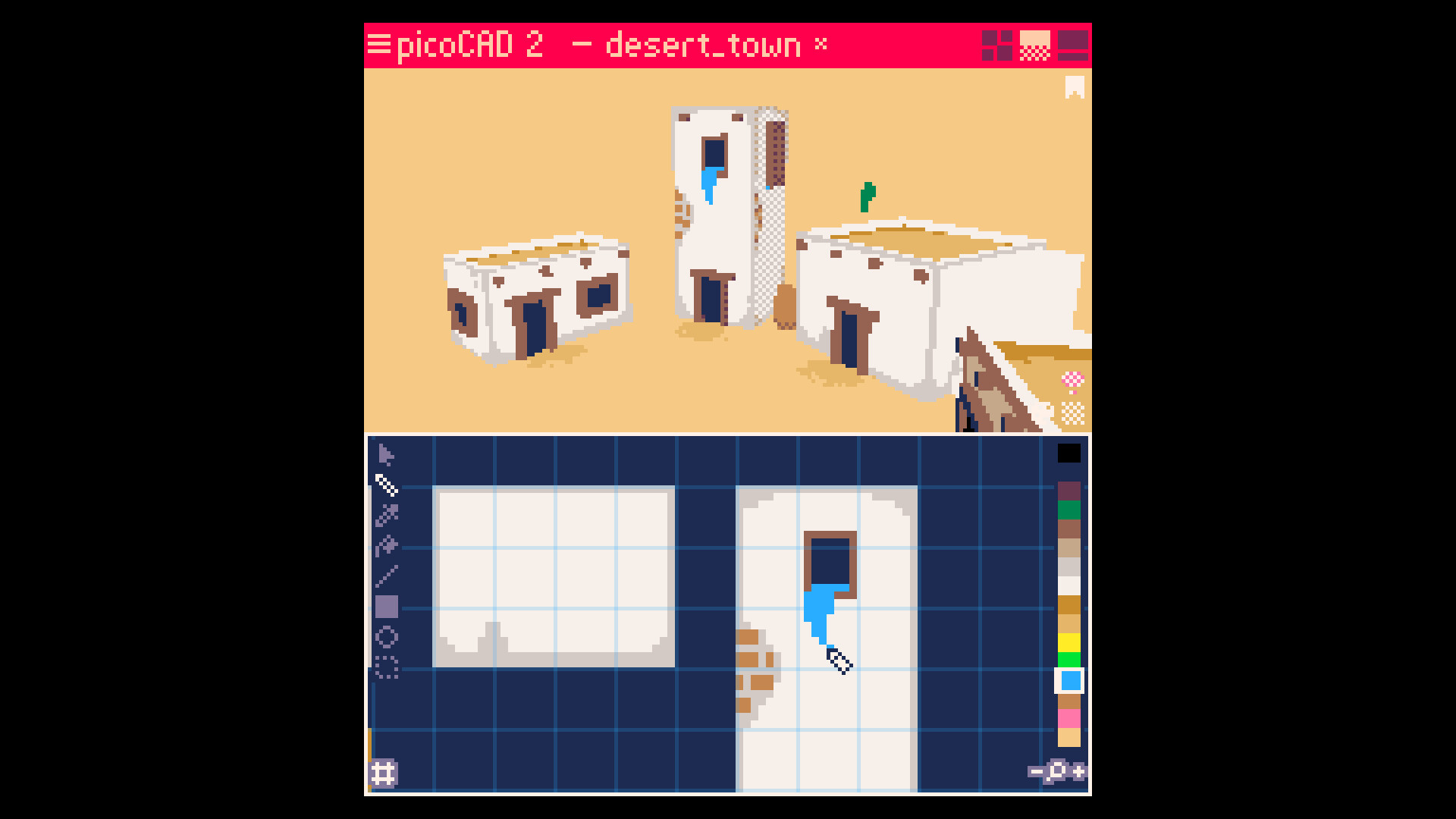
Built-in texture editor: See your pixel art appear on your model as you draw it
Motion tools: Make your models move with simple animations
Unique aesthetic: Embrace the charm of low-poly, low-res visuals
GIF export: Instantly share animations on social media
GLTF & OBJ/MTL export: Bring your models into any modern game engine
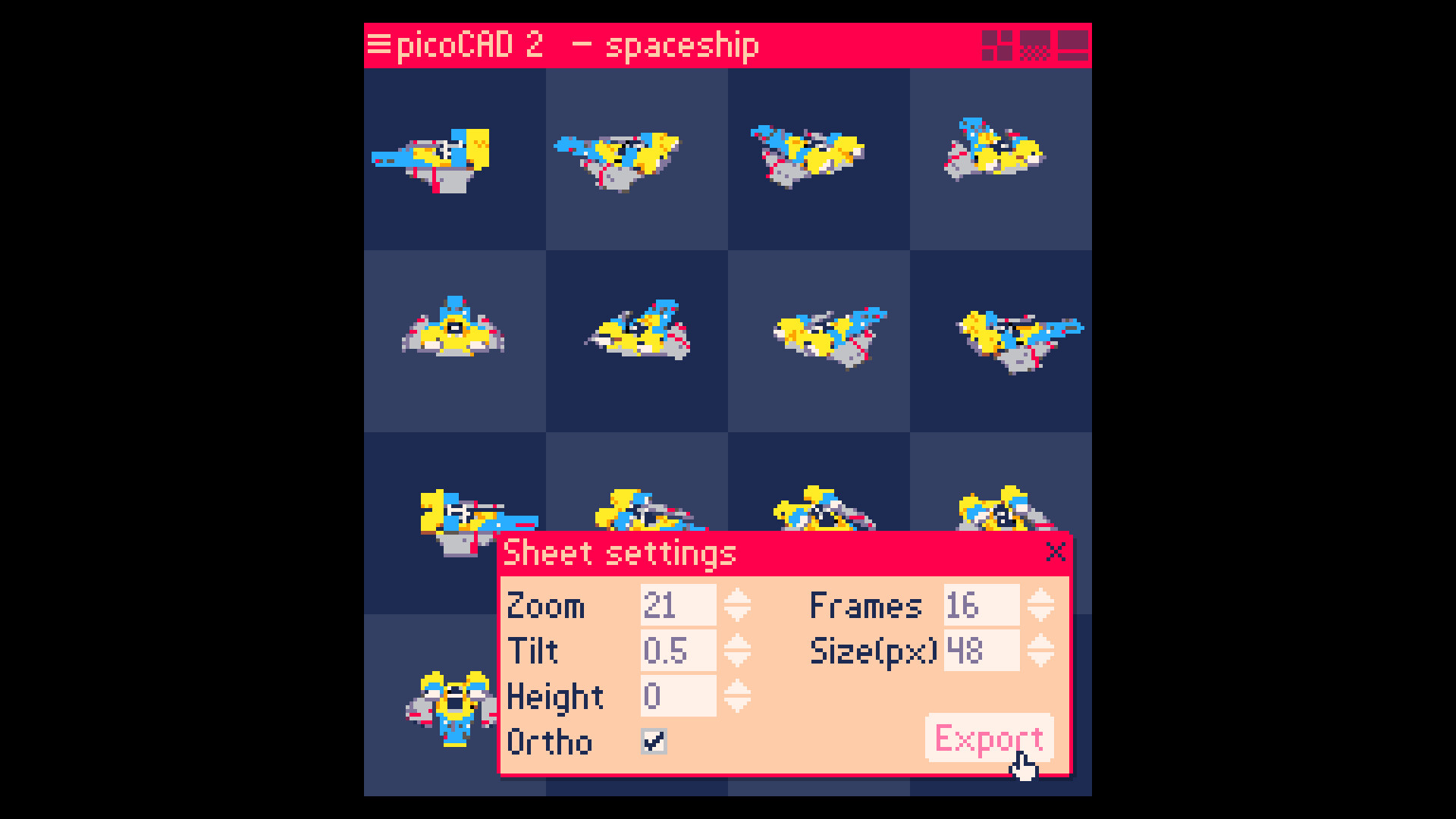
Sprite sheet export: Easily create sprite sheets of any number of frames and size
-
WHAT'S NEW?
If you're upgrading from picoCAD 1, you're in for a treat. Re-written from scratch, picoCAD 2 offers a lot of improvements over the original. Think NES to SNES. Here are some highlights:
No project limits: Build as big (or small) as you want
New texture editor: Fully integrated with your workflow
Animation tools: Make your models move
Per-pixel depth sorting: Clean visuals with no z-fighting
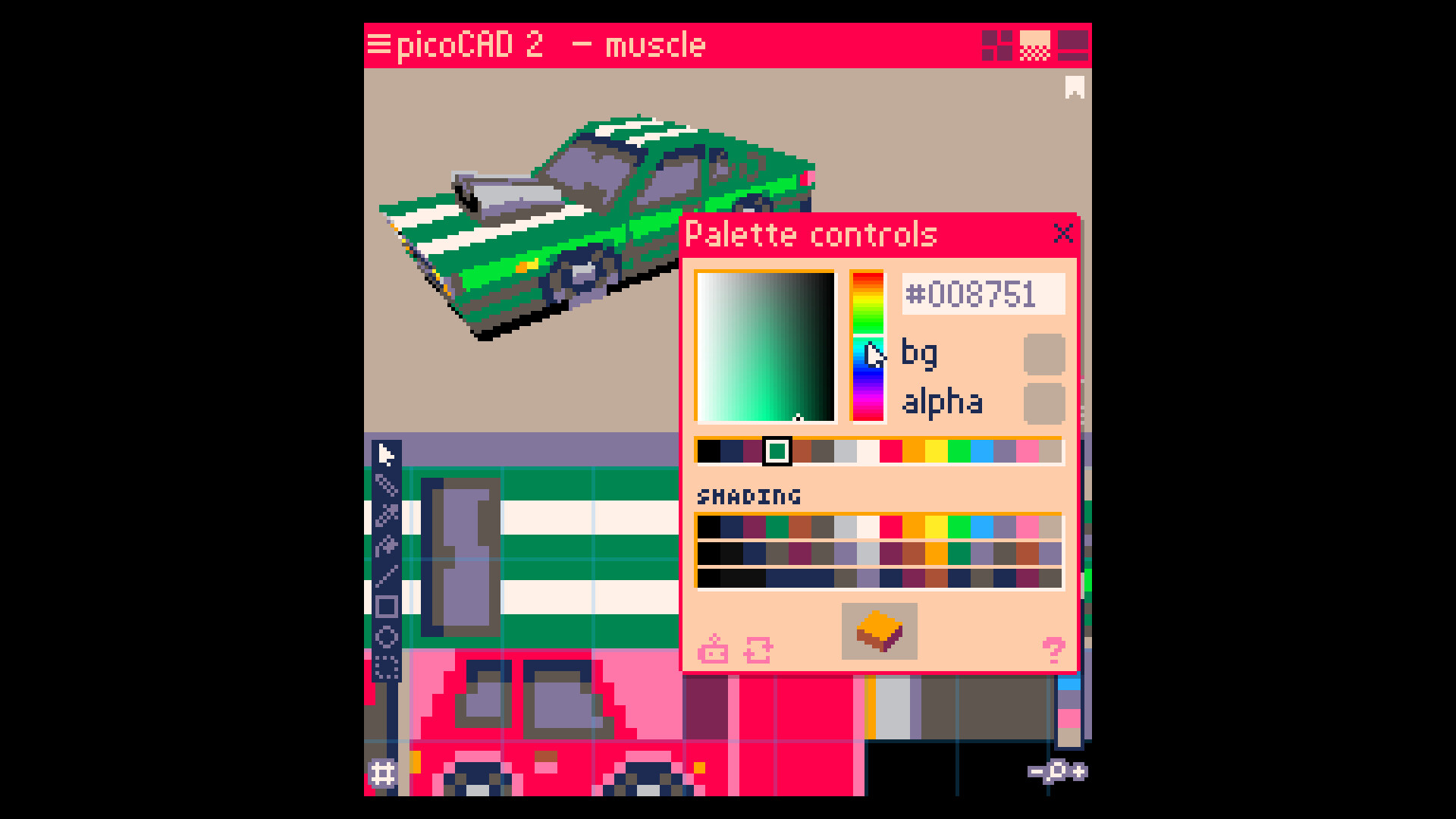
Palette and shading editors: Fine-tune your color ramps and lighting style
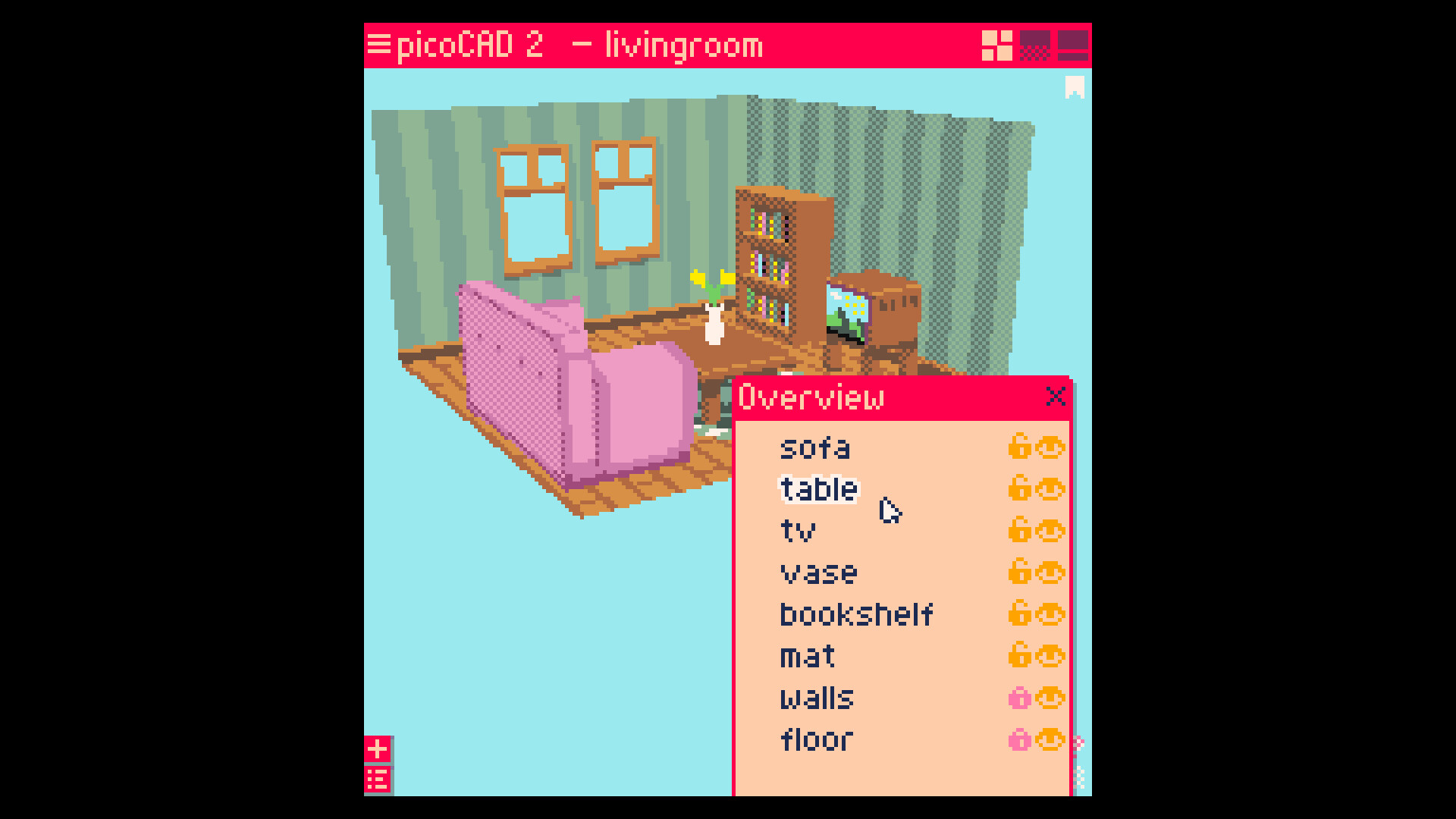
Mesh editing control: Hide/show and lock parts of your model as needed
Custom export settings: You decide what it looks like
Refined interface: Better layout, fonts, and readability
스크린샷
접속자 수
가격 정보
예측 판매량
150+
개
예측 매출
2,475,000+
원
업적 목록
업적 정보가 없습니다.
요약 정보
스팀 리뷰 (2)
작업 화면에 xyz 방향 표시가 있었으면 좋겠습니다. 애니메이션(이동, 회전 등)은 xyz를 기준으로 작동하는데, 작업 화면에서는 xyz의 기준선이 명시되어 있지 않아 비효율적으로 문제를 해결하게 됩니다. 최소한 xyz 방향이 어딘지 표시하는 기능이 있길 바라며, 더 나아가 좌표계를 사용해 현재 선택한 폴리곤의 좌표 위치를 알 수 있는 기능이 도입됐으면 더 좋겠습니다.
UI 단순하고 1에 비해서 화질이나 기능이나 다양한 부분에서 개선된 것 같아서 아주 좋음!! 하지만 많이 비싸다는 사실... 나도 3D 모델링 잘 하고 싶다...