
게임 정보
| 출시일: | 2025년 8월 10일 |
| 개발사: | Lynxivion Interactive |
| 퍼블리셔: | Lynxivion Interactive |
| 플랫폼: | Windows |
| 출시 가격: | 3,300 원 |
| 장르: | 애니메이션과 모델링, 디자인과 일러스트레이션, 유틸리티, 앞서 해보기 |

업적 목록
업적 정보가 없습니다.
추천 게임


게임 소개
A living 3D VRM desktop companion — voice & text chat, custom animations, props, and memory-backed personality on your screen. Import VRMs, Pal Engine Cloud or local AI, Photo Booth, and the character store.
Pal Engine — Your Living 3D Desktop Companion
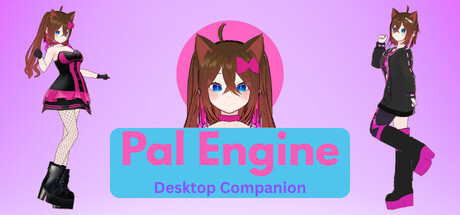
Pal Engine puts an expressive 3D VRM character on your desktop — always on top, draggable across monitors, and built to feel like company, not a chat tab.
What makes a character? The VRM model is appearance. The AI model is an agentic assistant. What ties them into your character is what you configure: name, gender, personality, interests, recent chat history (configurable limit for local models), stored memory facts, and custom animations you can describe so the AI knows when to use them.
Import custom VRM characters, add Mixamo FBX or VRMA animations, and attach custom props (Three.js objects supported in-app — not an outfit or wardrobe system). Talk by text or voice with Pal Engine Cloud or local AI (LM Studio, Ollama). Speech-to-text and text-to-speech (Piper, Kokoro, plus integrations) keep conversations hands-free when you want them.
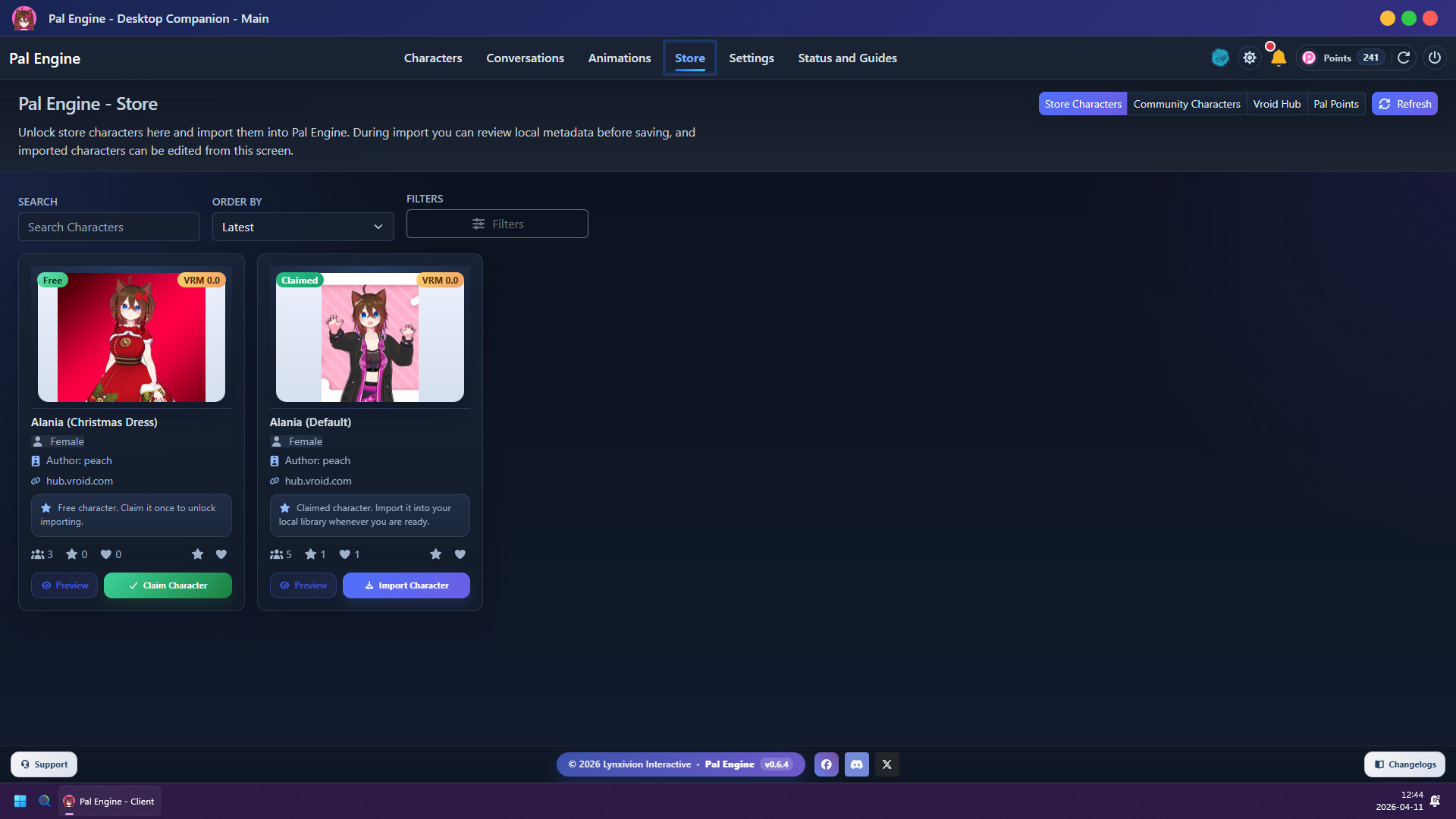
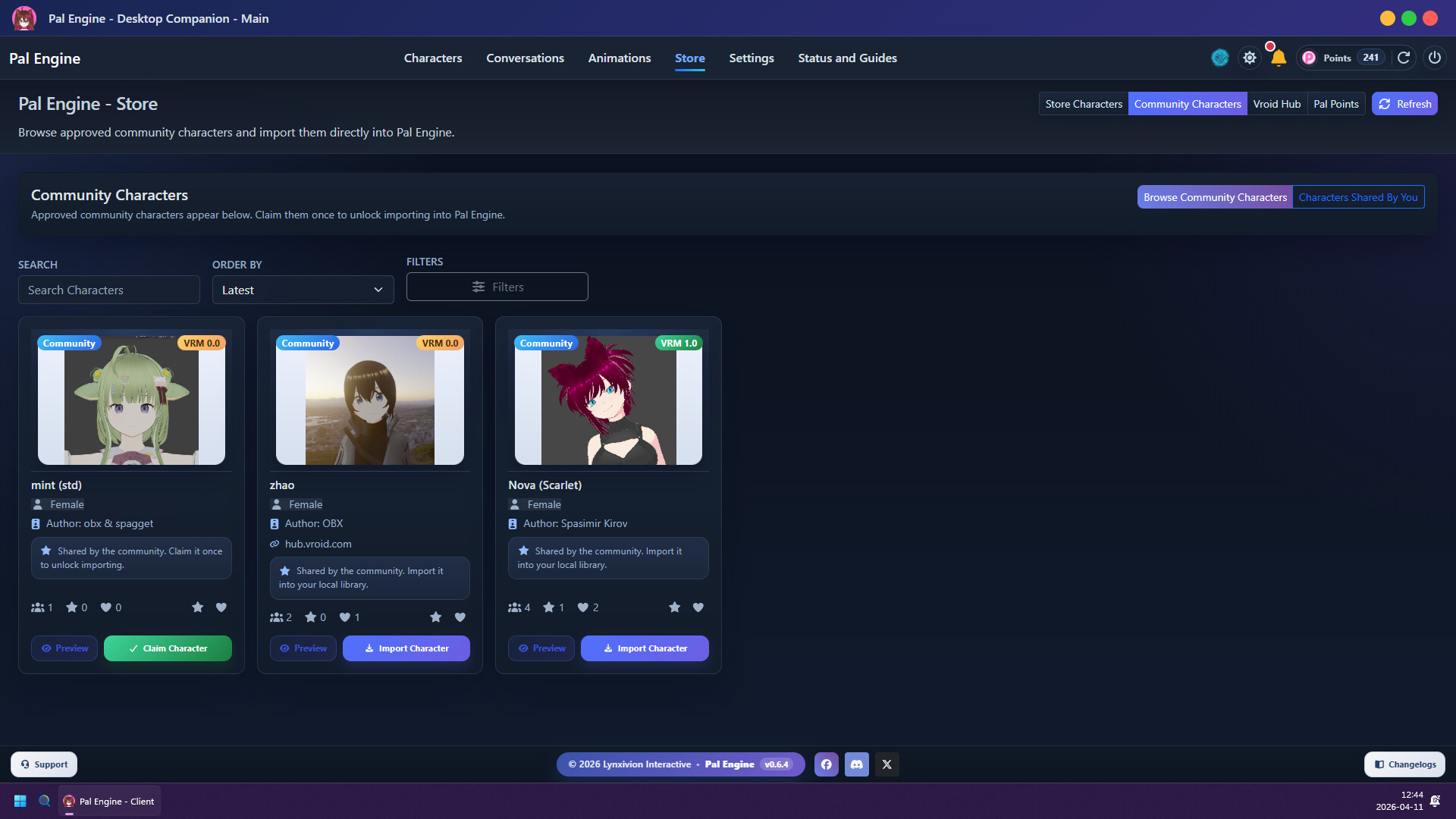
Double-click your character for the overlay menu (with customizable keybindings). Drag and drop anywhere, snap to screen corners with customized snap animations, and react through body-part interactions that play animations. Browse the character store — official Pal Engine characters, community-shared content, and easy VRoid Hub import for eligible models. Photo Booth helps you compose sweet art shots of your companions.
Pal Engine is in Early Access. Development focuses on better communication between you and your character — finer AI behavior, richer context, and more expressive reactions. We need time and your feedback to get there.
Key Features
Characters & content
Custom VRM character support (built-ins, store, local import, VRoid Hub)
Character store — Pal Engine official, community catalog, VRoid integration
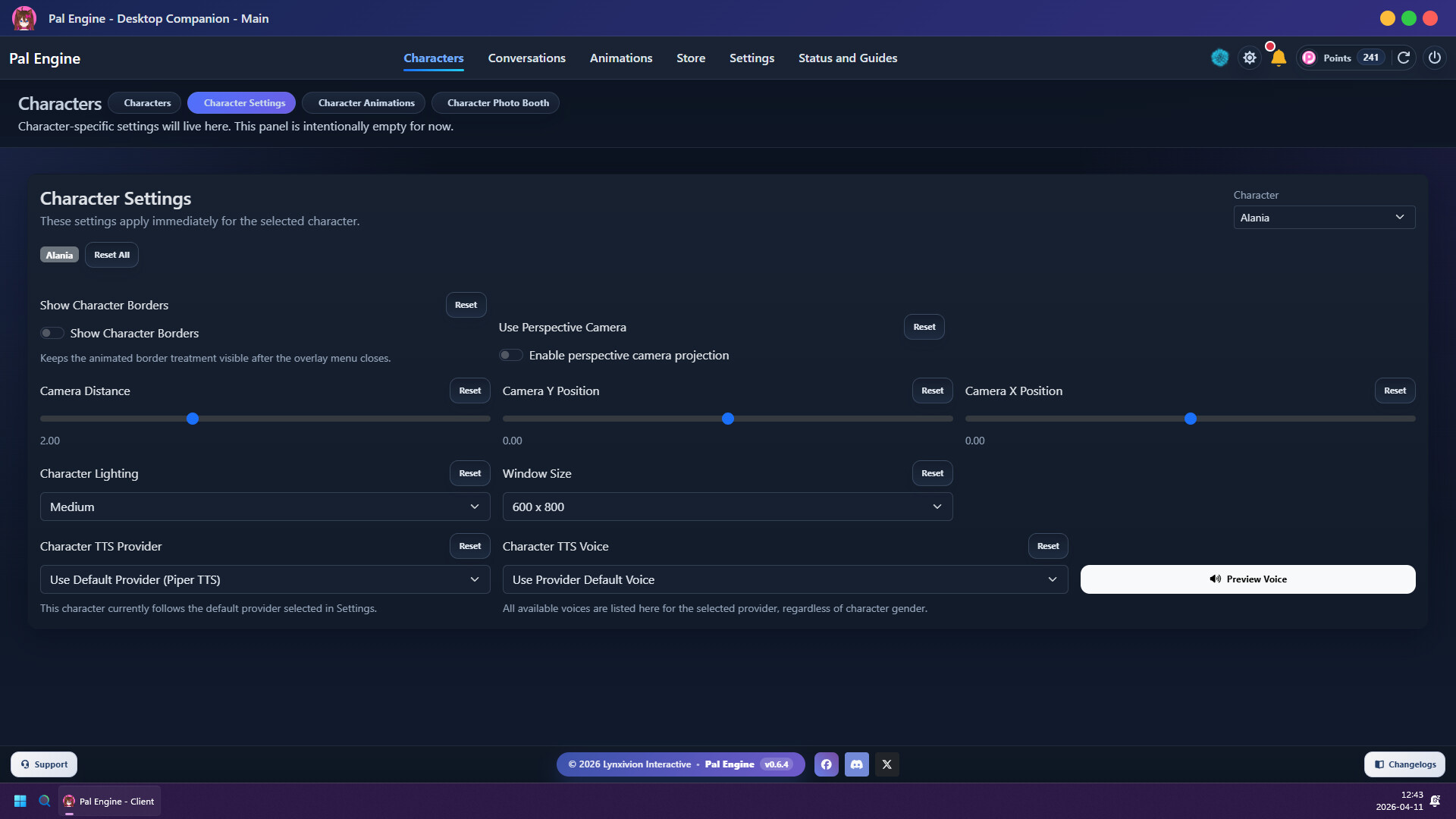
Personal details per character: name, gender, personality, interests
Recent chat history (configurable for local models) and stored memory facts
Custom animations — Mixamo FBX or VRMA; describe them so AI knows when to play them
Custom props — attach Three.js objects (props, not outfits or wardrobe slots)
Desktop presence
Frameless always-on-top character window
Drag and drop placement, multi-monitor, scale / rotate / fine-tune
Snap to screen corners with customized snap animations
Character overlay menu on double-click — quick actions with customizable keybinding
Chat & AI
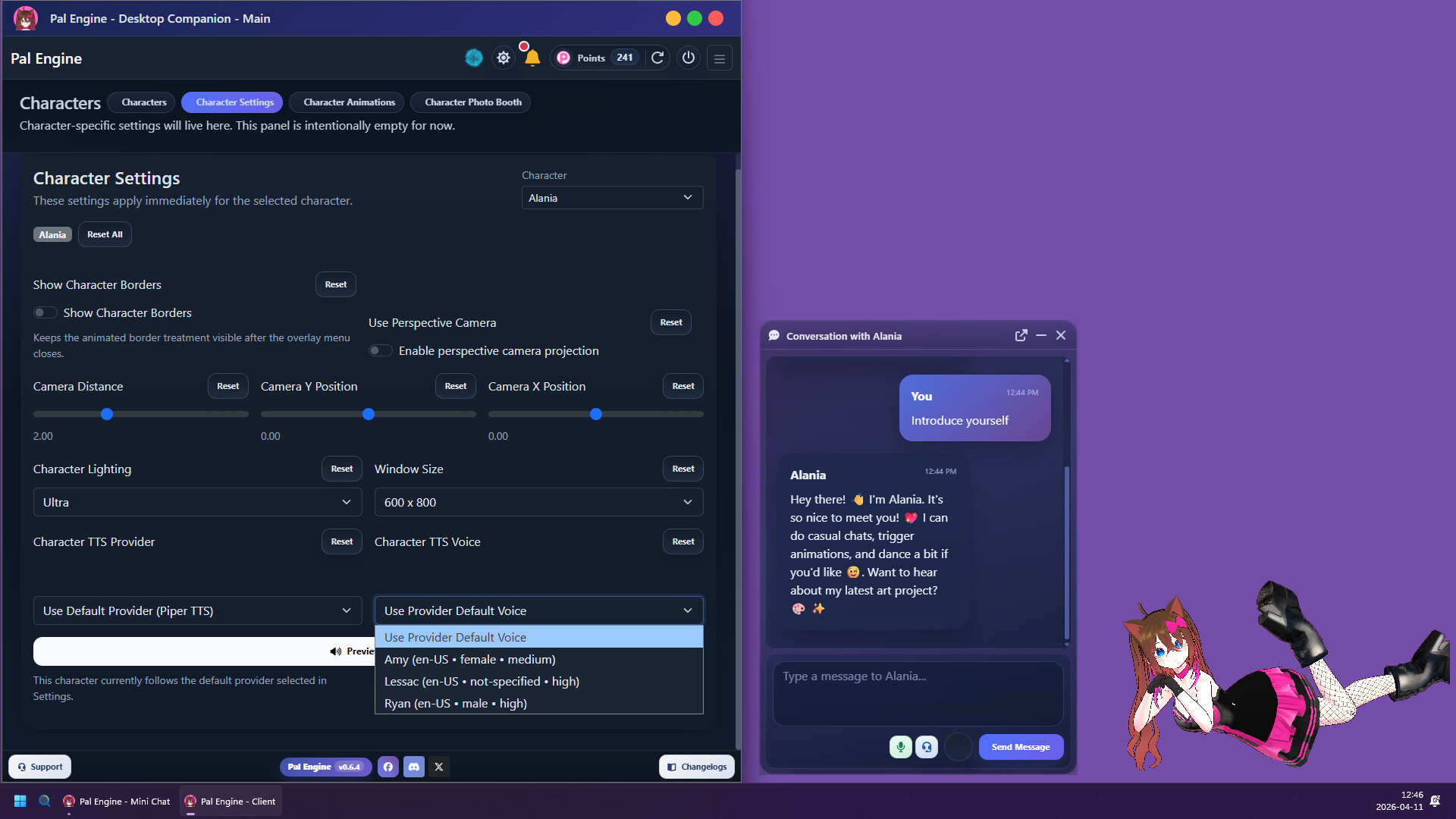
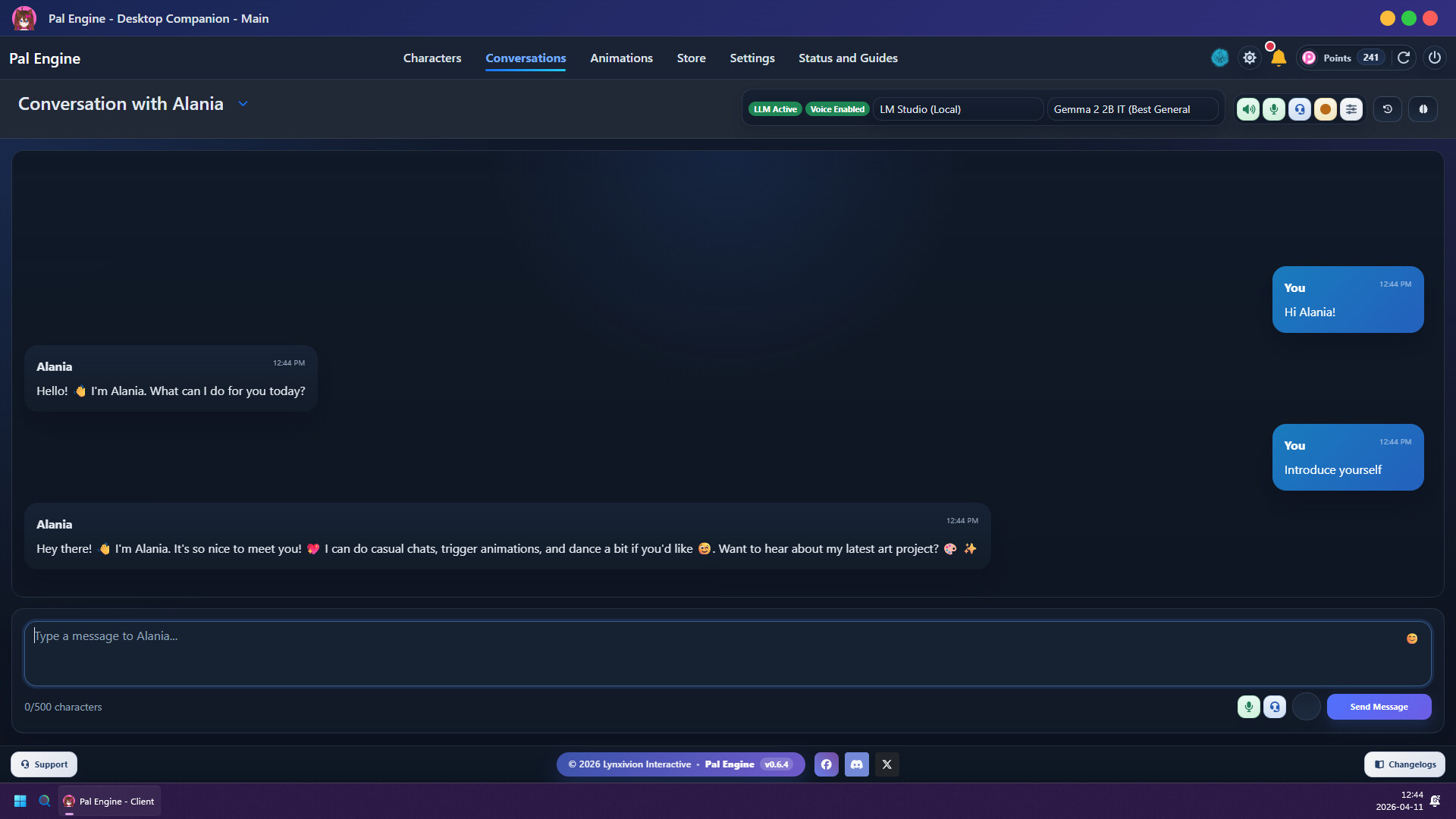
Full client chat + overlay mini-chat
Pal Engine Cloud AI chat
Local AI — LM Studio, Ollama, and compatible setups
Chat history sync with your Pal Engine account
Ongoing work: smarter behavior, animation-aware replies, richer memory use
VIP cloud tools (active subscription)
Pal's Web Access — grounded web search in cloud chat (VIP members)
Pal's Canvas — simple AI image generation in cloud chat (VIP members; intentionally lightweight, not a full art-studio replacement)
Standalone VIP tool modals — optional context from chat history or character personality
Coming soon: web search and image generation for local AI integrations (LM Studio, Ollama, and compatible setups)
Voice
Voice chat with visual voice orb (listen / think / speak)
Speech-to-text (local)
Text-to-speech — Piper, Kokoro, and optional integrations
Per-character voice assignment & preview
Interaction & animation
Body-part click reactions — assign animations to head, hands, etc.
Mixamo-style actions, idles, dances, talking animations
Random idle & random dance pools per character
Facial expressions with presets and per-animation assignments
Ambient companion activity when not in active chat (behavior layer)
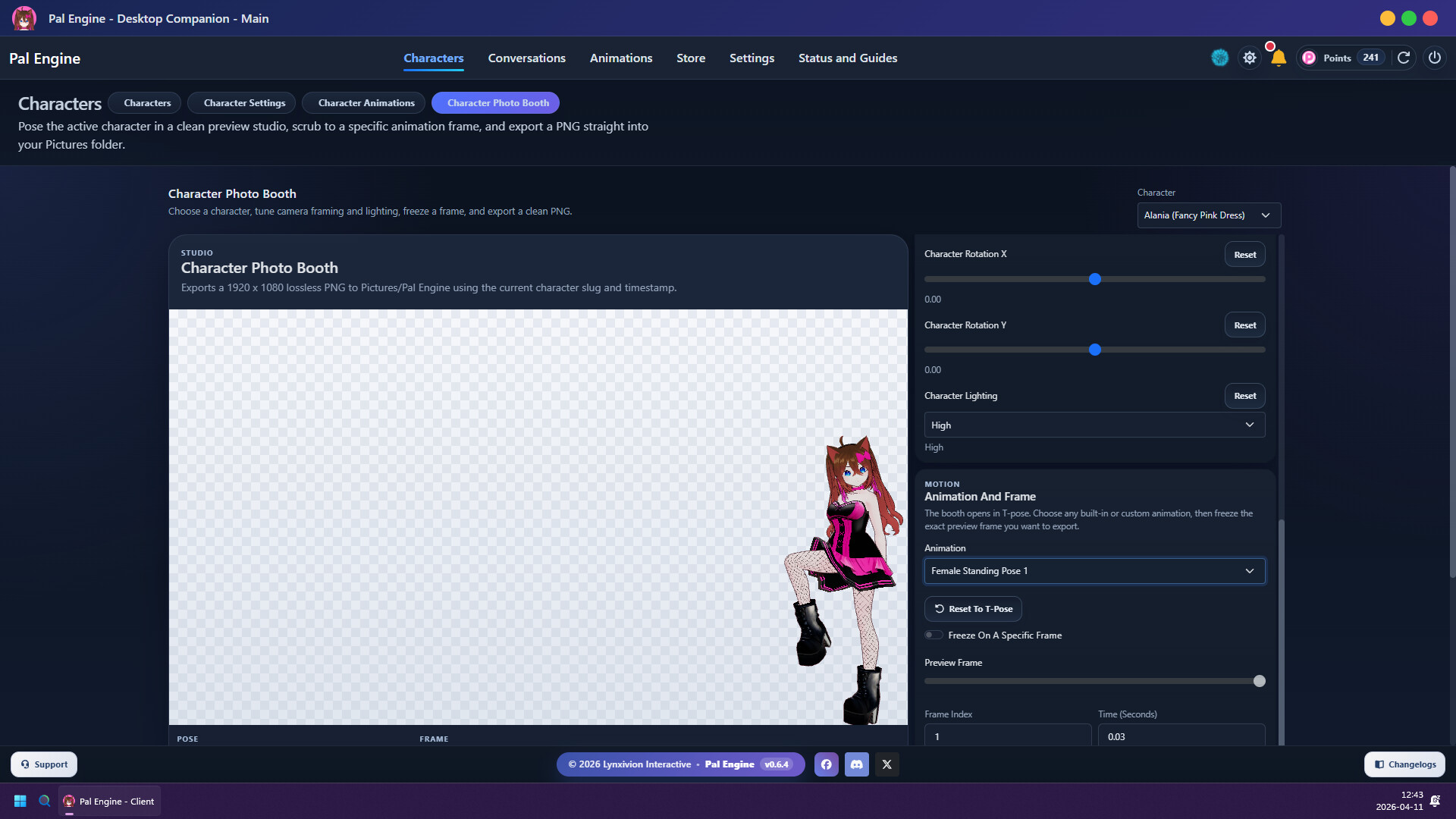
Photo Booth
Stage characters with backgrounds, props, lighting, and poses
Capture showcase art of your companions
Integrations (early)
Third-party app communication prototype — developers can start building tools that talk to Pal Engine
Platform
Steam sign-in, Pal Points, store & catalog
Community feedback drives the roadmap
What's next (Early Access roadmap)
We're also working on web search and image generation for local AI integrations (coming soon), plus longer-term plans: work assistant via MCP, smart-home control, opt-in desktop vision, Live2D support (26Q3), desktop wallpaper mode (26Q4), Mac & Linux, and more.
Pal Engine, your desktop with personality
스크린샷


접속자 수
가격 정보
업적 목록
업적 정보가 없습니다.
요약 정보
스팀 리뷰
스팀 리뷰가 존재하지 않습니다.