
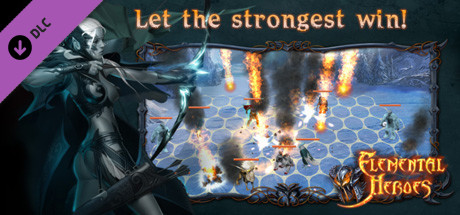
Elemental Heroes - Quick Starter Pack
mPower Games Studio
2016년 3월 3일
6
조회수
0
리뷰 수
0+
추정 판매량
N/A
긍정 평가
게임 정보
| 출시일: | 2016년 3월 3일 |
| 개발사: | mPower Games Studio |
| 퍼블리셔: | mPower Games Studio |
| 플랫폼: | Windows, Mac, Linux |
| 출시 가격: | 무료 |
| 장르: | 무료 플레이, 대규모 멀티플레이어, RPG, 전략 |

업적 목록
업적 정보가 없습니다.
추천 게임
Elemental Heroes - Blue Mage 20th Level Set
2016년 3월 7일

Elemental Heroes - Blue Scout 20th Level Set
2016년 3월 7일
Elemental Heroes - Blue Fighter 20th Level Set
2016년 3월 7일
게임 소개
First 5 unit types for each game faction10 charges (think of charges as lives) for each unitPremium account for 7 days which gives you250 diamondsWhite set of artifacts for your character
상세 설명
Starter pack for Elemental Heroes game is a good way to start the game with maximum comfort and a considerable discount.
You will get the following features with it:
WARNING! If you have several characters, this DLC will be delivered to the first character who will enter the game! Be careful!
To claim your purchase, please restart the game.
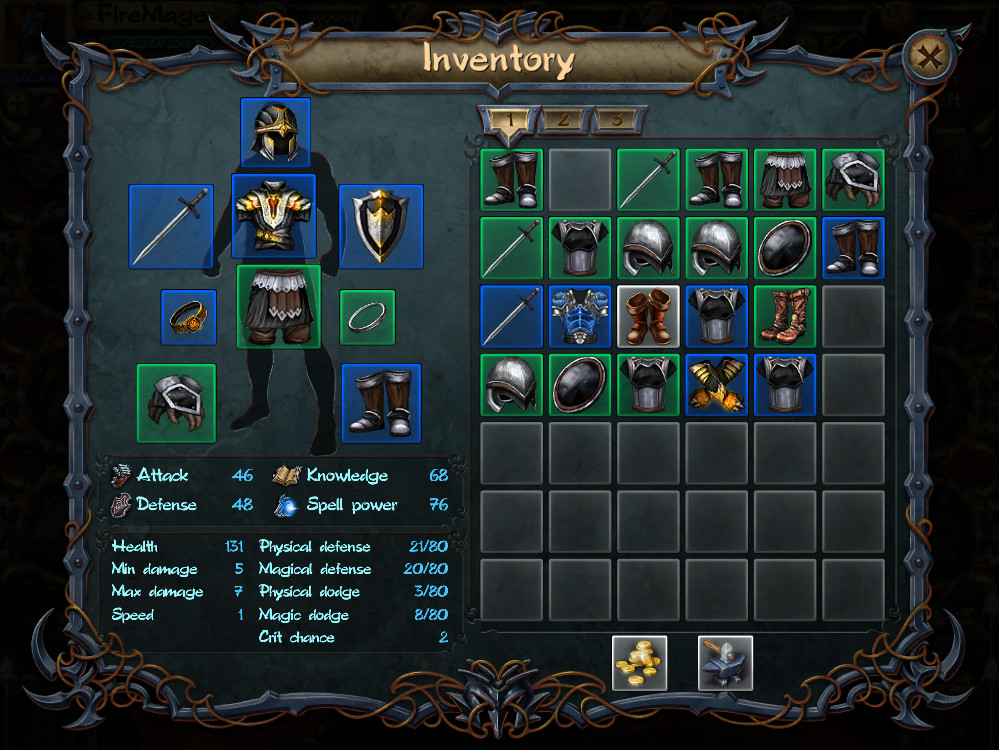
To get the artifacts set, you will need to:
1. restart the game and look into the in-game mail.
2. find a message from SERVER, get it and close the in-game mail.
3. open the inventory and find a new box, once double clicked it will give you all the items which you will be able to wear.
To add acquired cards into the active deck, you need to:
1. enter the game lobby with the appropriate character
2. open the card upgrades window
3. press the Add button under the cards you need
If you need to remove some of the currently active deck cards, you need to press a small button with a "minus" sign which appears while the upgrades window is opened, on the active deck cards.
You will get the following features with it:
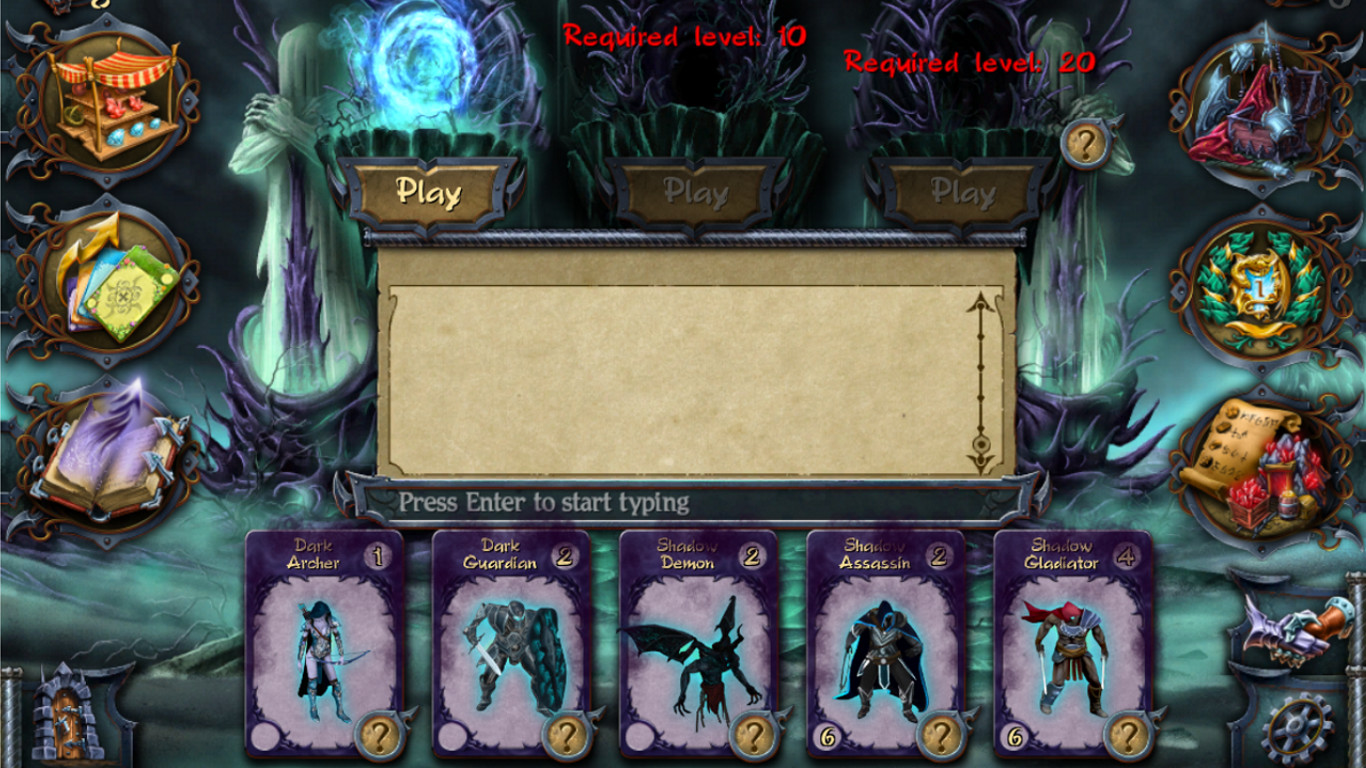
- First 5 unit types for each game faction (otherwise you will only have 3 units of your own faction)
- 10 charges (think of charges as lives) for each unit (it's enough not to worry about mistakes)
- Premium account for 7 days which gives you:
- 2x higher experience
- 2x higher resource pump rate from your mines
- 2x higher resources amount received from battles including diamonds
- 2x higher chance for getting a new card and charges for it
- 2x higher chance to get a better artifact in obelisk dungeons
- full mana in every battle you start
- fast action points regeneration
- cool golden HUD skin! - 250 diamonds (rarest resource)
- White set of artifacts for your character
WARNING! If you have several characters, this DLC will be delivered to the first character who will enter the game! Be careful!
To claim your purchase, please restart the game.
To get the artifacts set, you will need to:
1. restart the game and look into the in-game mail.
2. find a message from SERVER, get it and close the in-game mail.
3. open the inventory and find a new box, once double clicked it will give you all the items which you will be able to wear.
To add acquired cards into the active deck, you need to:
1. enter the game lobby with the appropriate character
2. open the card upgrades window
3. press the Add button under the cards you need
If you need to remove some of the currently active deck cards, you need to press a small button with a "minus" sign which appears while the upgrades window is opened, on the active deck cards.
스크린샷
접속자 수
가격 정보
업적 목록
업적 정보가 없습니다.
요약 정보
스팀 리뷰
스팀 리뷰가 존재하지 않습니다.