
TAROTICA VOO DOO - CHRONICLES OF TAROTICA VOO DOO
TPM.CO SOFT WORKS
2018년 3월 15일
10
조회수
0
리뷰 수
0+
추정 판매량
N/A
긍정 평가
게임 정보
| 출시일: | 2018년 3월 15일 |
| 개발사: | TPM.CO SOFT WORKS |
| 퍼블리셔: | |
| 플랫폼: | Windows |
| 출시 가격: | 무료 |
| 장르: | 액션, 어드벤처, 인디, RPG |

링크
업적 목록
업적 정보가 없습니다.
추천 게임


게임 소개
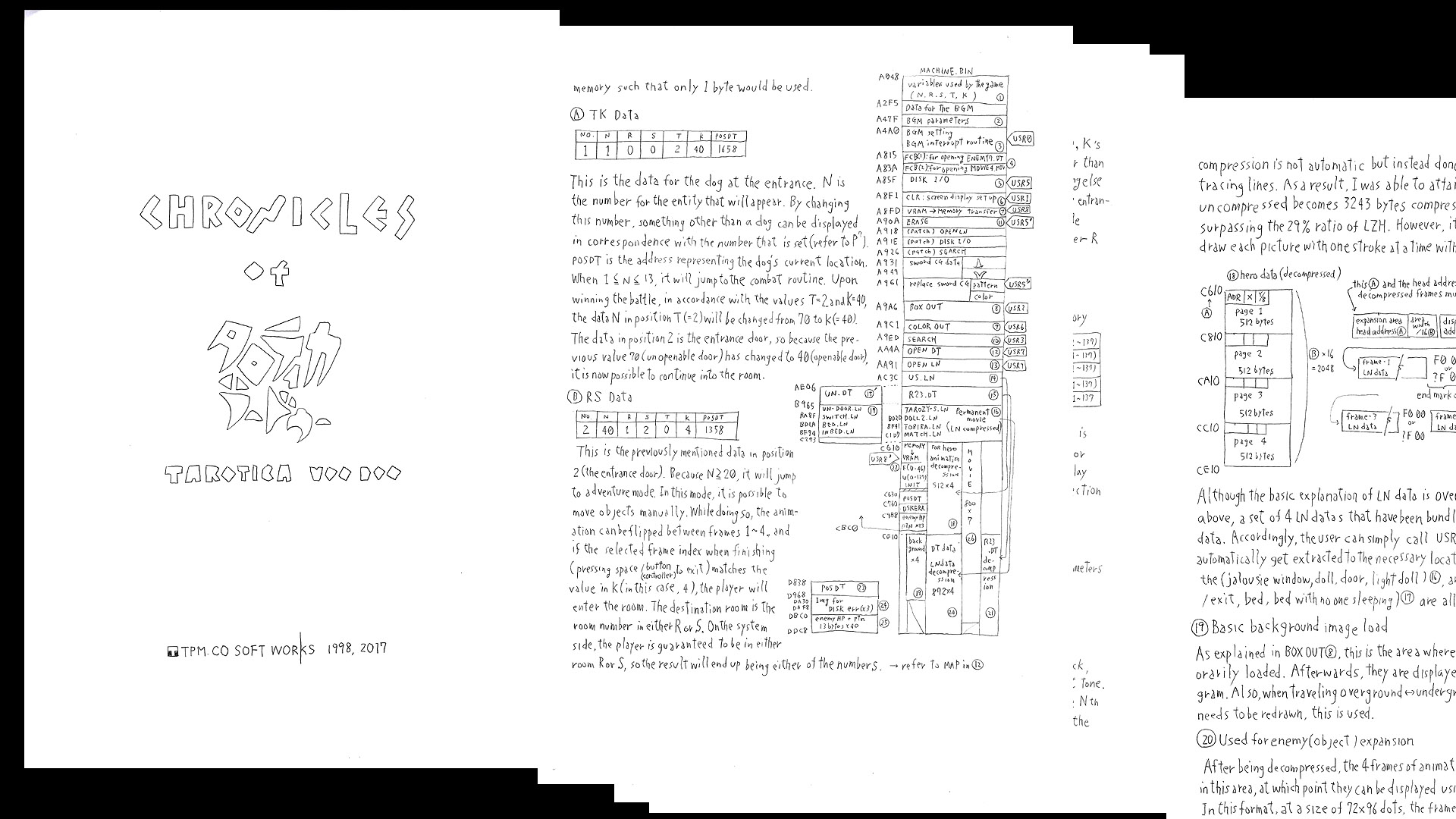
A free, hand-written pdf document all about TAROTICA VOO DOO. A4, 41 pages. Highly recommended reading for after you finish your playthrough of the game.
상세 설명
This is a free, hand-written pdf document describing all about TAROTICA VOO DOO, including technical details, the making of, history, tools, etc.
41 pages long. This is the "First+1" edition.
The 2nd edition, planned for release later this year, will detail the 3-year struggle to create the hidden tutorials in the game. It will also include documents from the beginning of TAROTICA's development.
This document is currently available in English and Japanese, and we hope to add more languages in the future!
This DLC is highly recommended reading for after you complete the game. If you find out the answer to a puzzle in the game with this document (or from someone else), the satisfaction of solving it by yourself will be lost !!
But you can read this document by skipping the answer page :-)
1. Select TAROTICA VOO DOO in your Steam Library and install this DLC.
2. Select TAROTICA VOO DOO in your Steam Library and press the PLAY button.
3. A selection window will appear. Select "CHRONICLES OF TAROTICA VOO DOO" and press PLAY.
4. The folder containing the pdf files for this DLC should appear. Open the pdf for the language of your choice with your favorite pdf reader software.
After installing the DLC, another way to access the folders containing the pdfs is as follows: Right-click TAROTICA VOO DOO in your Steam Library, then select Properties>Local Files>Browse Local Files. The "TAROTICA VOO DOO" folder should then open. Open the "Chronicles" sub-folder to access the pdfs.
41 pages long. This is the "First+1" edition.
The 2nd edition, planned for release later this year, will detail the 3-year struggle to create the hidden tutorials in the game. It will also include documents from the beginning of TAROTICA's development.
This document is currently available in English and Japanese, and we hope to add more languages in the future!
This DLC is highly recommended reading for after you complete the game. If you find out the answer to a puzzle in the game with this document (or from someone else), the satisfaction of solving it by yourself will be lost !!
But you can read this document by skipping the answer page :-)
Instructions
(Note: Pressing the "Download" button on this page just seems to start up the main game. Instead, please follow the method described below in order to access the DLC.)1. Select TAROTICA VOO DOO in your Steam Library and install this DLC.
2. Select TAROTICA VOO DOO in your Steam Library and press the PLAY button.
3. A selection window will appear. Select "CHRONICLES OF TAROTICA VOO DOO" and press PLAY.
4. The folder containing the pdf files for this DLC should appear. Open the pdf for the language of your choice with your favorite pdf reader software.
After installing the DLC, another way to access the folders containing the pdfs is as follows: Right-click TAROTICA VOO DOO in your Steam Library, then select Properties>Local Files>Browse Local Files. The "TAROTICA VOO DOO" folder should then open. Open the "Chronicles" sub-folder to access the pdfs.
스크린샷
접속자 수
가격 정보
업적 목록
업적 정보가 없습니다.
요약 정보
스팀 리뷰
스팀 리뷰가 존재하지 않습니다.