
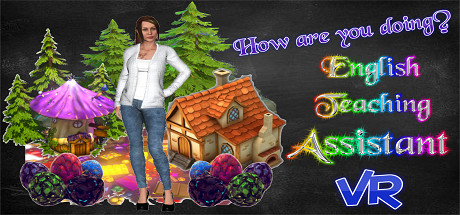
English Teaching Assistant VR
Infusion Edutainment AI + VR + AR Dev.
2018년 5월 28일
9
조회수
0
리뷰 수
0+
추정 판매량
N/A
긍정 평가
게임 정보
| 출시일: | 2018년 5월 28일 |
| 개발사: | Infusion Edutainment AI + VR + AR Dev. |
| 퍼블리셔: | Infusion Edutainment AI + VR + AR Dev. |
| 플랫폼: | Windows |
| 출시 가격: | 무료 |
| 장르: | 교육, 소프트웨어 교육, 앞서 해보기 |

업적 목록
업적 정보가 없습니다.
추천 게임

Pylon Racer
2019년 2월 21일

Present for Manager
2019년 1월 22일
게임 소개
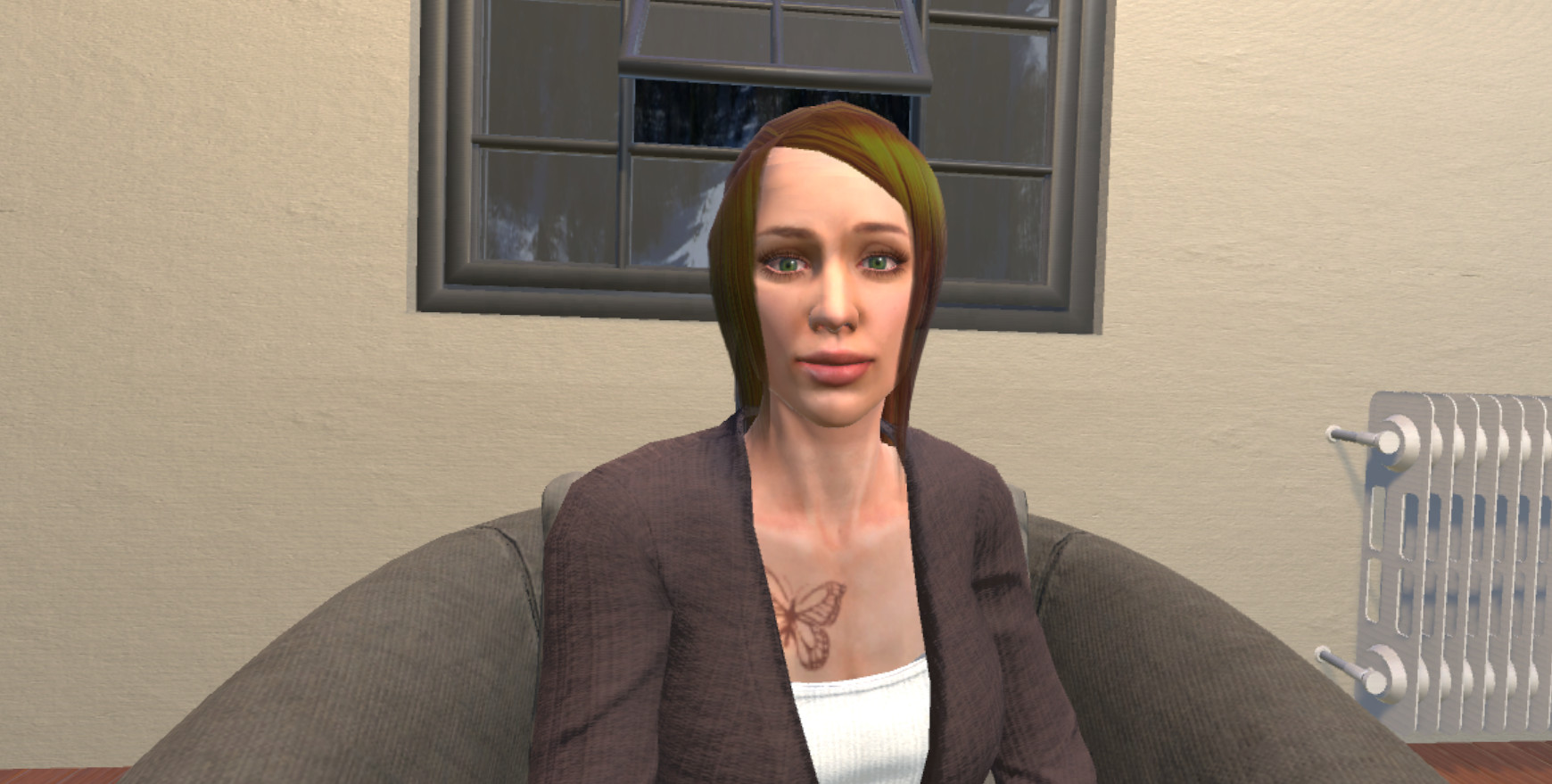
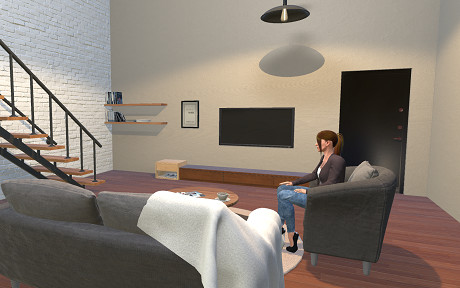
Play, sing, and dance along with the world's first fully animated chat-bot in VR while you improve your English skills.
상세 설명
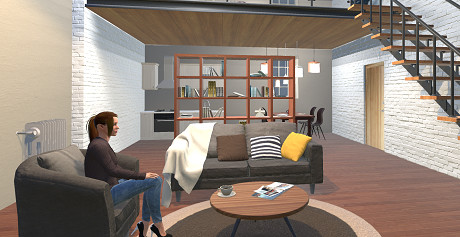
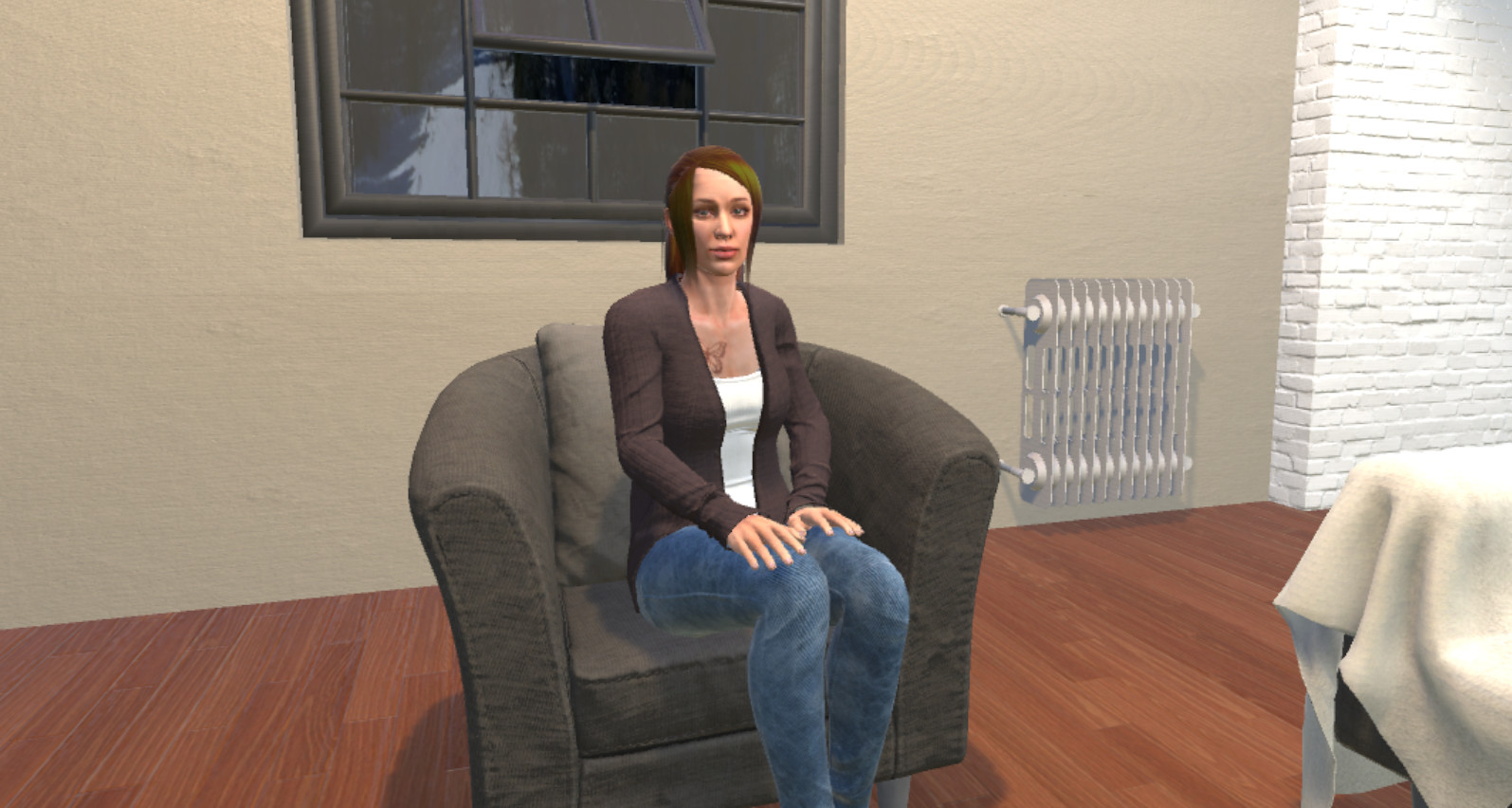
English Teaching Assistant VR is the world's first fully animated chat-bot in VR. It can keep up with conversations and accurately answer questions. It can dance, recite poetry, play games with you, and even tell jokes. It is also able to make eye contact, and lip-sync.
This is a free tester software that has been developed to display and showcase our most recent successes with development. It is currently in development and will receive monthly updates and additions, such as new locations, new skins, and overall general changes. It will eventually be used to direct English language learning courses and programs.
CONTROLS:
In order to speak to the bot, please hold down the correct push-to-talk button while you say your sentence. You will be able to see subtitles with your sentence, then let go of the button.
Keyboard:
WASD - Move
CTRL - Push to talk
C - Crouch
Space - Jump
Shift - Run
HTC Controller:
Touchpad - Teleportation
Grip Buttons - Squeeze to talk
Oculus:
Thumbstick - Teleportation
Inner Triggers - click to talk
Microsoft Mixed Reality:
Thumbpad - Teleportation
Grip Buttons - Squeeze to talk
Before playing, please make sure you have speech services turned on. To turn speech services on, please follow the following instructions:
Windows settings --> Privacy --> Speech inking and typing --> turn on speech services
If you are not a native english speaker, we recommend turning on the following setting:
Windows settings --> Time and Language --> Speech --> turn on recognize non-native accents
We welcome and encourage constructive feedback as we progress and grow.
During Early Access, this bot is only able to respond to English. As we continue to update, we will be releasing further language integrations. Please be patient with us during this time.
This is a free tester software that has been developed to display and showcase our most recent successes with development. It is currently in development and will receive monthly updates and additions, such as new locations, new skins, and overall general changes. It will eventually be used to direct English language learning courses and programs.
CONTROLS:
In order to speak to the bot, please hold down the correct push-to-talk button while you say your sentence. You will be able to see subtitles with your sentence, then let go of the button.
Keyboard:
WASD - Move
CTRL - Push to talk
C - Crouch
Space - Jump
Shift - Run
HTC Controller:
Touchpad - Teleportation
Grip Buttons - Squeeze to talk
Oculus:
Thumbstick - Teleportation
Inner Triggers - click to talk
Microsoft Mixed Reality:
Thumbpad - Teleportation
Grip Buttons - Squeeze to talk
Before playing, please make sure you have speech services turned on. To turn speech services on, please follow the following instructions:
Windows settings --> Privacy --> Speech inking and typing --> turn on speech services
If you are not a native english speaker, we recommend turning on the following setting:
Windows settings --> Time and Language --> Speech --> turn on recognize non-native accents
We welcome and encourage constructive feedback as we progress and grow.
During Early Access, this bot is only able to respond to English. As we continue to update, we will be releasing further language integrations. Please be patient with us during this time.
스크린샷

접속자 수
가격 정보
업적 목록
업적 정보가 없습니다.
요약 정보
스팀 리뷰
스팀 리뷰가 존재하지 않습니다.