
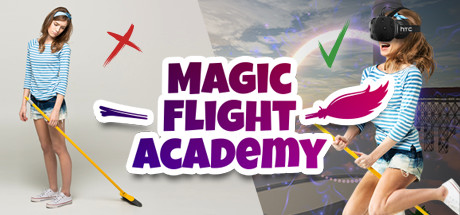
Magic Flight Academy
Avatarico
2018년 6월 13일
4
조회수
0
리뷰 수
0+
추정 판매량
N/A
긍정 평가
게임 정보
| 출시일: | 2018년 6월 13일 |
| 개발사: | Avatarico |
| 퍼블리셔: | Avatarico |
| 플랫폼: | Windows |
| 출시 가격: | 7,500 원 |
| 장르: | |

업적 목록
업적 정보가 없습니다.
추천 게임

Sakura and Crit: The Mock Game
2018년 8월 10일

Match Connect Challenge - Monsters Pack 1
2018년 5월 23일
Office Race
2018년 6월 11일
게임 소개
MUST HAVE for VR arcade centers. Perfect for the first-time experience. Join the MFA and take a walk on a plank hundreds of meters above the ground, fly an enchanted broomstick around the ancient magical academy, cast spells with a magic wand and fight a fire-breathing dragon!
상세 설명
MUST HAVE for VR arcade centers. Perfect for the first-time experience.
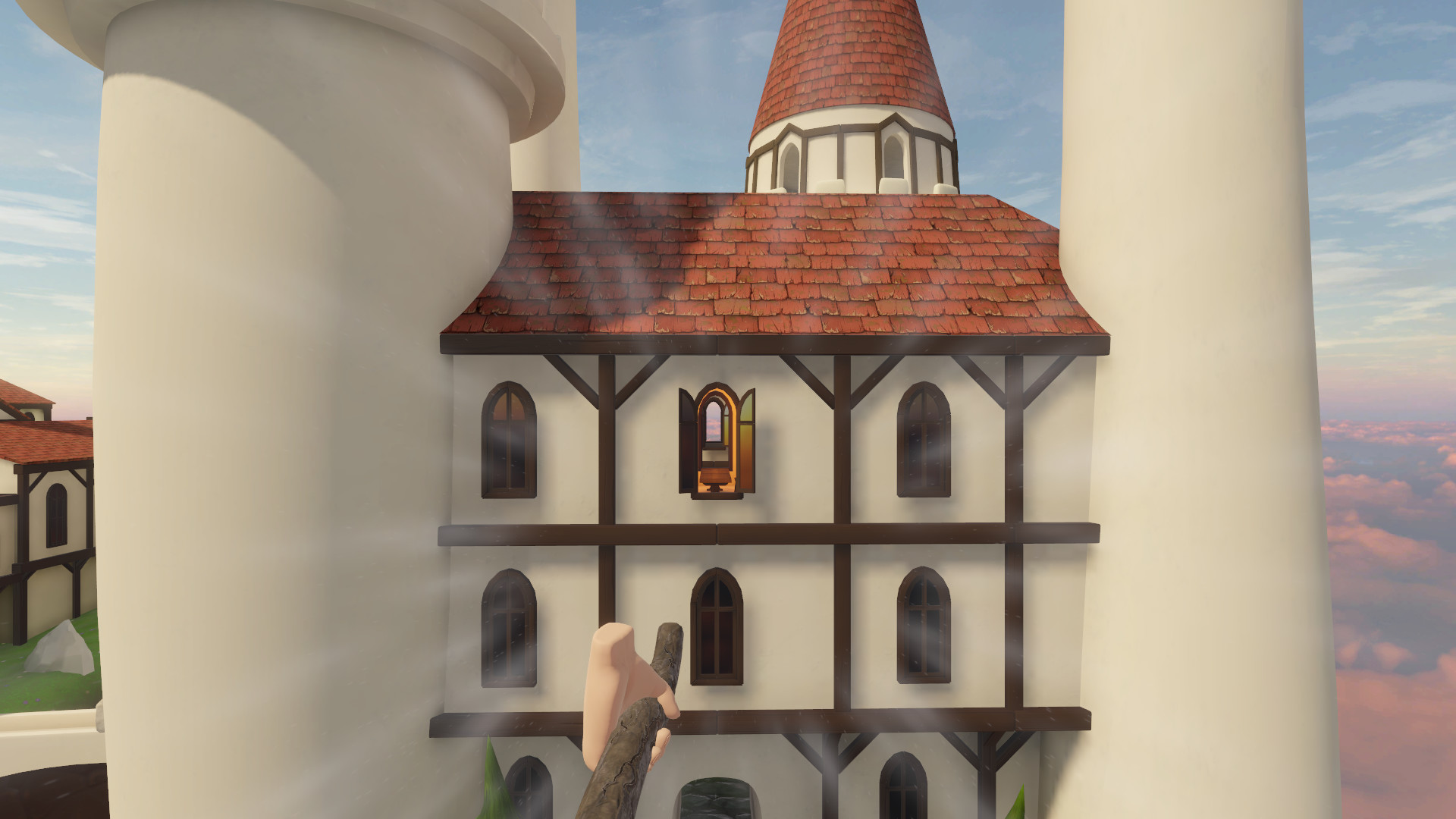
Experience the thrill of getting up in the air, hundreds of feet above the ground. Use your magic wand to cast spells midflight. Explore the ancient school of magic. Find secret tunnels and shortcuts. Compete with your friends, see who handles the broomstick better. And, of course, use your skills to defeat the dragon!
1. Put the plank on the floor. Start the game and go to the "Setup plank" menu.
2. To calibrate the length, place the controllers at the ends of the plank on both sides. Press the button at the controller, from which side the board will start. Click "To length" on the screen.
3. To calibrate the width, put the controllers on the sides of the board and press the button on one of them. Click "To Width" on the screen.
4. Verify the correctness of the calibration in the VR glasses, make any changes, if necessary.
5. Save the settings by clicking the "Save" button.
To reset the settings, click "Reset".
To load the previous settings, click "Load".
To return to the initial menu, click "Back".
FUN INCLUDES
- a breathtaking walk on a plank from the top of a tower
- flying on a broomstick around the school of magic
- casting spells with a magic wand
- fighting a giant dragon
KILLER-FEATURE
Use a real-life plank to intensify the wow effect (instruction below).COMING SOON
Use a real-life broomstick to make competitive promo photos.WARNING!
Only COMMERCIAL LICENSE includes MULTIPLAYER.STORY
In our famous VR Magic Flight Academy, we train the best broomstick flyers in the world. Join in with your mates to fly around the magical flying castle and cast some explosive spells!Experience the thrill of getting up in the air, hundreds of feet above the ground. Use your magic wand to cast spells midflight. Explore the ancient school of magic. Find secret tunnels and shortcuts. Compete with your friends, see who handles the broomstick better. And, of course, use your skills to defeat the dragon!
HOW TO USE A REAL-LIFE PLANK
1. Put the plank on the floor. Start the game and go to the "Setup plank" menu.
2. To calibrate the length, place the controllers at the ends of the plank on both sides. Press the button at the controller, from which side the board will start. Click "To length" on the screen.
3. To calibrate the width, put the controllers on the sides of the board and press the button on one of them. Click "To Width" on the screen.
4. Verify the correctness of the calibration in the VR glasses, make any changes, if necessary.
5. Save the settings by clicking the "Save" button.
To reset the settings, click "Reset".
To load the previous settings, click "Load".
To return to the initial menu, click "Back".
스크린샷


접속자 수
가격 정보
업적 목록
업적 정보가 없습니다.
요약 정보
스팀 리뷰
스팀 리뷰가 존재하지 않습니다.