
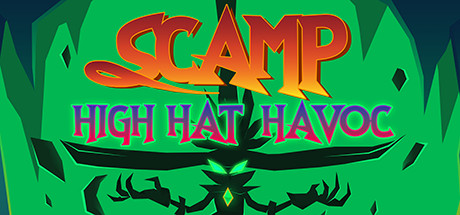
Scamp: High Hat Havoc
Big Hat Games
2018년 12월 7일
9
조회수
0
리뷰 수
0+
추정 판매량
N/A
긍정 평가
게임 정보
| 출시일: | 2018년 12월 7일 |
| 개발사: | Big Hat Games |
| 퍼블리셔: | Big Hat Games |
| 플랫폼: | Windows |
| 출시 가격: | 무료 |
| 장르: | 어드벤처, 무료 플레이 |

업적 목록


추천 게임
Thrusty Ship
2019년 1월 22일

Two Till Midnight
2019년 9월 10일
Guacamelee! 2 - Three Enemigos Character Pack
2018년 11월 28일
게임 소개
Join Scamp, the tiny terror with an attitude on his quest to free his master. Explore the big hat mines in this quirky fantasy adventure game.
상세 설명
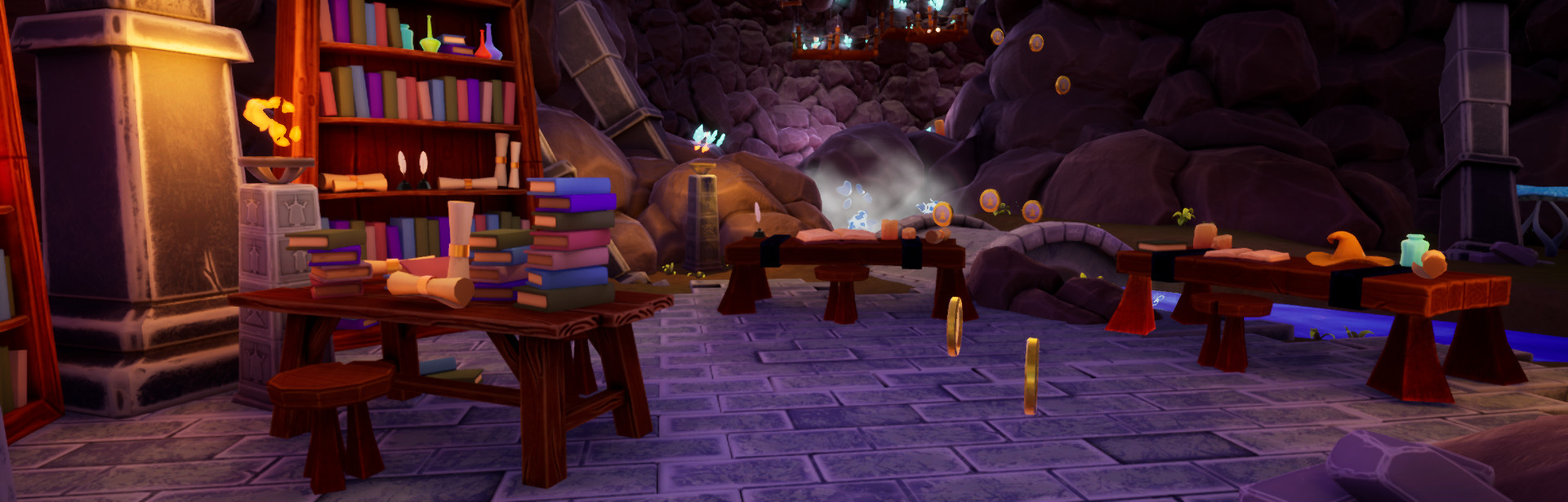
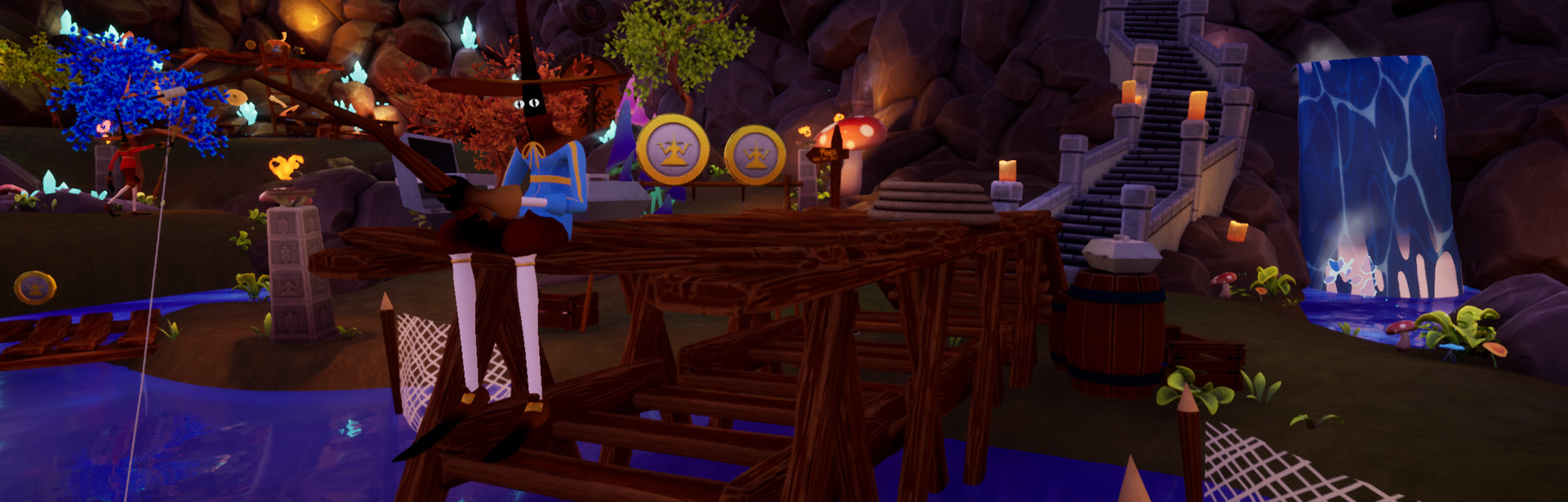
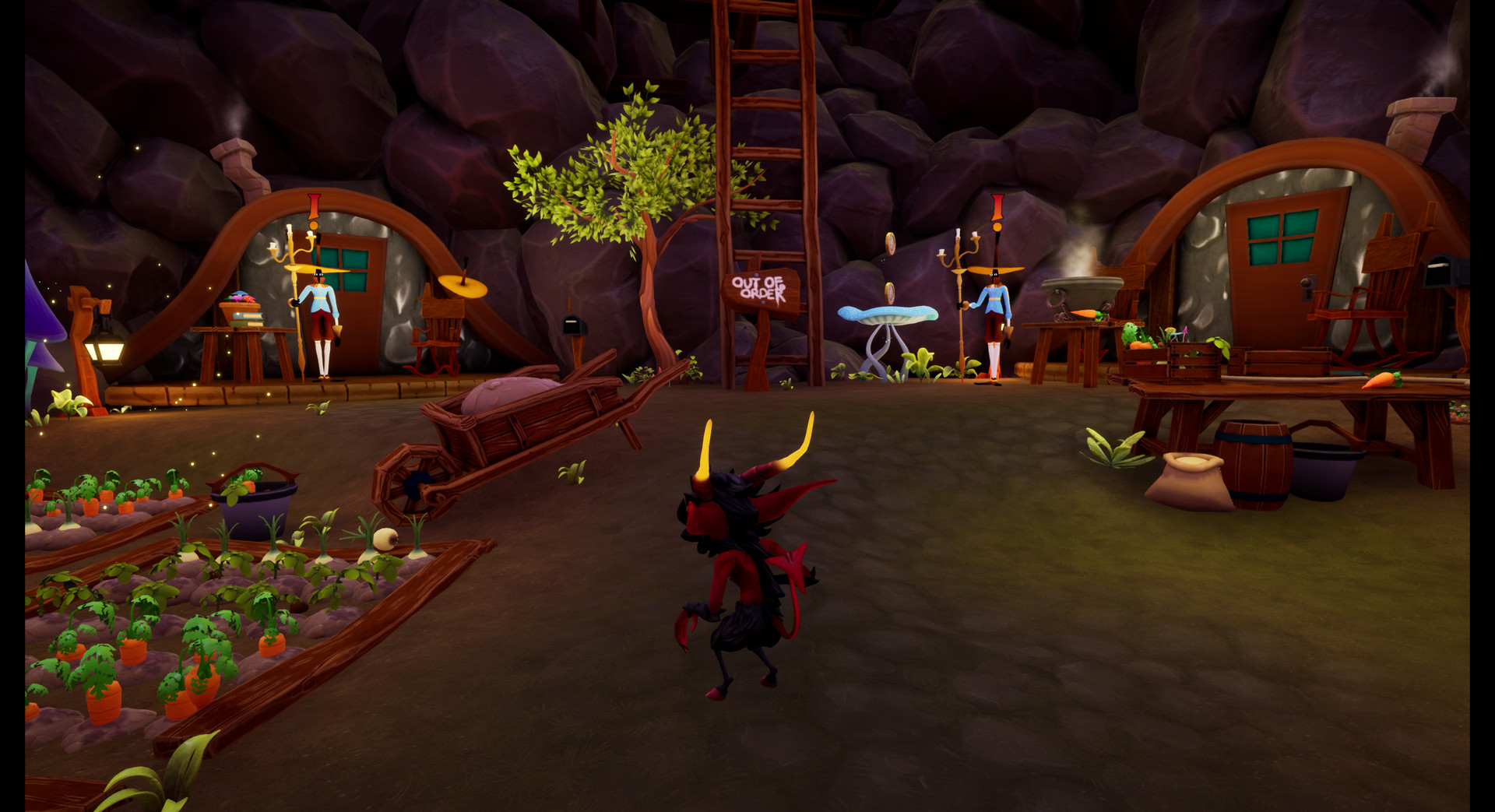
Journey into the Big Hat Mines in this retro style 3D puzzle-platforming adventure. Play as Scamp, the devious little imp with a big mouth and an even bigger hat problem. Race to save Scamp's master from the clutches of the evil High Hat Wizard before its too late. Master Scamp's abilities and hone your platforming talents like it's 1998.
Key Features
Controllers, Keyboard, and Mouse
This game was originally designed to be played with an Xbox One controller. However, mouse and keyboard may also be used. The controls for both the Xbox One controller and mouse/keyboard may be viewed in-game using the options menu. Here is a list of the keyboard/mouse controls:
Key Features
- Play as Scamp and master his ability to literally throw himself across the room. Teleport to your magic orb to ascend great heights and cross great distances.
- Hit enemies with their own magic. Reflect fireballs using your magic pentagram.
- Make bank; collect coins and crystals to unlock new skins while you find a way to free your master.
- Test your wits in a series of puzzles that require quick thinking and even quicker reflexes.
- Enjoy a whimsical story full of humor and charm.
- Take in a beautiful art style with wonderfully rendered characters and breath-taking scenery.
Controllers, Keyboard, and Mouse
This game was originally designed to be played with an Xbox One controller. However, mouse and keyboard may also be used. The controls for both the Xbox One controller and mouse/keyboard may be viewed in-game using the options menu. Here is a list of the keyboard/mouse controls:
- Left Mouse - Throw magic orb.
- Right Mouse - Hover in mid-air.
- WASD - Run forwards, left, backwards, and right.
- Space - Jump and double jump.
- Q - Quick swap with your orb while it is in mid-air.
- E - Teleport to your clone.
- C - Drop a clone at your current position.
- R - Summon a reflective shield (the shield will always reflect projectiles toward your clone).
- F - Interact
스크린샷





접속자 수
가격 정보
업적 목록
요약 정보
스팀 리뷰
스팀 리뷰가 존재하지 않습니다.